
Home › Design Assets › A Fitness Infographic That Builds a Plan From Your Training Topic
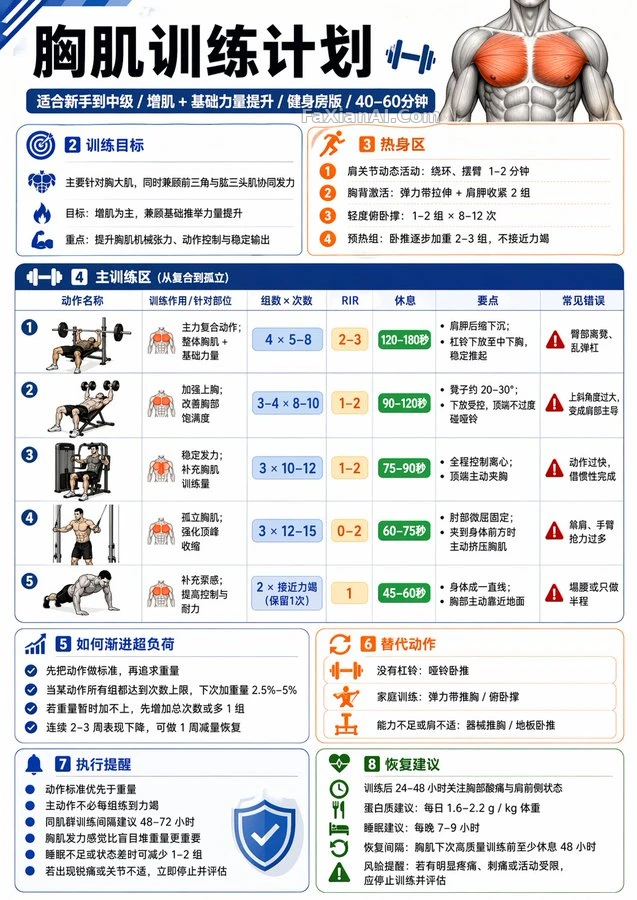
A Fitness Infographic That Builds a Plan From Your Training Topic
Fill in a muscle group or an exercise name and get a vertical plan card with warm-up, main training and recovery.
Prompt notes
✍️ My kid looked at it and said it resembled a class schedule. Fair: nine modules each handle one thing, the numbers are required to stand out, and you can follow along at a glance. The most copy-worthy part is the opening set of defaults, which gives the model a footing even when no audience or goal is given.
Full prompt
📋 Prompt YAML Sectioned Style3882 characters
Make me an English fitness infographic on the topic: 【xxx】.
Positioning: professional yet practical, a training reference card for ordinary adults. Unless otherwise specified, follow these defaults: the audience is healthy adults without serious injuries or illness; the training goal is "muscle gain + basic strength improvement"; the level is between beginner and intermediate; the setting is an ordinary gym; a single session is kept to 40-60 minutes.
First work out which kind of 【Training Topic】 it is, then decide what to draw:
1) If the topic is a muscle group or body part (chest, lats, biceps, abs, shoulders, legs, etc.): draw it as a "training plan infographic for that body part".
2) If the topic is a specific exercise or skill goal (pull-up, push-up, dip, squat, etc.): draw it as an "exercise unlock / progression training plan infographic".
Visual requirements:
- A single-page infographic in English, vertical layout, modern, clean, professional with a fitness feel, suitable for posting on social media or saving as a training card
- Modular card layout, with only short sentences in each module, no long-winded passages
- Numbers such as sets, reps, RIR and rest time must stand out
- May include clean small icons such as muscle-group icons, dumbbells, barbells, pull-ups
- Premium, clean, sporty color palette, light on decoration, focused on practicality and executability
- English text must be clear, accurate and easy to read
Nine modules in all, none may be missing:
【A Title Zone】The main title reads directly "【Training Topic】 Training Plan / Unlock Plan"; the subtitle automatically adds the audience, goal, setting and suggested duration, for example: Beginner-friendly / Muscle-building focus / Gym edition / 45 minutes.
【B Training Goal Zone】Three sentences covering: what is being trained this time, what the main goal is (muscle gain / strength / skill unlock / core control, etc.), and the key stimulus or the ability direction to improve.
【C Warm-Up Zone】List 2-4 warm-up suggestions, each may carry a one-line note, such as dynamic movement, target-muscle activation, light-weight warm-up sets.
【D Main Training Zone】The core of the whole image. List 4-6 main exercises, and for each state clearly:
- Exercise name
- Purpose / target area
- Sets × reps (or time)
- RIR suggestion
- Rest between sets
- 1-2 form cues
- 1 common mistake
Keep the exercise order sensible: compound movements first, isolation movements after; moderate total volume, do not schedule beginners to their limit; main lifts RIR 1-3, isolation lifts RIR 0-2; abs or core movements may use "seconds / reps"; for skill-type exercises, list prerequisite-ability exercises first, then transitional ones, and only last an attempt at the target exercise.
【E Progression / Unlock Logic Zone】Generated automatically by topic: for muscle groups, write "how to progressively overload" (for example, hit the top of the rep range and then add weight, form first); for exercise unlocks, write a "staged progression path" (for example, hangs, scapular pull-ups, eccentric training, band assistance, and finally the standard movement).
【F Alternative Exercises Zone】Give 2-3 alternative exercises for when there is no equipment, training at home, current ability is not enough, or certain movements can't be done.
【G Execution Reminders Zone】Write 4-6 short reminders, for example: form matters more than weight; no need to train every set to failure; leave 48-72 hours between sessions for the same muscle group; pain is not normal muscle effort; reduce volume when sleep-deprived.
【H Recovery Advice Zone】Briefly write: recovery priorities after training; suggestions on protein, sleep and recovery intervals; plus one risk reminder (stop and get assessed if there is obvious pain).
What is finally delivered must be one complete infographic, not a plain text explanation.
Related Cases
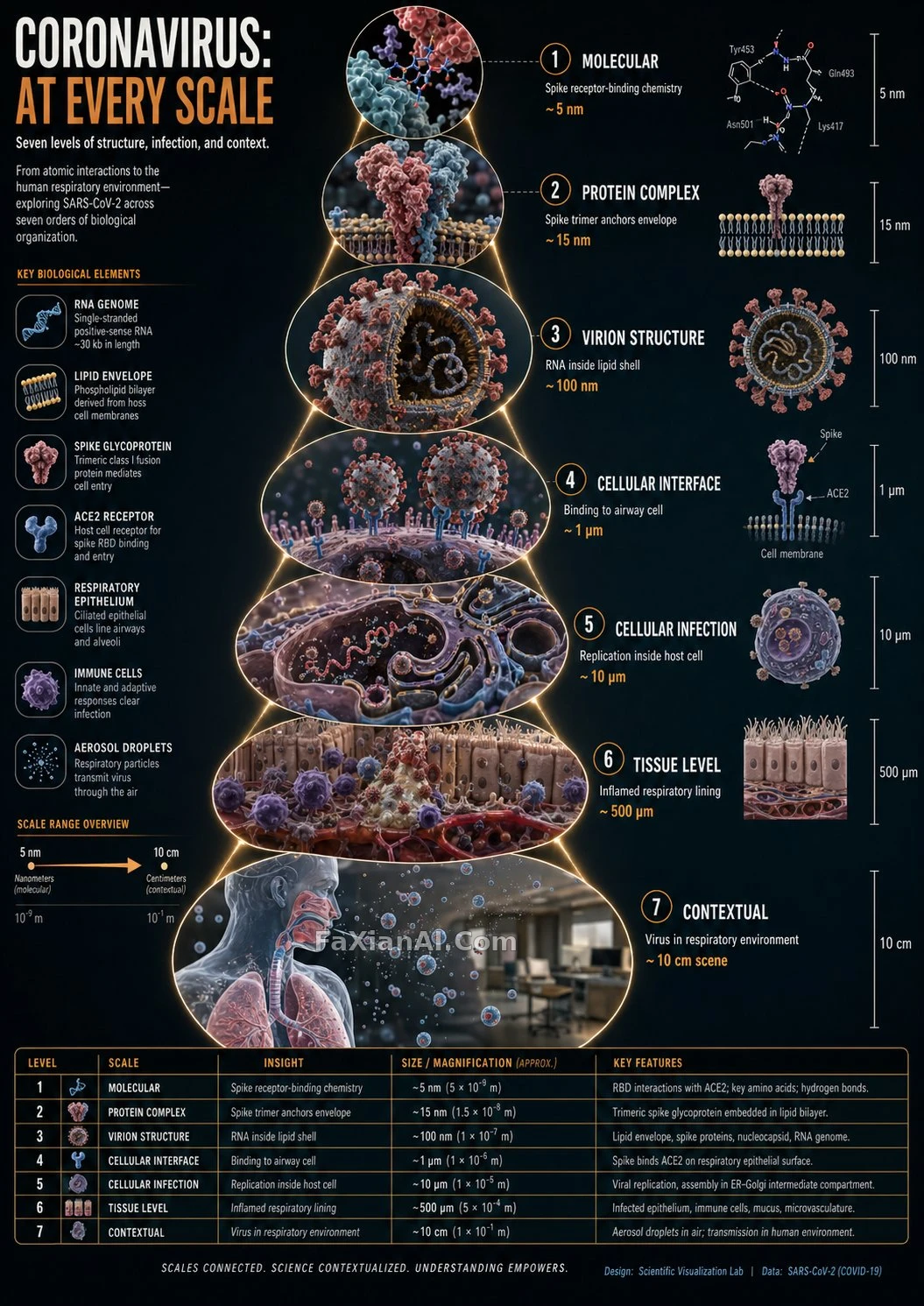 A Coronavirus Scale-Zoom Infographic, Level by Level
 Ten Slides, No Layout Repeats Twice
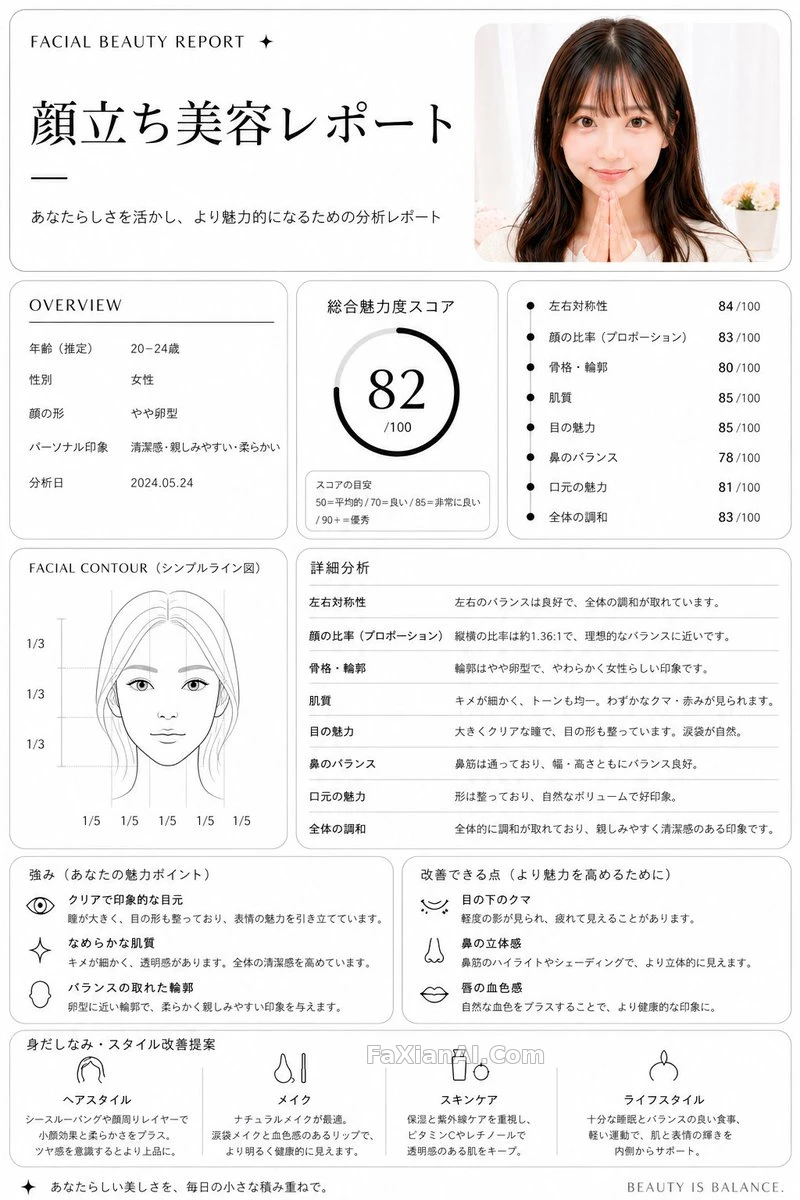 Breaking a Face Down Into a Checkup Report
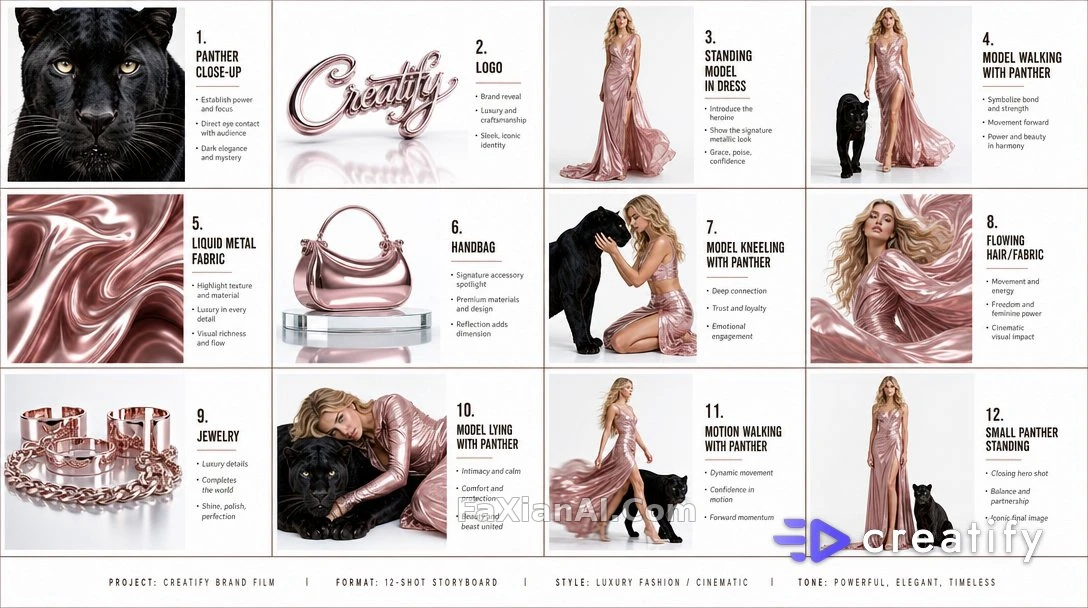 Twelve Storyboard Panels, Sorted Into a 4x3 Grid
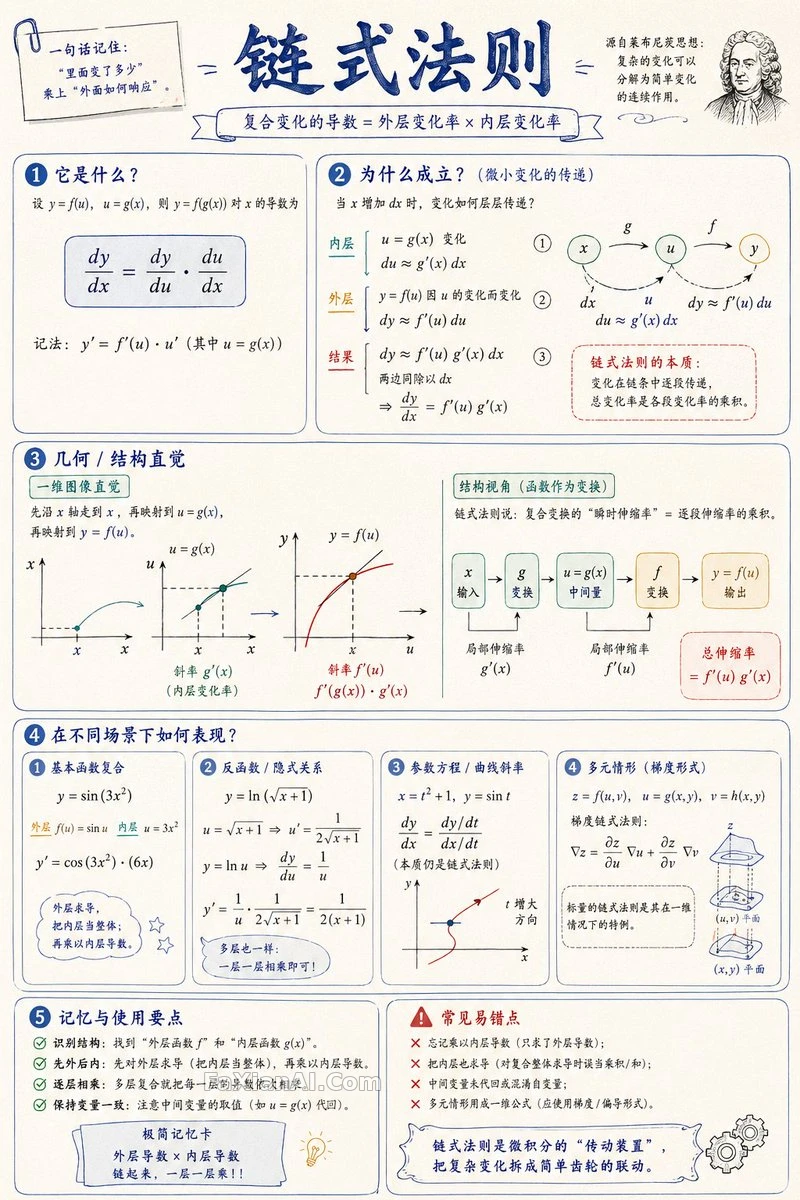 Hand-Drawn Math Handout, One Page, One Concept
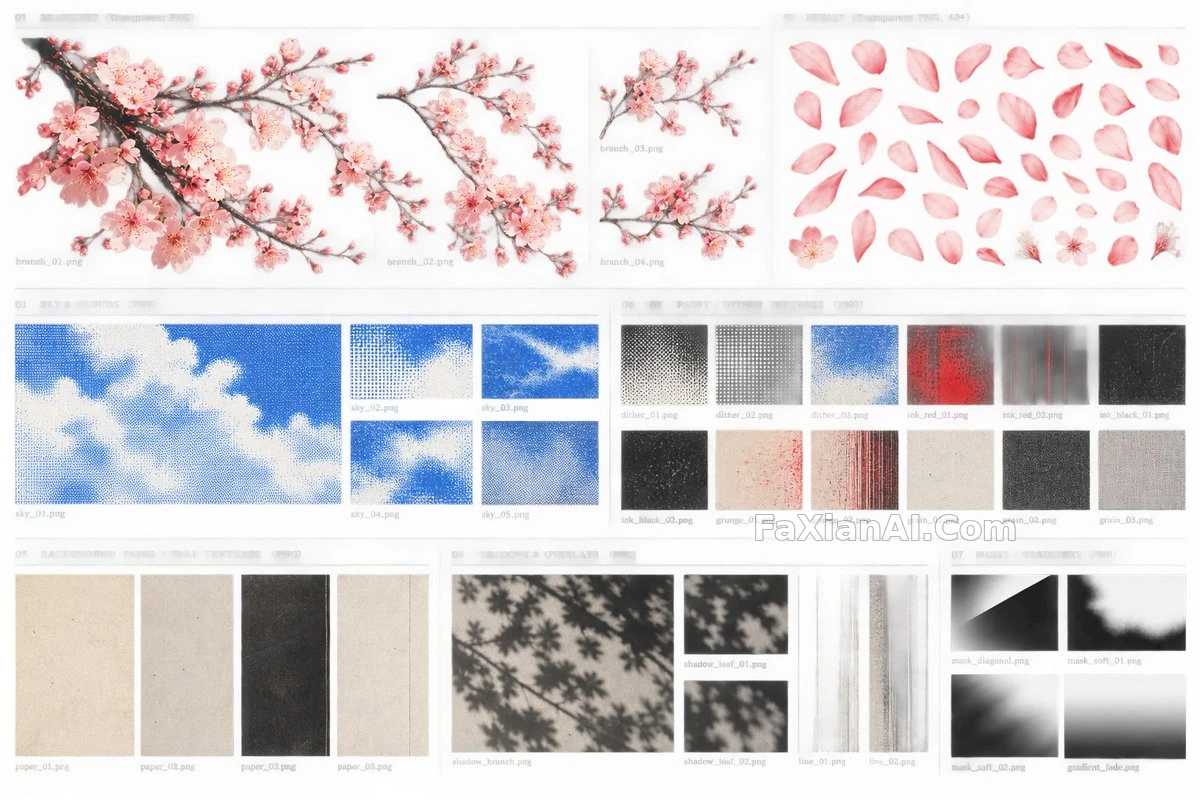 Cherry Blossom Watercolor and Texture, Seven-Panel Asset Sheet
More GPT Image 2 cases
All GPT Image 2 cases →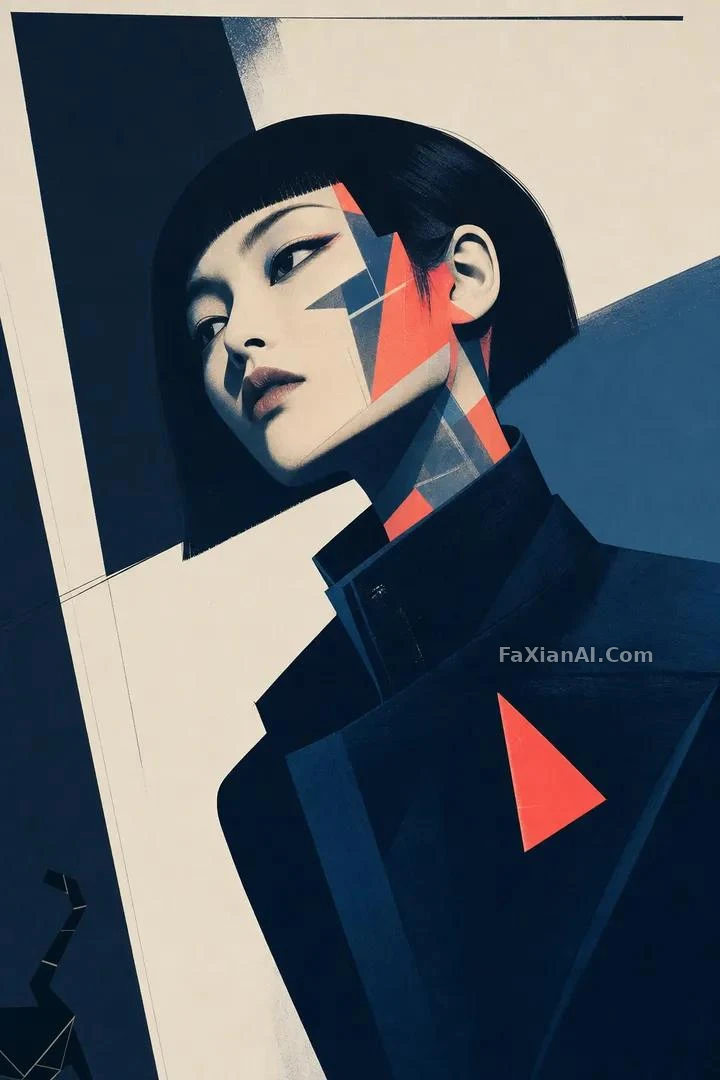 Hard-Edge Geometric Profile Portrait With a Screenprint Feel
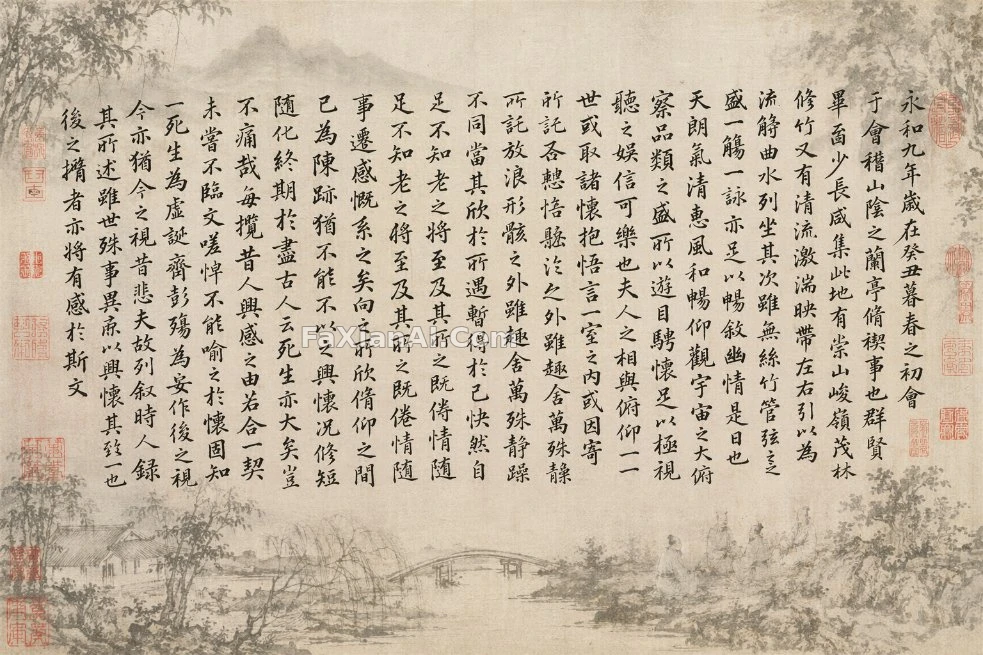 Lanting Preface Calligraphy Over a Misty Landscape Mask
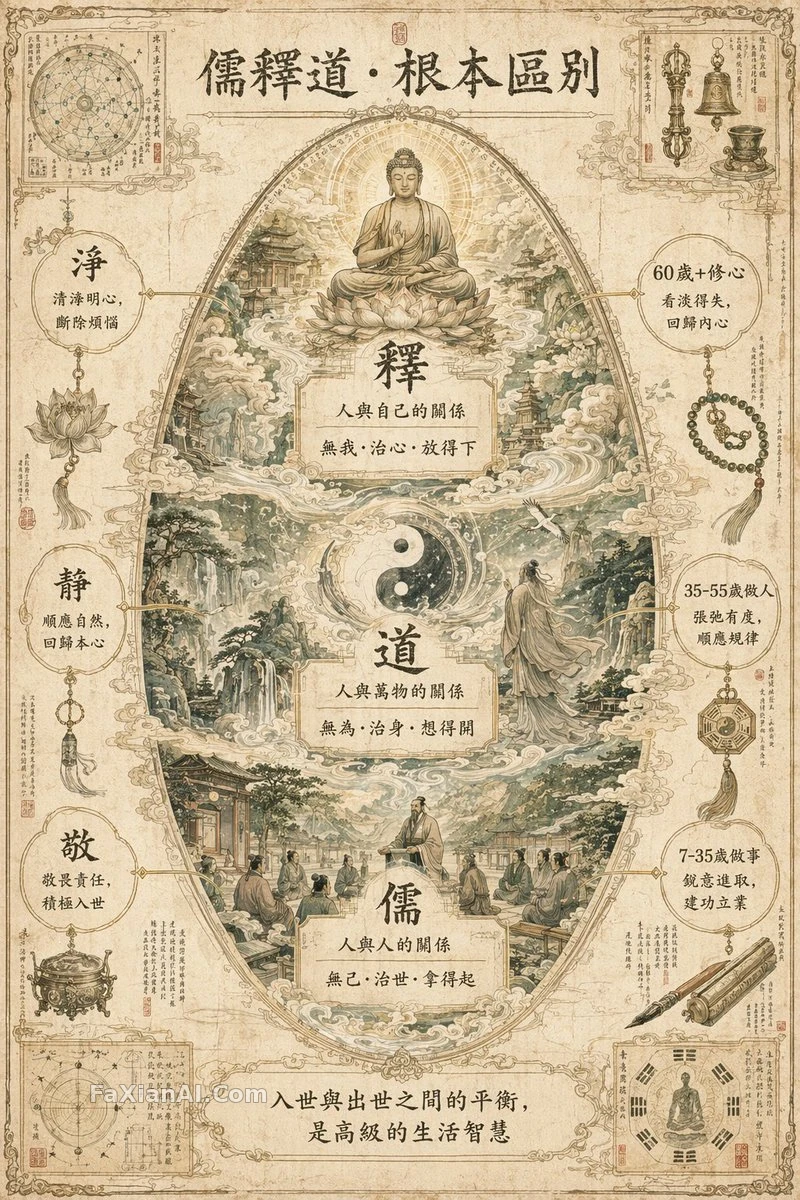 A Three-Teachings Egg-Shaped Manuscript Infographic
 A Valkyrie Sweeping a Segmented Whip-Sword Across a Ruined Battlefield
 Perfume in Five Stages, From Raw Material to Sculpture
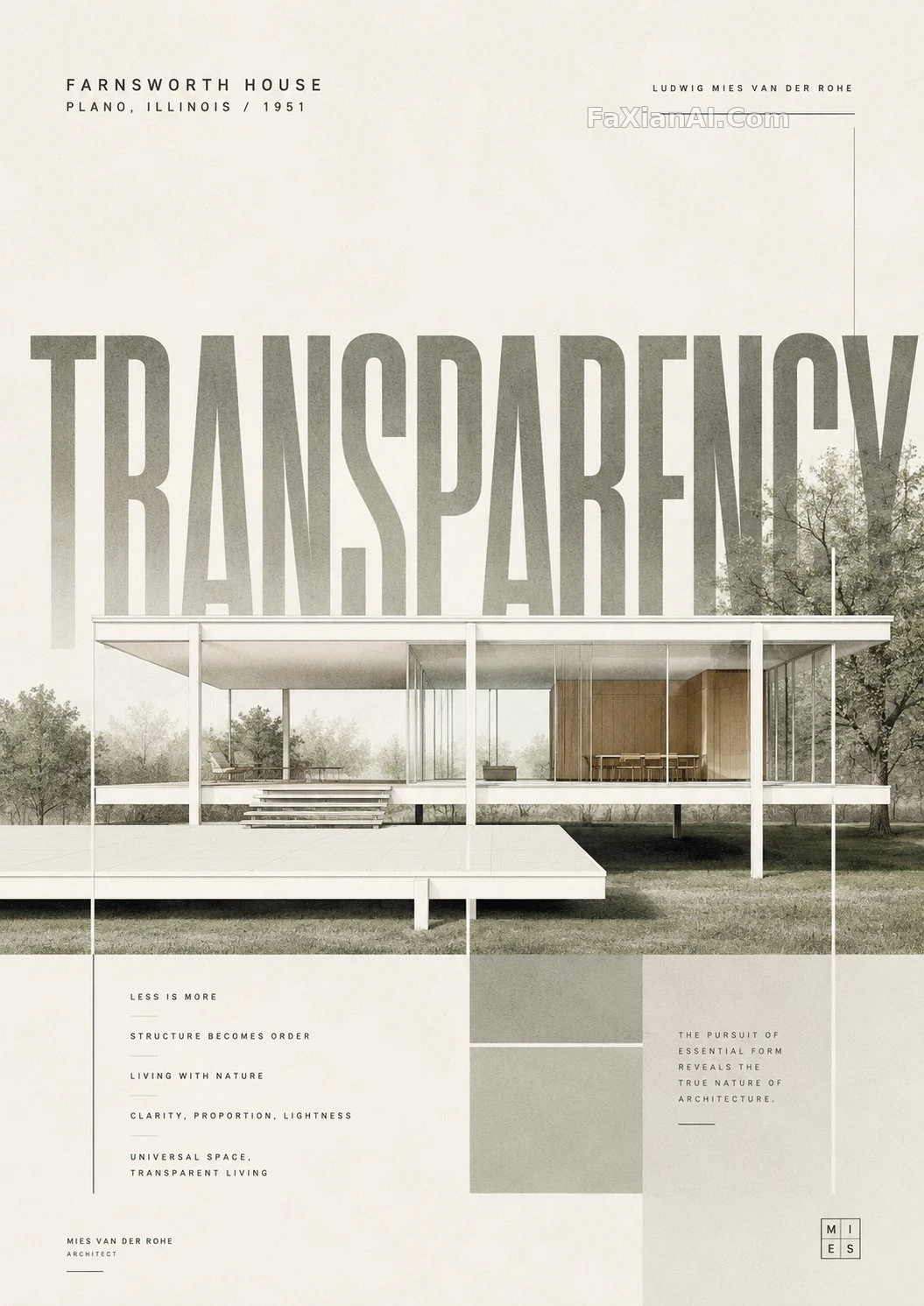 Giant-Word Layout for a Minimalist Landmark Poster
Related guides
The Complete Nano Banana Pro Prompt Guide: Structured Writing, Text Rendering, and Multi-Image ConsistencyWhy the Small Details Matter More Than the Subject in an Antique PlateArchitecture Prompt Clauses for AI: Architecture Prompts AI, From Concept to Rendering