
Home › Design Assets › Healing Illustration Meets Bureaucratic Info Density
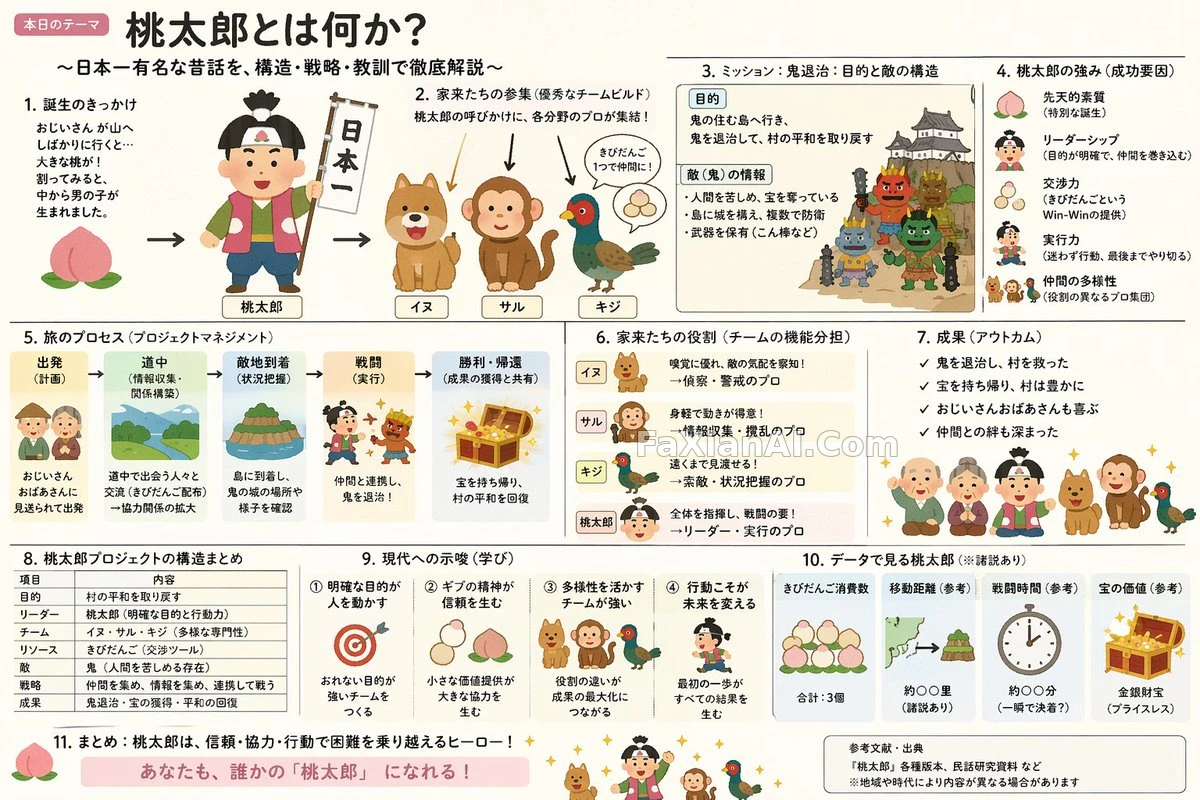
Healing Illustration Meets Bureaucratic Info Density
Squeezing the softness of cute illustration and the crammed density of a government briefing into one explainer slide — the contrast is the point.
Prompt notes
✍️ The real variable in this prompt is the ratio between two moods — Irasutoya softens the image, the Kasumigaseki-style briefing crams it with information. Get the ratio wrong and you land either too sparse or too crowded, with no in-between.
Full prompt
📋 Prompt Natural Language
Build an explanatory slide — [format: ponchi-e diagram] — themed around [theme: Momotaro], blending Irasutoya's soft, approachable illustration mood with the dense, everything-crammed-in information layout typical of Kasumigaseki-style government slides.
Related Cases
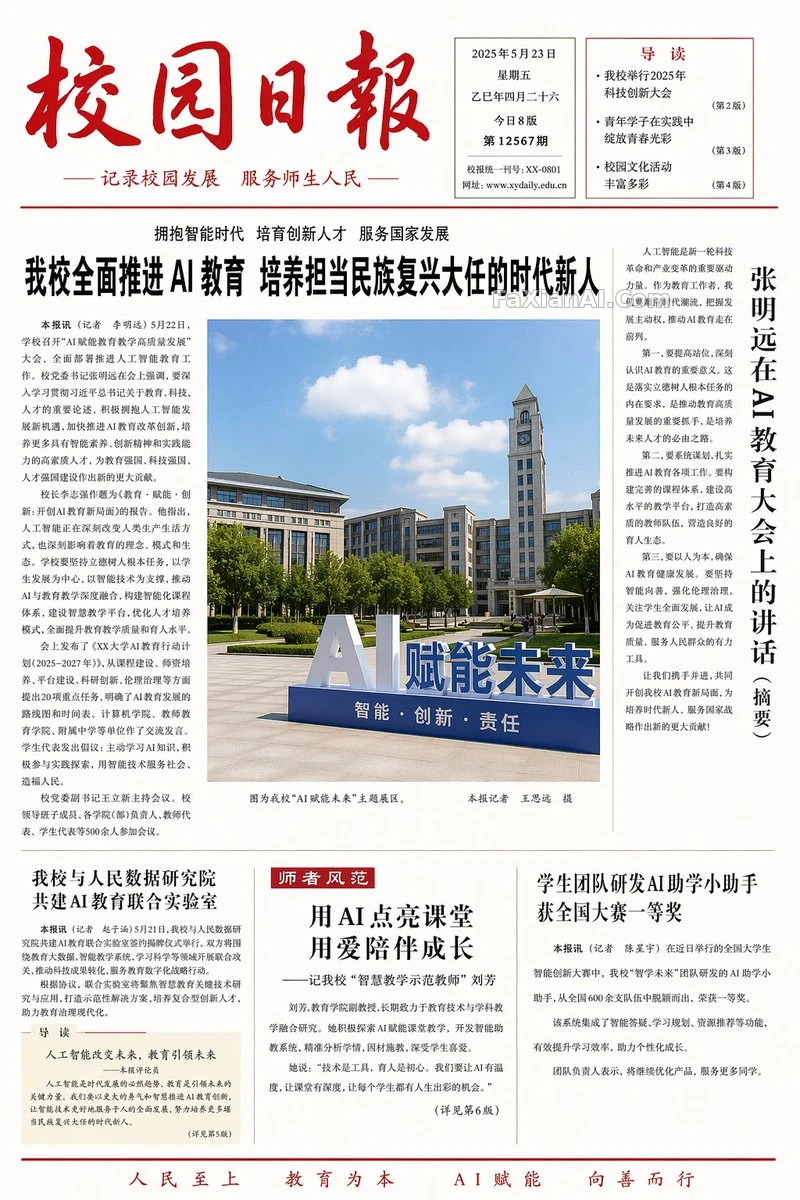 Four Minimalist Layouts: School Paper, Menu, Textbook, Almanac
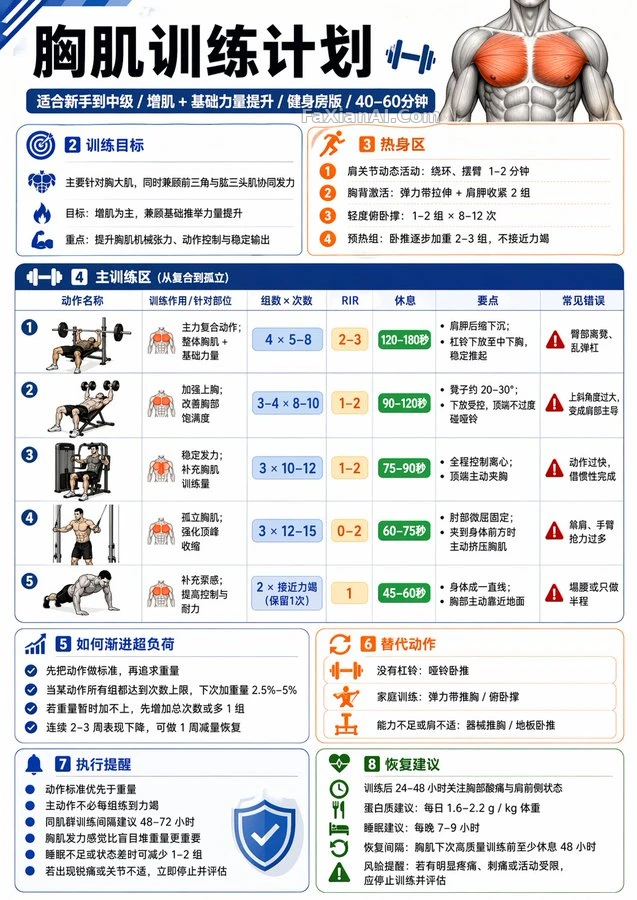 A Fitness Infographic That Builds a Plan From Your Training Topic
 Ten Slides, No Layout Repeats Twice
 This Green Argyle Fits Today's Journal Page
 Embossed Chrome Lettering With Disco-Ball Nostalgia
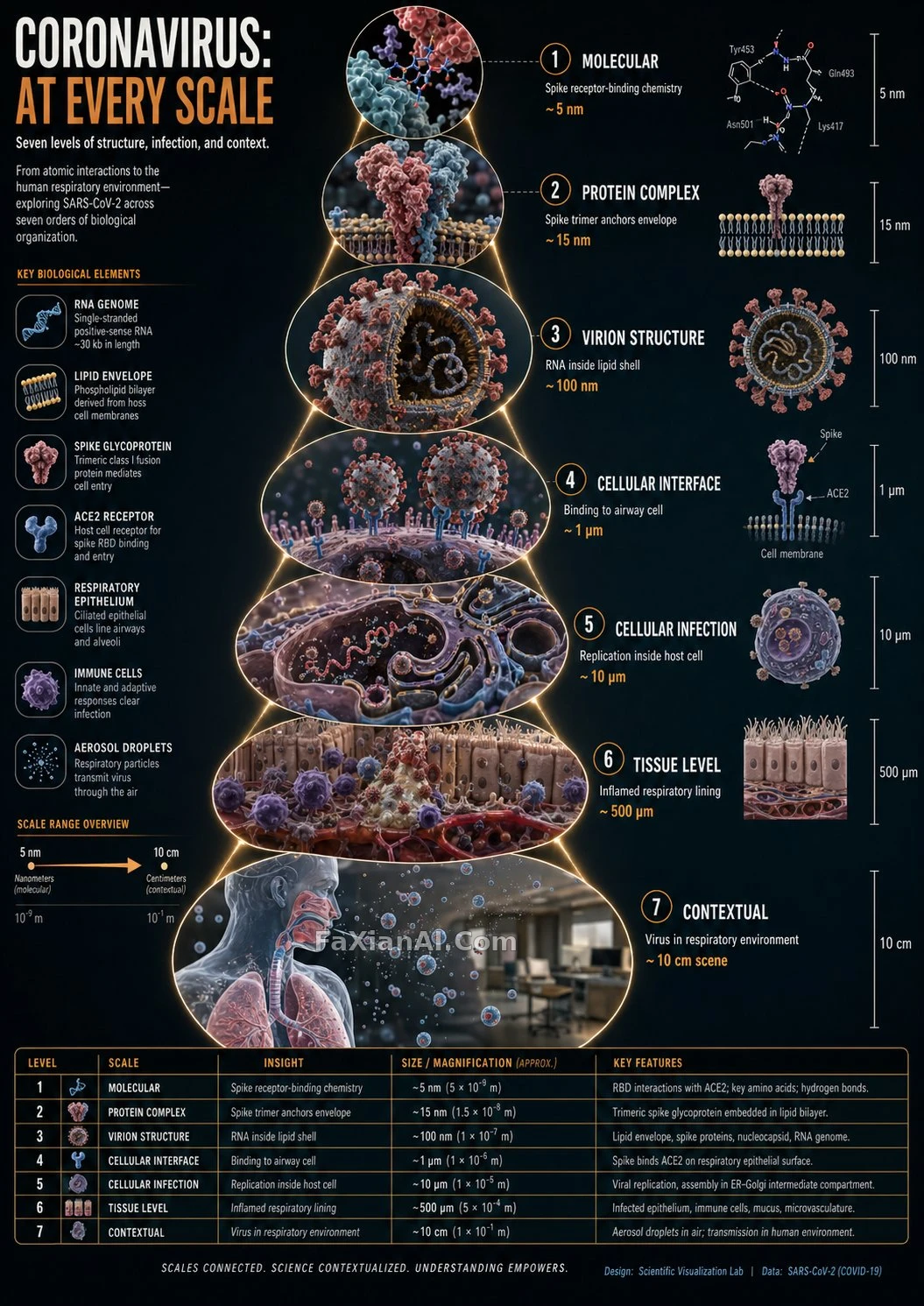 A Coronavirus Scale-Zoom Infographic, Level by Level
More GPT Image 2 cases
All GPT Image 2 cases → Golden Halo Rims a Tilted Profile
 Dusk Park Scene, Stripped to Just the Art
 Crayon-Style Kid-Drawn Photo Transform
 Three-Shelf Bookcase Precision Count Test
 Rainy-Night Street Portrait Outside a Red-Stone Bookstore
 Photo on Top, Playful Illustration Below, Split Down the Middle
Related guides
City Travel Poster Templates: What to Make a Variable, What to Lock DownWatercolor, Woodblock, or Crayon: Writing the "Medium Feel" Into Illustration PromptsHow to Choose an AI Image Model: A Match-Up Guide for Six Scenarios