
How to Choose an AI Image Model: A Match-Up Guide for Six Scenarios
Let's scope this first: this piece only covers positioning differences between models, not specific version numbers or benchmark scores — that kind of information needs constant updating to stay accurate, and you should treat official documentation as the source of truth there. The site's example cases so far mostly come from Google's Nano Banana / Nano Banana Pro and OpenAI's GPT Image 2; there are other models out there too — Midjourney, Flux, Seedream, and so on — each with its own strengths, but since they're not covered by the site's case library, this piece won't go into them specifically. Below are six common scenarios, each with its own take — these are observations based on the site's own cases, nothing more.
To decide which one to use, ask yourself two questions first: is this request a "one-shot" thing or something that needs repeated back-and-forth adjustment, and does the image need precise text or multiple reference images to appear in it? The former leans toward a long structured prompt, the latter leans toward natural language plus multi-turn conversation. This judgment call runs through all six scenarios below, and it's a lot more useful than a vague impression of "which one's stronger."
For e-commerce product shots, here's the recommendation
The core need for product shots is "stability" — the same product shot from different angles or against different backgrounds, but the product's own shape and material can't drift. This kind of request responds better to structured prompts, and Nano Banana Pro tends to perform relatively steadily on this front, especially for batch-generating multiple angles of the same product.
This serum bottle product shot has its frosted texture and floating shadow spelled out line by line in a structured prompt — for more cases like this, check the e-commerce category.
For portrait photography, here's the recommendation
Portrait needs generally split into two kinds: one wants precise control, with pose, lighting, and props all planned out ahead of time — this suits writing out a full structured prompt in one shot and handing it to Nano Banana Pro. The other is "look and adjust as you go" — get a first pass, then gradually tweak expression and detail — this fits GPT Image 2's conversational workflow better, since you don't have to rewrite the whole prompt each time.
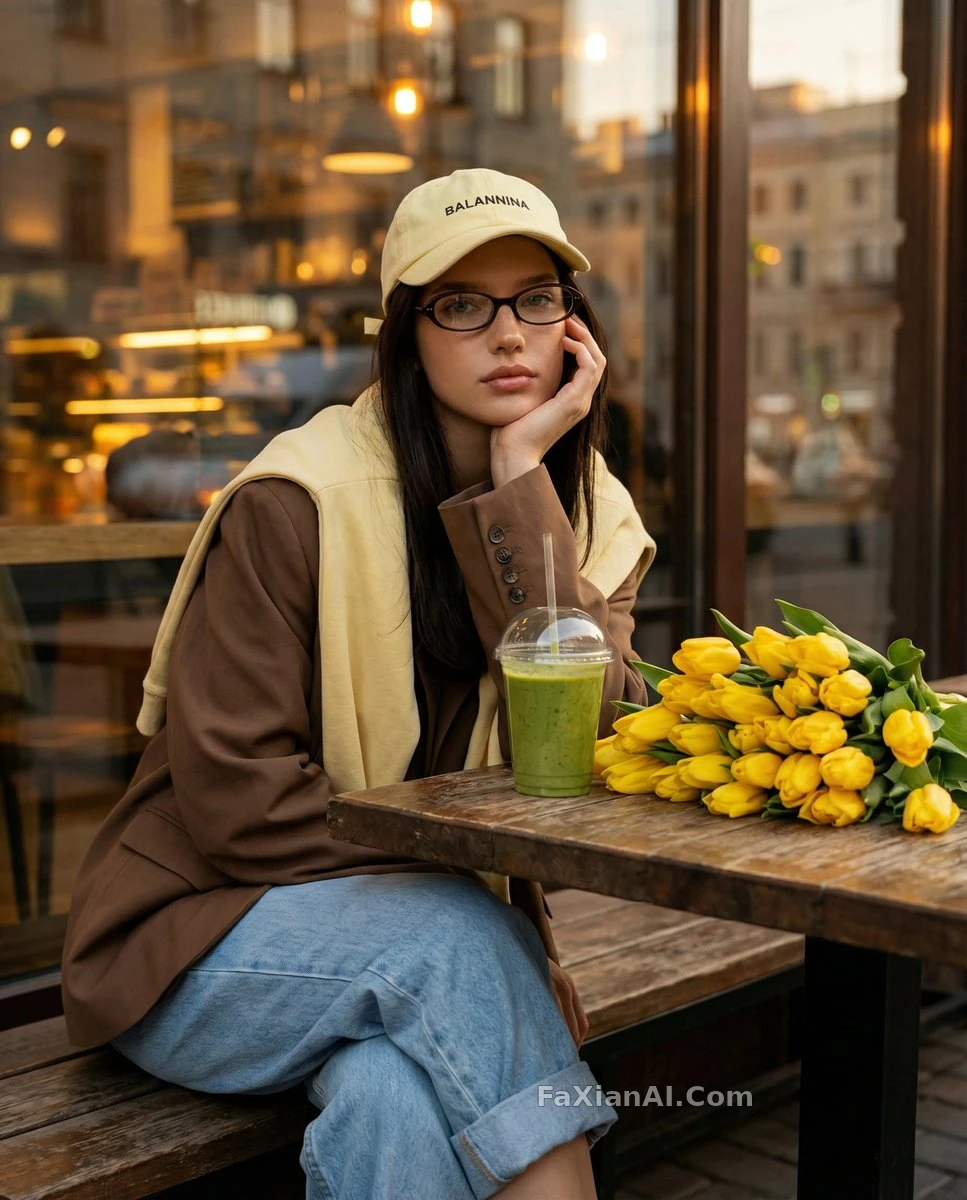
This cafe portrait takes the first route — pose and props are spelled out in fine detail in the prompt. For the specific wording behind these portrait needs, see the Nano Banana photo editing guide.
For illustration, here's the recommendation
Illustration work leans more heavily on "natural language understanding" — describing a character's expression, action, and compositional relationship in one sentence works better than stacking style keywords. GPT Image 2's conversational editing logic applies just as well here — get a draft out first, then adjust lines and color across rounds. If you need fixed character three-views or a set of multiple poses that demand a high degree of consistency, a structured prompt paired with Nano Banana Pro is less hassle. Which route to take depends on the specific need — it's not an either/or choice.
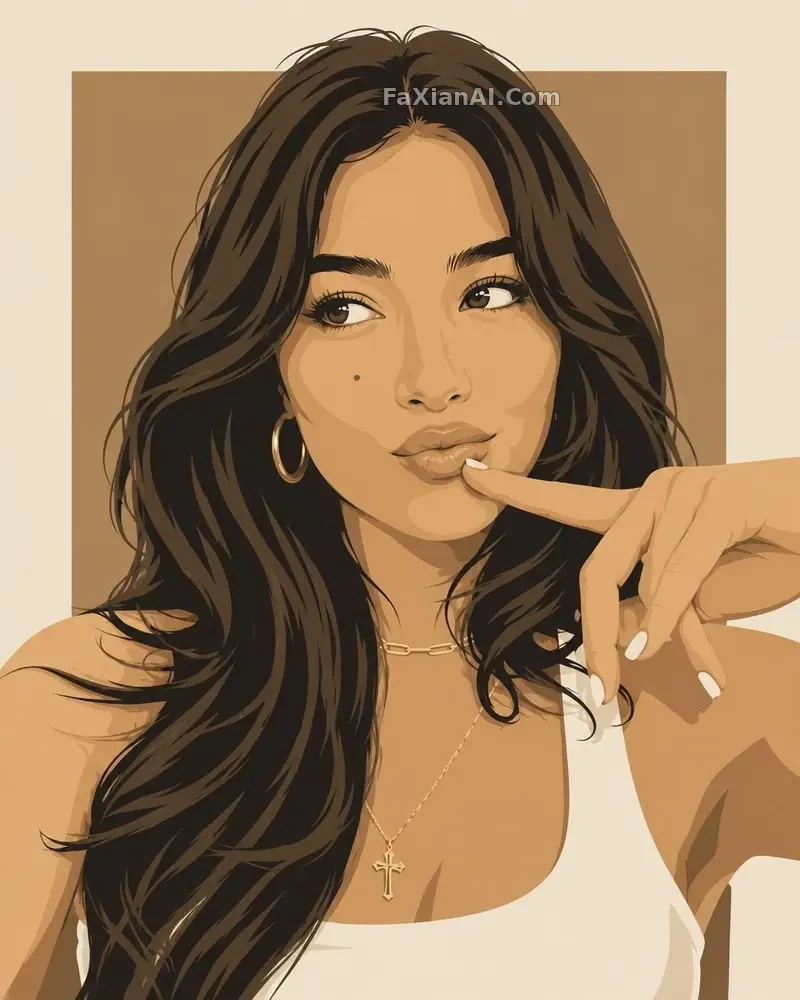
This diptych illustration example had its final color settled across two rounds of adjustment. The illustration category has more cases with similar needs to reference.
For infographics and chart layout, here's the recommendation
The hard part of infographics is that multiple blocks need to be both independent and aligned as a whole — a field-based prompt style has a clear edge here, since each block's content, font, and whitespace can be specified separately, which is steadier than letting the model freewheel on layout. For this kind of fine-grained layout need, Nano Banana Pro's instruction-following tends to stand out.
This infographic example cut the same content into five different visual styles without the block structure shifting out of alignment when the style changed. For the specific field breakdown, see the structured prompt guide.
For photo editing and retouching, here's the recommendation
For photo editing, the two models split the work differently. Scenarios like old photo restoration or anything requiring strict identity consistency (the same face after restoration still needs to be the same face) tend to be more solid with a structured description paired with Nano Banana Pro. For local swaps or object removal — "change this one bit, leave everything else" — GPT Image 2's conversational workflow is more efficient, since you don't have to redescribe the whole image each time. When batch-processing a whole set of photos, the former's stability advantage becomes more pronounced, since the prompt structure for each photo can be reused, with only the subject details swapped out.
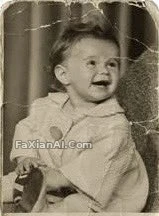
This old photo restoration example had a high bar for identity consistency, making it a scenario where a structured description has the edge. More similar cases can be found in the photo editing category, and the specific wording for background swaps and removing bystanders is covered in more detail in the ChatGPT photo editing command list.
For text poster design, here's the recommendation
For scenes where precise text needs to appear on the image (promo posters, title cards, product labels), the difference between models becomes more noticeable — the text content needs to be locked down in quotation marks in the prompt, and it's best not to stack too many text blocks; this advice applies just as well to models that are friendlier to structured prompts. If a single layout needs to mix Chinese and English text, it's better to lock down each language's copy in two separate passes — mixing them into one pass tends to cause the fonts and languages to interfere with each other.
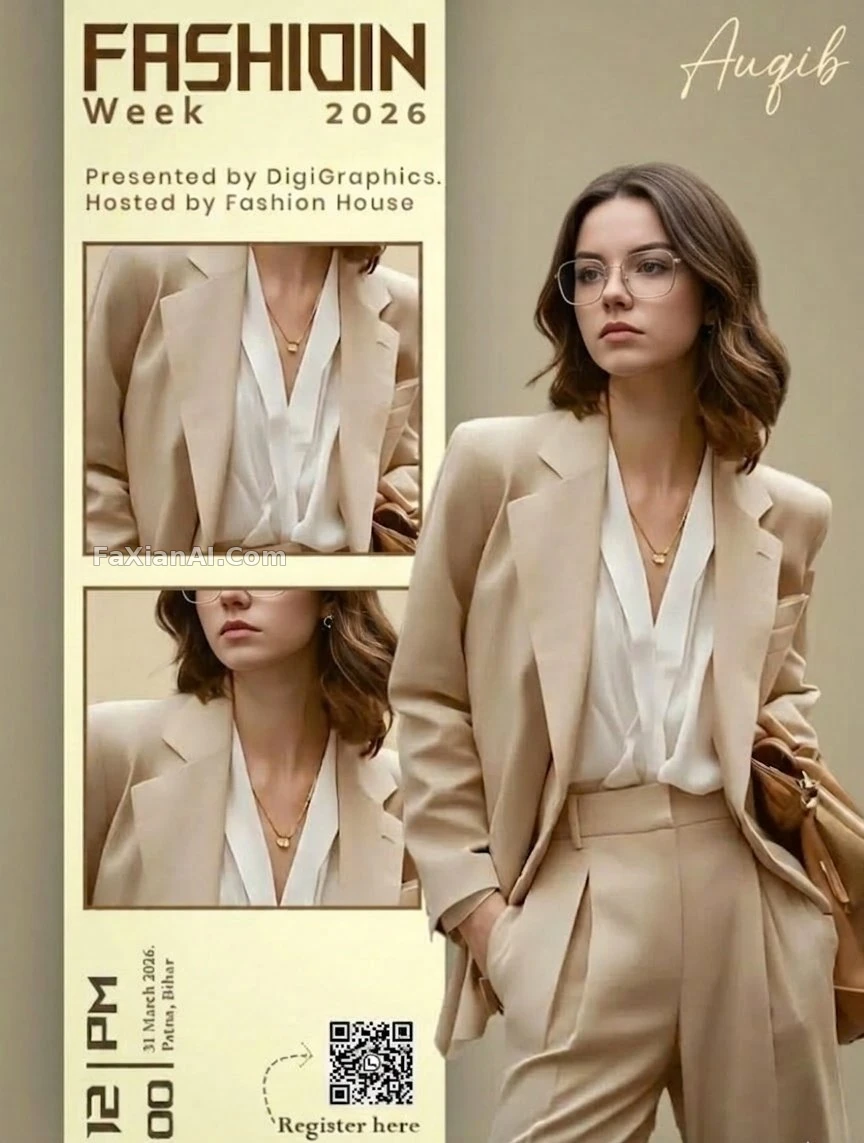
This fashion week poster has its left-right split layout and text zones specified separately. More text-layout cases like this are in the design category.
Conclusion
The core logic behind all six scenarios above boils down to one rule: the more a request leans toward "one-shot precise control, multi-image reference consistency, precise on-image text," the more it suits a long structured prompt; the more it leans toward "look and adjust as you go, local tweaks, natural language is enough," the more it suits conversational editing. Neither route beats the other — they're just divided differently. For direct comparison data between the two models, check GPT Image 2 vs. Nano Banana Pro, GPT Image 2 vs. Nano Banana, and Nano Banana vs. Nano Banana Pro — three separate pieces. The model wiki homepage rounds up the positioning notes for every model, and the comparison hub has even more pairings. To practice directly on real cases, the homepage at image.faxianai.com has a full library of prompt examples. All conclusions above are personal observations based on in-site cases, and do not constitute a recommendation of any product or subscription plan.