
Getting the Model to Write Text Right: How to Prompt Handwriting, Specimen Cards, and Infographic Lettering
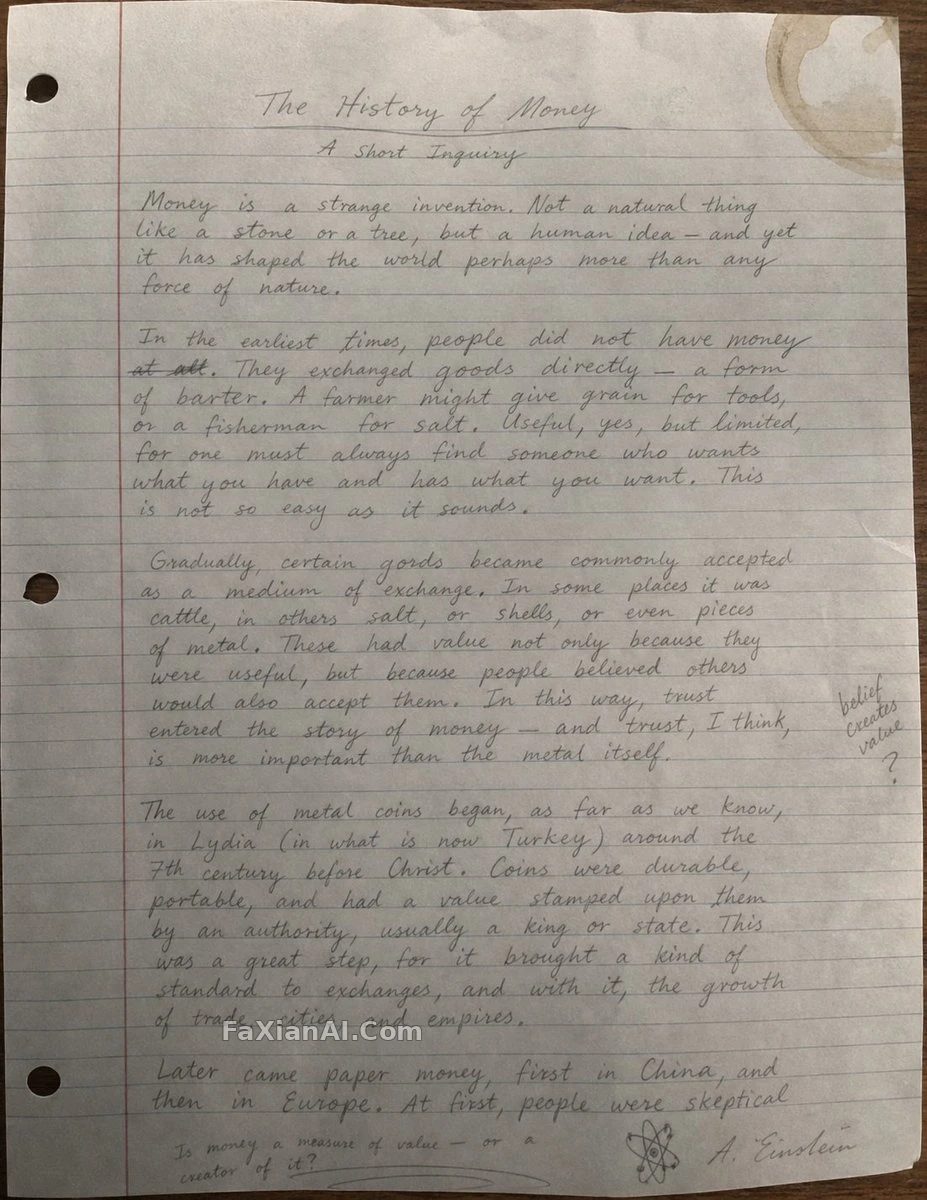
The moment text shows up in an image, the standard suddenly gets much stricter. A slightly off landscape can still pass as "stylistic," but one crooked letter or one unsteady line of spacing gives the game away at first glance. The last couple of model generations have gotten a lot better at rendering text, but what actually decides success or failure is still how the prompt describes that text — whether it's treated as decoration or as structure.
Handwriting: too neat is what gives it away
This Einstein handwritten essay gets specific about what it wants: pencil strokes that wander the way a real hand does, some letters crowded together and others loose, with a faint ring of coffee stain in the top-right corner.
The key call here is buried in the note — the thing that most often gives handwriting away isn't ugly lettering, it's lettering that's too even. Real handwriting has variation in pressure and rhythm; a model left to its own devices defaults to a uniformly spaced "handwriting font." Same logic for the stain — don't put it dead center; a smudge near the edge reads as unplanned, one in the middle reads as a design choice.
This prompt also uses bracketed variables, leaving the subject and stain type as swappable slots, so switching the theme doesn't mean rewriting the whole thing.
A labeling system sells the image harder than the subject does
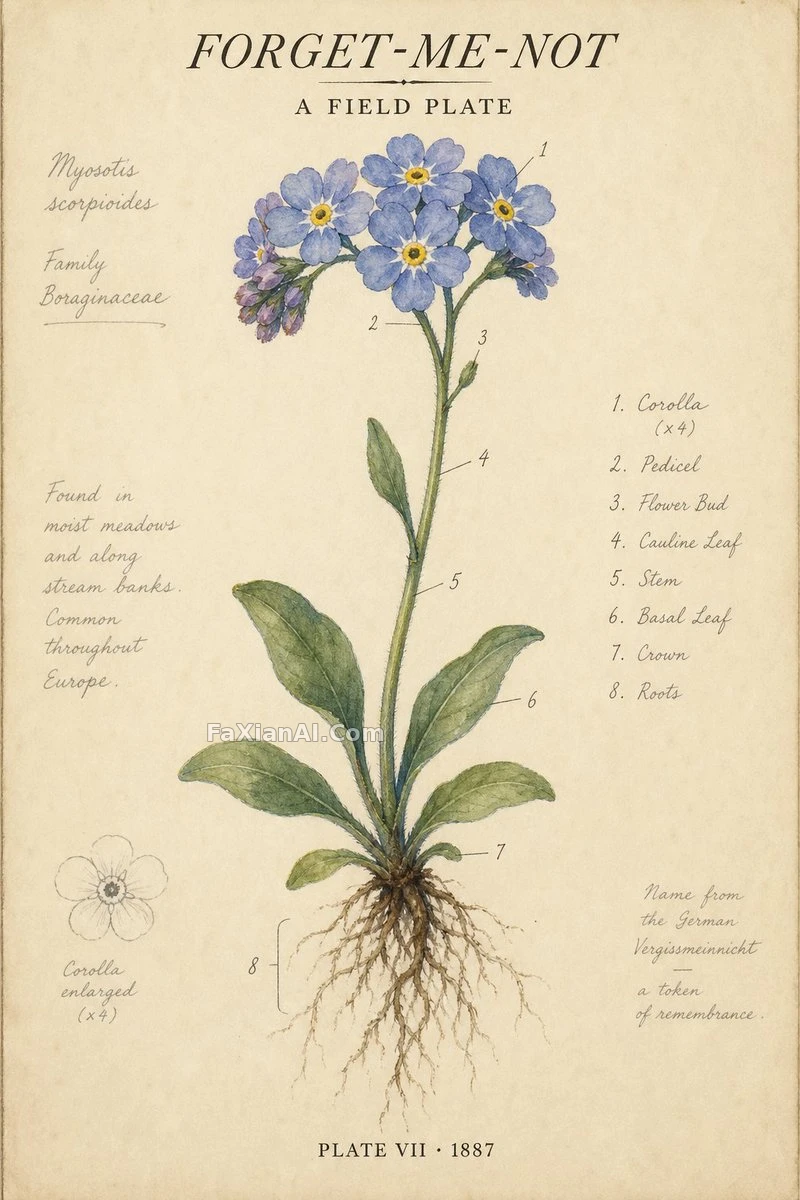
This forget-me-not specimen plate is technically a painting of a flower, but what convinces you it's "a page torn out of an old botanical field guide" is everything besides the flower: small numbers on the stem and petals, a plate number in the footer, handwritten pencil notes in the margin, a palette locked down to cream white and indigo green.
That's the general rule for text-heavy images — the audience judges authenticity by whether the incidental details hold together. This tower cross-section infographic runs the same play: the real substance is in that text panel at the bottom, and dimensions, weight, materials, and use all have to be there — drop one and the whole thing loses information density. If you want an image to look like it "comes from somewhere," fill in the annotation system it ought to carry before worrying about how pretty it looks.
Treat lettering as building material, not a sticker
This isometric word diorama takes it further: the letters spelling WORD aren't printed onto the image — they're standing up as the back wall, and their material has to tie into the theme, wood grain for surfing, concrete for skateboarding. The prompt uses an ASCII diagram to lock down that structure, turning "where the letters are and what they're made of" into a spatial relationship instead of a layout instruction.
The payoff of this approach is that the lettering gets a physical basis. Once the model treats those letters as a wall, it naturally gives them light, shadow, thickness, and seams — a lot steadier than simply asking it to "add the word WORD."
Layout templates: lock the proportions down before you touch content
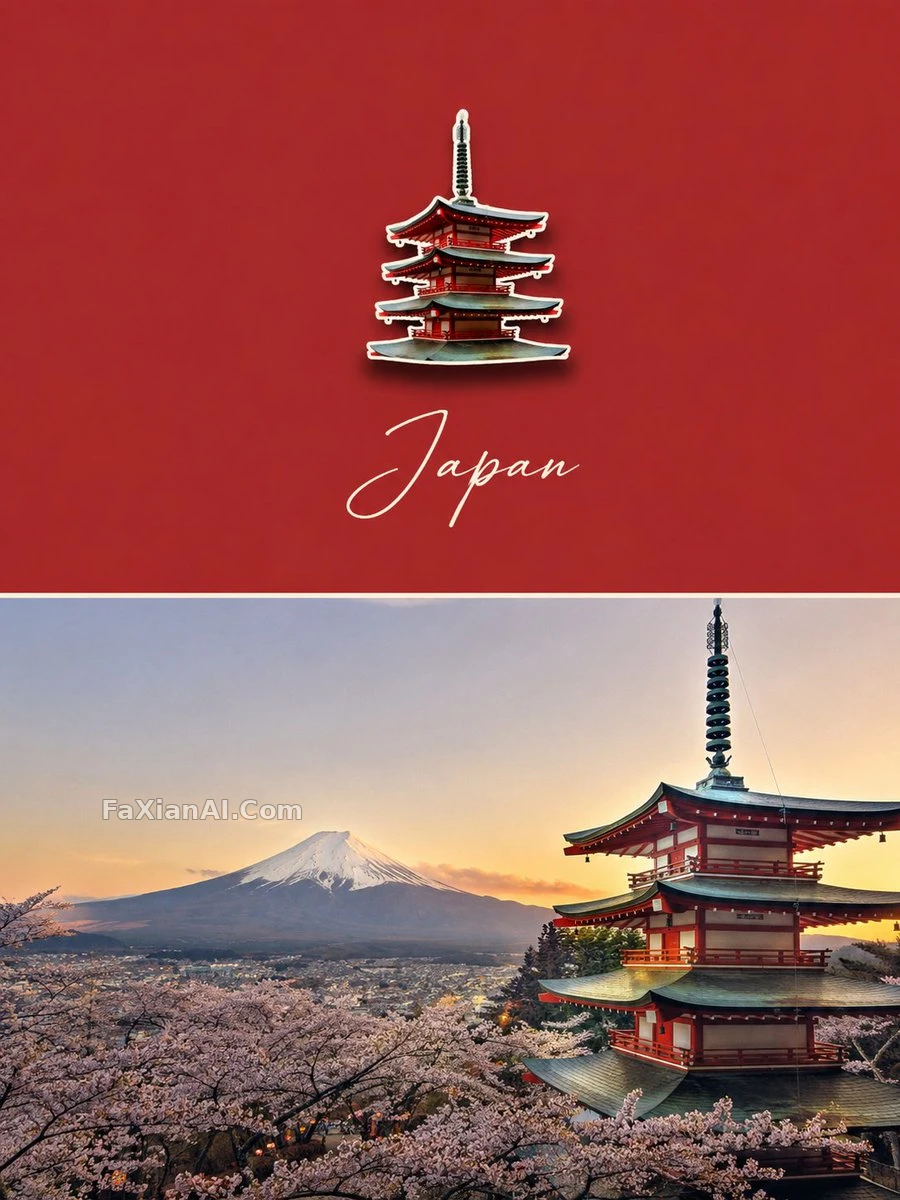
This enamel pin travel poster is a reusable layout template: a vertical composition split evenly top and bottom, the top half a color block pulled from the source photo plus a magnet pin, the bottom half the original photo left intact. Its one hard constraint is that the magnet's width has to stay between 20 and 30 percent of the frame — bigger and it steals the show, smaller and it disappears; and the main color can't be picked freely either, it has to be pulled straight from the source photo, or the two halves stop reading as one piece.
This revenue report infographic template pushes the variable parts down to a minimum — swap the brand name, swap the chart type, and it works whether it's a pie chart or a line chart. The lesson here is simple: enough whitespace is what lets the information actually breathe; cram it full and the point gets lost instead.
Applying this to specific models
Different models handle on-image text pretty differently, and each has its own preferences for how to write it. For how this works on Nano Banana Pro, see the Nano Banana Pro guide; for GPT Image 2's conversational editing and text handling, see the GPT Image 2 guide. To turn the slot-based approach above into a reusable template, the structured prompt guide covers it more systematically. More posters, infographics, and layout-driven renders live in the design category.