
GPT Image 2 (ChatGPT Images) Prompt Guide: How to Do Conversational Editing
Staying up late fixing a bug through its third revision, the most annoying part isn't the fixing itself — it's having to re-explain the context from the first two versions every single time. The image generation and editing inside ChatGPT — the community usually just calls it GPT Image 2 — is the least stressful part of the process precisely because of this: it remembers what you changed last turn, so on the second turn you can just say "move it a bit to the left" without retyping the whole description. This isn't a "why it beats everything else" post — it's purely practical: how to organize your GPT Image 2 prompts for maximum efficiency.
Multi-turn conversational editing: how to revise across rounds
Give a complete description on the first turn — subject, scene, style, all spelled out. From the second turn on, only describe the "delta" — you don't need to repeat the parts that haven't changed. Say the first turn produced a photo, and on the second turn you want to adjust the expression — just say "change the expression to a smile, keep everything else the same." It picks up the context fine; you don't need to retype the clothing or background all over again. Same logic as editing code — don't touch the part that already works, just diff the one line that changed.
The common failure mode is impatience — dumping five or six change requests at once and expecting it to nail all of them in one pass. In practice, once the number of changes goes past three, the hit rate drops noticeably. Better to split it into two or three rounds, one or two changes per round, checking the result before moving on — same logic as small commits: if something breaks, it's much easier to trace which step did it.
Another easy trap is switching topics mid-stream — you were adjusting a portrait's expression last turn, and this turn you suddenly want a completely unrelated product shot. The model will treat the previous context as still-active constraints, and both end up messy. When you need to jump to a new topic, just start a fresh conversation — it's less hassle than forcing it into the same thread, and saves you from later trying to figure out which line dragged the style off course.
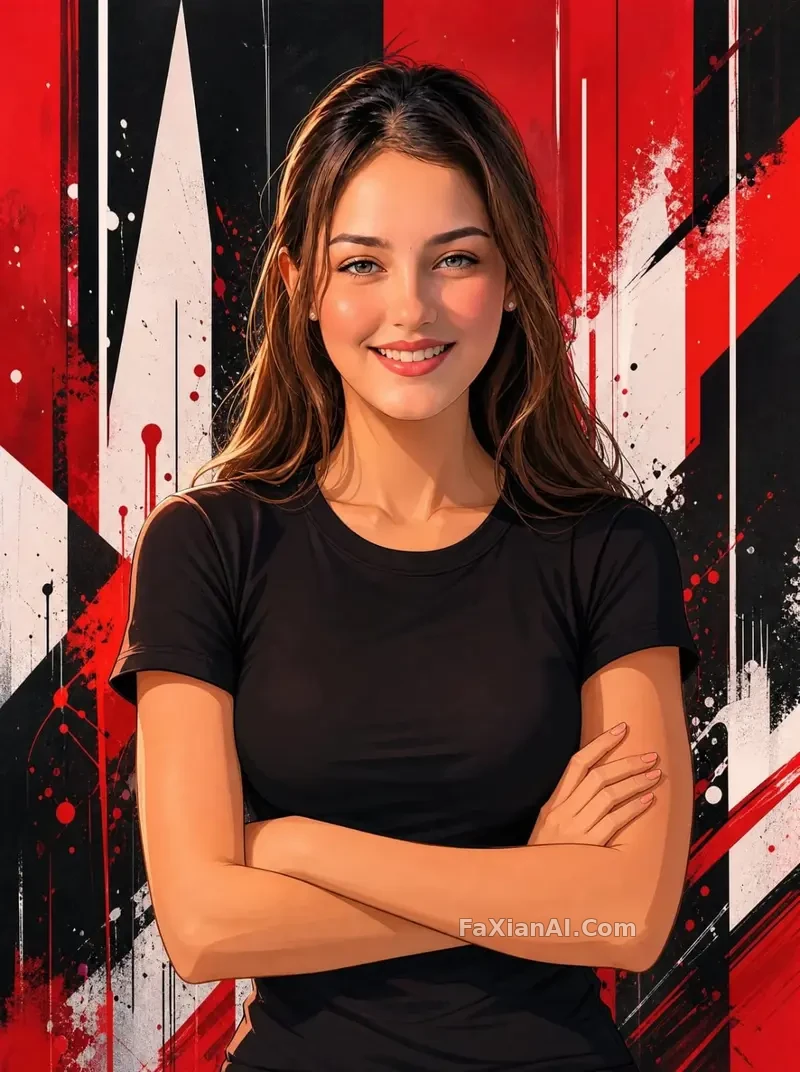
This face-matching recreation example was built by closing in gradually over multiple turns — lock the composition first, then calibrate facial details turn by turn. Nailing it in one shot isn't very likely; going step by step is far more reliable. More cases following this same logic live in the photo editing category.
Natural language vs. parameter-stacking: which one does this model actually want
People used to writing parameterized prompts tend to make one mistake right out of the gate — treating GPT Image 2 like a model that needs a pile of keywords, tossing in a string like "4K, cinematic, hyper-realistic, high contrast." It actually responds much better to plain language — describing what's happening in the scene and what the subject is doing works better than stacking adjectives. For example, instead of writing "upscale commute portrait, urban vibe, cold tone," write "the elevator doors just opened, she glances back over her shoulder in office wear, the lobby of an office building blurred behind her." The latter carries more information density — the model doesn't have to guess which flavor of "upscale" you actually mean.
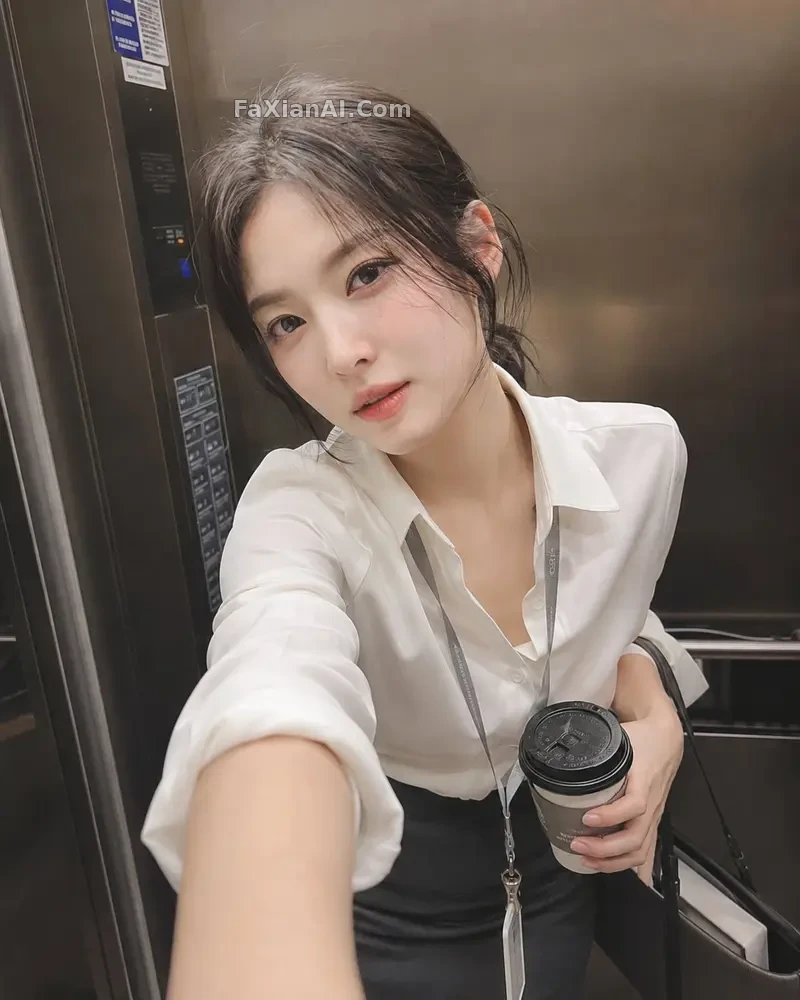
This elevator portrait was written around "what's happening," with no adjective-stacking, and the composition and expression came out more precise as a result — the same idea covered in the site's prompt writing formula piece, where "subject first, and be specific" is the same principle.
Local swaps and stylization: just say which part to change
For editing, GPT Image 2's conversational nature pays off most on local edits. Instead of regenerating the whole image, just say "remove the background elements, keep everything else" or "turn this part into a collage look" — it understands the implicit "leave the rest unchanged" requirement and won't touch parts you didn't mention. Style transformations work the same way — state the effect you want and the boundary of what stays untouched, and it's more precise than writing out a long list of style keywords.
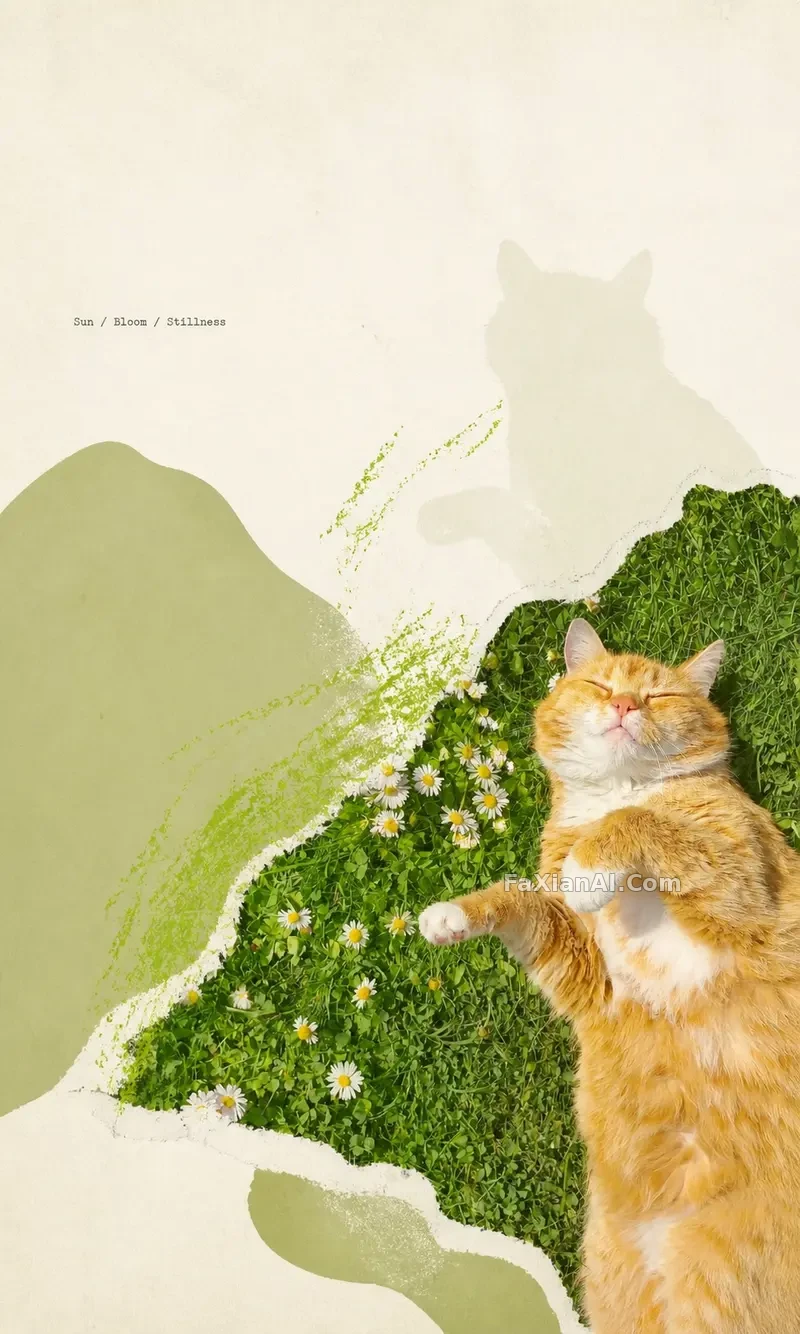
This torn-paper collage example shows exactly this kind of local stylization — the rough edges and the transition into the underlying image were explicitly required in the prompt to be preserved. For the specific wording on background swaps, check the ChatGPT photo editing command list, which has a more complete set of instructions.
Action-swaps follow the same logic — keep the physical logic intact, only swap the subject.
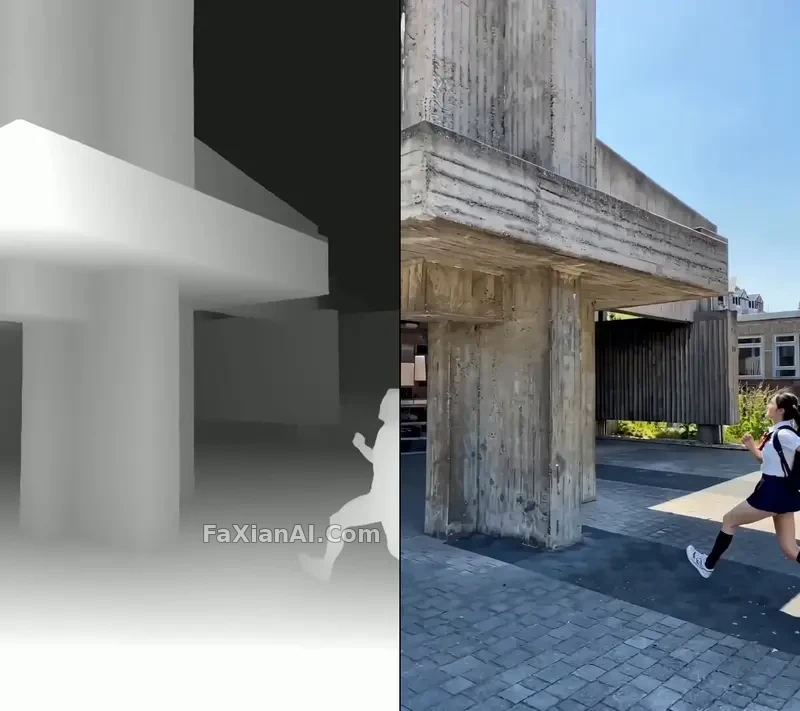
This motion-swap example swapped out the person while keeping the climbing pose physically plausible. For these kinds of creative needs, actively writing "keep the physical continuity of the motion" into the prompt gives noticeably steadier results than leaving it out.
How it's positioned relative to drawing-style models
GPT Image 2 is more like a "chatty editing assistant" — it starts from an existing image or a clearly stated scene and closes in on the desired result conversationally. Models like Nano Banana Pro lean more toward nailing a long, structured prompt in one shot, especially for scenes where a large block of text needs to render on the image, or where multiple reference images need to stay consistent — a structured approach is more efficient there. In short: chatting your way to the result favors the former; a single long structured prompt aiming for precise layout favors the latter. Neither replaces the other. For a specific comparison, see GPT Image 2 vs. Nano Banana Pro; against the faster Nano Banana, see this piece.
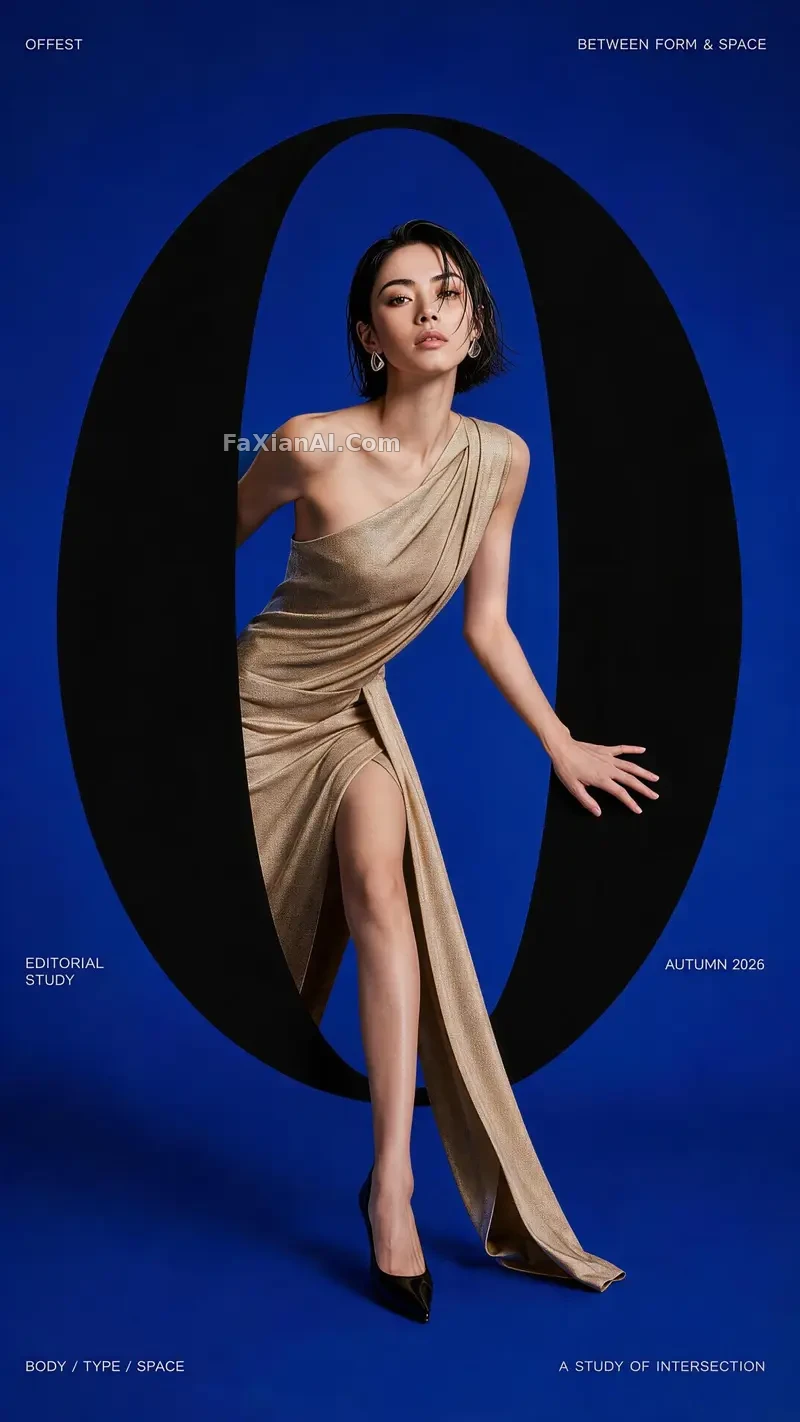
This typography experiment is an example of GPT Image 2 handling a design-oriented request — the spatial interplay between the type and the figure was settled by gradually adjusting the position across several turns of conversation, not nailed in one pass. These kinds of design needs can likewise be closed in on through multiple rounds of revision.
A few practical tips for using ChatGPT to edit photos
Prompts in Chinese work fine as-is — no need to translate to English first, which saves a step. Before editing, get clear on exactly which single thing you're changing this round — don't mix a new request in with an old one in the same sentence. When you're not happy with the result, figure out whether the description was too vague, or whether this particular need is better served by switching models entirely — not every request is worth fighting to the death with one model. Upload a reference image whenever you can — it's far more precise than describing "something like this" in words, since the model can read the composition and color directly instead of relying on a second-hand text translation. The pitfalls to avoid in your wording are also covered in the negative prompt guide, and they apply here too.
To try this conversational workflow directly, the homepage at image.faxianai.com has example cases you can copy and adjust the fields on. A fuller rundown of how the models differ is in the model wiki, and all the comparison data lives in the comparison hub.