
Home › Photo Editing › A Red Circle Picks Out the One Vase to Change
A Red Circle Picks Out the One Vase to Change
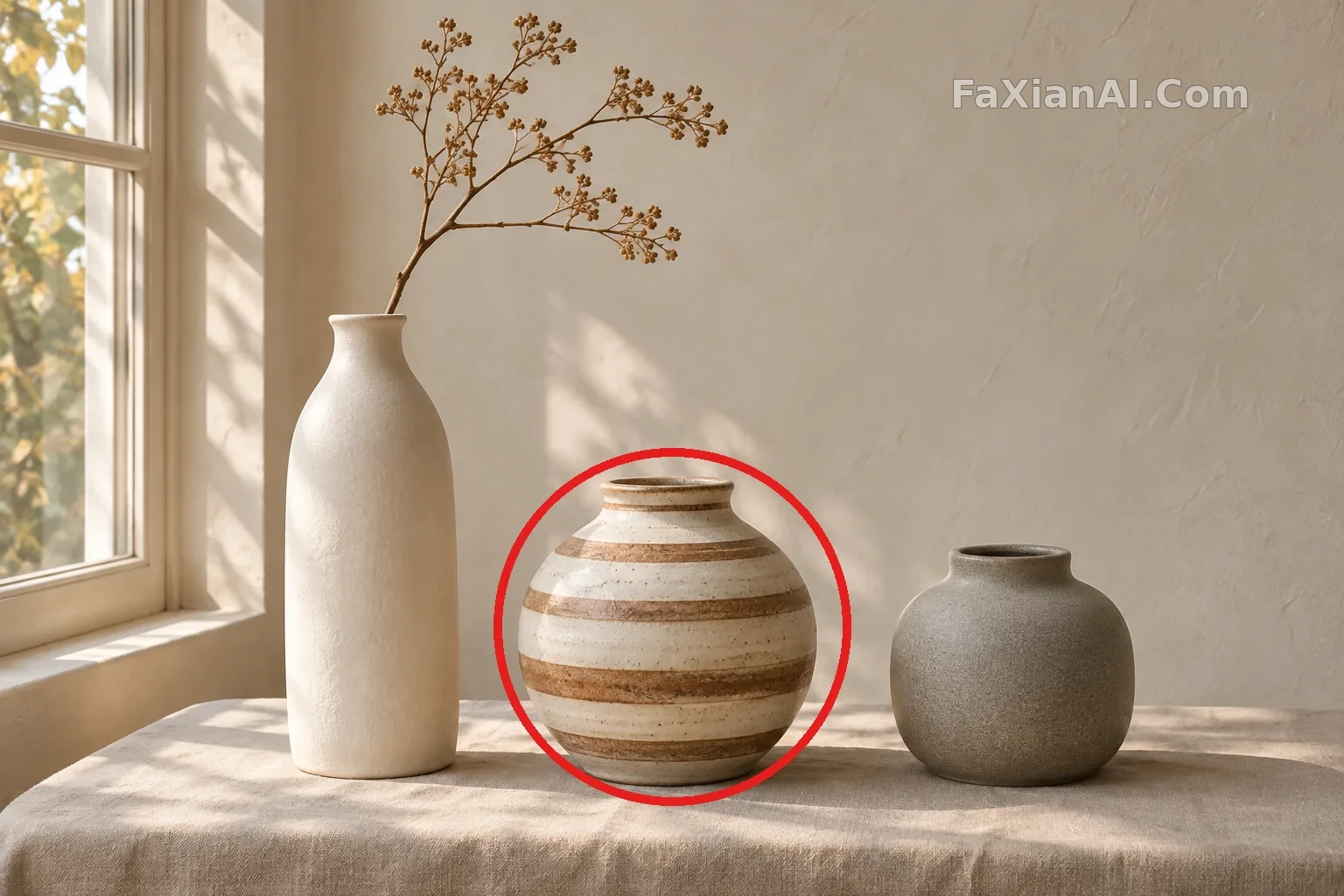
Circle the object you want to edit instead of describing its position, and leave everything else in the photo untouched.
Prompt notes
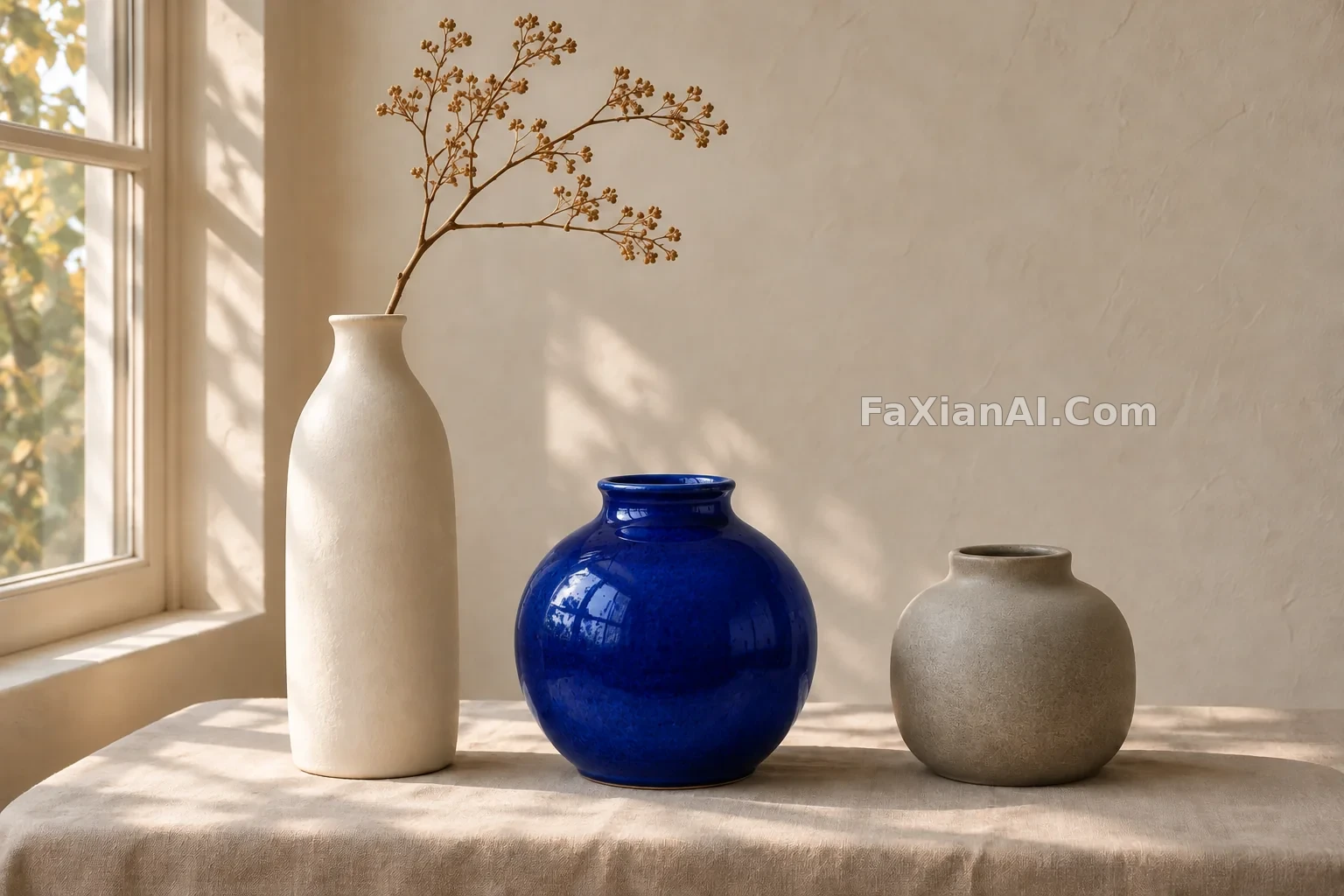
✍️ The official API accepts markup on a separate transparent layer through the markup parameter. This simplified version draws the red circle directly on the image as a reference; the second image is the marked-up original, so you can compare what changed.
Full prompt
📋 Prompt Natural Language
Edit the reference photo. Change only the striped vase inside the red circle into a glossy cobalt-blue ceramic vase of the same shape, size and position. Remove the red circle completely. Keep everything else exactly the same: the white tall vase, the grey vase, the branch, the linen cloth, the wall, the window and the lighting direction.
Related Cases
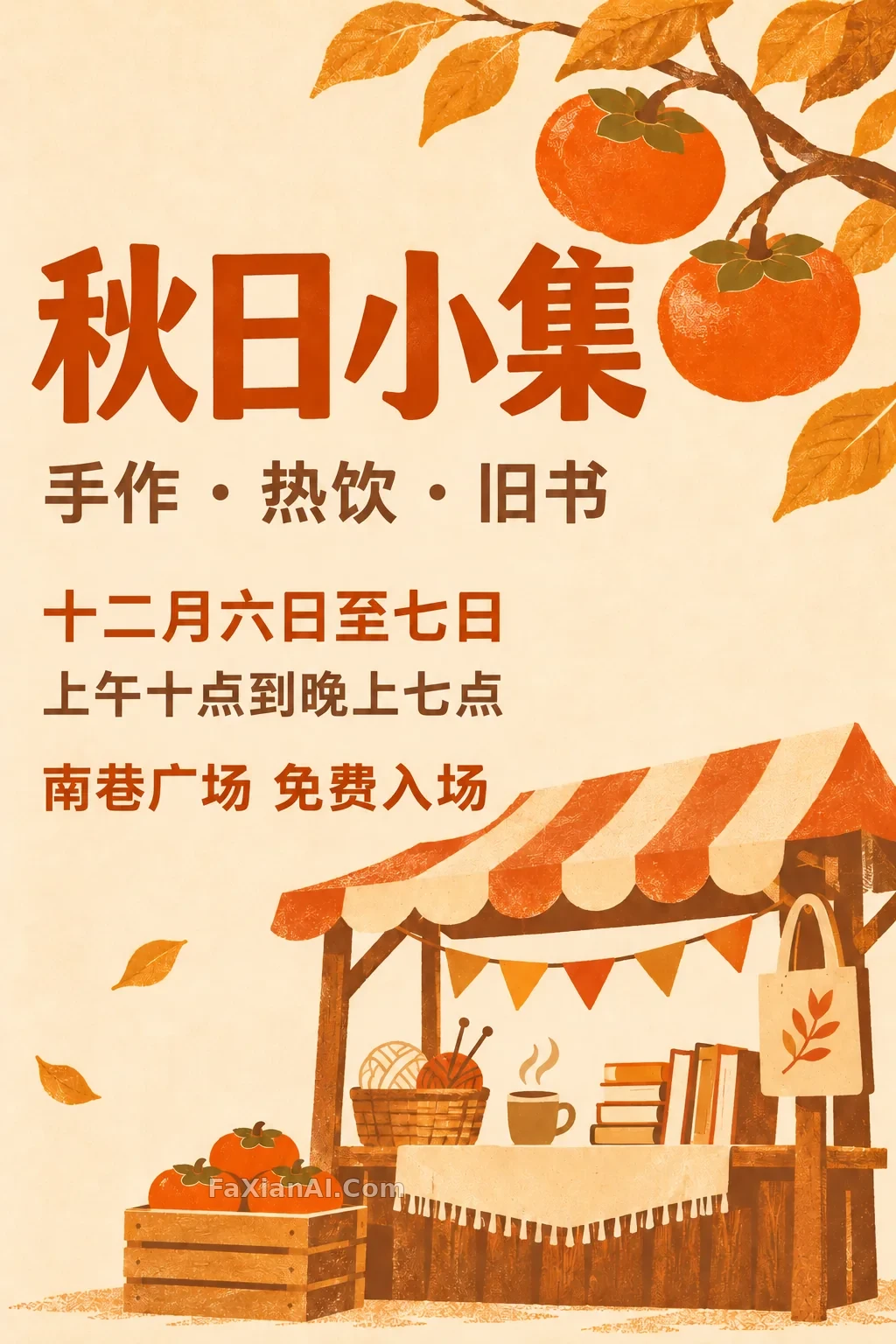 Change Just the Date on an Autumn Market Poster
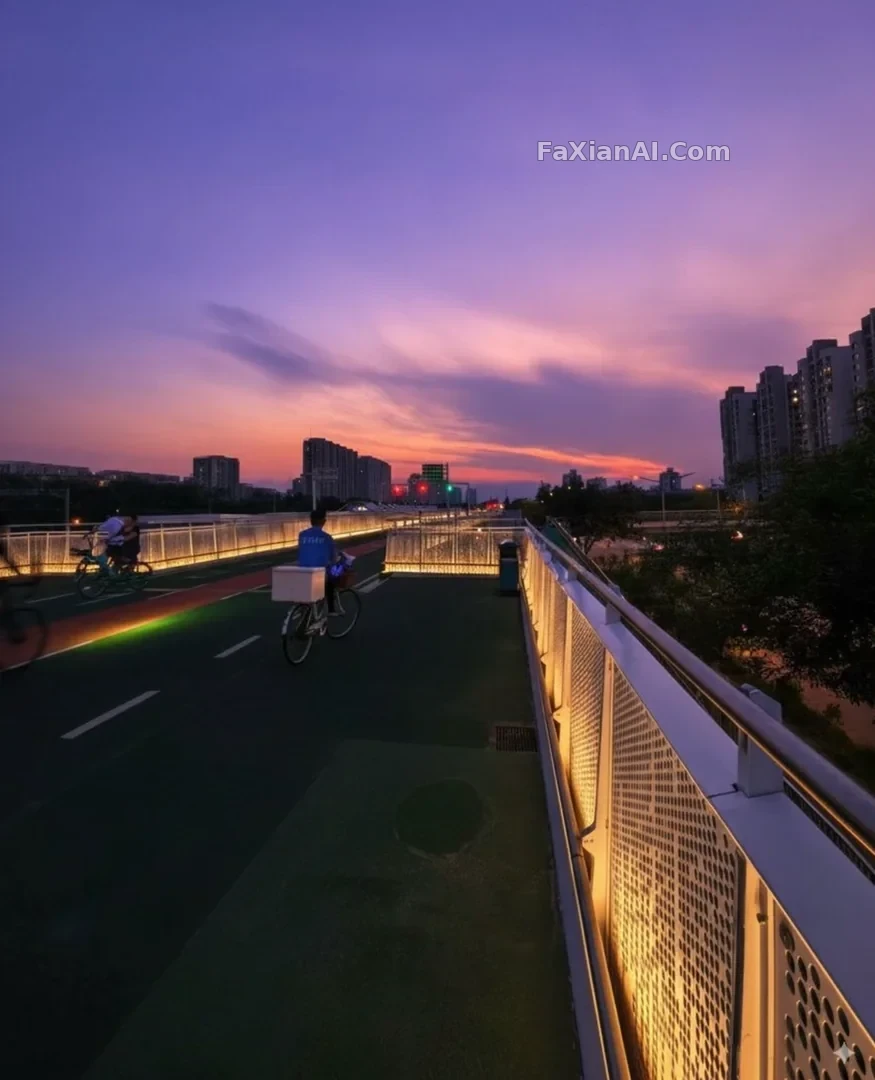 This Photo's Too Flat — Turn Up the Heat
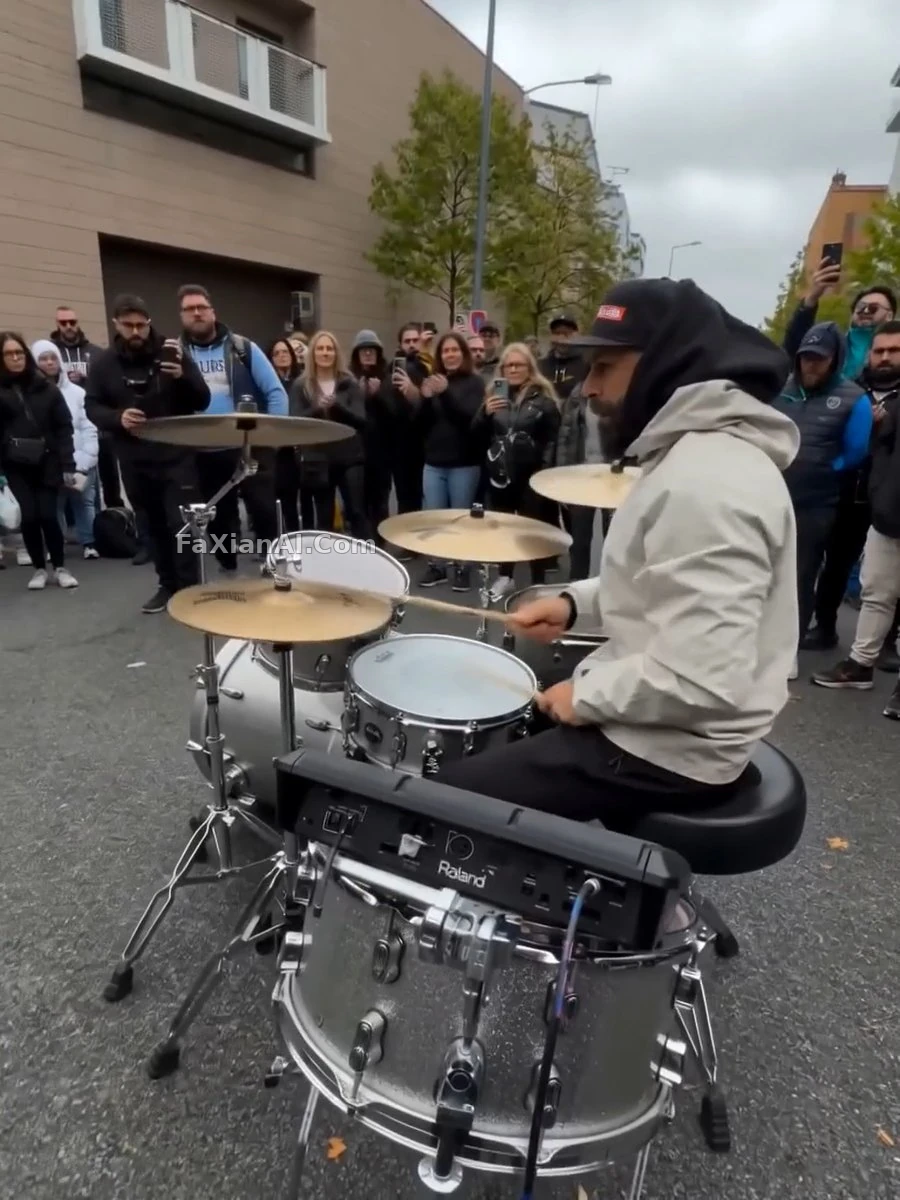 The Drummer Exits, Leaving Room to Breathe
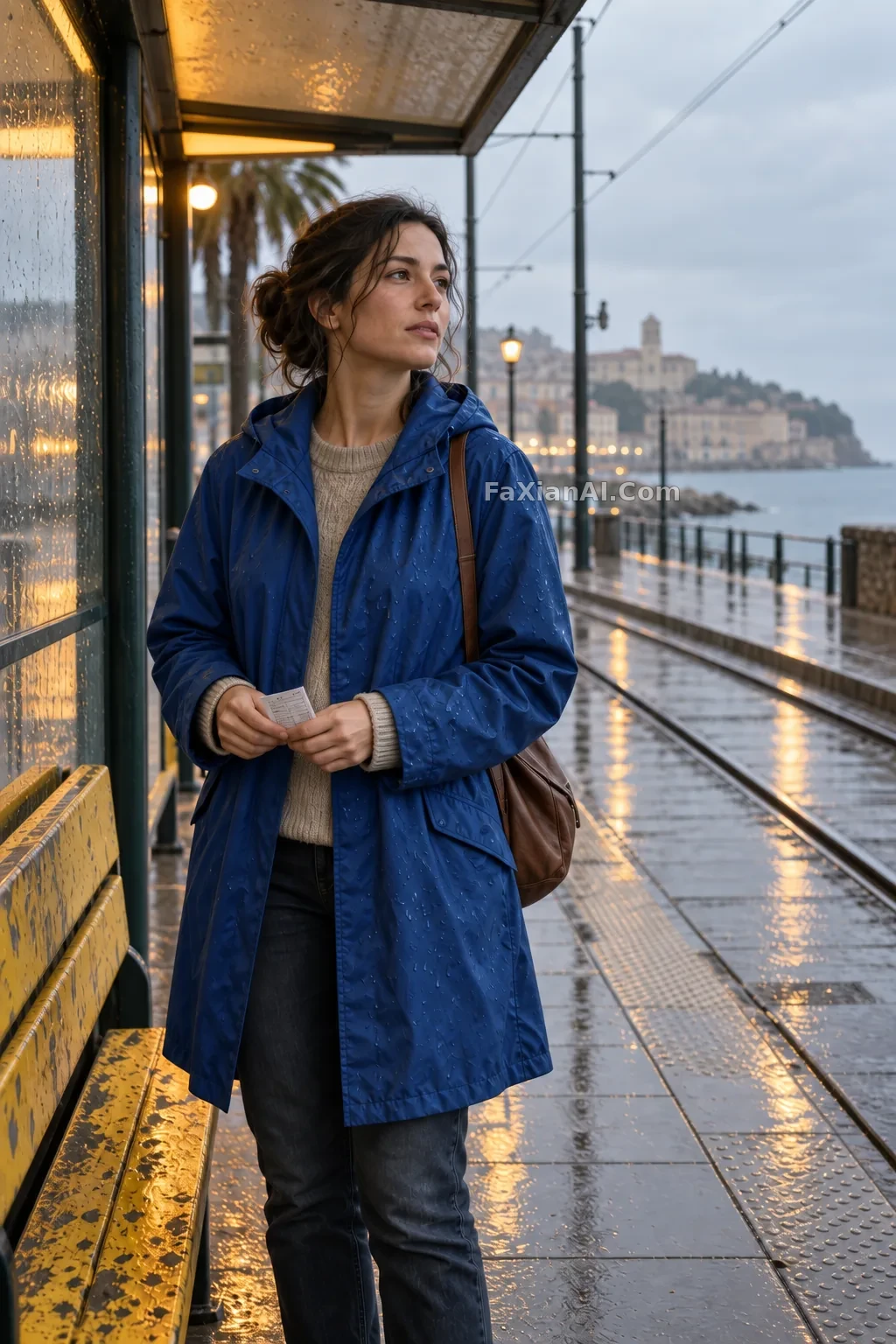 Change the Raincoat to Blue, Keep the Moment by the Tram
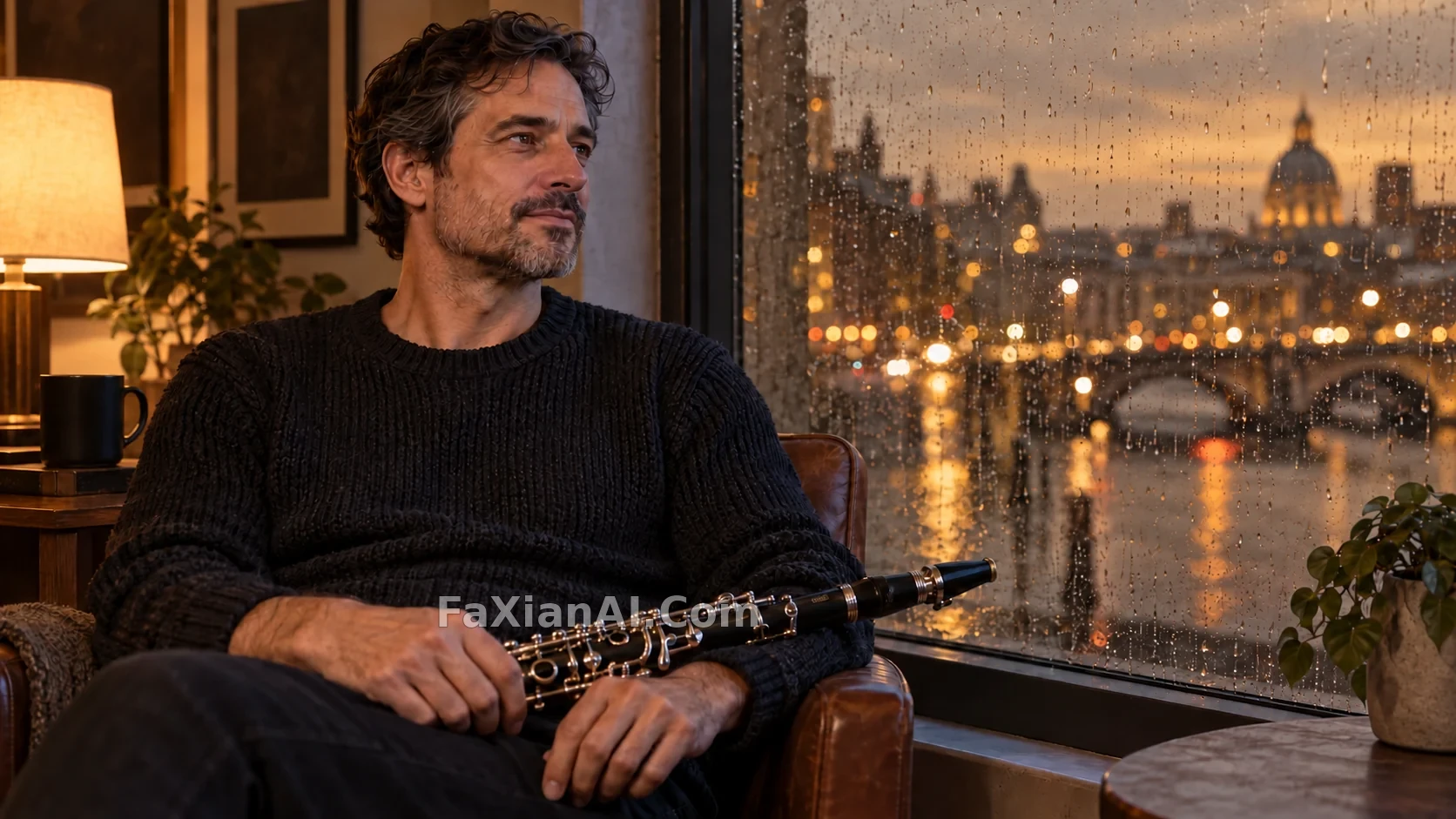 Change Only the Window to Amber Dusk
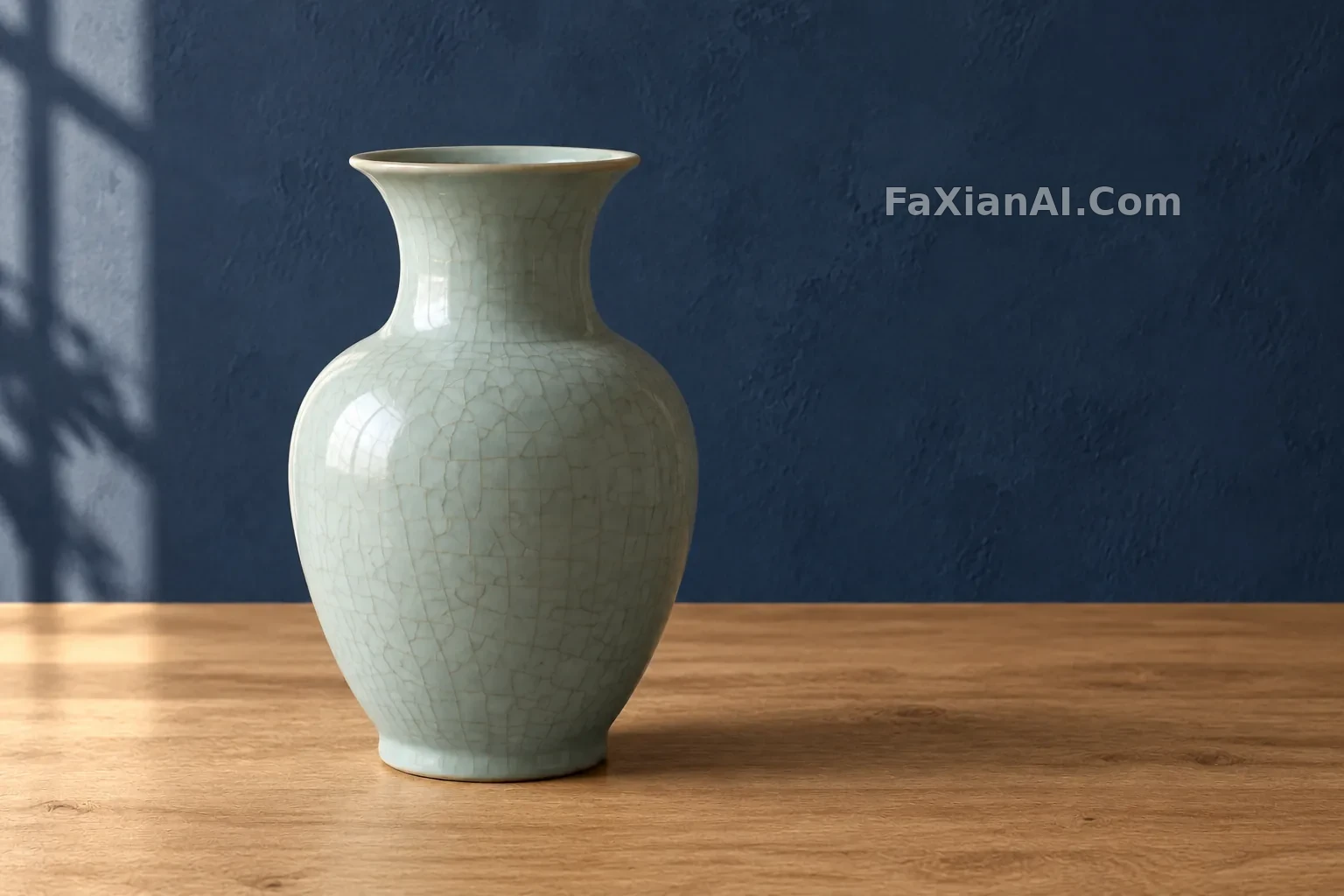 The Celadon Vase in a New Setting
More GPT Image 2.6 cases
All GPT Image 2.6 cases →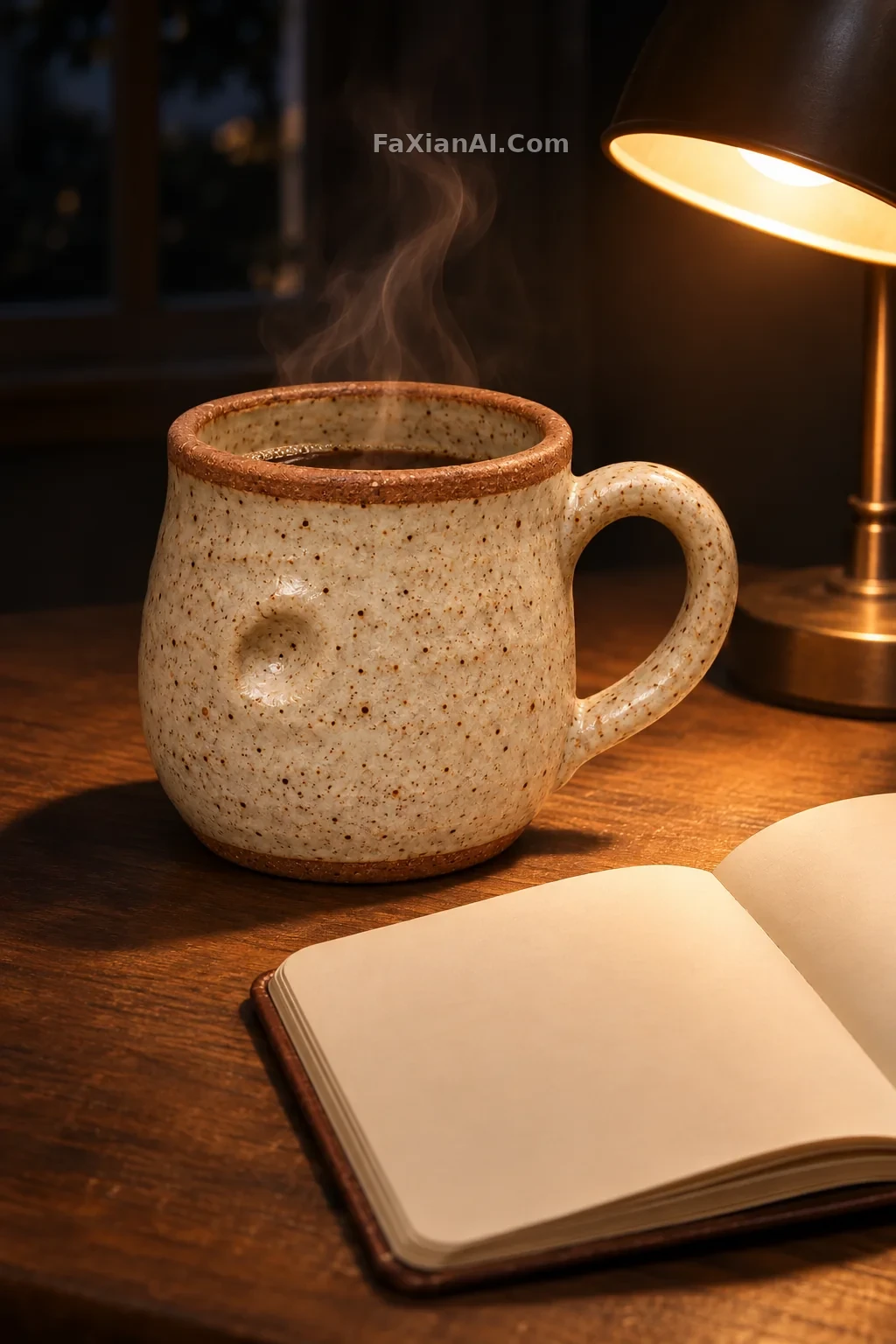 The Same Speckled Mug Beside a Lamp Late at Night
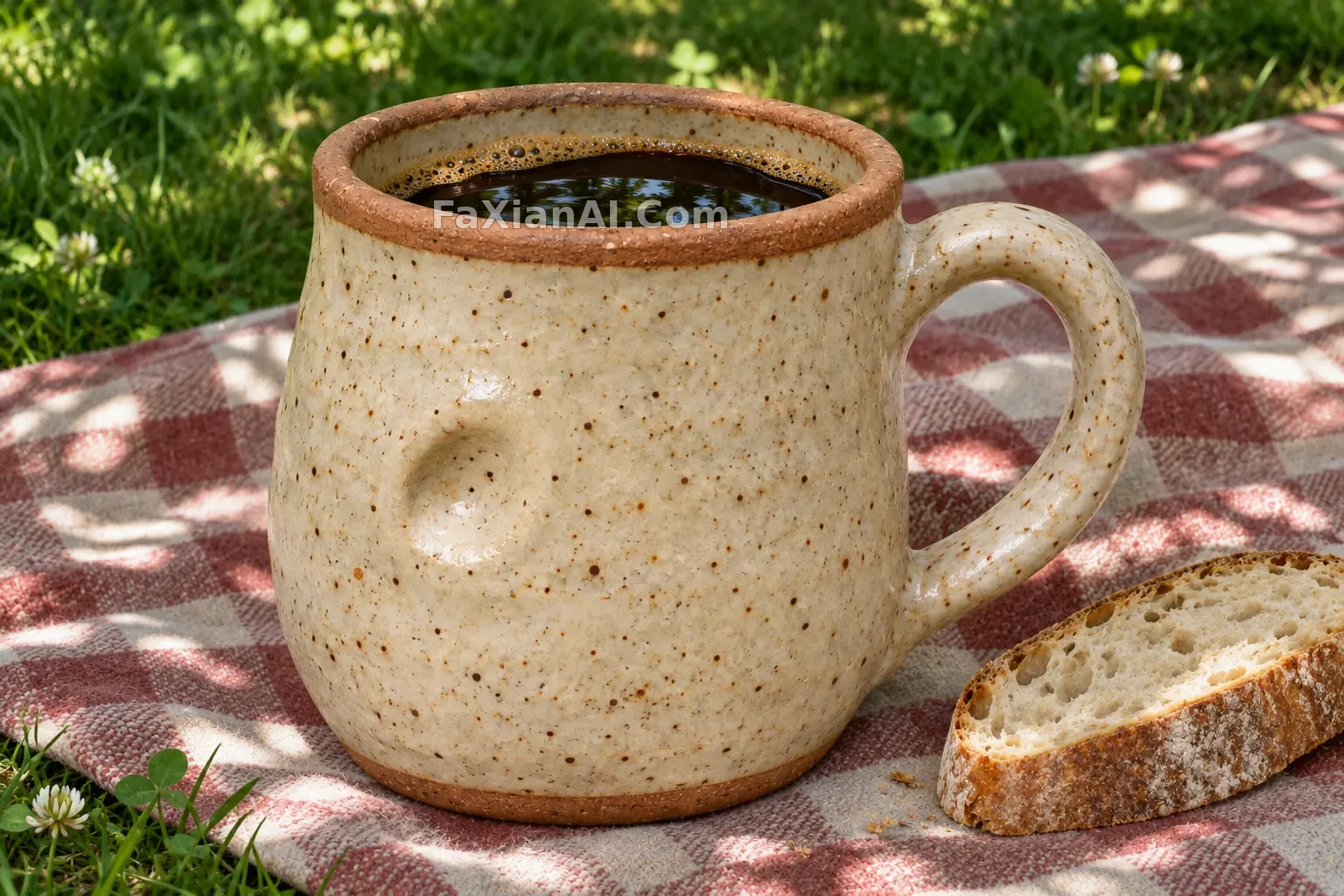 The Same Handmade Mug Finds a Place on a Picnic Blanket
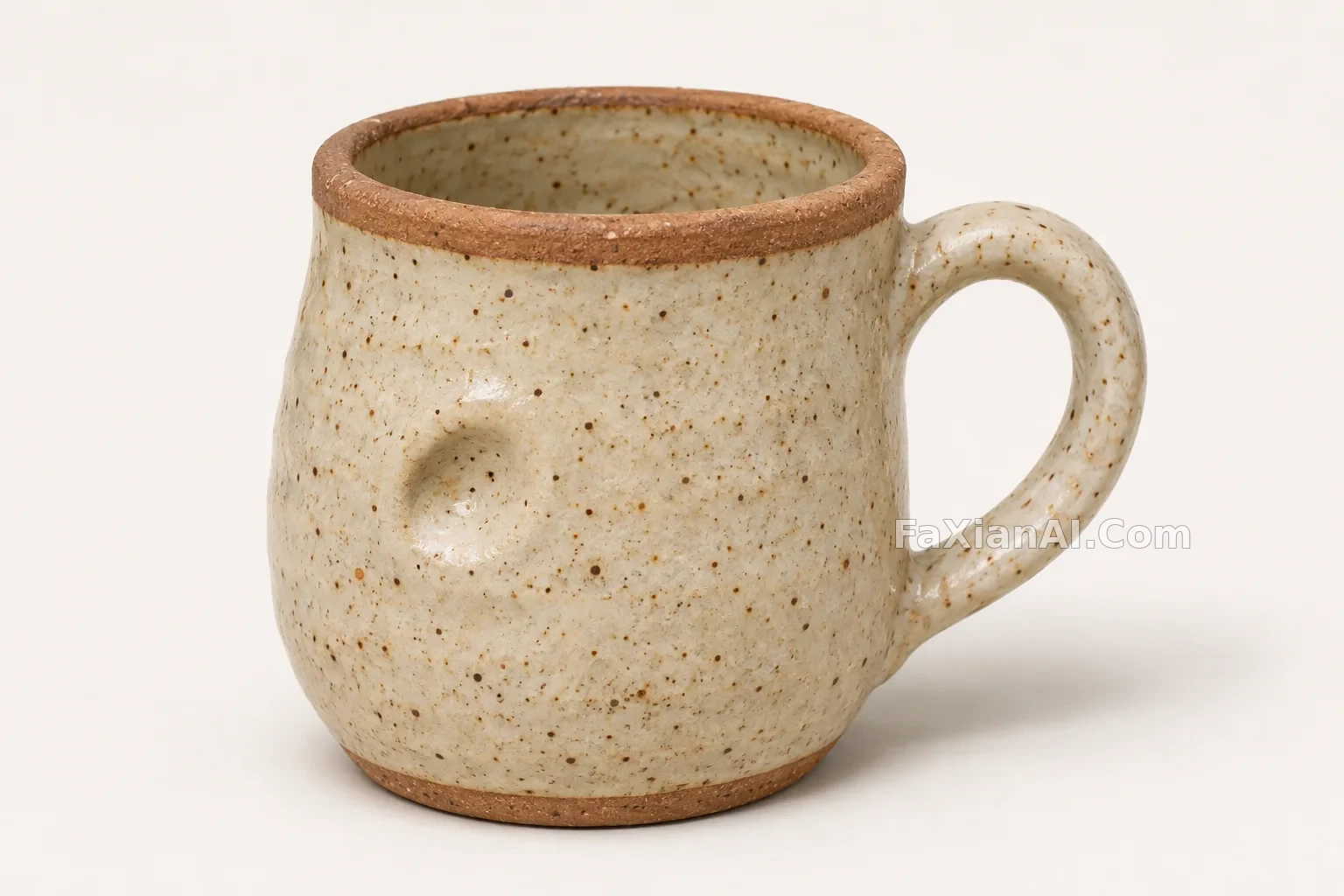 A Handmade Speckled Mug With a Thumbprint in the Clay
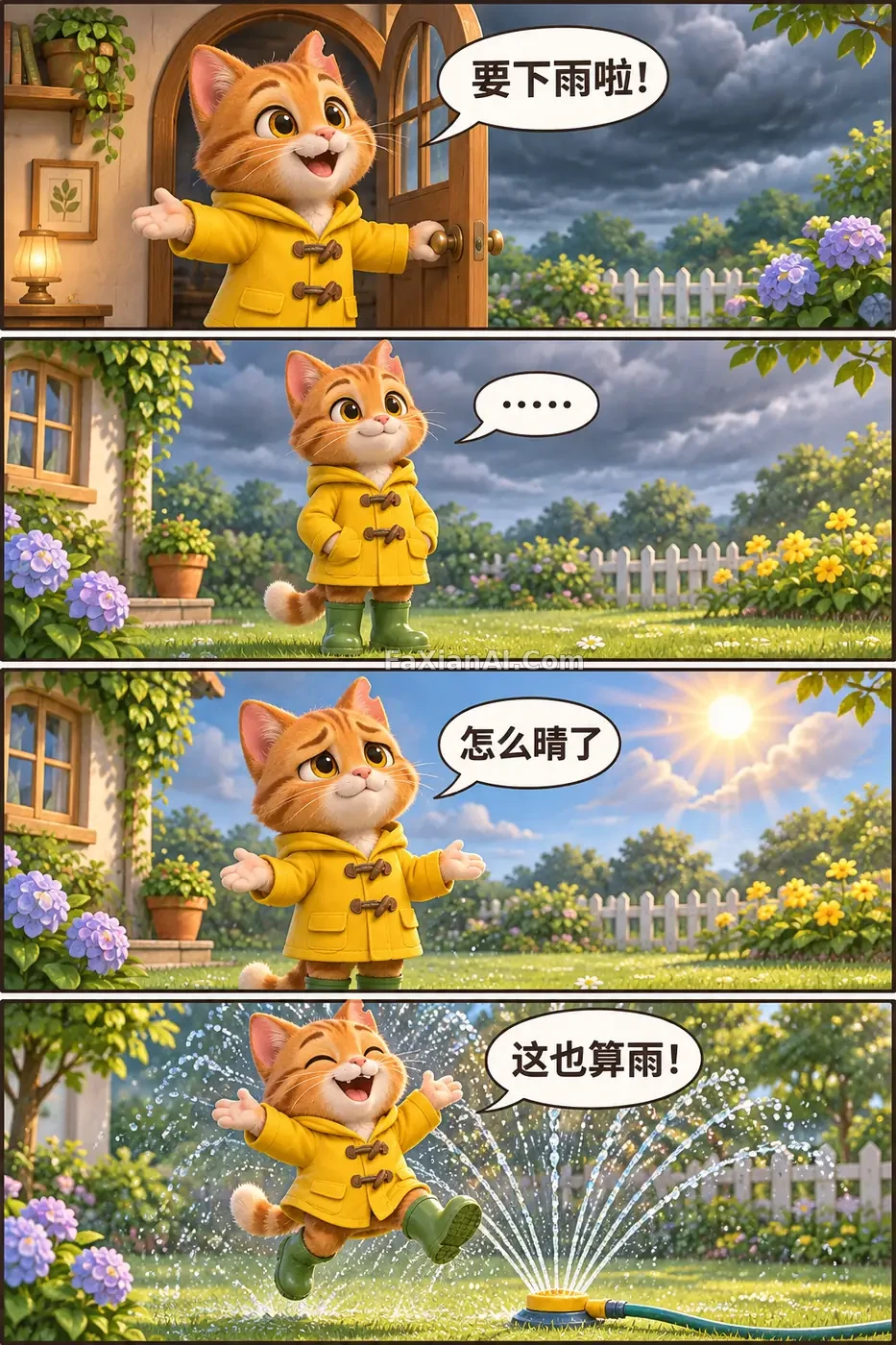 A Raincoat Cat Waits for Rain in Four Comic Panels
 A Little Cat Carries a Letter Through the Blue Snow
 A Yellow Raincoat Cat Rides a Slow Train Through Rain
Related guides
GPT Image 2.6 Can Generate SVGs, but It’s Not a Universal Vector ConverterSports Action Prompts: Keep the Subject Sharp, Blur the BackgroundUkiyo-e Prompts: Writing "ukiyo-e" Isn't Enough, Say It's a Picture That Was Printed