
GPT Image 2.6 Can Generate SVGs, but It’s Not a Universal Vector Converter
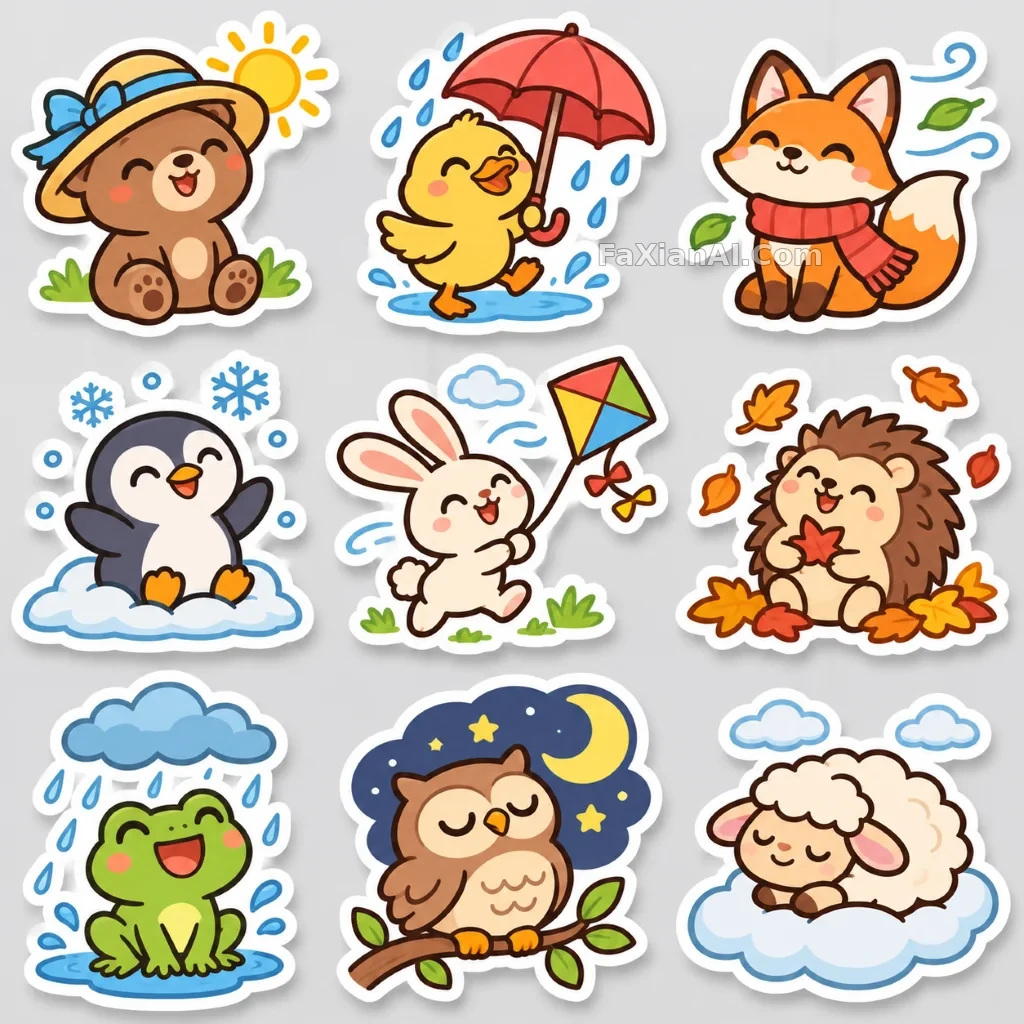
First, a clarification: the image above is a bitmap, not an SVG. The images in this batch were made with Codex’s image tool, which can’t output SVGs, so there are no SVG samples made by us in this article. The information comes from the official guide. We chose this image because its bold outlines and flat colors are exactly the kind of style that works well as a vector.
How to Use It
Set `output_format: "svg"` in `POST /v1/images/generations`. The value of `n` must be 1. The result is in `data[0].b64_json`; decode it from base64 to get UTF-8 XML, then save it as an `.svg` file.
According to the official documentation, the output is static vector content with no scripts, external resources, or embedded bitmaps, so you can edit the paths, shapes, and colors with confidence.
Limitations to Watch For
- It can only generate new images. The edits endpoint doesn’t support SVG output, and SVGs can’t be used as input to the edits endpoint either.
- That means you can’t use it to turn an existing logo into a vector. For that, you’ll still need a dedicated tool or have to trace it yourself.
- Streaming, partial images, `output_compression`, and `prompt_rewriter` aren’t supported.
- You get only one image at a time, and it isn’t animated like a GIF.
Pricing Has Two Parts
The API first renders a reference image internally, then uses it to write the SVG. The cost is split accordingly: the reference image is billed at the image model rate, and the tokens used to write the SVG are billed at the author model rate. `quality` affects the reference image, not the SVG itself.
So don’t estimate the cost using the price of a single bitmap. Run a few typical prompts first, then check your actual bill before deciding.
What It’s Good For
It’s a good fit for icons, simple illustrations, and logo drafts—especially when you need to change colors, scale an image for print, or put it on a webpage. It’s less suited to photorealistic images and complex gradients. A scene like this extreme macro of moth wing scales belongs in a bitmap format.
When writing prompts, aim for a vector-friendly style:
> A set of 6 weather-themed line icons, uniform 2px strokes, rounded line caps, dark teal only, white background, no gradients, shadows, or textures.
The key is to keep shapes and colors simple and leave out material descriptions. You can also borrow the consistent line-weight approach from the nine-sticker set and the six-step pour-over coffee infographic. If you need text, try converting it to outlines or replacing the font afterward, since you may not know which font it used.
If all you need is a poster or product image, you don't need vectors, and a raster image is simpler. For that kind of job, you can create GPT Image 2.6 raster images on PixPix by describing the subject, text and layout. The page doesn't mention SVG, so vector files still mean using the API.
Choosing Between SVG and GIF
One is static and editable; the other is animated and can only be played. For a logo you can edit, choose SVG. For a reaction image to share in chat, choose GIF. Both are available only through the generations endpoint, and neither supports Batch.
For the other features, see What’s New in Images 2.6.