
GPT Images 2.6 Explained: GIFs, Reference Images, and Two New Models
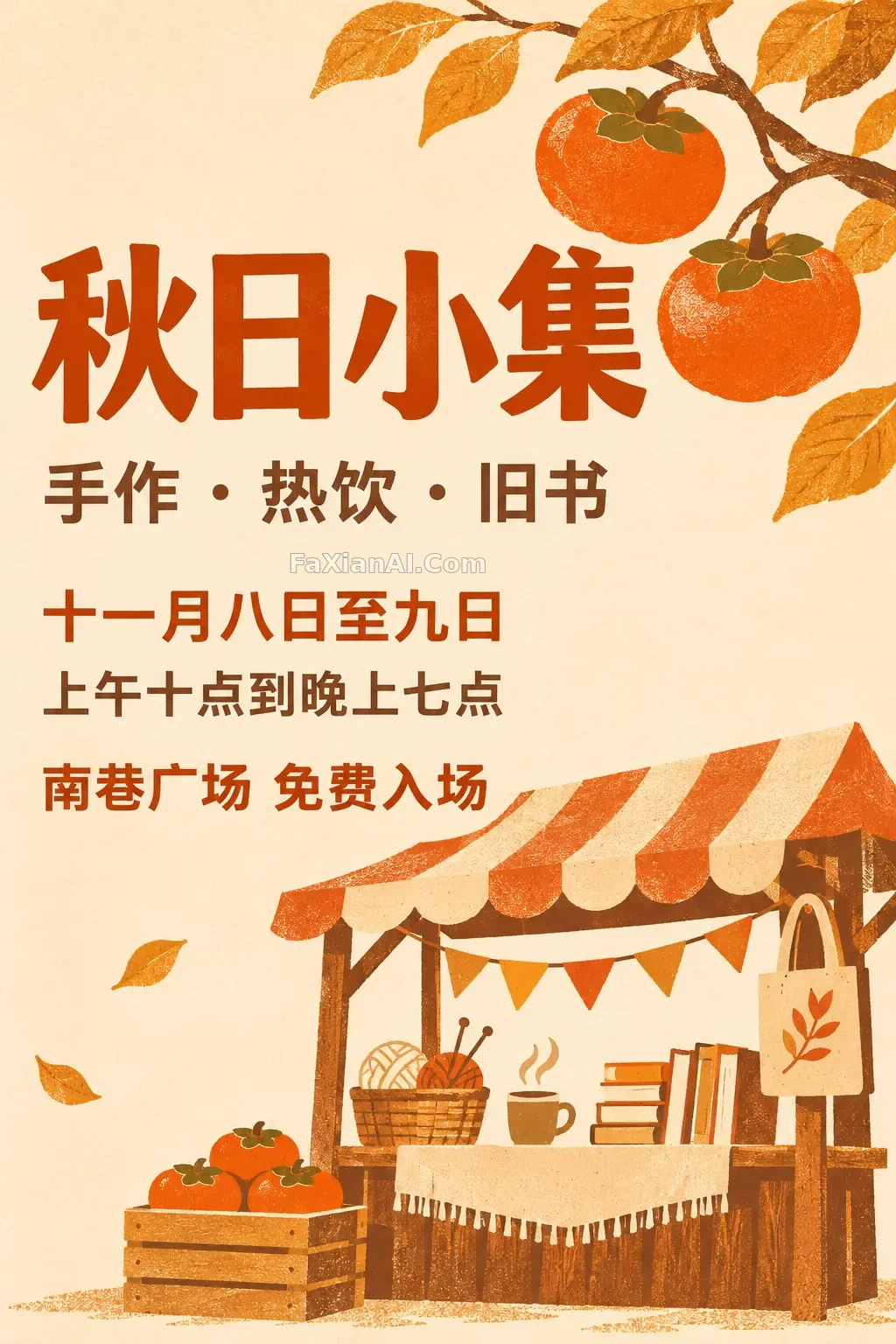
OpenAI released ChatGPT Images 2.6 on November 4, 2026. This update focuses less on image quality and more on making images useful: animate them, reuse the same character, and point directly to what you want changed.
For everyday users: two changes stand out
First, GIFs. In ChatGPT, you can turn a prompt or an image into a looping animation, adjust the speed, and edit individual frames. It’s handy for memes, mascots, short product animations, and storyboards. Prompting works a little differently from generating a still image, so we’ve covered it separately in our Images 2.6 GIF prompting guide.
Second, reference images. Save a picture of yourself, a pet, or a character and reuse it next time without uploading it again. That’s useful for anyone creating a series: take this ginger cat in a yellow raincoat, for example. Start with a character sheet, then put the cat in an early-morning bakery and a four-panel comic.
There’s also image markup: circle the area you want changed instead of struggling to describe its location. According to the announcement, 2.6 is rolling out to all ChatGPT users and Codex, though availability will vary by account.
For developers: two models and a few new parameters
The API adds `gpt-image-2.6-flare` and `gpt-image-2.6-sunburst`. OpenAI says generation is 50% faster: Flare can produce an image in as little as about 6 seconds at low quality, while Sunburst focuses on higher image quality and editing consistency. Both have the same image output price of $30 per million tokens. See the model page for details.
| New capability | How to use it | What to know |
| --- | --- | --- |
| `complexity` | low, medium, or high; defaults to high | Controls the level of planning at no extra charge |
| Markup editing | Pass a transparent PNG through the editing API’s `markup` parameter | Cannot be used with `mask` |
| SVG output | `output_format: "svg"` | New generations only; `n` must be 1 |
| GIF output | `output_format: "gif"` | New generations only; unavailable through the editing API |
These models don’t support Batch yet, so overnight batch jobs will need to stay on the older models. For help choosing, see Flare vs. Sunburst.
You don't have to wire up the API yourself to try it. PixPix's GPT Image 2.6 page offers Flare and Sunburst for text-to-image and targeted edits. The page doesn't currently mention GIF or SVG, so for those you'll still need ChatGPT or the API.
How we made these examples
We’ve launched a GPT Image 2.6 collection and an animated GIF category. The images in this batch were made with Codex’s built-in image tool. OpenAI says 2.6 is rolling out to Codex, but the tool doesn’t show which model it actually uses and can’t output GIFs directly. So for the animations on this site, we had the model draw six-frame sprite sheets, then split and assembled the frames.
That also matters when looking at these examples: the prompts are useful references, but the frame counts, speeds, and file sizes don’t represent the API’s native GIF output.
There are also some known concerns. OpenAI hasn’t published complete benchmark data, and some developers in the community report that 2.6 uses substantially more output tokens than 2.5 at low and medium quality. Those are individual observations, so before scaling up, it’s best to run a comparison with your own prompts.
Where should you start? If you want to experiment, pick a prompt from the GIF category. If you create content, start with a character sheet. If you build products, read our guide to reference images and markup.