半3D小傢伙趴在視窗上
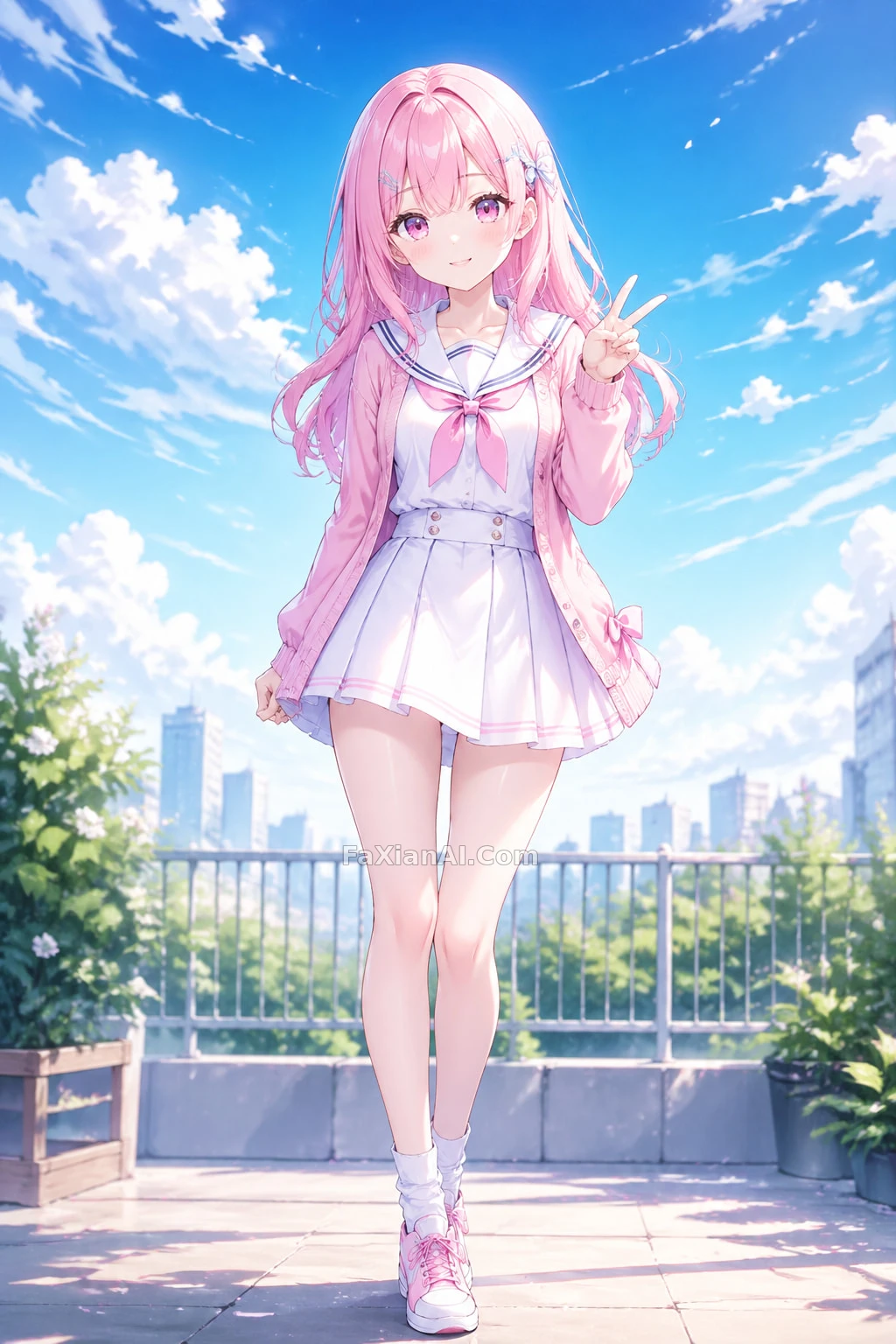
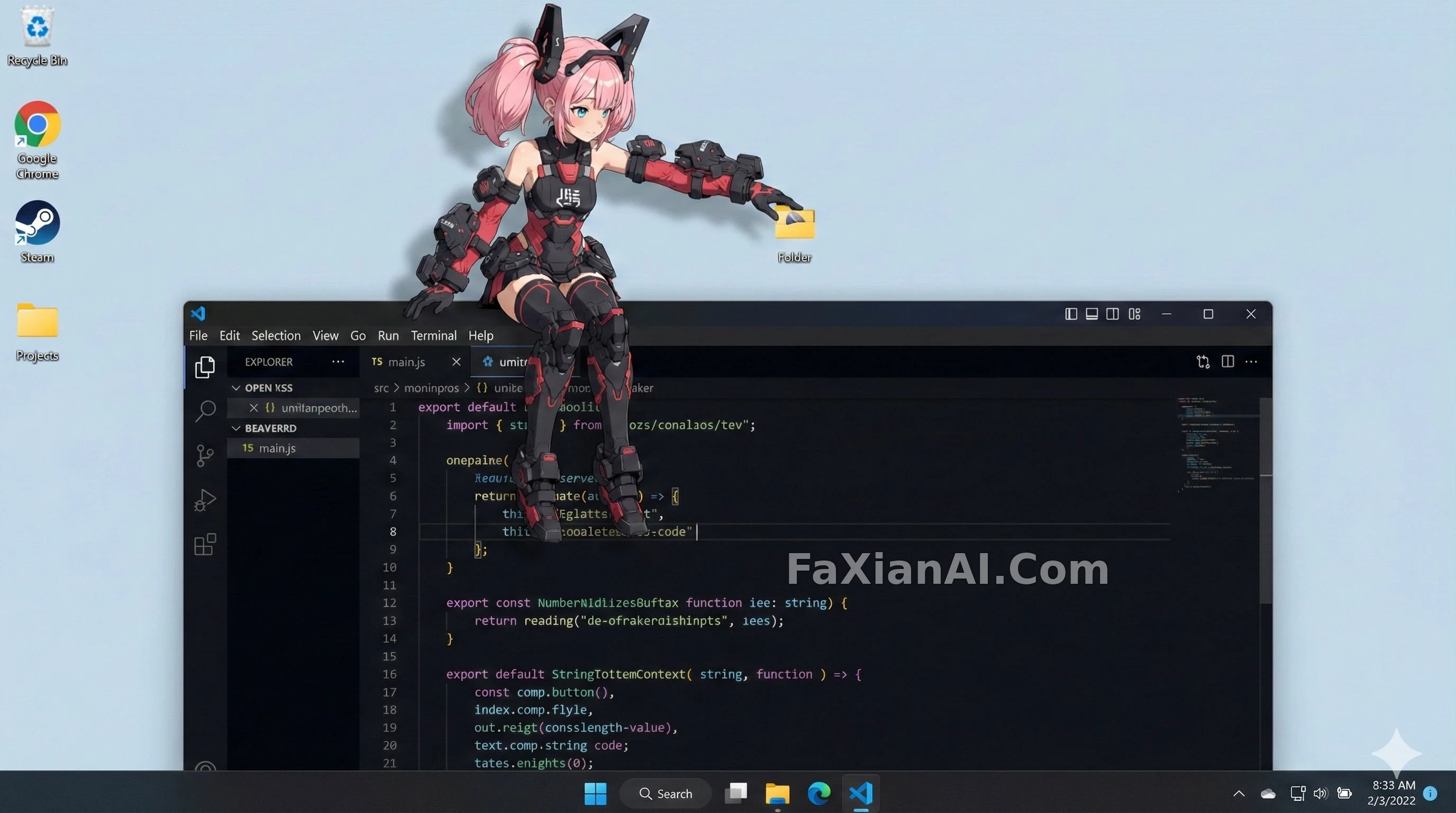
參考圖角色變身桌面吉祥物,趴在視窗邊緣,跟系統UI處得挺自然。
✍️ 結構化提示詞把角色、行為、光位、UI層級拆開寫,模型才不會把吉祥物揉進桌面背景裡變成貼圖。陰影方向必須跟系統光源對上,不然懸浮感立刻穿幫,這條經驗換成任何角色疊加真實場景都適用。
📋 提示詞 YAML 分段式1950 字元
subject:
- Character taken from reference image A
- Semi-3D cel-shaded anime rendering with clean directional shadows and highlights for volume
- Reads as a desktop mascot sitting on top of a real OS interface
os_environment:
- Pick either "Windows 11 desktop" or "macOS Sonoma desktop"
- If unspecified, let the model settle on whichever UI reads more naturally
- Populate it with genuine-looking UI chrome for that OS
composition:
- Photoreal desktop screenshot, 16:9
- Add believable app windows and icons as set dressing
- Place the character so it interacts naturally with those elements
action:
- Let the model pick a mascot-style behavior: draped over a window's top edge, perched on a window frame, poking at an icon, or peeking out from behind a folder/app
- Keep the pose grounded and a little playful, not floaty
location:
- A believable Windows or macOS desktop
- Recognizable chrome: browser window, folder icons, taskbar or dock
- Icons and windows stay background dressing only
style:
- Soft cel-shaded semi-3D look
- Defined shadow shapes rather than rim light
- Clean render that sits convincingly on top of the real desktop
camera_lighting:
- Flat frontal or top-down light for solid directional shadow
- Gentle ambient fill to match desktop color tone
- Straight screenshot-like angle, no dramatic tilt
colors:
- Cool OS-typical desktop tones
- Character palette locked to reference A
- Push shadow contrast for volume
text:
- Skip unless the scene calls for it
edit_instructions:
- Match character to reference A exactly
- Push clear shadow planes for a 3D read
- Keep the character layered above the desktop, not merged into it
- Leave real UI assets untouched, background only
references:
A: character appearance source
extras:
- high resolution
- convincing OS UI rendering
- clean compositing, precise layering
- allow the model some freedom in mascot movement
📋 中文譯寫版 自然語言
主體:取參考圖A的角色,用半3D賽璐璐渲染,方向性陰影和高光交代體積,整體讀作趴在真實系統介面上的桌面吉祥物。
系統環境:在Windows 11或macOS Sonoma桌面裡二選一,不指定就讓模型挑更自然的那種,介面元素要夠真實。
構圖:16:9的模擬桌面截圖,加入可信的應用視窗和圖示作背景,角色自然地擺在這些元素周圍或上面。
動作:讓模型自由選擇吉祥物式的行為——趴在視窗頂邊、坐在窗框上、戳弄圖示、從資料夾後探頭,姿態要落地、略帶俏皮,不能飄。
場景:Windows或macOS真實桌面樣式,瀏覽器視窗、資料夾圖示、工作列或Dock都要有辨識度,圖示視窗只作背景。
風格:柔和賽璐璐半3D,用實體陰影而非輪廓光,渲染干淨,能自然疊在真實桌面上。
燈光機位:正面或頂光製造紮實的方向陰影,柔和環境光貼合桌面色調,機位像截圖一樣平直。
色彩:桌面維持系統慣用冷色調,角色配色嚴格按參考圖A,陰影加重以強調體積。
文字:非必要不加。
編輯要求:角色形象完全貼合參考圖A,強化清晰的陰影層次,讓角色明顯疊在桌面之上而非融進去,真實UI素材保持不動只作背景。
附加項:高解析度、真實的系統UI渲染、乾淨精確的圖層分離、給吉祥物的動作留一點自由發揮空間。