
Home › Photo Editing › Restoring an Old Photo to DSLR Quality
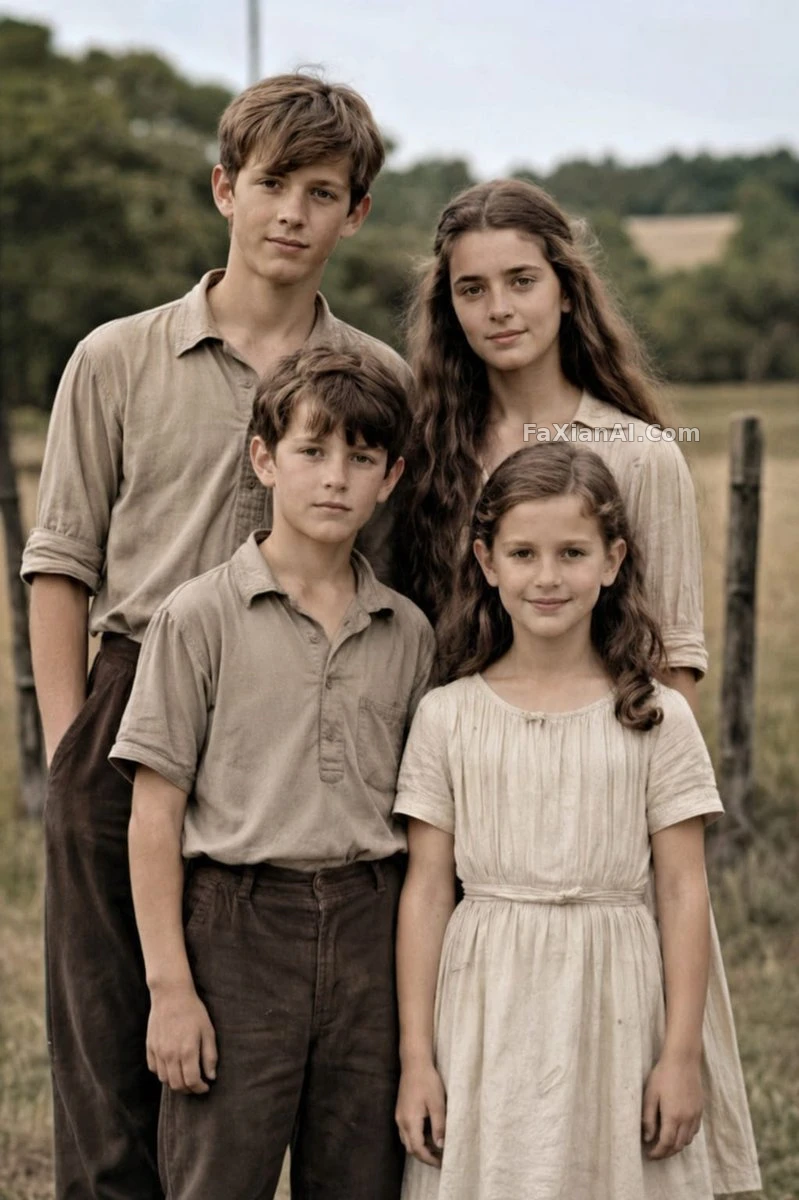
Restoring an Old Photo to DSLR Quality
A torn, yellowed family portrait restored into a crisp, believable modern color photo.
Prompt notes
✍️ Scrubbing out the ageing damage is the easy part. The line that actually matters is 'keep the same 4 people, poses, and framing' — get the proportions or identities wrong and no matter how sharp the restoration looks, it's a different face.
Full prompt
📋 Prompt Natural Language753 characters
Working from the supplied reference photo, bring a damaged old family portrait back as a natural, high-resolution modern image — same 4 people, same poses, framing, clothing, and outdoor rural backdrop. Clear away every trace of age damage: tears, cracks, creases, stains, worn edges, scratches, fading. Shift the black-and-white sepia original into realistic soft colour with accurate skin tones and neutral earth-toned clothing, then sharpen fabric and hair texture, lift contrast and dynamic range, and upscale to professional DSLR-grade realism with clean focus and a subtle shallow depth of field, as though shot on a [camera model: Canon EOS R6 II]. Keep every face and proportion faithful to the original, highly realistic and natural throughout.
Related Cases
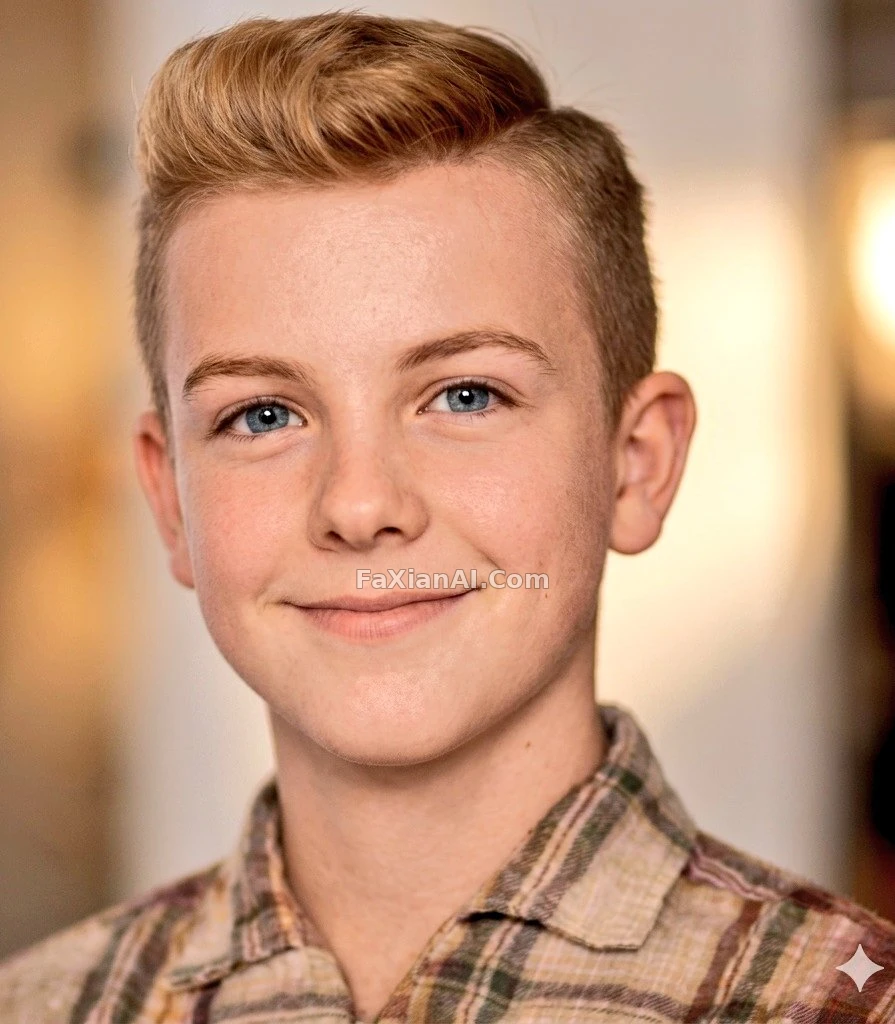 An Old Photo, Restored Back to DSLR Quality
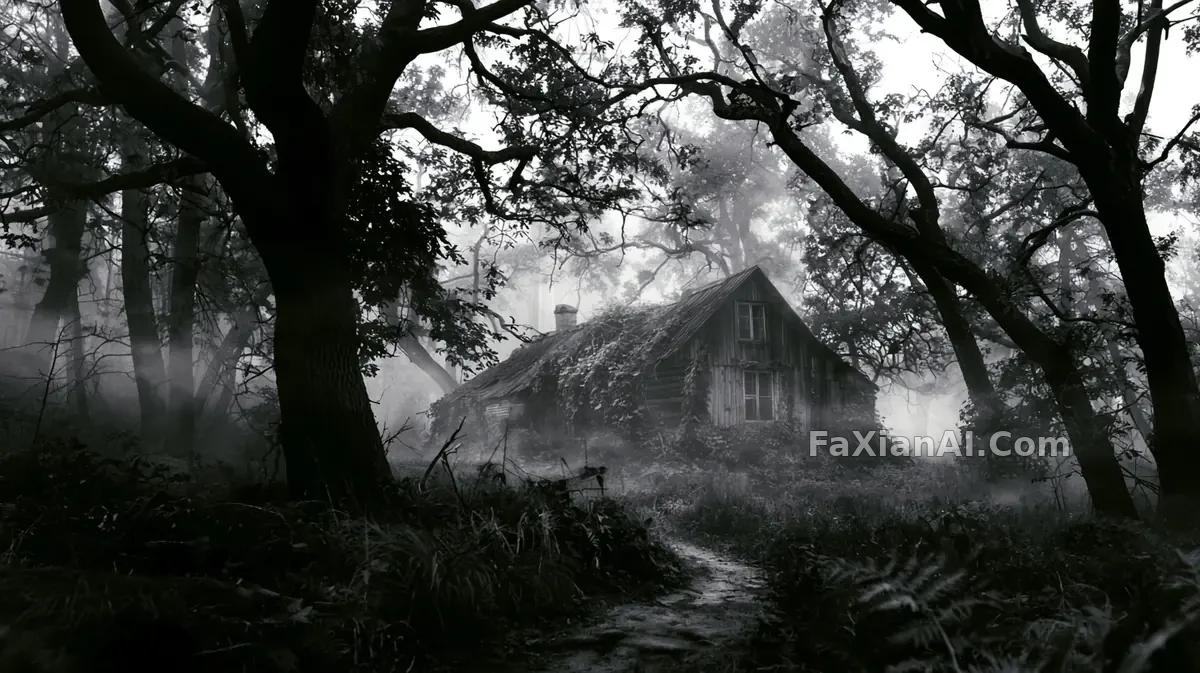 Peeking at an Old Cabin Through Gloomy Trees
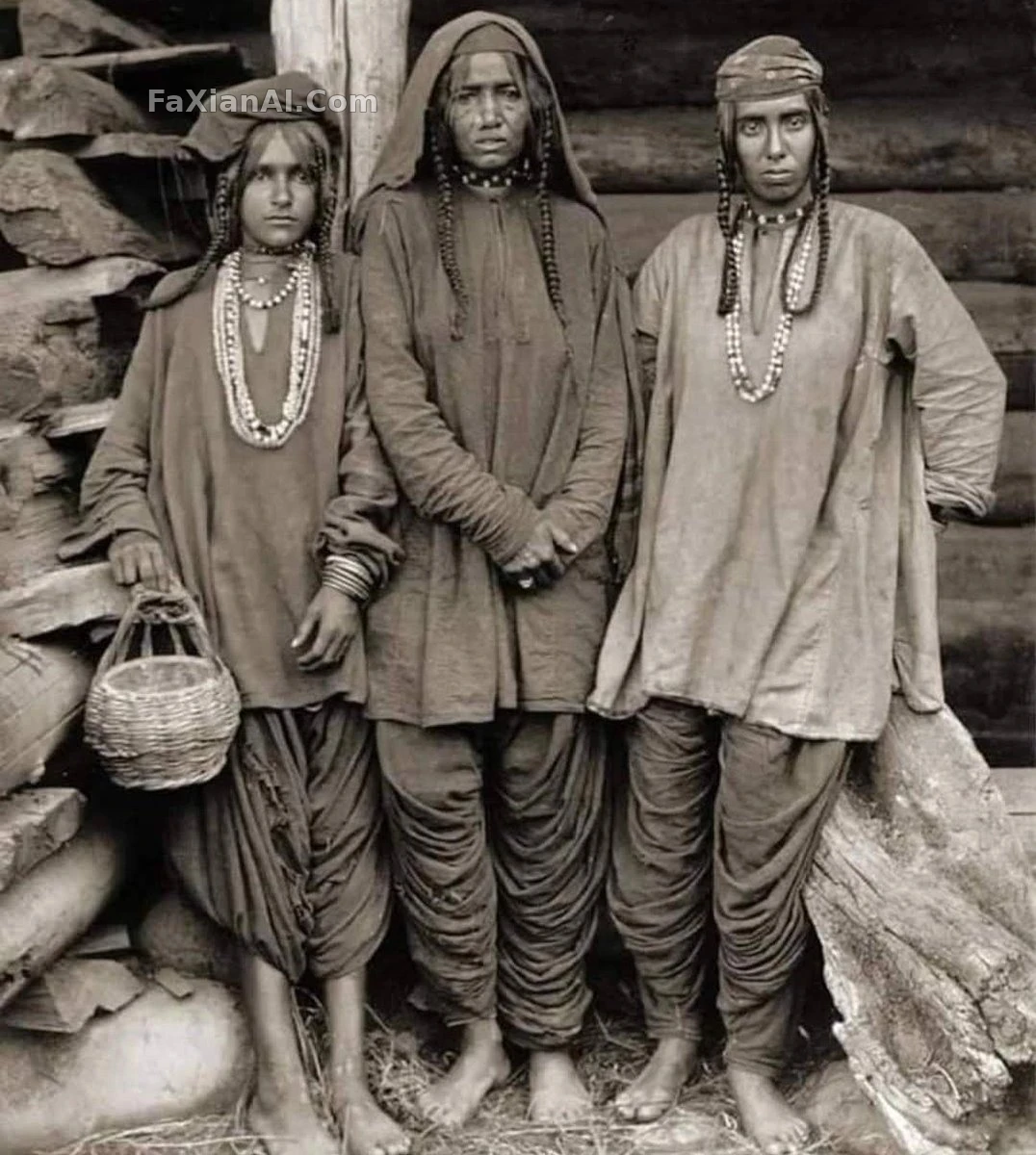 An Old Photo Scrubbed Clean and Rebuilt to DSLR Color
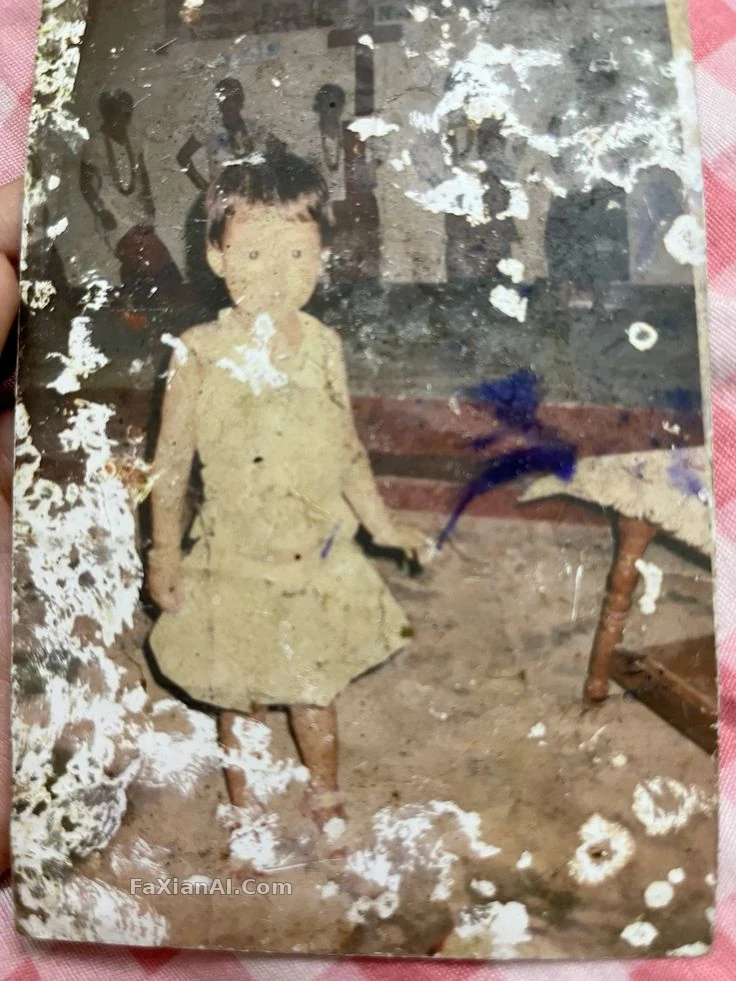 Mural Background Kept True, Every Scratch Removed
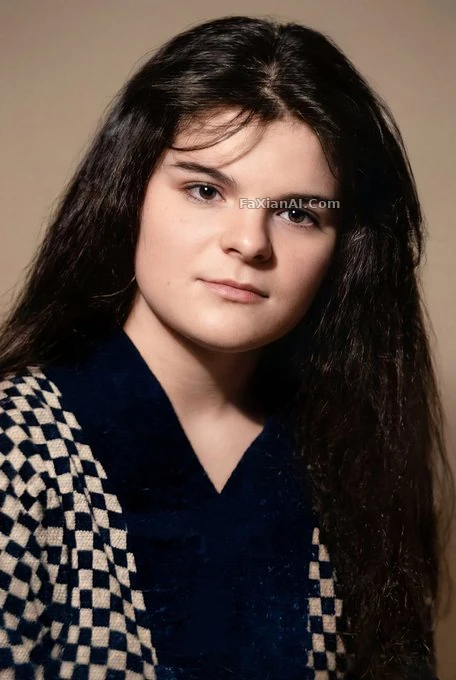 Three Restoration Standards, Not One Can Be Skipped
 Old Photo Unlocks Hidden-Edition Sharpness
More GPT Image 2 cases
All GPT Image 2 cases →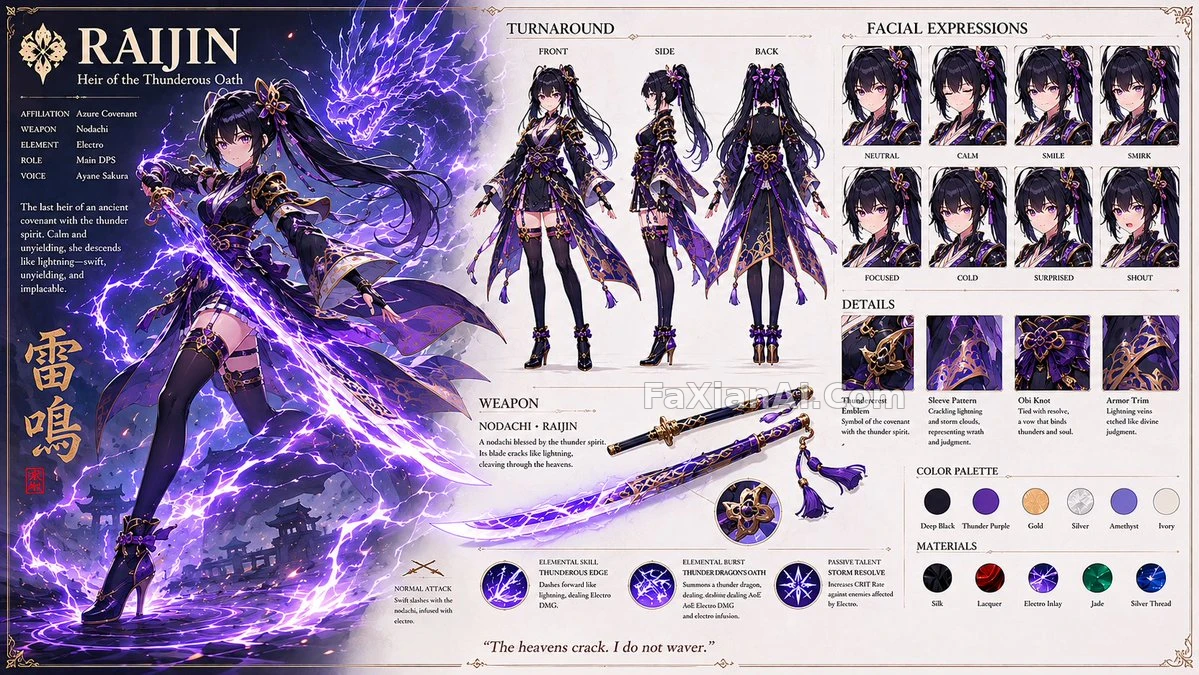 That Official-Art Feel of a Gacha Splash Card
 Three Details in This Photo of Earth
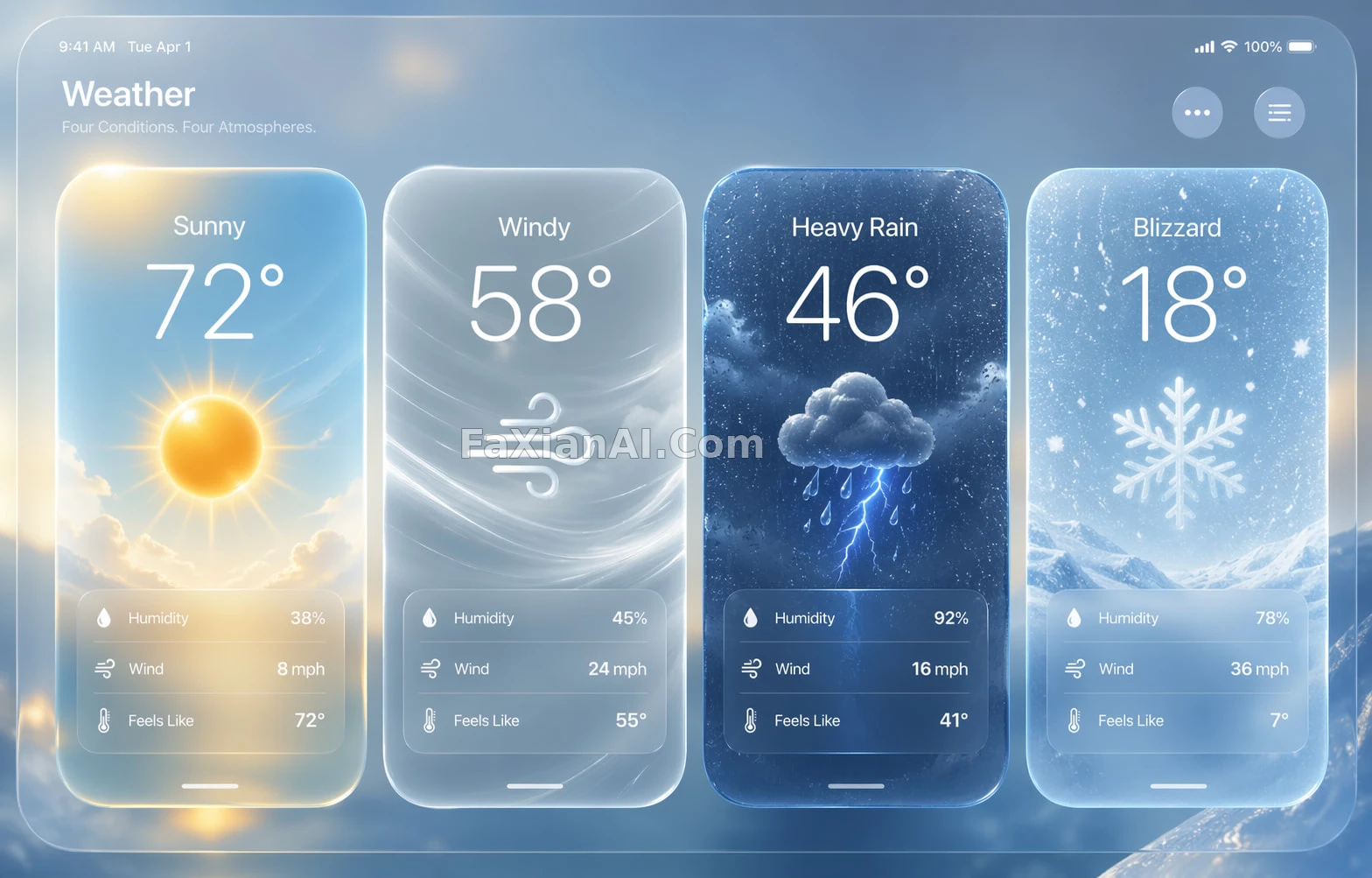 Four Cards, Each Quietly Glowing
 This Floating City Is Seriously Cool
 White Sets the Front Note, That Lip Color Is the Finish
 That Jawline Curve Was the Hardest Part to Get Right
Related guides
Old Photo Restoration Prompts — Scratches, Yellowing, and How to Nail a Restore Old Photo Prompt in One GoHow to Write Negative Prompts: A Common Checklist and the Reasoning Behind ItNegative Space Isn't an Unfinished Image: What Blank Space Actually Does Across Three Types of Shots