老照片修復出單反質感
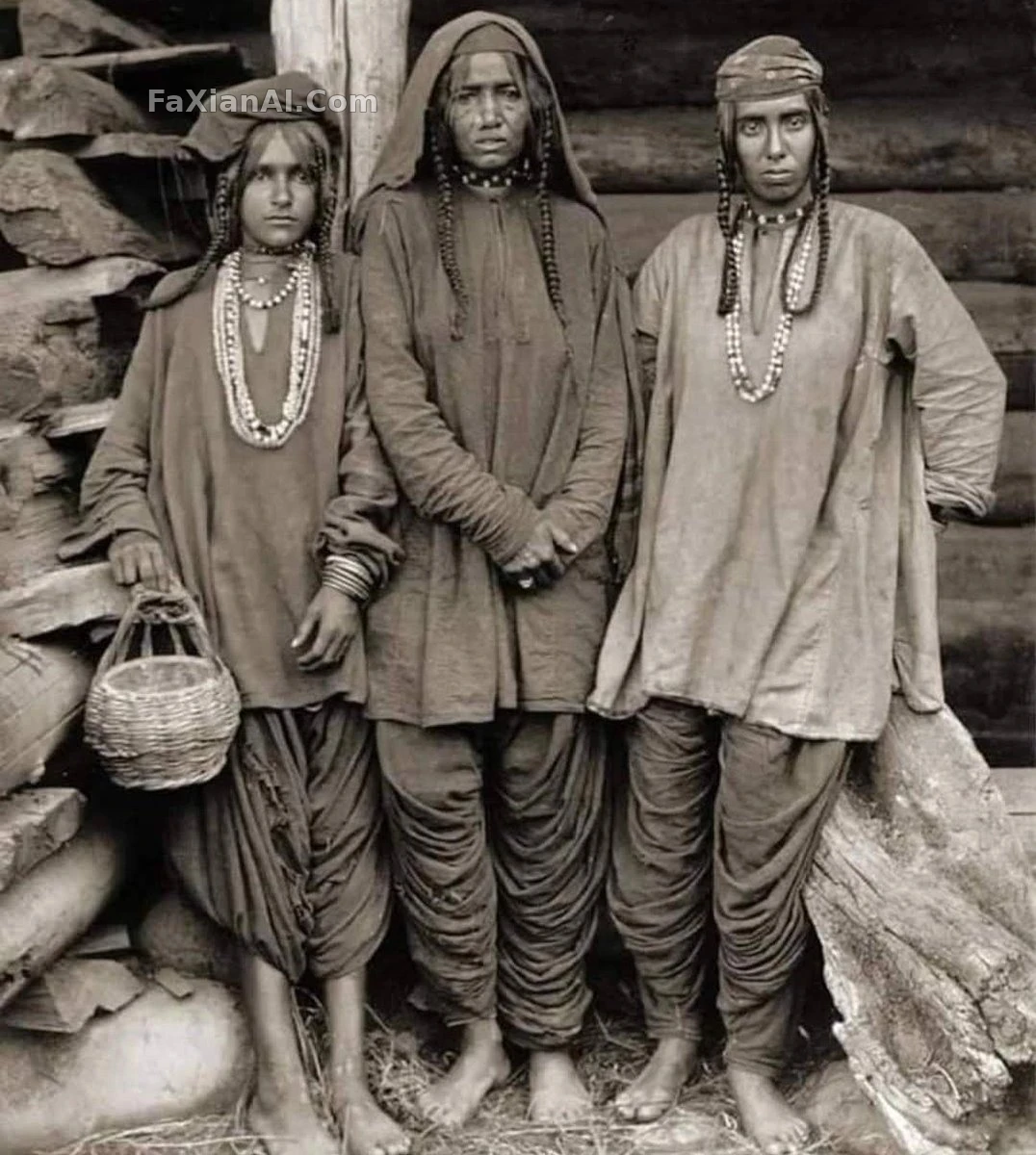
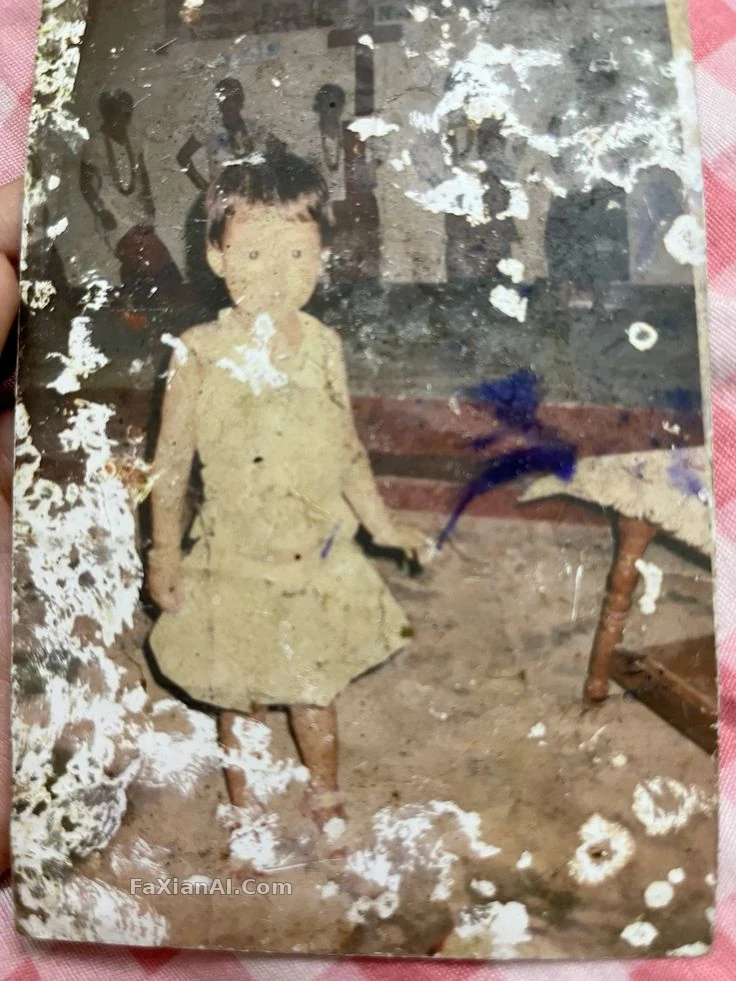
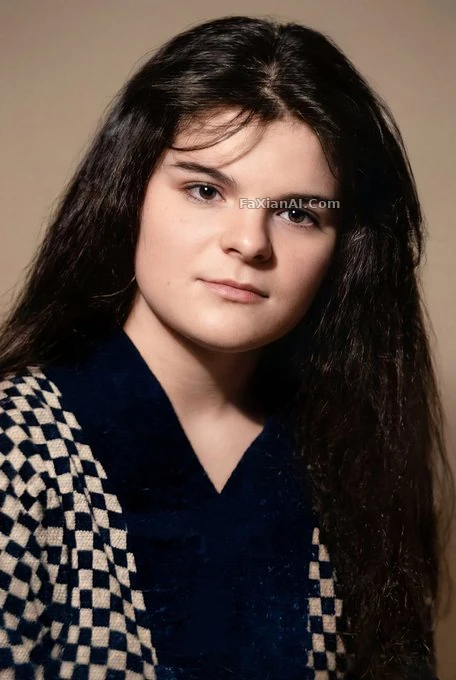
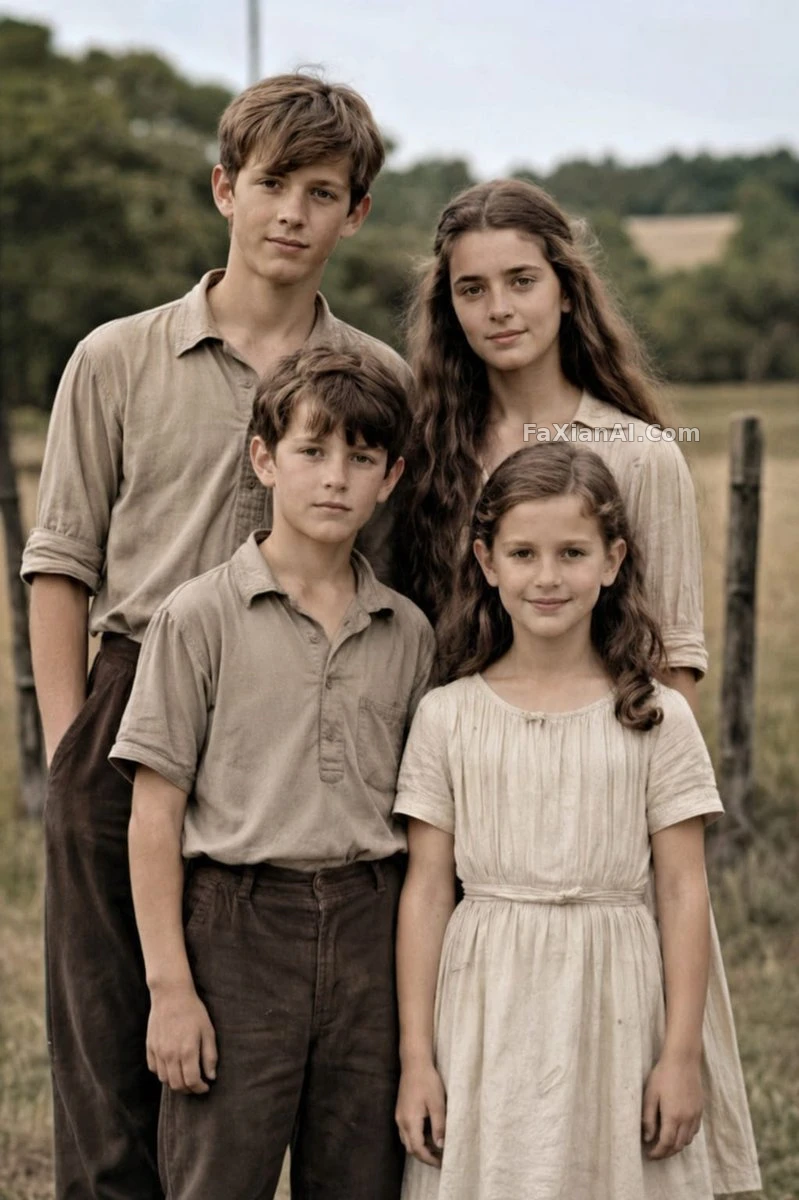
撕裂發黃的全家福,修復成清晰真實的現代彩色照
寫法要點
✍️ 老化痕跡刪得再幹淨都是表面活,真正卡人的是"保持4個人姿勢構圖不變"這句——比例和身份對不上,修得再清晰也是另一張臉。
完整提示詞
📋 提示詞 自然語言753 字元
Working from the supplied reference photo, bring a damaged old family portrait back as a natural, high-resolution modern image — same 4 people, same poses, framing, clothing, and outdoor rural backdrop. Clear away every trace of age damage: tears, cracks, creases, stains, worn edges, scratches, fading. Shift the black-and-white sepia original into realistic soft colour with accurate skin tones and neutral earth-toned clothing, then sharpen fabric and hair texture, lift contrast and dynamic range, and upscale to professional DSLR-grade realism with clean focus and a subtle shallow depth of field, as though shot on a [camera model: Canon EOS R6 II]. Keep every face and proportion faithful to the original, highly realistic and natural throughout.
📋 中文譯寫版 自然語言
參照原圖,把一張破損的全家福老照片修復成自然的現代高畫質影像——保持原有的 4 個人、姿勢、構圖、服裝和戶外鄉村背景不變。清除撕裂、裂紋、摺痕、汙漬、磨損邊緣、劃痕和褪色,把黑白泛黃的畫面轉成寫實的柔和彩色,膚色準確,服裝保持大地色調;再銳化布料和髮絲質感,提升對比度和動態範圍,最終以 [camera model: Canon EOS R6 II] 的專業單反質感呈現,淺景深、對焦乾淨,五官和比例始終忠於原始照片,整體自然真實。