
Home › Photo Editing › Clear Compression Artifacts From an Old Residential Street Photo
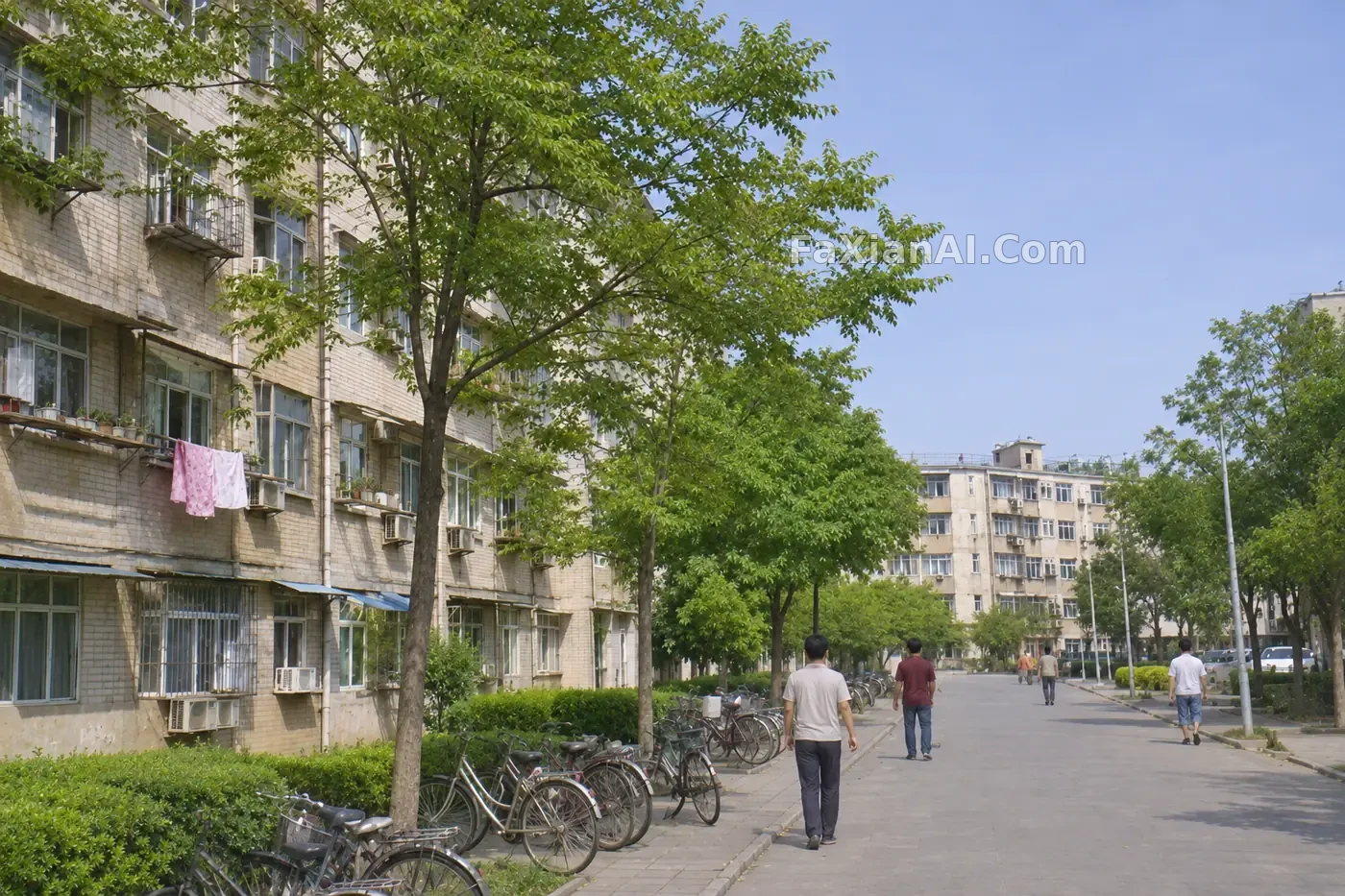
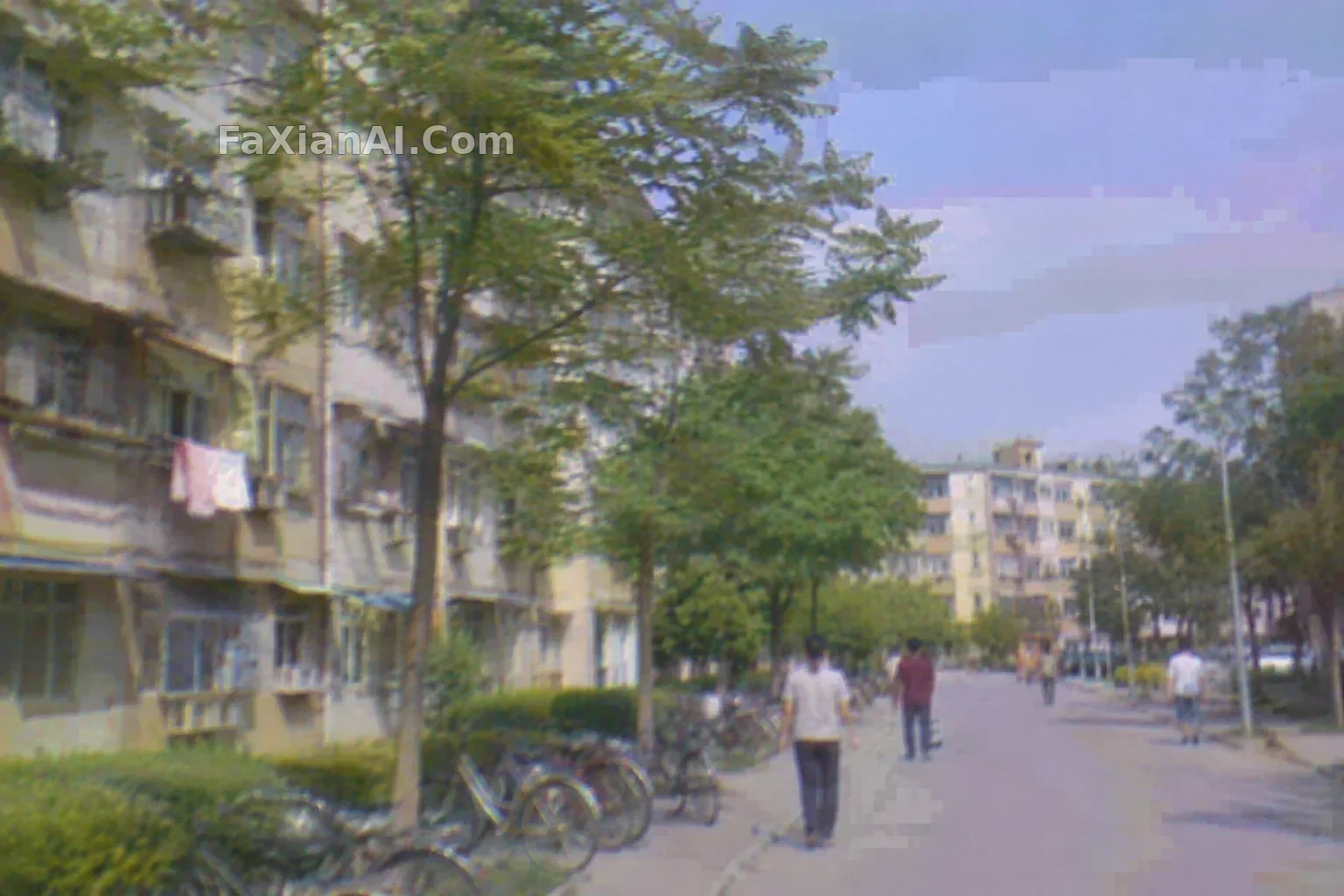
Clear Compression Artifacts From an Old Residential Street Photo
Remove compression blocks and restore detail while preserving the original content and composition, without redrawing the scene.
Prompt notes
✍️ Before fixing compression blocks, set the boundary: clear the artifacts, don't redraw the scene. Ask the model to “preserve the original composition and direction of the textures,” not for “ultra-sharp detail.” For small writing on signs and license plates, it's better to leave it blurry than let the model invent new characters.
Full prompt
📋 Prompt Natural Language
Edit the uploaded low-quality digital photo of an old residential street that has visible JPEG compression blocks: remove the blocking and mosaic artifacts, smooth banding in the sky and walls, reduce noise, and restore natural fine detail in brick, windows, trees and pavement. Keep unchanged: the composition, every object and its position, colors, signs and any lettering exactly as they appear (leave small unreadable text soft rather than inventing new characters), the time of day and the light. Do not add new objects or people, do not restyle. No watermark, no logos.
Related Cases
 Let the Grain Settle First, Then the Image Can Breathe
 Brighten a Strawberry Cake and Give Its Berries a Juicy Sheen
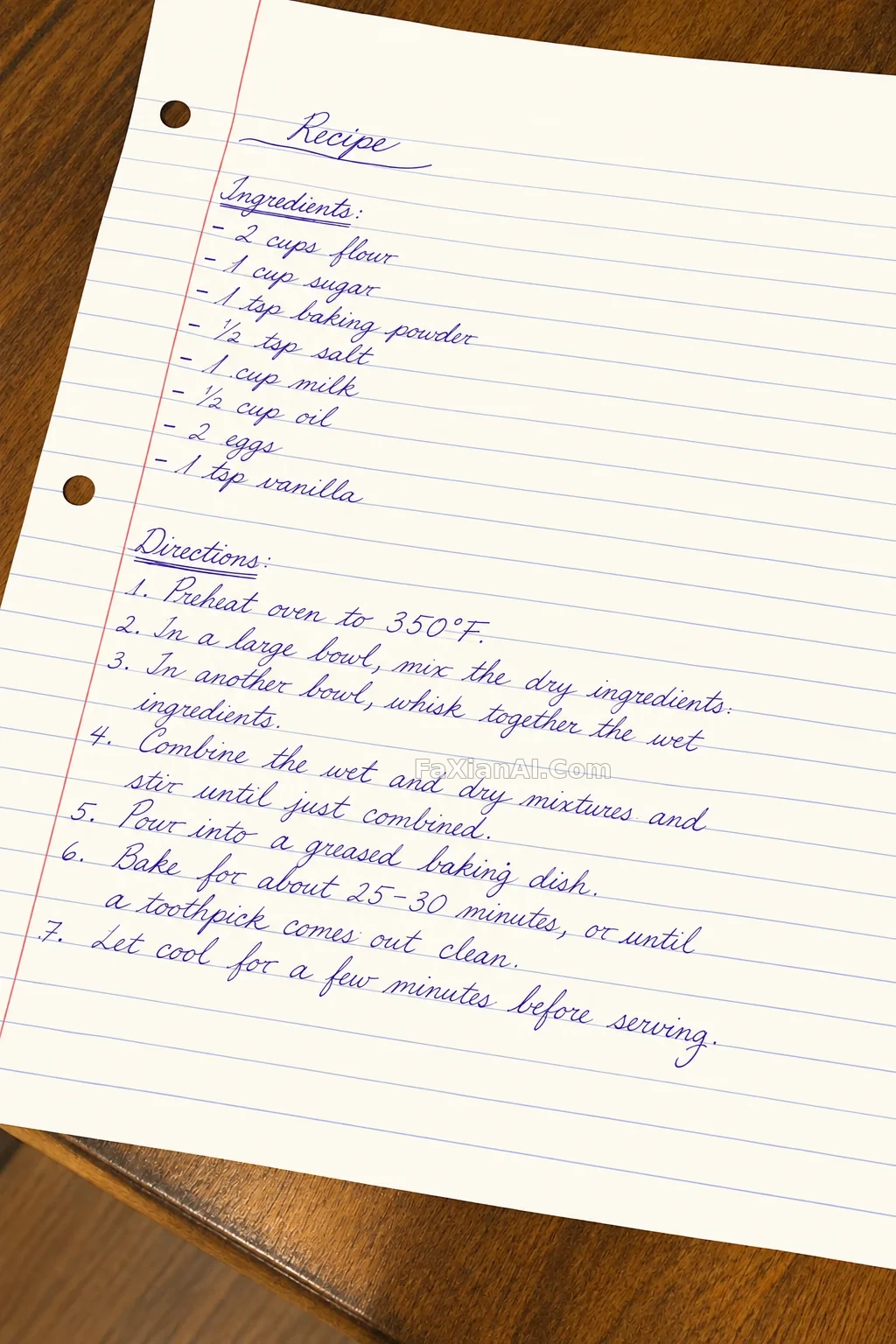 Clean a Handwritten Recipe to Cream White While Preserving Every Stroke
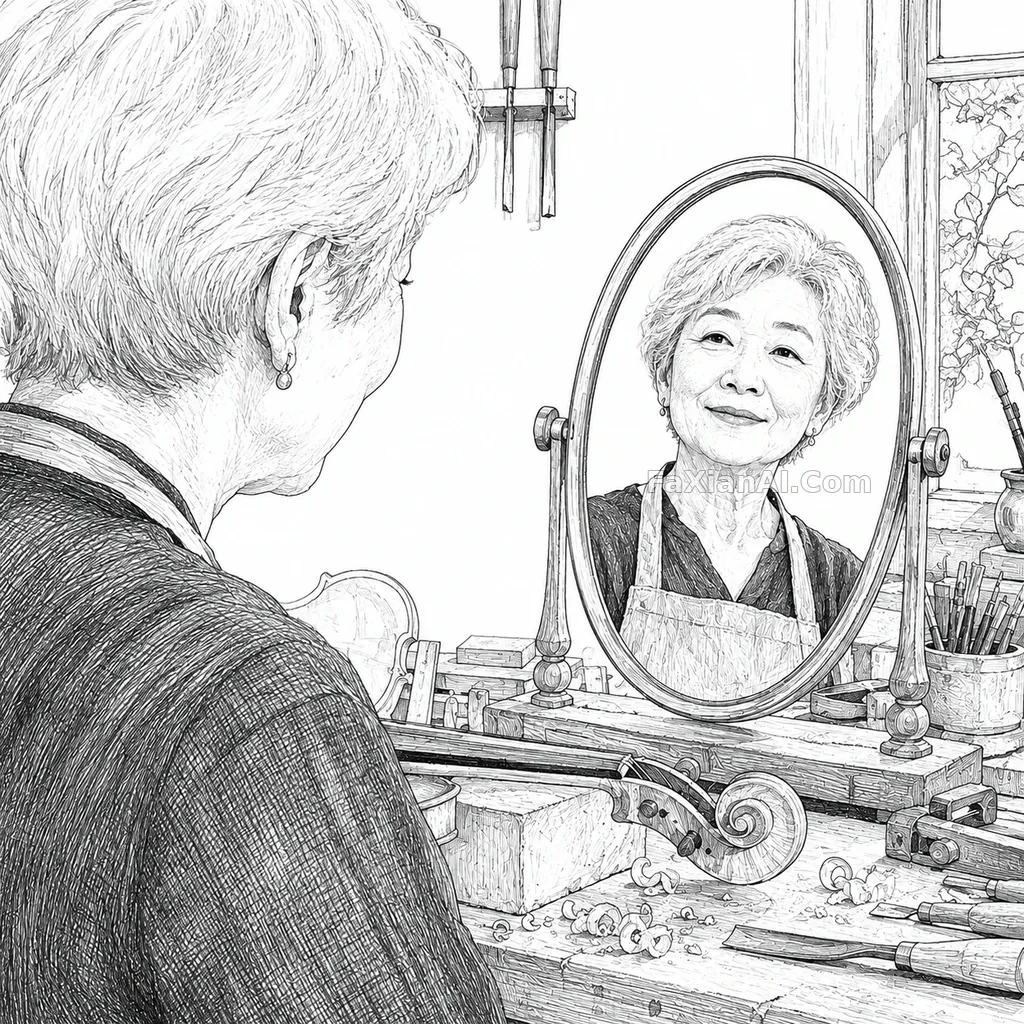 Turning the Violin Maker Into Black-and-White Hatching: Keeping Identity Through a Style Transfer
 Pores Stay Visible, and So Does the Right Amount of Shine
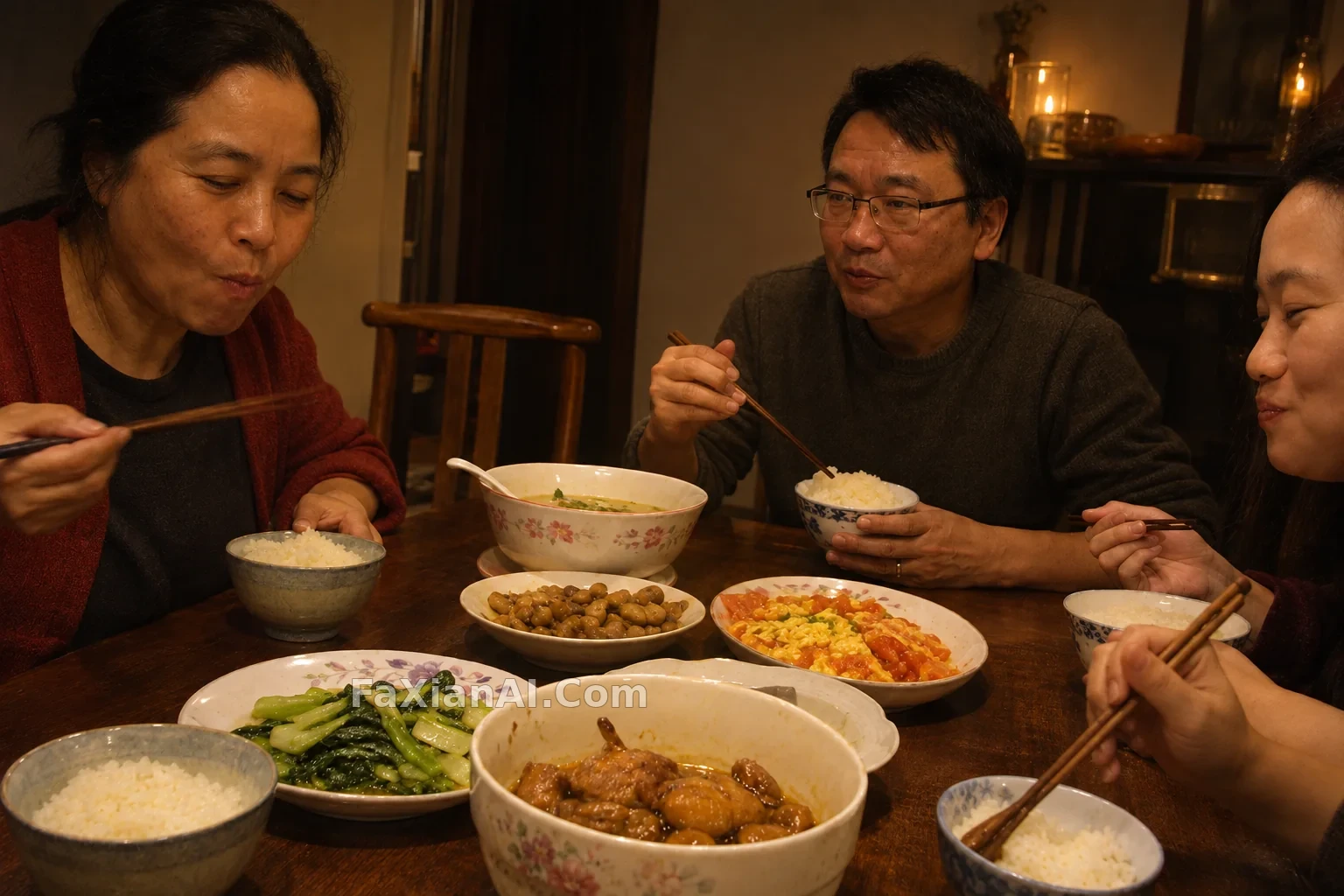 A Candlelit Family Dinner Made Clearer Without Losing Its Warm Glow
More GPT Image 2.6 cases
All GPT Image 2.6 cases → Red Leather and Neon Steam at a Late-Night Noodle Stall
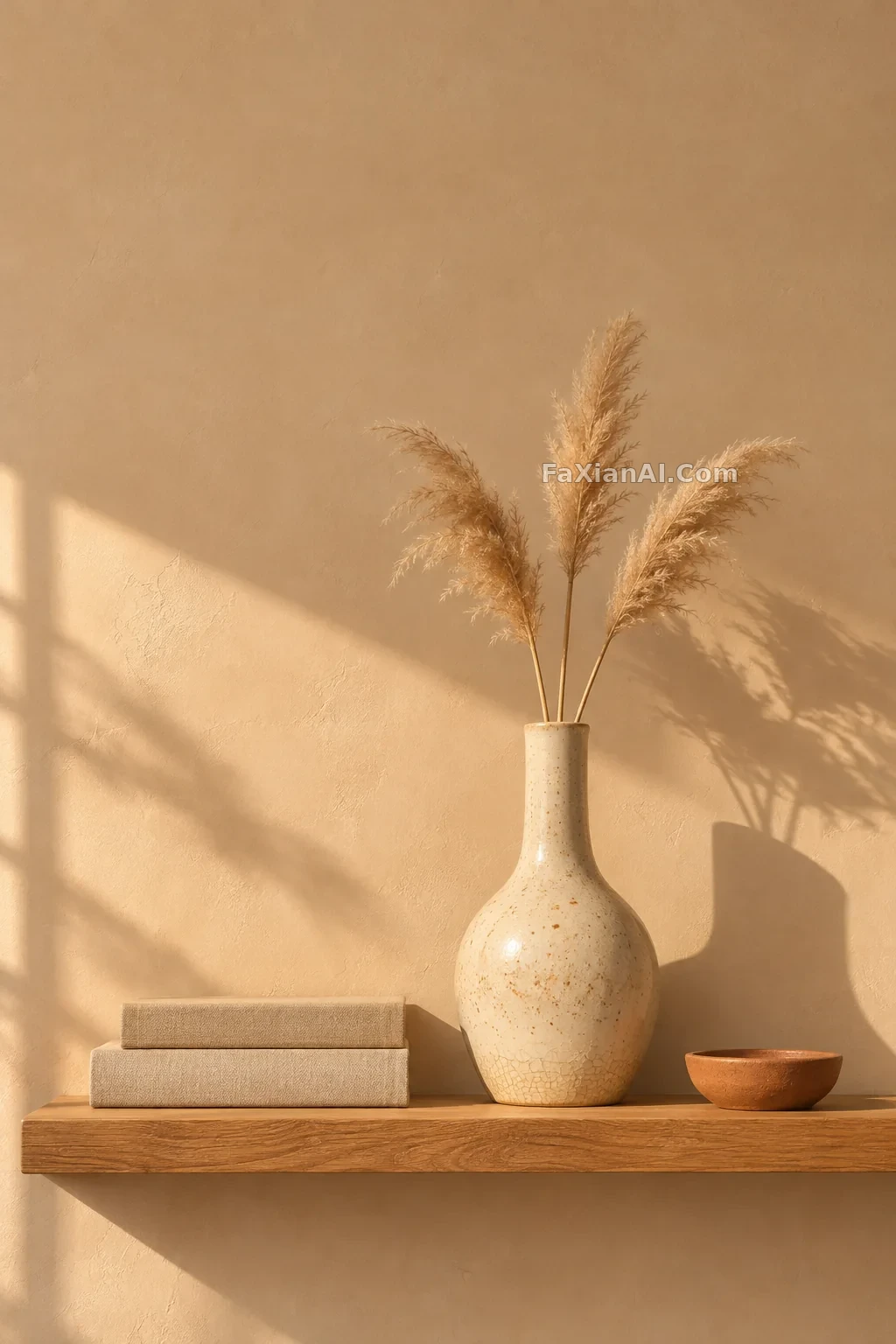 A Speckled Ceramic Vase Catches Afternoon Light on an Oak Shelf
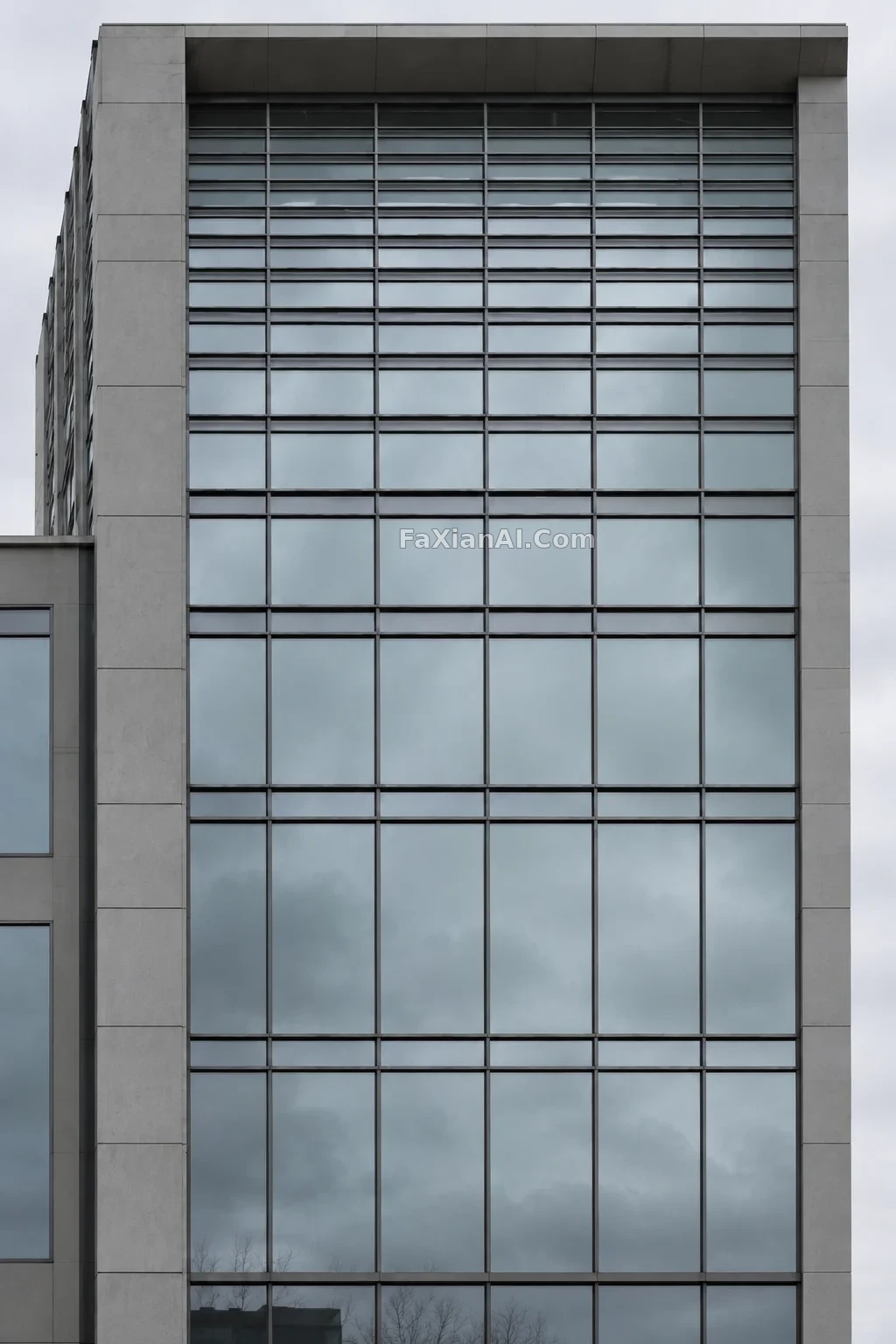 A Modern Building Facade Straightened With Every Vertical Line in Place
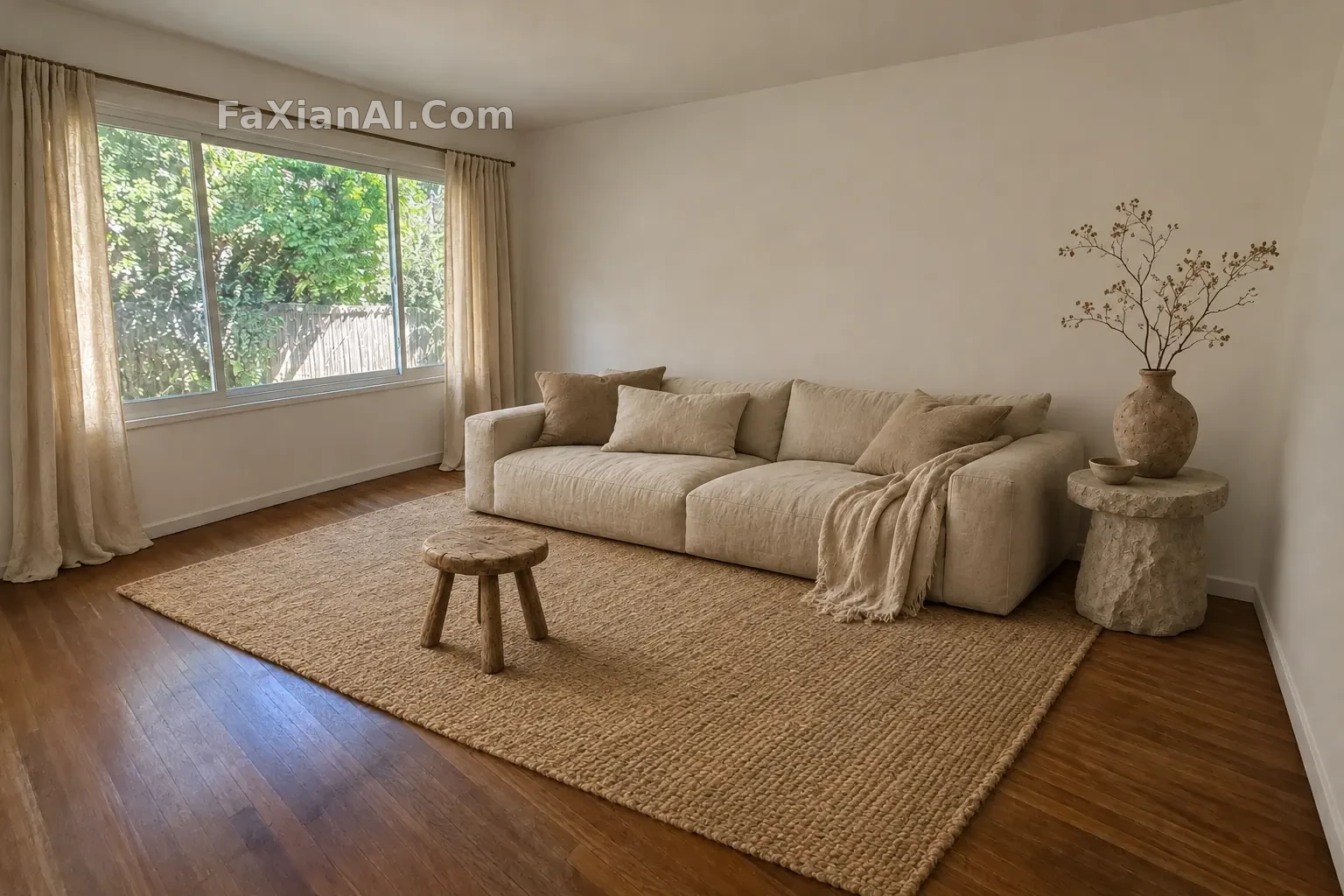 A Bare White Living Room Furnished With Wabi-Sabi Warmth
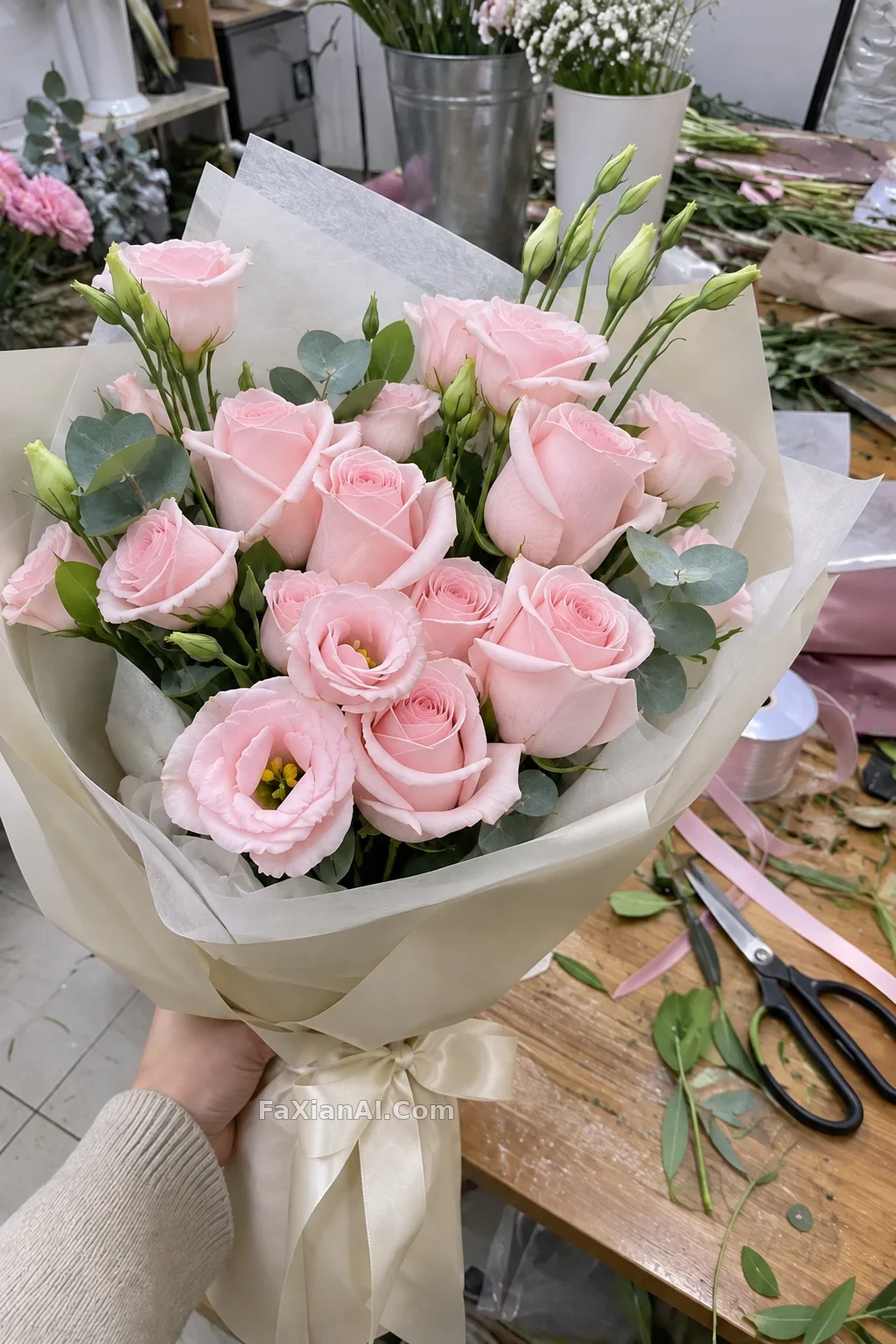 A White Bouquet Takes On a Delicate Wash of Soft Pink
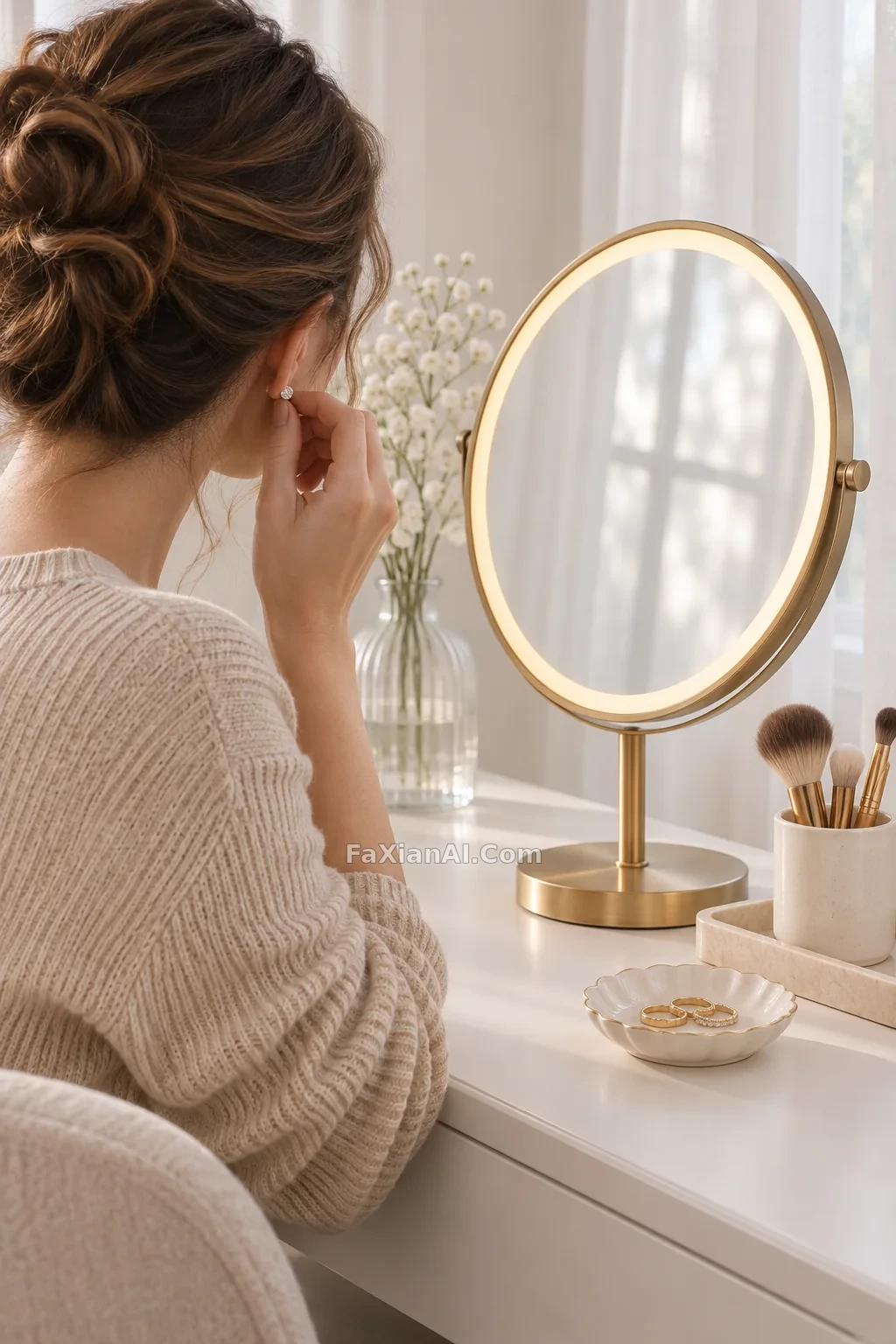 A Brass-Framed Vanity Mirror Glowing on a White Dressing Table
Related guides
How to Write GIF Prompts for Images 2.6: Motion, Frames, and LoopsHow to Write a ChatGPT Saree Edit Prompt: Get the Sheen Right and a Saree Won't Look Like a Texture OverlayArchitecture Prompt Clauses for AI: Architecture Prompts AI, From Concept to Rendering