
老照片修复上色提示词:restore old photo prompt 划痕泛黄一次说清楚
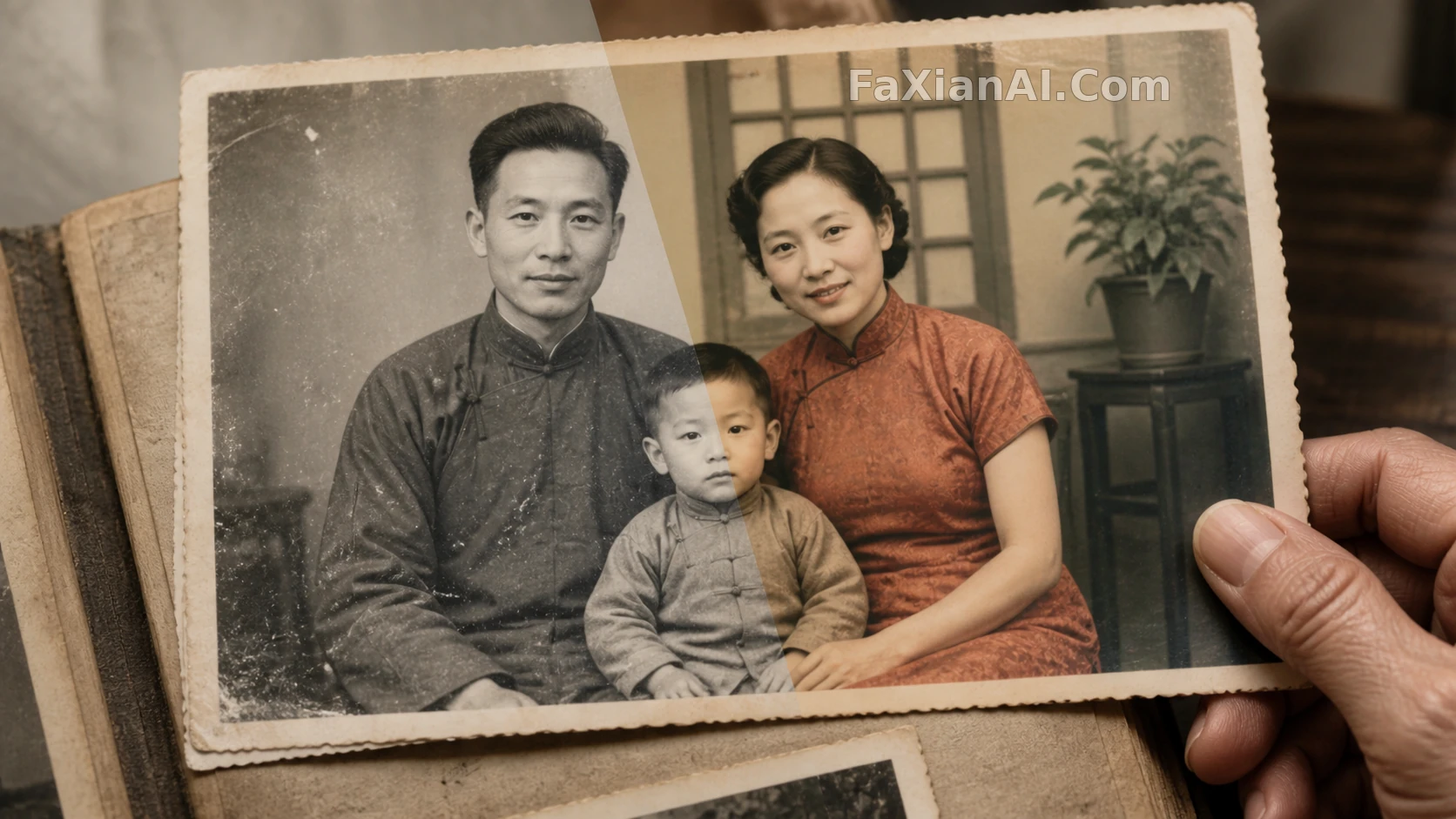
老早厢照相馆修一张底片,师傅要蹲在红灯底下忙半宿,拿棉签蘸药水一点点擦划痕,急不得。现在这活儿换成打字,效率是高了,但道理没变——想让一张旧照片翻新,还是得一步一步交代清楚,不能指望一句"修复一下"就把几十年的褶皱、霉斑、泛黄全解决掉。
restore old photo prompt,先把"保留"两个字写在前头
修复类的提示词最容易犯的错,是光顾着说要去掉什么,忘了交代要留住什么。人脸的五官比例、原本的表情、皮肤上真实的纹理,这些如果没在提示词里点明要保留,模型修着修着容易把脸修"平"了,看着干净了,但不像这个人了。
- "Restore this old photograph: repair scratches, creases and dust spots, keep every facial feature and expression identical to the original, do not smooth away real skin texture."(修复这张老照片:修补划痕、折痕和灰尘斑点,保持面部特征与表情和原图一致,不要磨平真实的皮肤质感)
- "Remove scratches, mold spots and stains from this old photo while preserving the original lighting direction and shadow falloff on the face."(去除划痕、霉斑和污渍,同时保留人脸原本的光照方向和阴影过渡)
- "Repair the fold line running through this photo and blend both halves so the seam is invisible, keep clothing texture continuous across the repaired area."(修复照片上的对折痕迹,让接缝处不留痕迹,衣物纹理在修复区域保持连贯)
- "Fix the yellowing and uneven exposure on this old photo, balance highlights and shadows, keep the original film grain visible at a low intensity."(修正泛黄和曝光不均,平衡高光和阴影,保留低强度的原始胶片颗粒)

这张是站内一个修复上色的完整案例,划痕去掉了,但脸上该有的纹路和光影没丢,这就是"restore old photo prompt"该有的分寸。
old photo restoration ai最容易翻车的,是背景
背景比人脸更容易被模型"自由发挥"。老照片背景常常是壁纸、墙面这类重复纹理,破损处一旦要补全,模型如果没被提醒该照着周围的图案延伸,很可能补出一块风格不搭的色块。
- "Reconstruct the faded background of this old photo, keep the wallpaper pattern consistent with the surrounding area, do not add modern elements like power lines or plastic signage."(重建这张老照片褪色的背景,让壁纸图案和周围保持一致,不要添加电线、塑料招牌这类现代元素)
- "Repair the torn corner of this family photo by extending the visible mural pattern behind the subject, keep the reconstructed area seamless with the rest of the image."(用人物身后可见的壁画图案延伸修补撕裂的照片边角,让修补区域和其余部分无缝衔接)
- "Upscale this old photo to a higher resolution, sharpen facial and hair details without introducing plastic-smooth skin, keep the background texture at the same level of detail as the subject."(把这张老照片放大到更高清晰度,锐化面部和发丝细节但不要让皮肤变成塑料感,背景纹理清晰度和主体保持一致)
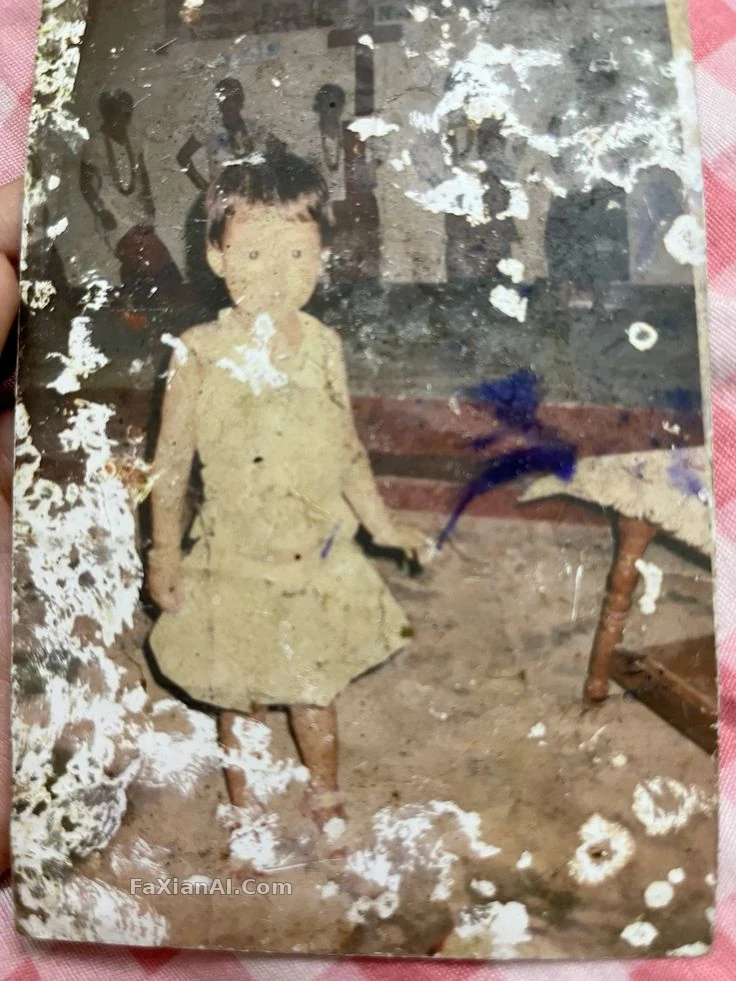
这一张的壁画背景处理就没瞎补,划痕没了,壁画的笔触还在,这条分寸比去划痕本身更难拿捏。
colorize black and white photo prompt,颜色宁可淡,不能艳
黑白照片上色最怕的不是上不上颜色,是上得太"数码"。饱和度一高,年代感立马散了,跟照片本身的质地对不上。
- "Colorize this black and white photo naturally: skin tones warm but muted, hair color matched to typical dark tones of the era, clothing colors desaturated rather than vivid, background softly toned down to keep focus on the subject."(自然为这张黑白照片上色:肤色温暖但不浓烈,发色贴合年代常见的深色调,服装颜色偏低饱和而非鲜艳,背景色调柔和降低以保持视线聚焦在人物身上)
- "Colorize this photo with era-accurate color science: 1970s warm film tones, slightly faded reds, avoid modern digital saturation."(按年代校色为这张照片上色:1970年代暖色胶片调,红色略带褪色感,避免现代数码式的高饱和)
- "Restore this photo taken by a disposable camera in the 1990s, fix the flash overexposure on the face but keep the film grain and soften the red-eye by about 70 percent rather than removing it completely."(修复这张1990年代拍立得照片,修正脸部闪光灯过曝但保留胶片颗粒,把红眼柔化七成左右而非完全去除)
- "Recreate this old photo at DSLR-quality clarity: refine skin texture subtly, sharpen eyes and hair strands, keep facial identity 100 percent consistent with the original."(把这张老照片翻新到单反级清晰度:轻微精修皮肤质感,锐化眼睛和发丝,人物身份和原图保持100%一致)
- "Fix the faded colors on this old wedding portrait, restore fabric texture on the dress, keep the couple's facial identity unchanged."(修复这张褪色的婚纱老照片,还原礼服的面料质感,保持新人面部身份不变)
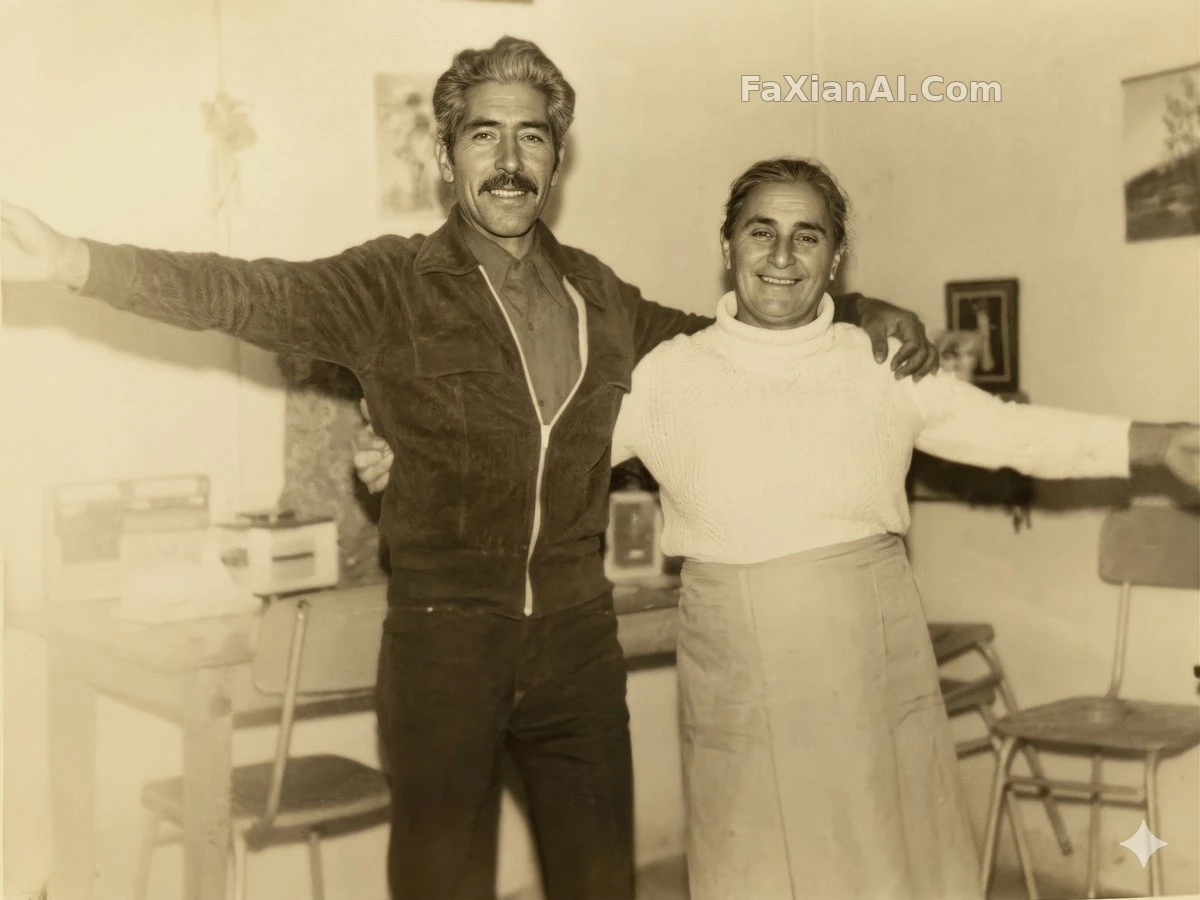
这张4K修复就是"少改一笔"的示范——分辨率上去了,年代该有的味道没被抹掉。
判断修复好不好,就三条标准
判断一张old photo restoration ai的结果好不好,不用想太复杂,就看三件事:脸对不对得上原来那个人,划痕霉斑去没去干净,颜色(如果上色了)艳不艳过头。这三条占一条不达标,这张图就还得回炉。
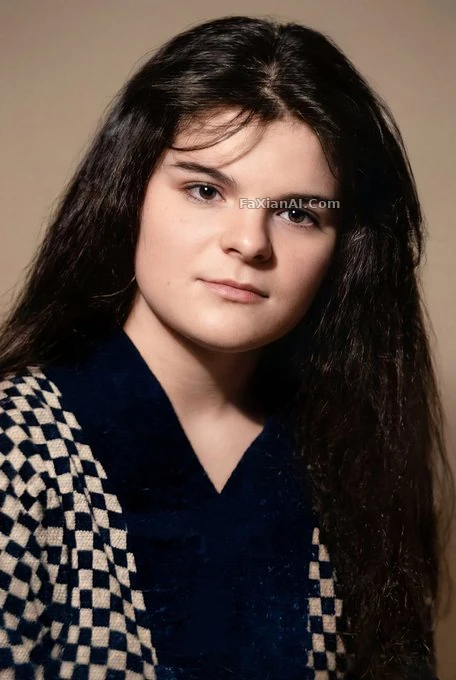
这一张的修复标准基本就是照着这三条来的,划痕没了,脸还是那张脸。
修旧照这件事,跟修老底片是一个理,讲究的不是速度,是分寸。提示词写具体一点,该保留的写清楚,比堆砌"清晰、高清、完美"这类空词管用得多。翻拍去痕这一步也一样,很多人拿手机翻拍一张老照片直接扔进去修,其实翻拍前先拍平整、拍够光,比修复提示词写得再细都管用——原始素材的底子差,colorize black and white photo prompt写得再准,颜色也上不出那份年代该有的润泽。
想再看看别的老物件质感怎么处理,可以翻翻人物一致性怎么保住这篇,写法思路是通的;如果是提示词该怎么组织句子结构,提示词公式那篇也讲得比较细。这批修复上色的案例图都归在修图改图这个分类里,翻拍老照片的活儿,慢慢来,急不得。首页image.faxianai.com还有更多能直接抄的提示词案例。