
ChatGPT 修图指令大全:22 条 photo editing prompts 按场景复制即用
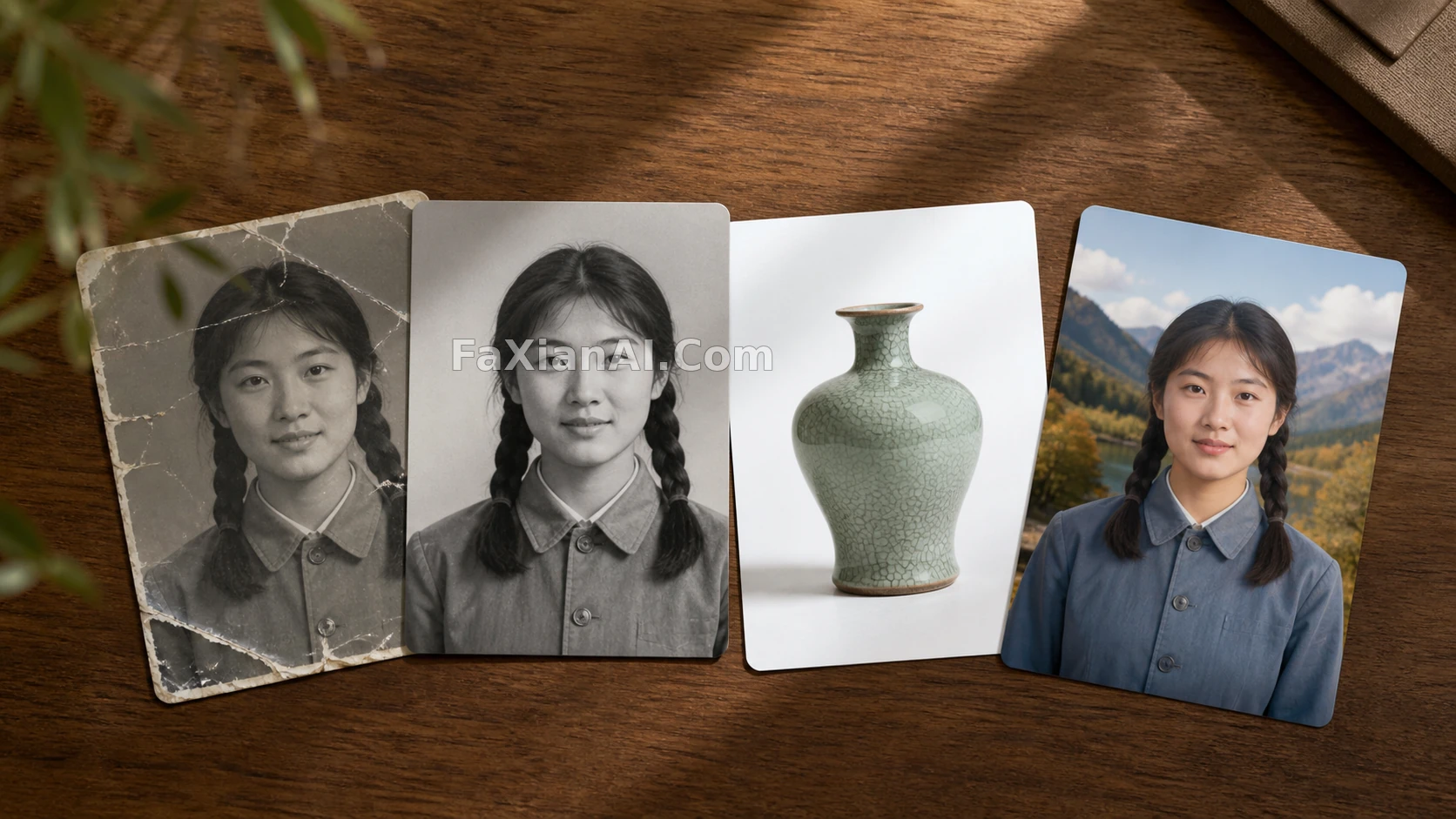
修图这行干久了会发现一个规律:不是提示词越长越好,是指令越具体、结构越清楚,出图越稳。很多人在 ChatGPT 里试了几次 photo editing prompts 觉得效果一般,往往不是模型不行,是指令里该说清楚的东西没说清楚——保留什么、改动什么、改到什么程度,这三件事漏一个,出来的图就容易跑偏。
这篇按四个场景分组,整理 22 条能直接抄的 chatgpt code for photo editing,也就是常说的 chatgpt photo editing prompts,每条给完整英文原文,重点条目附中文译写和使用备注。
人像精修类
人像修图最容易翻车的地方是"改脸"——五官改走样,或者磨皮磨成塑料脸。以下几条都加了身份锁定和程度限制。
1. "Retouch this portrait: smooth skin texture naturally, remove blemishes and under-eye shadows, keep pores visible, do not alter facial structure or proportions."(精修这张人像:自然平滑肤质,去除瑕疵和黑眼圈,保留毛孔质感,不改变五官结构和比例)—— 关键是"do not alter facial structure"这句,少了它模型有概率把脸型也一起调了。
2. "Whiten teeth slightly and remove stray flyaway hairs, keep everything else unchanged."(轻微美白牙齿,去除碎发,其余不变)
3. "Adjust lighting to soft golden-hour side light, keep the subject's pose and expression exactly as is."(把光线调成柔和的黄金时刻侧光,主体姿势表情完全不动)—— 这条实测对老照片修复也好用,像黄金时段光的人像修复就是这个思路,先修光再谈质感。
4. "Fix red-eye and reduce shine on forehead and nose, keep skin tone natural, avoid over-smoothing."(修红眼,减少额头鼻梁的反光,肤色保持自然,避免过度磨皮)
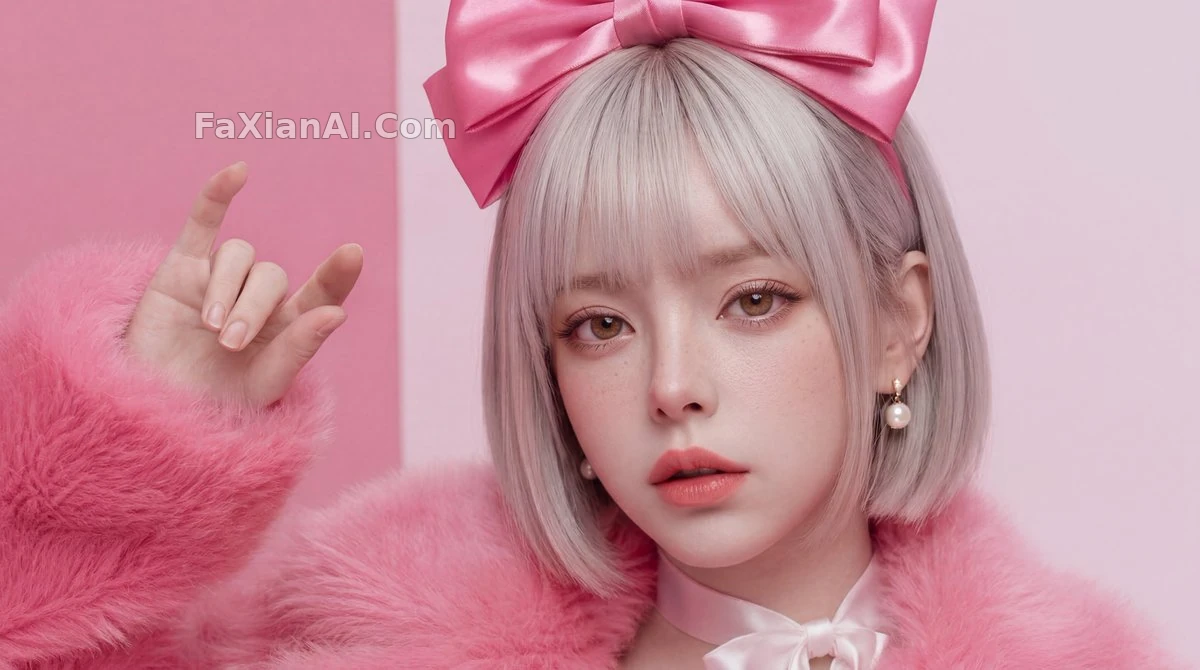
这类精修图的判断标准很简单:放大看毛孔和发丝还在不在。查看完整提示词
背景替换类
background change prompt for chatgpt 这类需求分两种:换纯色底和换场景,处理逻辑完全不同,后面单独有一篇讲透,这里先给通用指令。
5. "Replace the background with a solid light gray studio backdrop, keep the subject's edges clean, no color spill on hair or clothing."(替换成纯浅灰影棚背景,主体边缘干净,发丝和衣物不沾染背景色)
6. "Change the background to a blurred outdoor park scene at dusk, keep the subject's lighting direction consistent with the new background."(换成黄昏公园的虚化背景,主体的光线方向要和新背景一致)—— 光线方向不匹配是背景替换最常见的穿帮点,写清楚能省很多次返工。
7. "Remove the person on the left side of the frame and fill the background naturally, keep the rest of the composition unchanged."(去掉画面左侧的人物,自然填补背景,其余构图不变)参考画面留白的元素移除案例。
画质修复类
老照片和低分辨率图的修复,下一篇《照片变清晰提示词》会专门展开,这里给几条最常用的。
8. "Restore this old photo: remove scratches and creases, correct faded colors to natural tones, do not add any new details that weren't in the original."(修复老照片:去划痕折痕,校正褪色,不新增原图没有的细节)—— 最后半句很重要,防止模型"脑补"出并不存在的五官或纹理。
9. "Upscale this image to sharper detail, reduce noise and grain, keep the original composition and color grading."(提升清晰度,降噪,保持原构图和调色)
10. "Sharpen the edges of the subject only, leave the background soft, simulate a shallow depth of field look."(只锐化主体边缘,背景保持柔和,模拟浅景深效果)像边缘锐度调准的精修案例就是这个思路,主体和背景分开处理,而不是整张图一起拉锐度。
风格转换类
11. "Convert this photo into a vintage film photography style, warm tones, slight grain, keep the subject recognizable."(转成复古胶片风格,暖色调带轻微颗粒,主体保持可辨识)
12. "Turn this into a black-and-white editorial photography style, high contrast, keep facial details sharp."(转黑白纪实摄影风格,高对比,面部细节保持清晰)
13. "Apply a soft watercolor illustration style to the background only, keep the subject photorealistic."(只对背景应用水彩插画风格,主体保持写实)—— 半写实半插画的混合处理,比整张图统一转风格更有层次感,这个思路在分屏对比案例里也用到了。
14. "Colorize this black-and-white photo with historically plausible colors, keep skin tones natural, avoid oversaturation."(给黑白照片上色,选择符合年代的色彩,肤色自然,不过饱和)
15. "Simulate a polaroid photo effect: slight blur at edges, warm white border, soft light leak in one corner."(模拟拍立得效果:边缘轻微模糊,暖白色相框,一角带柔光漏光)拍立得风格单独有一篇《相框与拍立得提示词》展开更多变体。
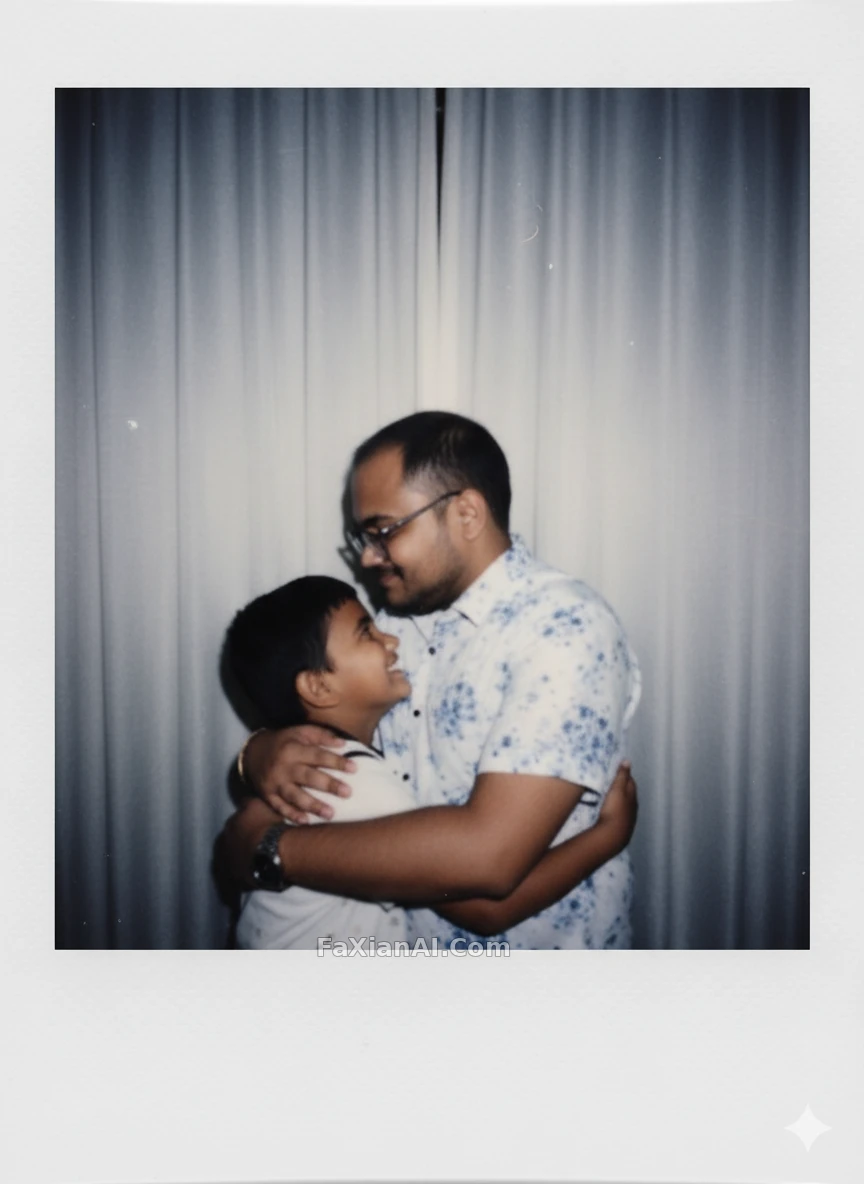
16. "Change only the outfit color to deep red, keep the pose, background, and lighting exactly the same."(只把服装颜色换成深红,姿势背景光线完全不变)局部替换类指令记住"只改一处,其余锁定"这个句式,能大幅减少意外改动。
组合与批处理类
17. "Apply the same edit (background removed, color-corrected) to all four photos, keep each subject's individual pose."(同一套修图逻辑应用到四张图上,每张保持各自姿势)—— 批量处理时明确"逻辑一致但内容各自独立",避免模型把四张图混成一张。
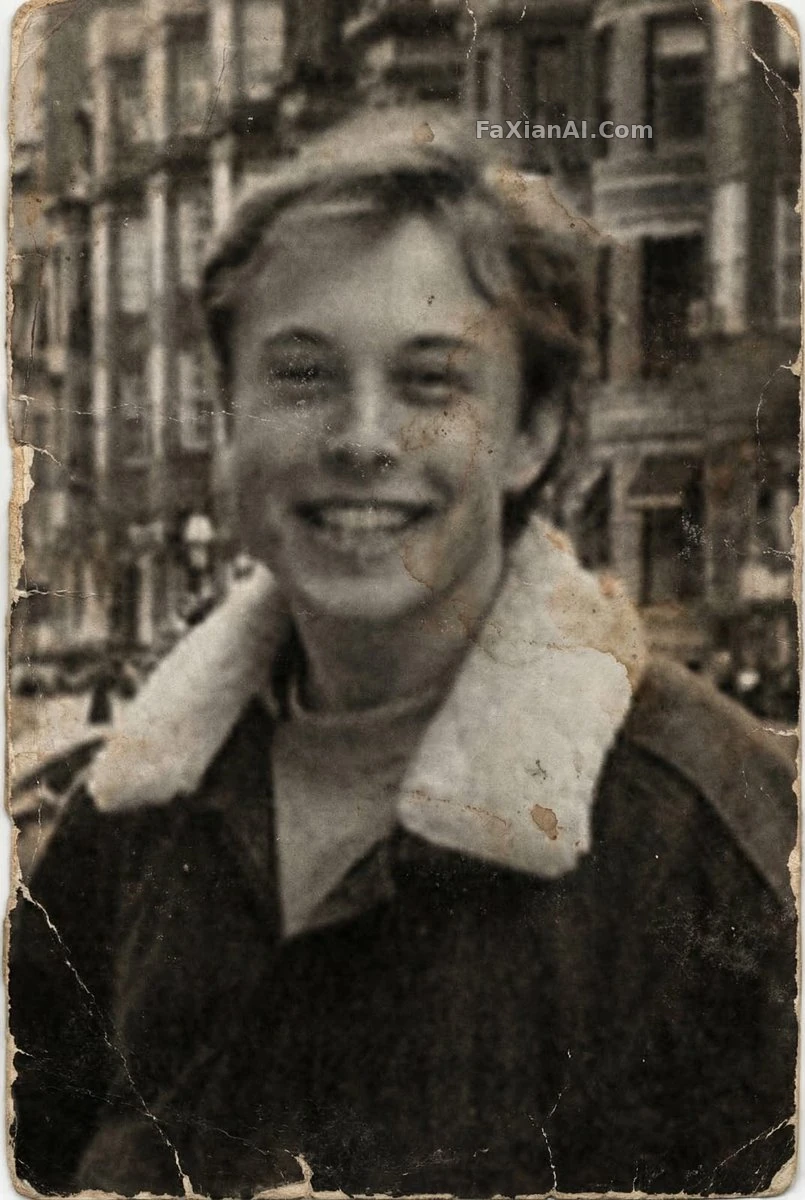
批量处理前先确定单张的修复标准。查看完整提示词
18. "Generate a 2x2 grid of this portrait with four different lighting setups: front light, side light, back light, and soft window light."(生成同一人像四种打光方案的四宫格:顺光、侧光、逆光、柔光窗光)四宫格对比是测试打光方案最省事的办法,不用一张张单独试。
19. "Combine these two photos: keep the person from photo one, place them into the background of photo two, match the lighting."(合成这两张图:保留第一张的人物,放入第二张的背景,匹配光线)
20. "Create a side-by-side comparison of the original and the edited version, labeled 'before' and 'after'."(生成原图和修图后的左右对比图,标注前后)
21. "Remove the object in the bottom right corner completely, reconstruct the background as if it was never there."(完全去除右下角的物体,重建背景仿佛它从未出现过)
22. "Apply subtle color grading to match a specific mood: teal shadows, warm highlights, keep skin tones true to life."(应用青橙色调分级:阴影偏青、高光偏暖,肤色保持真实)色调分级和滤镜的区别在于它只调色彩曲线,不改变纹理和锐度,这条对成片质感的提升比套滤镜明显。
用之前先想清楚三件事
写了这么多条,回头看一个共同点:好用的指令都在做同一件事——把"改什么、不改什么、改到什么程度"这三层说清楚。这个结构本站另一篇提示词万能公式拆得更细,原理相通。
另外提一句,这些指令不是 ChatGPT 专属的,用在 Nano Banana 这类图像模型上同样适用,毕竟底层都是"理解指令+局部编辑"这套逻辑,站内大部分素材图也是用类似结构的提示词跑出来的。想直接体验效果,可以去人像精修分类或电商产品分类翻看对应的完整案例,也可以从首页的生成入口直接试。
负面提示词没写够的话,另一篇反向提示词指南专门讲怎么写"不要什么",跟这篇是互补关系,建议一起看。
顺带说一句设计部这边的经验:甲方反馈"修图效果不对",十次里八次不是审美分歧,是需求本身没说清楚"保留什么"。这份清单本质上是把这层信息补全的模板,套用比现改快。