
ChatGPT 图片生成指令从入门到进阶:18 条 chatgpt image generator command
写这篇之前先交代一下背景:我不是什么专业选手,就是赶论文的时候图表配图一张张P太费时间,才开始研究 chatgpt image generator command 怎么写更省事。这篇里的 chatgpt image commands 全是"试出来能用"的那种经验,不讲什么高深理论,新手向。
入门档:先把话说完整
新手最容易犯的错是指令写得太短,比如就打个"一张风景图",然后抱怨效果不好——问题是这句话本身信息量就不够,模型只能瞎猜。以下几条是"信息量及格线"的示范。
1. "Generate a landscape photo of a sunlit dirt road leading through a pasture, golden afternoon light, wide aspect ratio."(生成一张阳光照耀的土路穿过牧场的风光图,午后金色光线,宽画幅)—— 光"风景图"三个字模型能给你随便什么,加上时间、光线、构图这三样,出图稳定性直接不一样。
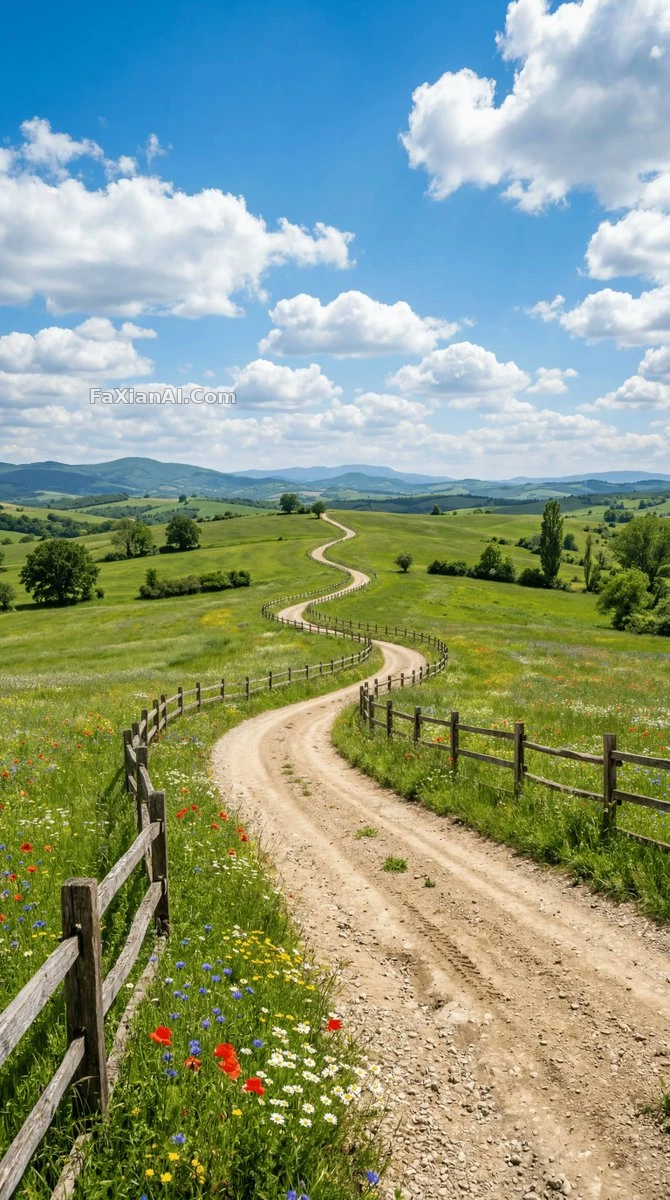
土路+牧场+午后光,三个要素缺一个都会飘。查看完整提示词
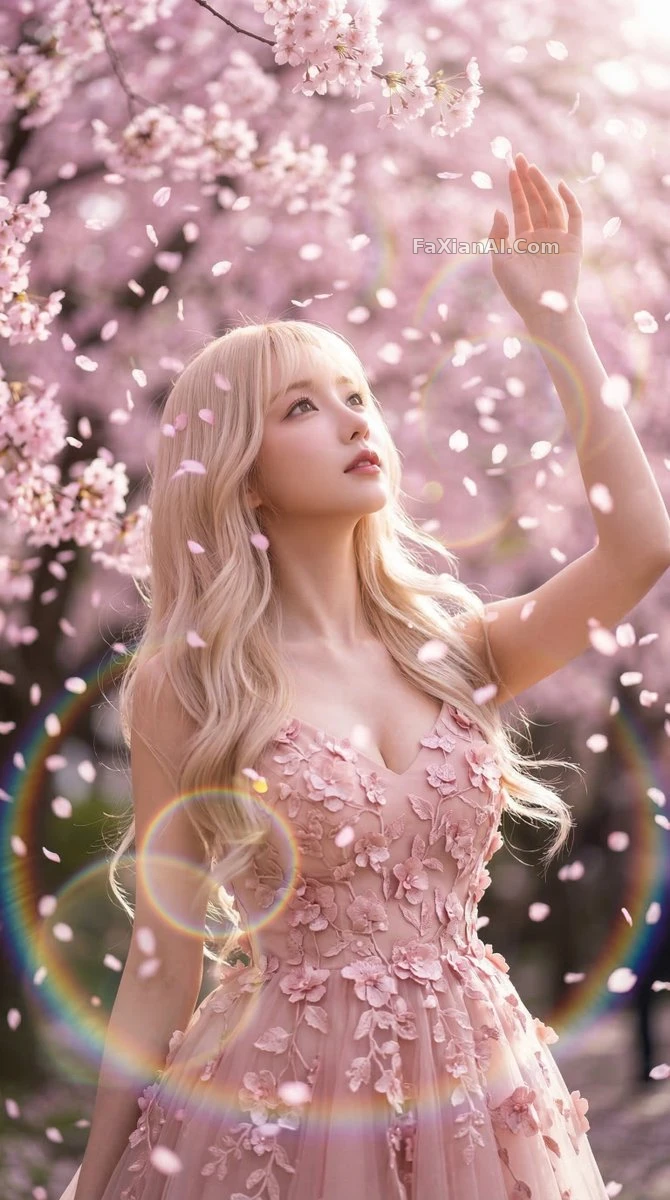
2. "Create an image of cherry blossom petals falling in gentle rain, soft dreamlike lighting, muted pastel colors."(生成樱花花瓣在细雨中飘落的画面,柔和梦幻光线,低饱和粉彩色调)(这条我拿去当过手机壁纸,朋友问是哪个APP拍的,尴尬)
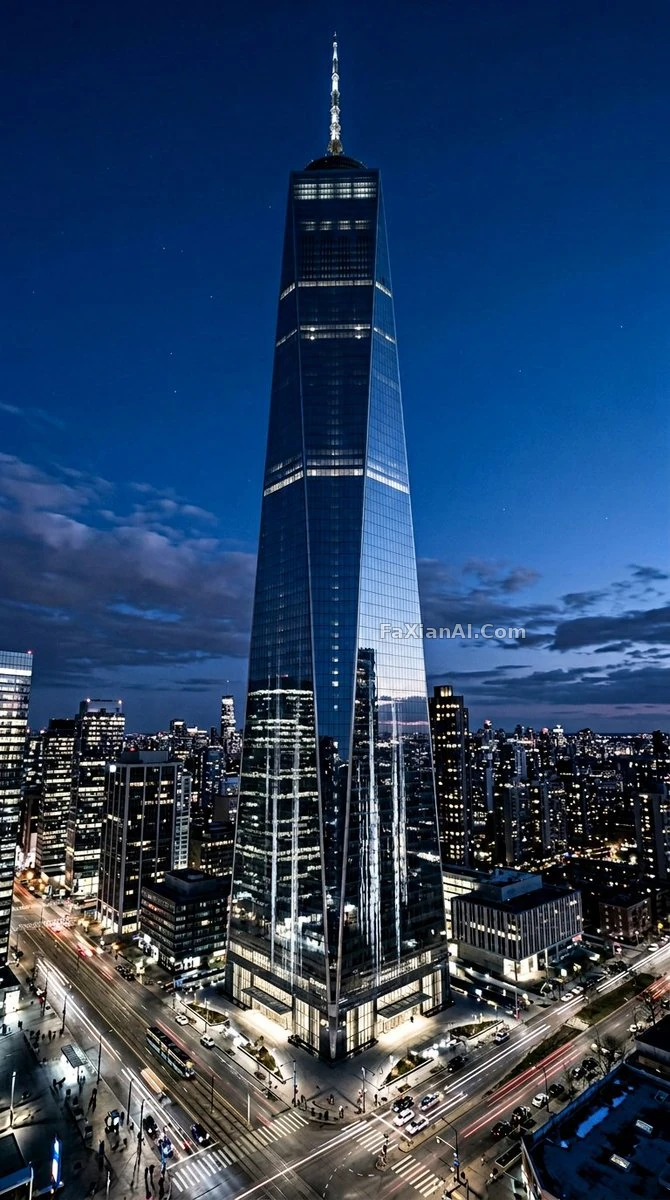
3. "Generate a futuristic city skyline at blue hour, neon reflections on wet streets, cinematic wide shot."(生成蓝色时刻的未来感城市天际线,湿润街道反射霓虹,电影感宽镜头)"blue hour"这个词比"傍晚"精确,模型知道具体是日落后天还没全黑那十几分钟的光线状态。
4. "Generate a simple flat vector illustration of a coffee cup, minimal color palette, no background."(生成简约扁平矢量插画的咖啡杯,配色极简,无背景)新手练手建议从这种单一物体开始,风格和构图变量少,容易看出指令改动带来的差异。
5. "Create a portrait photo with soft window light, subject looking slightly off-camera, neutral background."(生成柔和窗光的人像照,主体视线微微偏离镜头,中性背景)
6. "Generate an image in the style of a watercolor painting, subject: a quiet library reading corner."(生成水彩画风格的图,主体是安静的图书馆阅读角)
进阶档:控制细节和一致性
入门档能出图之后,下一步是解决"每次都长得不一样"这个问题——这也是我踩坑最多的地方,论文用图前后不一致,老师直接问是不是换了个人。
7. "Generate a character turnaround sheet: front view, side view, and back view of the same character, consistent proportions and outfit across all three views."(生成角色三视图:正面侧面背面,三个视角保持一致的比例和服装)三视图这类进阶需求,"consistent"这个词必须写,不写模型很可能三张脸都不太一样。参考三视图角色设定案例。
8. "Generate the same subject in four different poses, keep facial features, hairstyle, and outfit identical across all four."(生成同一主体的四种不同姿势,四张图的五官、发型、服装保持一致)
9. "Create an image with a specific color palette: navy blue, cream, and burnt orange only, no other colors."(生成指定配色方案的图:只用藏青、米白、焦橙三色,不出现其他颜色)限定色板这条对做系列海报特别有用,不然每张图配色都得重新对。
10. "Generate a wide shot first, then generate a close-up of the same scene keeping composition logic consistent."(先生成远景,再生成同一场景的近景,构图逻辑保持一致)
11. "Regenerate this image but only change the lighting from daytime to sunset, keep composition and subject identical."(重新生成这张图,只把光线从白天改成日落,构图和主体保持一致)—— 这条比"生成一张类似的图"精确很多,类似这个词模型理解空间太大了。
12. "Generate an isometric-style illustration of a small workspace, muted colors, no text or labels in the image."(生成等距视角的小型工作空间插画,低饱和配色,画面不出现文字或标签)
13. "Create a comparison set: same subject rendered in three styles — photorealistic, watercolor, and flat vector — side by side."(生成对比组:同一主体分别渲染成写实、水彩、扁平矢量三种风格,并排展示)测试风格这条特别好用,一次看三种效果,不用一个一个单独试。
14. "Generate a portrait with negative space on the left third of the frame, reserved for text overlay."(生成画面左三分之一留白的人像,预留文字叠加空间)设计海报用图记得留白这条,不然后期加字没地方放。
15. "Generate the image at a 3:4 aspect ratio suitable for printing, high resolution, no watermark elements."(生成适合打印的3:4画幅,高分辨率,画面不含水印元素)
16. "Recreate this reference photo as a fully original illustration, keep the pose and composition but change the medium to hand-drawn ink style."(把这张参考照片重绘成完全原创的插画,姿势构图保留,媒介改成手绘墨线风格)
17. "Generate four variations of the same prompt with different random seeds conceptually, vary only lighting mood between them."(同一提示词生成四个变体,概念上视为不同随机种子,变体之间只改变光线氛围)
18. "Generate an image, then apply a second pass to only refine the hands and fingers, keep everything else unchanged."(先生成图,再单独对手部和手指做二次精修,其余不变)手部这个老大难问题,单独开一遍精修比指望一次生成就对靠谱。
从入门到进阶,中间差的是什么
回头看这18条,入门档和进阶档的区别不是词汇量,是"控制变量"的意识——进阶那几条全在强调"只改这个,其余不变"。这个思路跟本站提示词万能结构公式讲的是同一套东西,建议配合着看,写不出好指令十次里八次是这个原因。
手部问题写多了,建议单独看一眼AI手部问题修复这篇,专门讲怎么避免多指、错位。要是生成的角色需要在多张图里保持长相一致,角色一致性那篇也值得看,跟这篇第7、8条是一个话题的延伸。
写完这篇突然想起来图表作业还没交(骗自己说先写完这篇就去写),想直接试试上面这些指令效果,首页有生成入口,人物设定分类和壁纸插画分类也能翻到更多完整案例。