
照片转卡通动漫提示词:cartoon photo prompt 到3d cartoon avatar prompt拆解
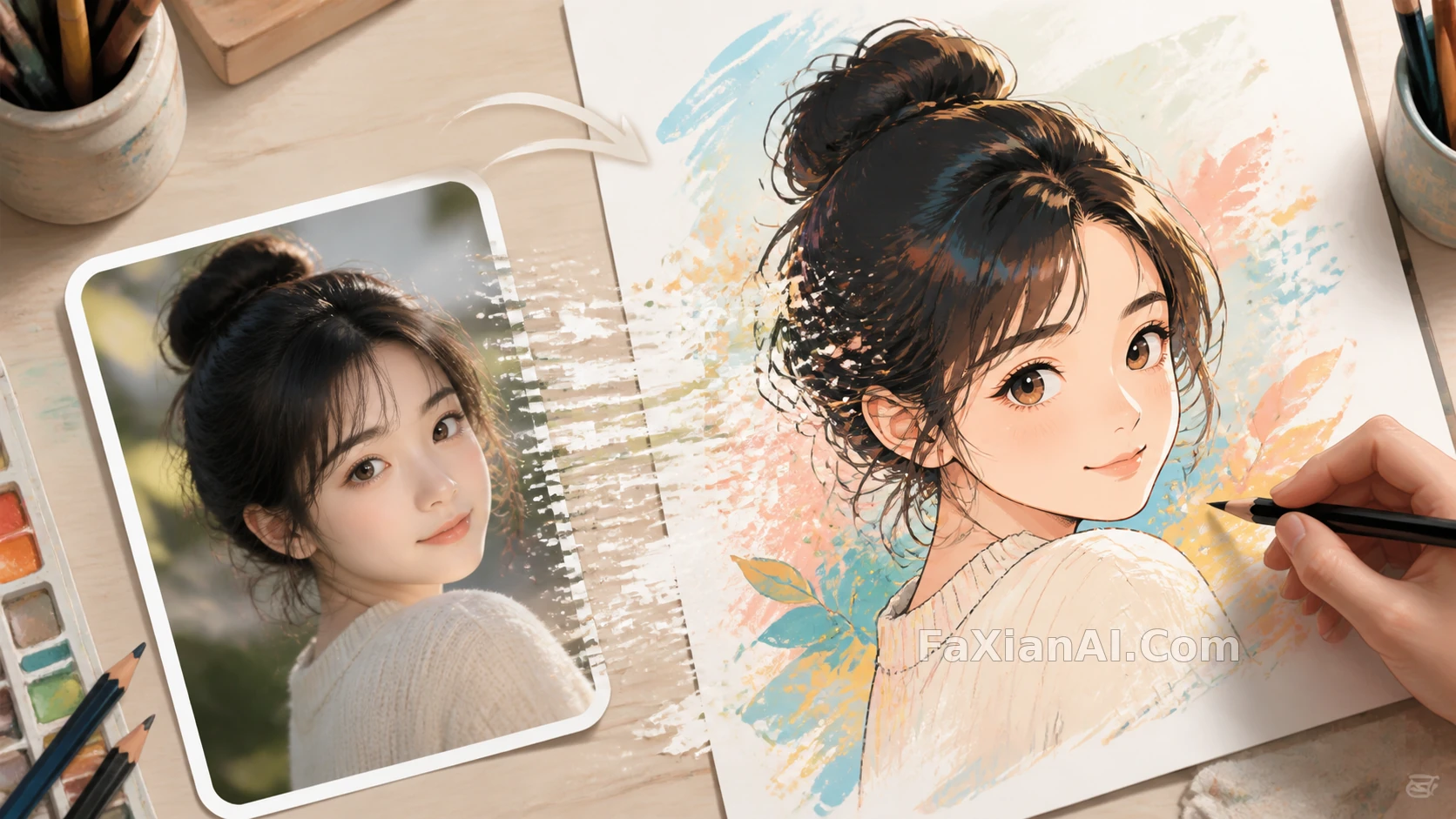
分镜这行有个习惯,看一张画不看它美不美,先看这一帧要是动起来,该往哪个方向摇。照片转卡通也是同理,光看风格转没转成不够,得看这张脸的骨相、这个表情的张力,转完之后还在不在——这才是cartoon photo prompt真正要解决的问题,风格是壳,identity是骨。
cartoon photo prompt,先锁住五官再谈风格
很多人写转卡通的提示词,一上来就堆风格词——"迪士尼风、皮克斯风、日系风",堆一堆结果脸都不像本人了。这一步顺序反了,应该先把"保留哪些五官特征"写在前面,风格描述放后面。
- "Convert this portrait into a 3D cartoon style while keeping the person's facial proportions, eye shape and hairstyle recognizable, do not alter the identity."(把这张肖像转成3D卡通风格,保持人物的五官比例、眼型和发型可辨认,不要改变身份特征)
- "Transform this photo into a Pixar-style character render: soften facial edges slightly, enlarge the eyes by a moderate amount only, keep skin tone and hair color matched to the original."(把这张照片转成皮克斯风格角色渲染:轻微柔化面部边缘,眼睛只做适度放大,肤色和发色与原图保持一致)
- "Redraw this photo as a hand-painted animated film style portrait, dreamy soft lighting, keep the facial structure and expression consistent with the source image."(把这张照片重绘成手绘动画电影质感的肖像,柔光梦幻氛围,面部结构和表情要和原图保持一致)
这张站内的卡通写实对比案例就是先定住脸再切风格的示范,撕纸缝两边看着是同一个人,只是画风换了。
anime style photo ai,日系质感的关键在光不在线条
很多人以为动漫风就是加黑色描边,其实anime style photo ai做得像不像,光影处理占的比重更大——柔光晕染、高光留白这些细节,比线条粗细更能决定质感。
- "Convert this photo into a Japanese animated film style: soft diffused lighting, gentle color gradients on the skin, subtle line work only on the eyes and hair, avoid heavy black outlines."(把这张照片转成日系动画电影质感:柔和漫射光,皮肤上有渐变色晕染,线条只在眼睛和发丝处轻微保留,避免厚重的黑色描边)
- "Turn this portrait into an anime-style illustration with a dreamy background blur, keep the pose and camera angle identical to the original photo."(把这张肖像转成动漫风插画,背景带梦幻虚化,姿势和拍摄角度与原图保持一致)
- "Redraw this photo in a hand-drawn animation style, warm window light from the left, keep the facial identity unchanged but simplify the skin texture into flat animated shading."(用手绘动画风格重绘这张照片,暖光从左侧窗口照入,面部身份不变,但把皮肤纹理简化成扁平的动画式明暗)
- "Apply an anime line-art correction to this illustration, fix the eye alignment and add fine hair strand details without changing the overall composition."(为这张插画做动漫线稿修正,修正眼睛对齐并补充细致的发丝,不改变整体构图)
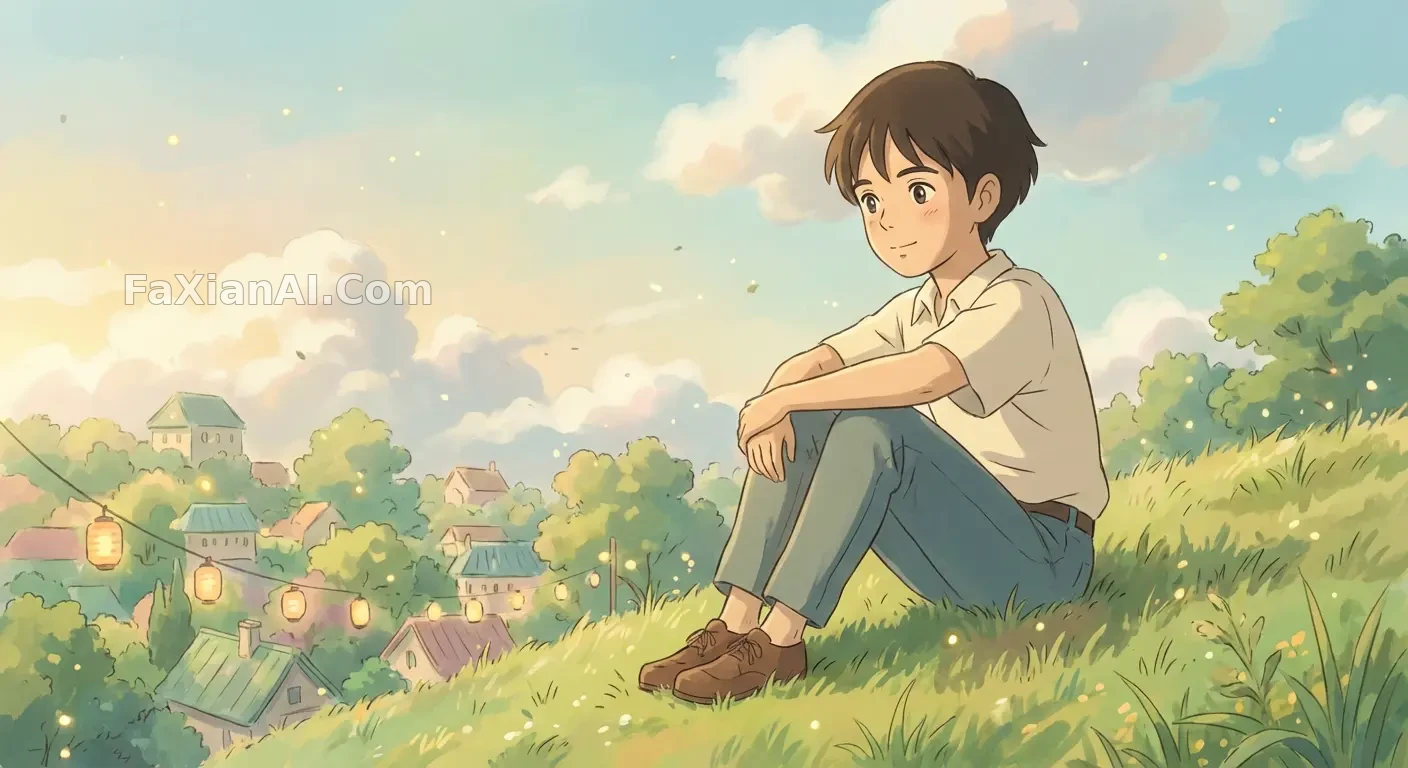
这张手绘动画风格转换姿势没动,画风整个换了,柔光晕染是关键,不是线条本身。
3d cartoon avatar prompt,头像场景要多想一步表情包
3d cartoon avatar prompt这类需求,很多人只想着做一张头像,其实头像场景往往需要一整套表情延伸——同一张脸配多种情绪,这时候身份锁定比单张更重要,差一点就会出现"这九张不是同一个人"的问题。
- "Create a 3D chibi figure based on this face, keep the skin tone and hairstyle matched exactly, render with soft studio lighting and a collectible toy finish."(基于这张脸做一个3D Q版手办,肤色和发型完全对应,用柔和影棚光渲染,呈现收藏品质感)
- "Generate a set of nine 3D cartoon avatar expressions based on this face, keep facial identity 100 percent consistent across all nine, vary only the expression and mouth shape."(基于这张脸生成九组3D卡通头像表情,九张的面部身份保持100%一致,只改变表情和嘴型)
- "Design a Pixar-style avatar bust from this photo, exaggerate the expression slightly for a playful tone, keep eye color and hair texture unchanged."(根据这张照片设计皮克斯风格的头像半身像,表情做轻微夸张处理呈现俏皮感,眼睛颜色和发丝质感保持不变)
- "Turn this photo into a 3D cartoon avatar with a bold color background, keep the pose casual and the facial proportions close to the source photo."(把这张照片转成撞色背景的3D卡通头像,姿态保持随意,五官比例贴近原图)
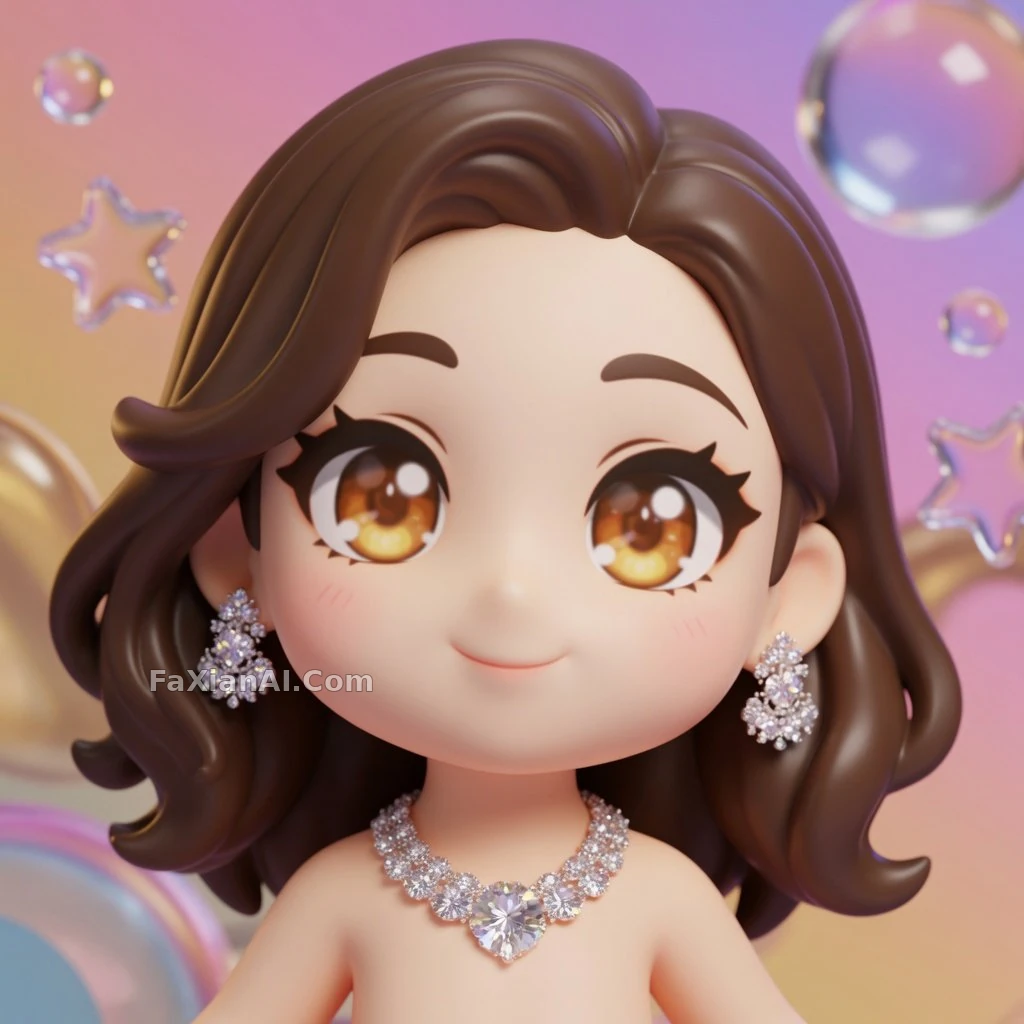
这张Q版手办转换肤色发型全对版,这就是3d cartoon avatar prompt该交代清楚的地方。
用一句话避开常见的IP风格雷区
有类风格描述容易踩坑——直接点某个具体动画公司或某部作品的名字,出图效果不稳定还容易惹版权争议。稳妥的写法是描述质感而不是点名,比如用"手绘动画电影质感、柔光渲染、赛璐璐上色感"这类具体的技法描述,代替某个专有名词,效果照样到位,还更好控制,模型不用去猜某个片名对应哪种画风,直接照着技法描述执行就行,稳定性反而更高。
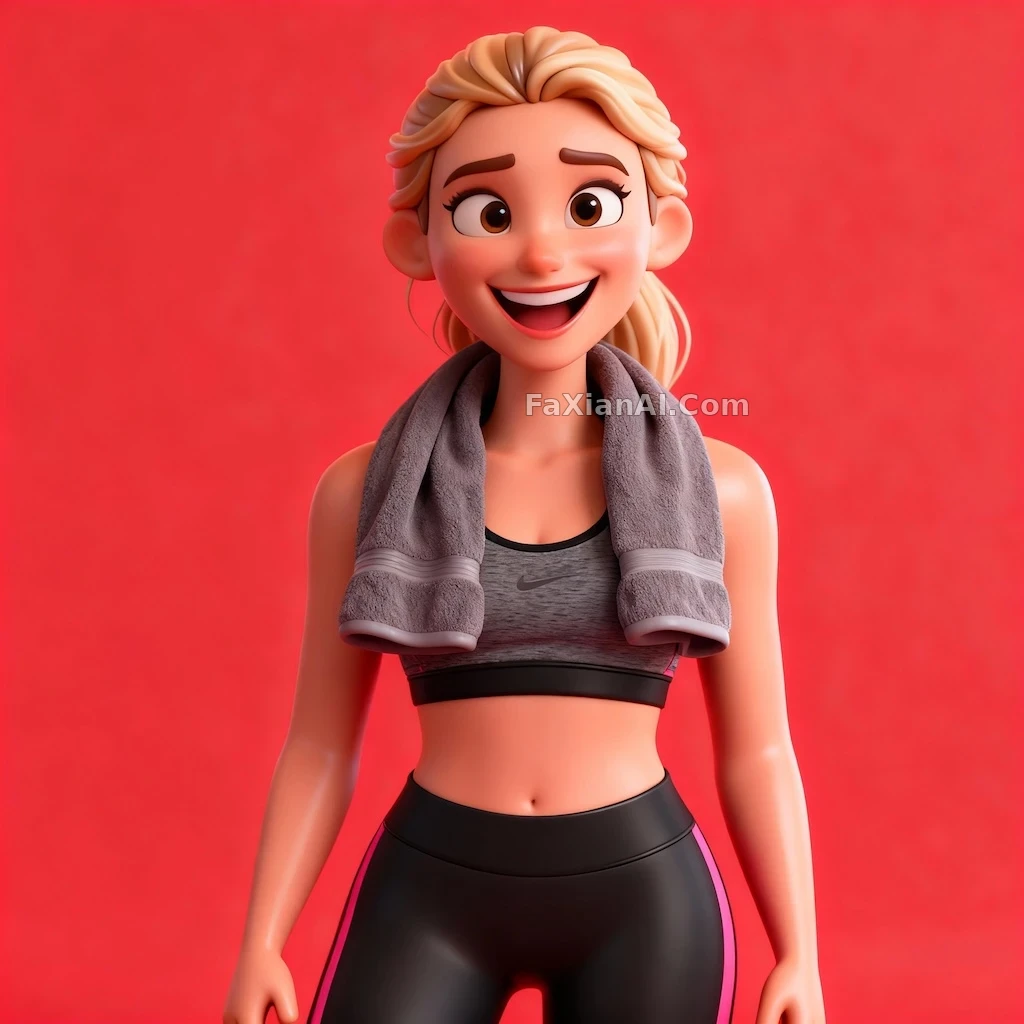
这张3D卡通角色撞色背景加夸张表情,走的也是描述技法而非点名风格这条路。
分镜师看一帧画面,从来不只看这一格好不好看,看的是整套动作接不接得上,这一帧要是往下一格摇,人物的重心和表情能不能顺下去。转卡通这件事也一样,风格是外壳,五官身份是骨架,骨架散了,风格再对味也是白搭,就像分镜画得再漂亮,接不上下一格也是断片。想再看看身份一致性怎么在多张图里保住,可以翻翻人物一致性怎么保住这篇;提示词句子该怎么排布顺序,提示词公式那篇写得比较系统。这批卡通动漫案例都归在创意二创和人像写真这两个分类下,首页image.faxianai.com也能翻到更多能直接抄的写法。