
照片轉卡通動漫提示詞:cartoon photo prompt 到3d cartoon avatar prompt拆解
分鏡這行有個習慣,看一張畫不看它美不美,先看這一幀要是動起來,該往哪個方向搖。照片轉卡通也是同理,光看風格轉沒轉成不夠,得看這張臉的骨相、這個表情的張力,轉完之後還在不在——這才是cartoon photo prompt真正要解決的問題,風格是殼,identity是骨。
cartoon photo prompt,先鎖住五官再談風格
很多人寫轉卡通的提示詞,一上來就堆風格詞——"迪士尼風、皮克斯風、日系風",堆一堆結果臉都不像本人了。這一步順序反了,應該先把"保留哪些五官特徵"寫在前面,風格描述放後面。
- "Convert this portrait into a 3D cartoon style while keeping the person's facial proportions, eye shape and hairstyle recognizable, do not alter the identity."(把這張肖像轉成3D卡通風格,保持人物的五官比例、眼型和髮型可辨認,不要改變身份特徵)
- "Transform this photo into a Pixar-style character render: soften facial edges slightly, enlarge the eyes by a moderate amount only, keep skin tone and hair color matched to the original."(把這張照片轉成皮克斯風格角色渲染:輕微柔化面部邊緣,眼睛只做適度放大,膚色和髮色與原圖保持一致)
- "Redraw this photo as a hand-painted animated film style portrait, dreamy soft lighting, keep the facial structure and expression consistent with the source image."(把這張照片重繪成手繪動畫電影質感的肖像,柔光夢幻氛圍,面部結構和表情要和原圖保持一致)
這張站內的卡通寫實對比案例就是先定住臉再切風格的示範,撕紙縫兩邊看著是同一個人,只是畫風換了。
anime style photo ai,日系質感的關鍵在光不線上條
很多人以為動漫風就是加黑色描邊,其實anime style photo ai做得像不像,光影處理佔的比重更大——柔光暈染、高光留白這些細節,比線條粗細更能決定質感。
- "Convert this photo into a Japanese animated film style: soft diffused lighting, gentle color gradients on the skin, subtle line work only on the eyes and hair, avoid heavy black outlines."(把這張照片轉成日系動畫電影質感:柔和漫射光,皮膚上有漸變色暈染,線條只在眼睛和髮絲處輕微保留,避免厚重的黑色描邊)
- "Turn this portrait into an anime-style illustration with a dreamy background blur, keep the pose and camera angle identical to the original photo."(把這張肖像轉成動漫風插畫,背景帶夢幻虛化,姿勢和拍攝角度與原圖保持一致)
- "Redraw this photo in a hand-drawn animation style, warm window light from the left, keep the facial identity unchanged but simplify the skin texture into flat animated shading."(用手繪動畫風格重繪這張照片,暖光從左側視窗照入,面部身份不變,但把皮膚紋理簡化成扁平的動畫式明暗)
- "Apply an anime line-art correction to this illustration, fix the eye alignment and add fine hair strand details without changing the overall composition."(為這張插畫做動漫線稿修正,修正眼睛對齊並補充細緻的髮絲,不改變整體構圖)
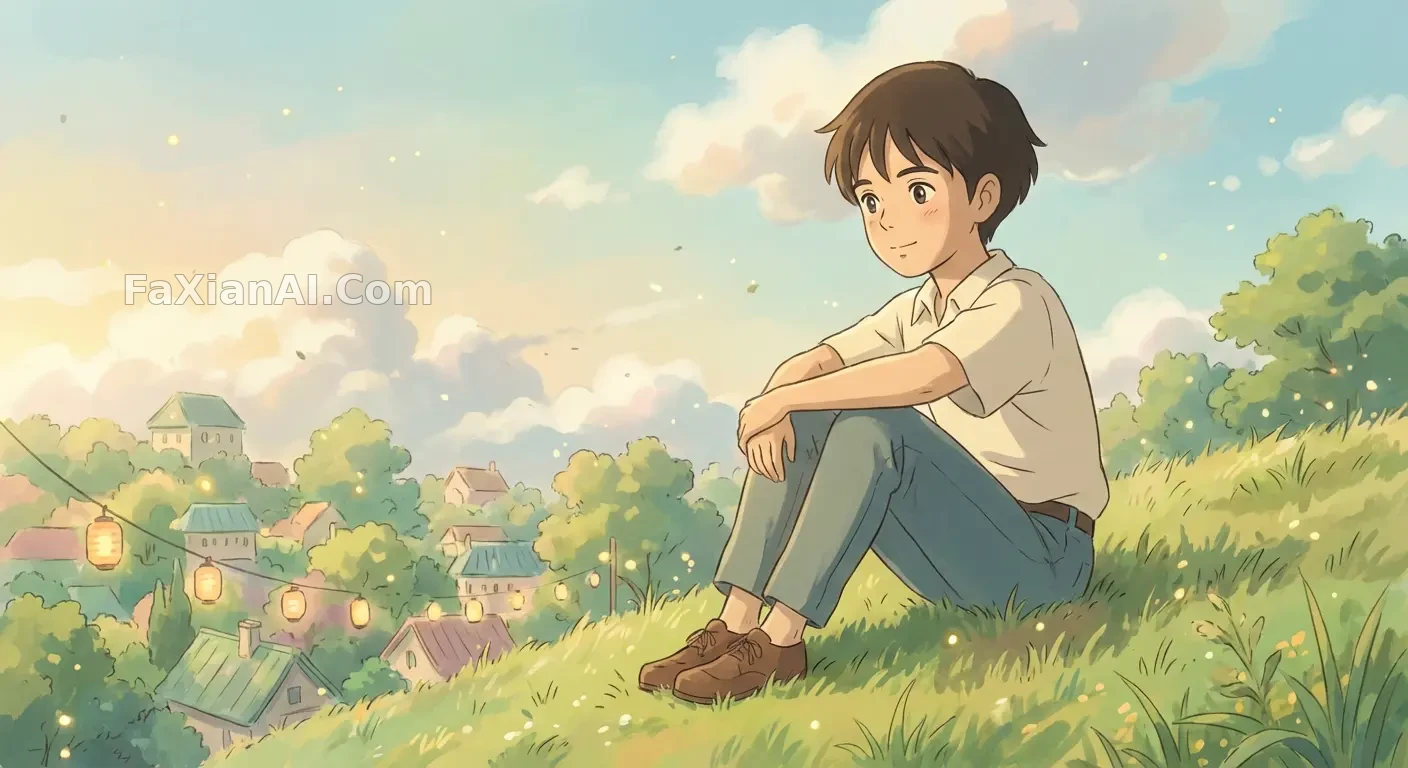
這張手繪動畫風格轉換姿勢沒動,畫風整個換了,柔光暈染是關鍵,不是線條本身。
3d cartoon avatar prompt,頭像場景要多想一步表情包
3d cartoon avatar prompt這類需求,很多人只想著做一張頭像,其實頭像場景往往需要一整套表情延伸——同一張臉配多種情緒,這時候身份鎖定比單張更重要,差一點就會出現"這九張不是同一個人"的問題。
- "Create a 3D chibi figure based on this face, keep the skin tone and hairstyle matched exactly, render with soft studio lighting and a collectible toy finish."(基於這張臉做一個3D Q版手辦,膚色和髮型完全對應,用柔和影棚光渲染,呈現收藏品質感)
- "Generate a set of nine 3D cartoon avatar expressions based on this face, keep facial identity 100 percent consistent across all nine, vary only the expression and mouth shape."(基於這張臉生成九組3D卡通頭像表情,九張的面部身份保持100%一致,只改變表情和嘴型)
- "Design a Pixar-style avatar bust from this photo, exaggerate the expression slightly for a playful tone, keep eye color and hair texture unchanged."(根據這張照片設計皮克斯風格的頭像半身像,表情做輕微誇張處理呈現俏皮感,眼睛顏色和髮絲質感保持不變)
- "Turn this photo into a 3D cartoon avatar with a bold color background, keep the pose casual and the facial proportions close to the source photo."(把這張照片轉成撞色背景的3D卡通頭像,姿態保持隨意,五官比例貼近原圖)
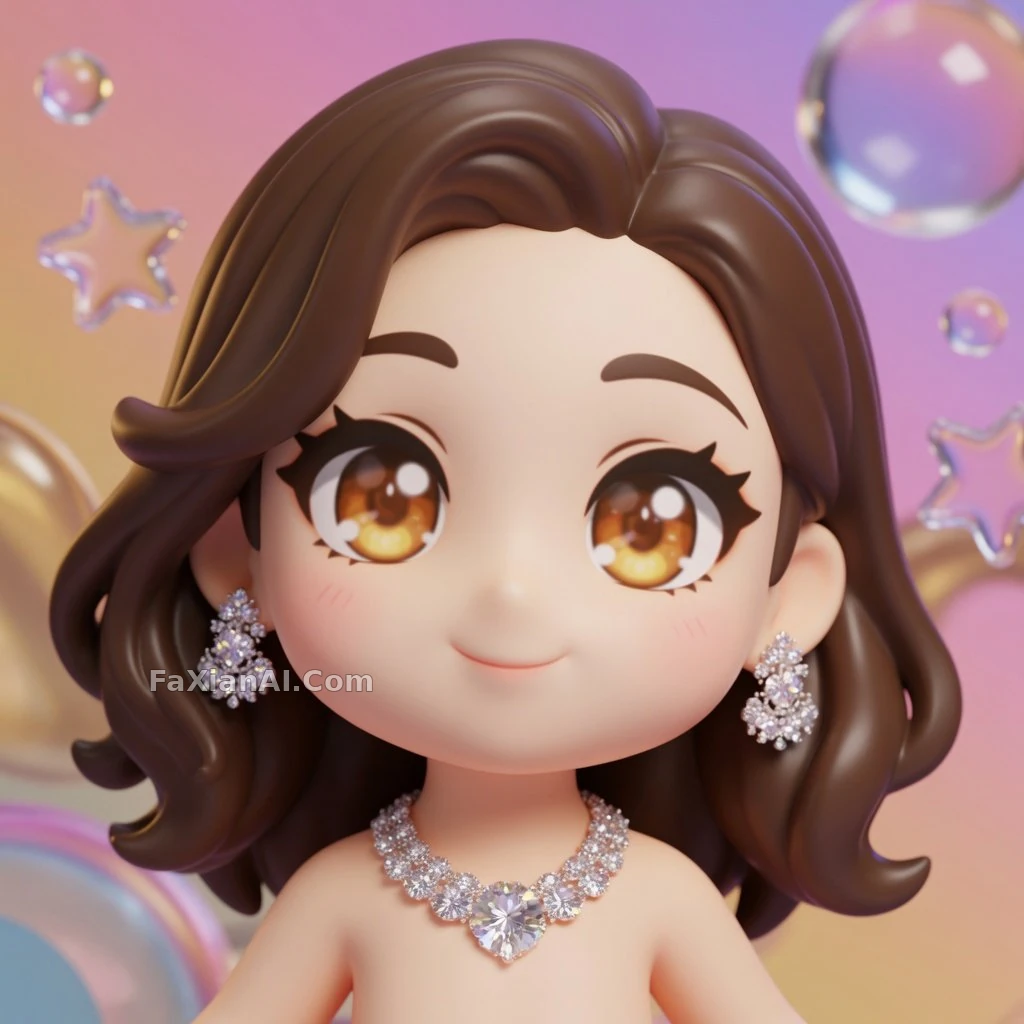
這張Q版手辦轉換膚色髮型全對版,這就是3d cartoon avatar prompt該交代清楚的地方。
用一句話避開常見的IP風格雷區
有類風格描述容易踩坑——直接點某個具體動畫公司或某部作品的名字,出圖效果不穩定還容易惹版權爭議。穩妥的寫法是描述質感而不是點名,比如用"手繪動畫電影質感、柔光渲染、賽璐璐上色感"這類具體的技法描述,代替某個專有名詞,效果照樣到位,還更好控制,模型不用去猜某個片名對應哪種畫風,直接照著技法描述執行就行,穩定性反而更高。
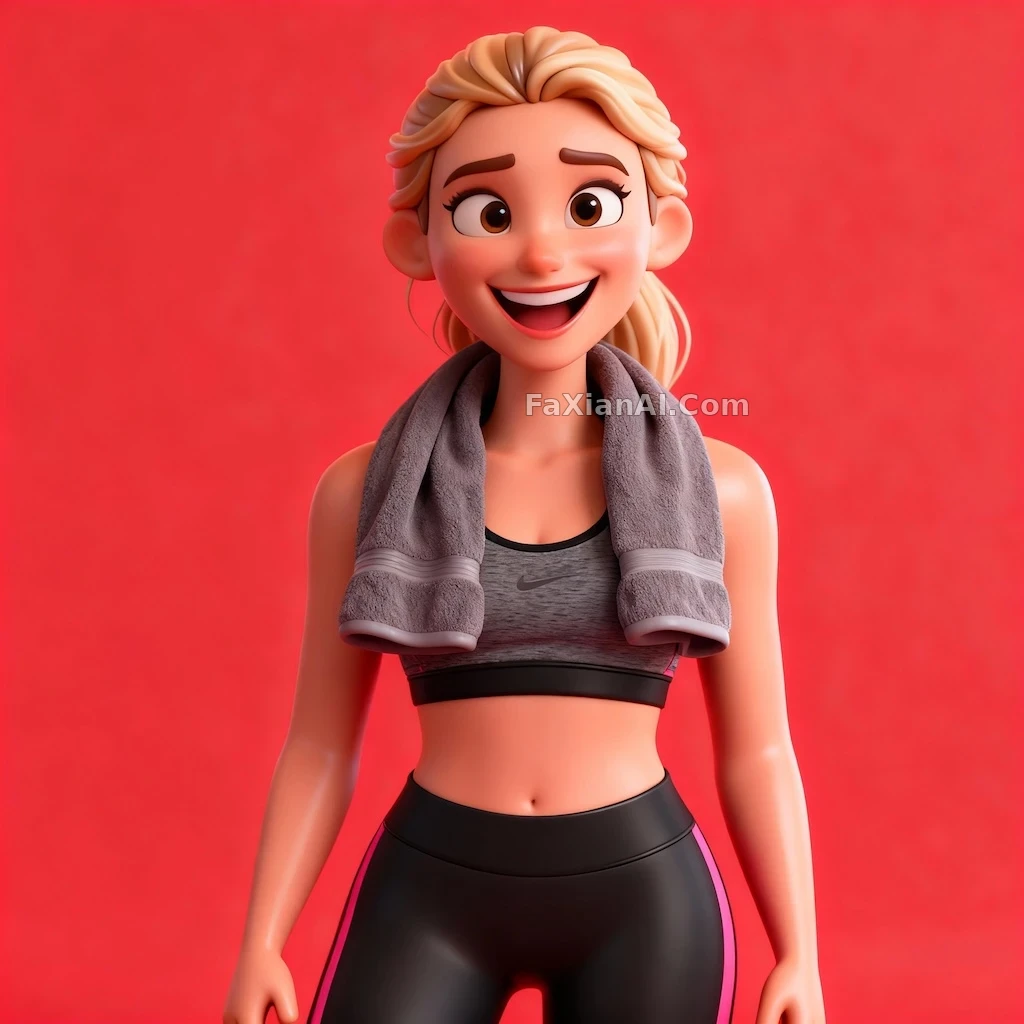
這張3D卡通角色撞色背景加誇張表情,走的也是描述技法而非點名風格這條路。
分鏡師看一幀畫面,從來不只看這一格好不好看,看的是整套動作接不接得上,這一幀要是往下一格搖,人物的重心和表情能不能順下去。轉卡通這件事也一樣,風格是外殼,五官身份是骨架,骨架散了,風格再對味也是白搭,就像分鏡畫得再漂亮,接不上下一格也是斷片。想再看看身份一致性怎麼在多張圖裡保住,可以翻翻人物一致性怎麼保住這篇;提示詞句子該怎麼排布順序,提示詞公式那篇寫得比較系統。這批卡通動漫案例都歸在創意二創和人像寫真這兩個分類下,首頁image.faxianai.com也能翻到更多能直接抄的寫法。