
Photo-to-Cartoon Prompts: Breaking Down Cartoon Photo Prompt Through 3D Cartoon Avatar Prompt
Storyboard artists have a habit: when looking at a frame, they don't judge it on whether it's pretty — they check which direction the frame would pan if it started moving. Converting a photo to cartoon works the same way. Whether the style transformed is not enough on its own; what matters is whether the bone structure of the face and the tension in that expression are still there after the conversion. That's the real problem a cartoon photo prompt needs to solve — style is the shell, identity is the skeleton.
Cartoon photo prompt: lock the facial features before you talk style
A lot of people writing a photo-to-cartoon prompt jump straight into piling on style words — "Disney style, Pixar style, Japanese anime style" — and end up with a face that no longer looks like the person. That order is backwards. What to preserve in the facial features should come first, with the style description placed after.
- "Convert this portrait into a 3D cartoon style while keeping the person's facial proportions, eye shape and hairstyle recognizable, do not alter the identity."
- "Transform this photo into a Pixar-style character render: soften facial edges slightly, enlarge the eyes by a moderate amount only, keep skin tone and hair color matched to the original."
- "Redraw this photo as a hand-painted animated film style portrait, dreamy soft lighting, keep the facial structure and expression consistent with the source image."
This on-site cartoon vs. realistic comparison case is a good example of locking in the face before switching the style — across the torn-paper divide, it clearly reads as the same person, just with a different art style.
For anime style photo ai, the key to the Japanese look is lighting, not linework
A lot of people assume anime style just means adding black outlines. In reality, how convincing an anime style photo ai result looks depends much more on how the lighting is handled — soft glow diffusion and highlight blocking matter more for the texture than line thickness does.
- "Convert this photo into a Japanese animated film style: soft diffused lighting, gentle color gradients on the skin, subtle line work only on the eyes and hair, avoid heavy black outlines."
- "Turn this portrait into an anime-style illustration with a dreamy background blur, keep the pose and camera angle identical to the original photo."
- "Redraw this photo in a hand-drawn animation style, warm window light from the left, keep the facial identity unchanged but simplify the skin texture into flat animated shading."
- "Apply an anime line-art correction to this illustration, fix the eye alignment and add fine hair strand details without changing the overall composition."
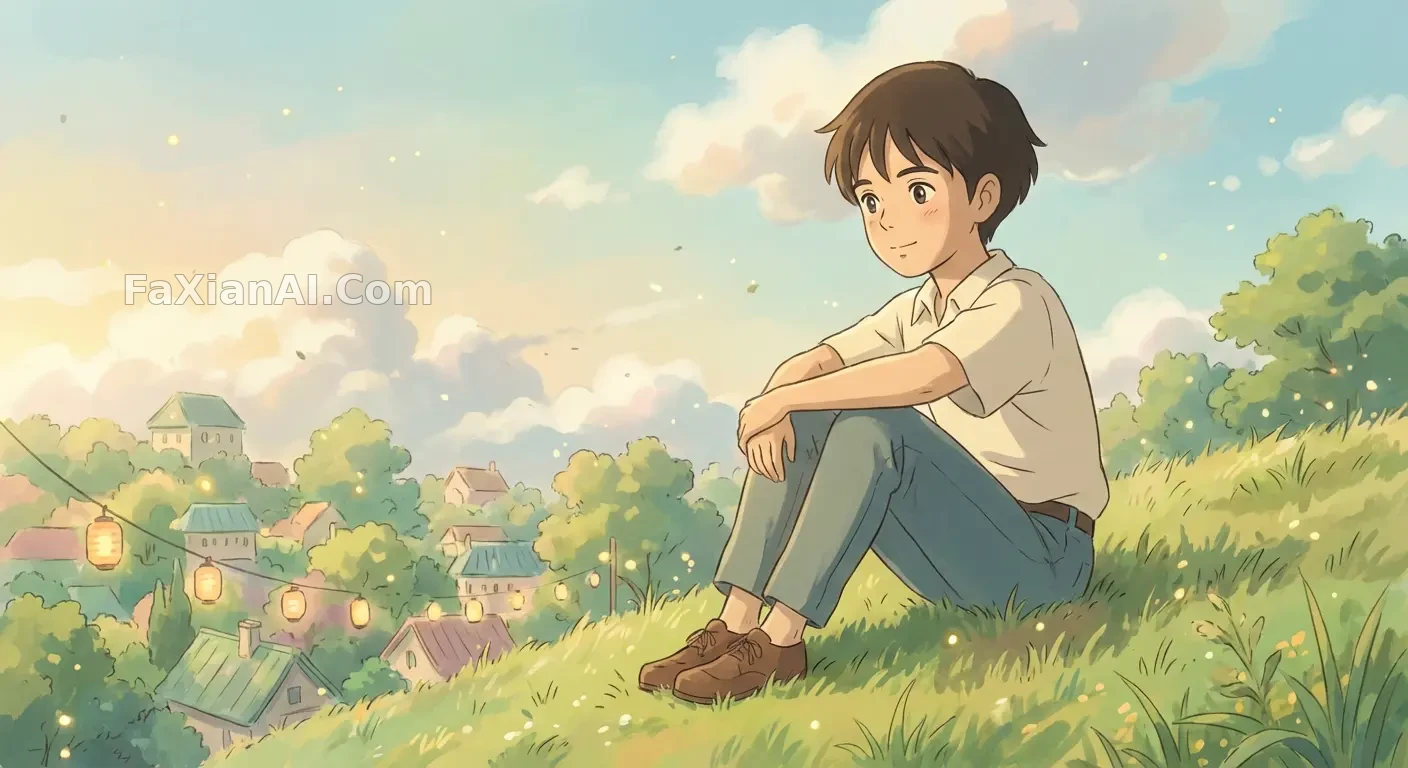
In this hand-painted animation style conversion, the pose didn't move but the whole art style changed — the soft glow diffusion is the key element, not the linework itself.
For a 3d cartoon avatar prompt, think one step ahead to sticker-pack expressions
With 3d cartoon avatar prompt requests, a lot of people are only thinking about one single avatar image. But avatar use cases often call for a whole set of expression variations — the same face across multiple emotions — and that's exactly when identity lock-in matters more than it does for a single image. Get it slightly wrong and you end up with "these nine don't look like the same person."
- "Create a 3D chibi figure based on this face, keep the skin tone and hairstyle matched exactly, render with soft studio lighting and a collectible toy finish."
- "Generate a set of nine 3D cartoon avatar expressions based on this face, keep facial identity 100 percent consistent across all nine, vary only the expression and mouth shape."
- "Design a Pixar-style avatar bust from this photo, exaggerate the expression slightly for a playful tone, keep eye color and hair texture unchanged."
- "Turn this photo into a 3D cartoon avatar with a bold color background, keep the pose casual and the facial proportions close to the source photo."
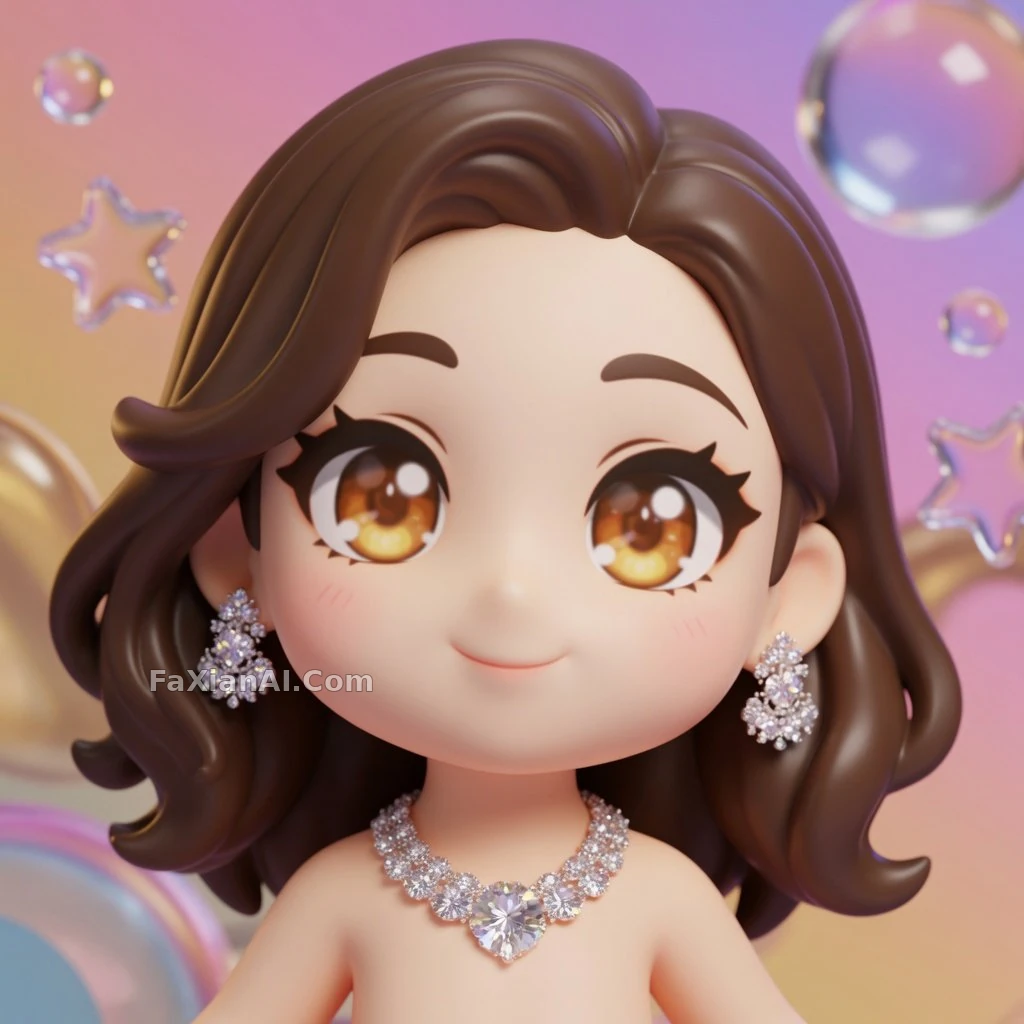
In this chibi figure conversion, skin tone and hairstyle match perfectly — this is exactly what a 3d cartoon avatar prompt needs to spell out clearly.
One line to dodge the common IP-style pitfall
One style-description approach is easy to trip over: naming a specific animation studio or a specific title directly. Results end up inconsistent and can invite copyright disputes. The safer way to write it is to describe the texture rather than name it — using concrete technique descriptions like "hand-painted animated film texture, soft-glow rendering, cel-shaded coloring" instead of a proper noun. The result lands just as well, and it's easier to control — the model doesn't have to guess which art style a given title corresponds to, it just executes the technique description directly, which actually makes it more consistent.
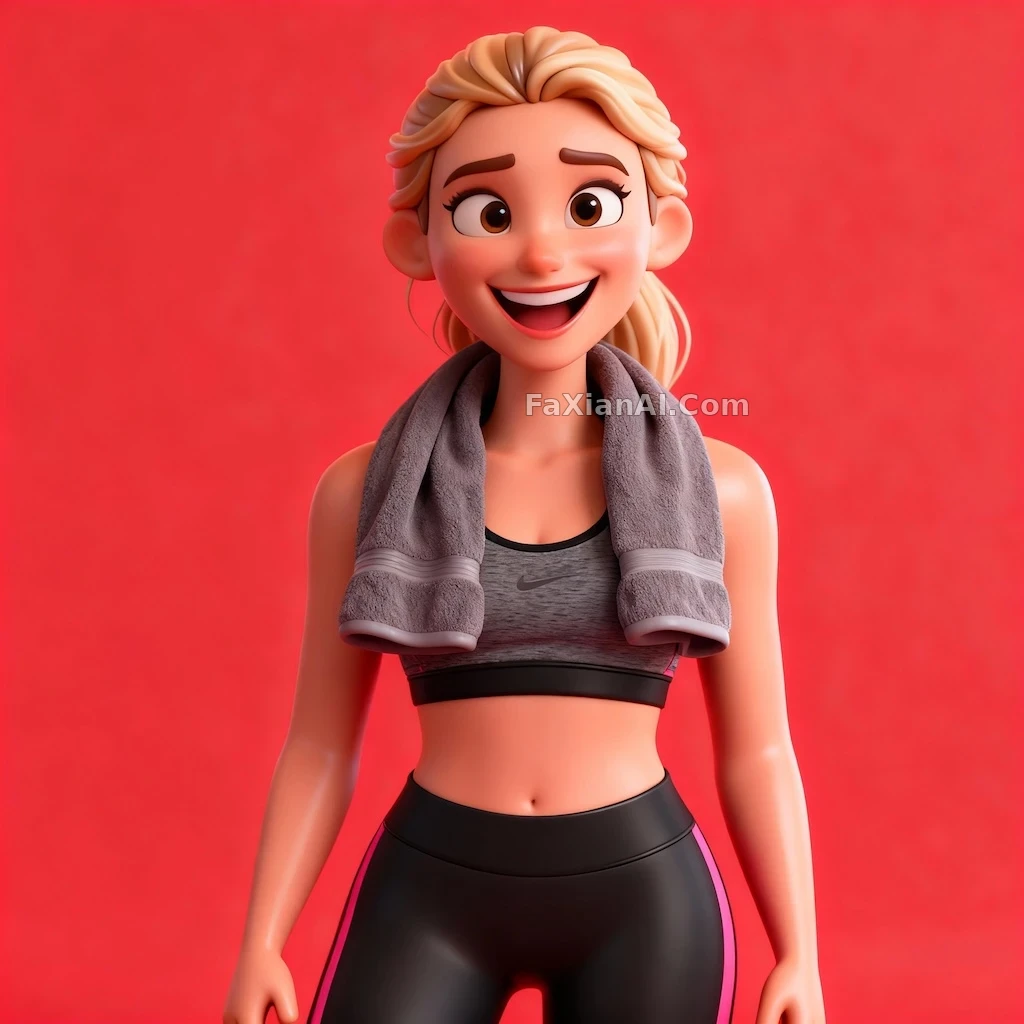
This 3D cartoon character with a bold-color background and an exaggerated expression takes the same route — describing the technique rather than naming a style.
A storyboard artist never judges a single frame just on whether it looks good — they judge whether the whole sequence of motion connects, whether the character's weight and expression carry through smoothly into the next frame. Converting to cartoon works the same way: style is the shell, facial identity is the skeleton. If the skeleton falls apart, no amount of on-point style saves it — the same way a beautifully drawn frame is useless if it doesn't connect to the next one. To see more on how to keep identity consistent across multiple images, check out how to keep character consistency; for how to order the sentences in a prompt, the prompt writing formula article covers it more systematically. This batch of cartoon and anime cases is filed under the creative remix and portrait categories — the homepage at image.faxianai.com has more ready-to-use write-ups too.