
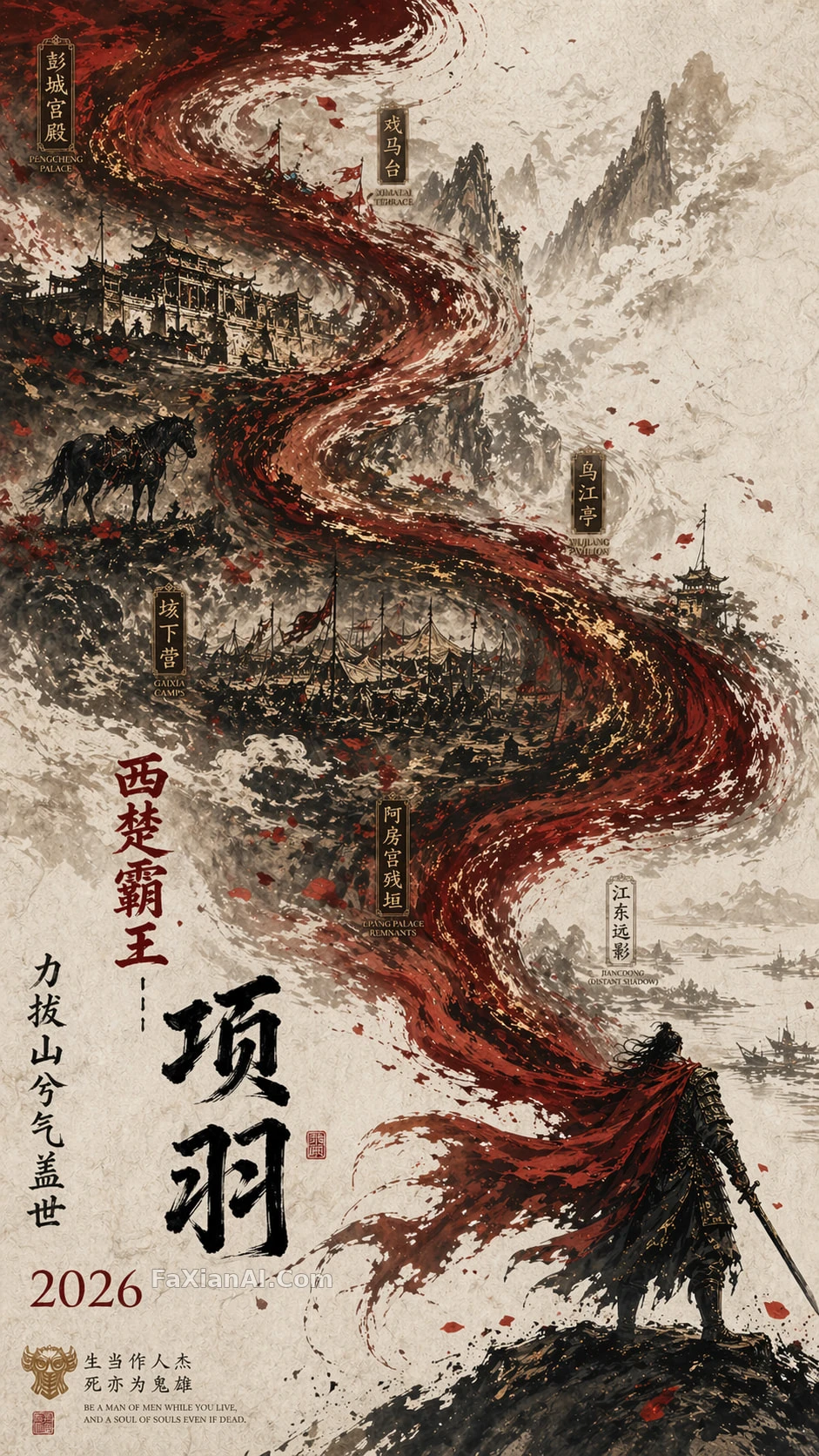
本想畫個霸王,先服了這匹馬
披風化成江水那下最出戏,霸王本人反而成了配角。
寫法要點
✍️ 披風變江水這個轉場才是真正的技術活——雙重曝光要讓色塊自然接續,不能生硬疊圖。烏騅馬放剪影而非細畫,是故意留白讓主角更搶眼,這招換成任何雙人構圖都好使。
完整提示詞
📋 提示詞 自然語言662 字元
A grand concept poster built on double exposure with a flowing S-curve. Lower right, rendered on textured white rice paper: a miniature Xiang Yu clad in black armor, his scarlet cape sweeping toward the upper left and dissolving into the churning Wu River. Layered over this, a hand-drawn Guochao battlefield unfolds — the Gaixia encampments, drifting poppy petals, the lone silhouette of his warhorse Wu Zhui. Palette holds to profound black, blood red, and antique gold, wrapped in ink-wash mist with generous negative space. Lower left carries the typography: the title '西楚霸王項羽' beside a single vertical line of poetry, '力拔山兮氣蓋世'. Portrait aspect ratio, 9:16.
📋 中文譯寫版 自然語言
一張走雙重曝光、S型構圖的史詩概念海報。畫面右下方,在帶紋理的白色宣紙質感底上,繪著身披黑色鎧甲的項羽微縮形象,猩紅披風向左上揚起,逐漸融化成翻湧的烏江江水。疊印其上的是國潮手繪古戰場:垓下營寨、散落的花瓣、孤獨佇立的烏騅馬剪影。色調鎖定深邃黑、血紅與古銅金,籠在水墨薄霧裡,留出大片負空間。左下角排版:標題“西楚霸王項羽”配一行豎排詩句“力拔山兮氣蓋世”。畫幅比例9:16豎版。
相關案例
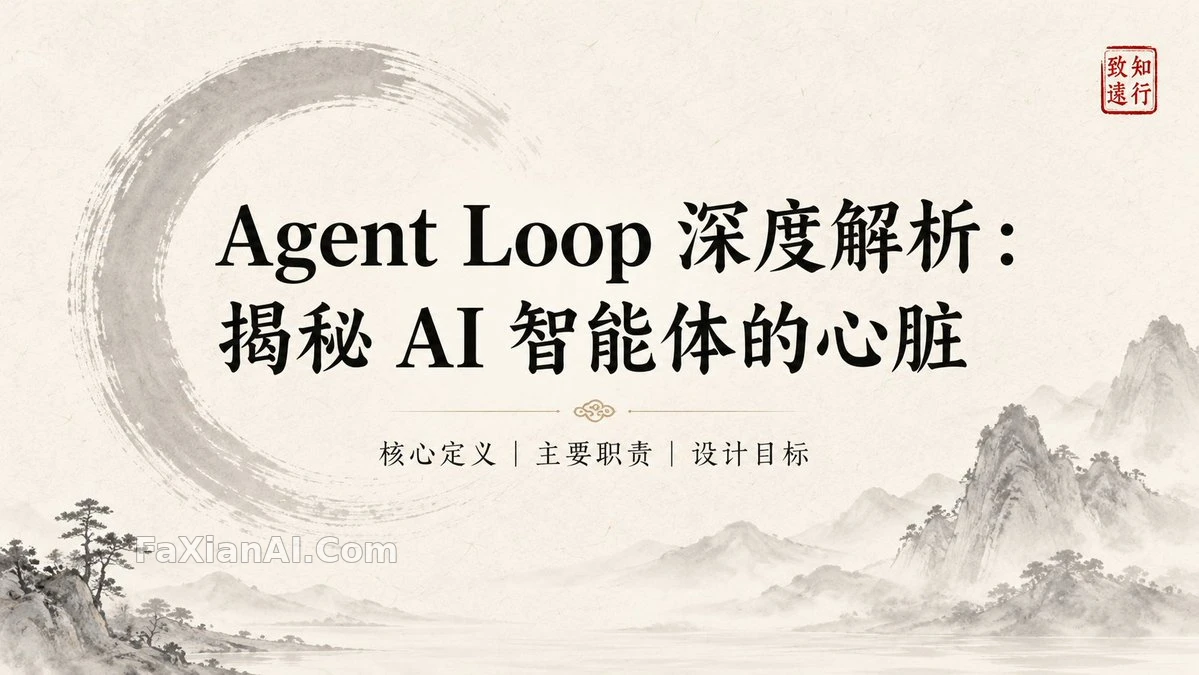
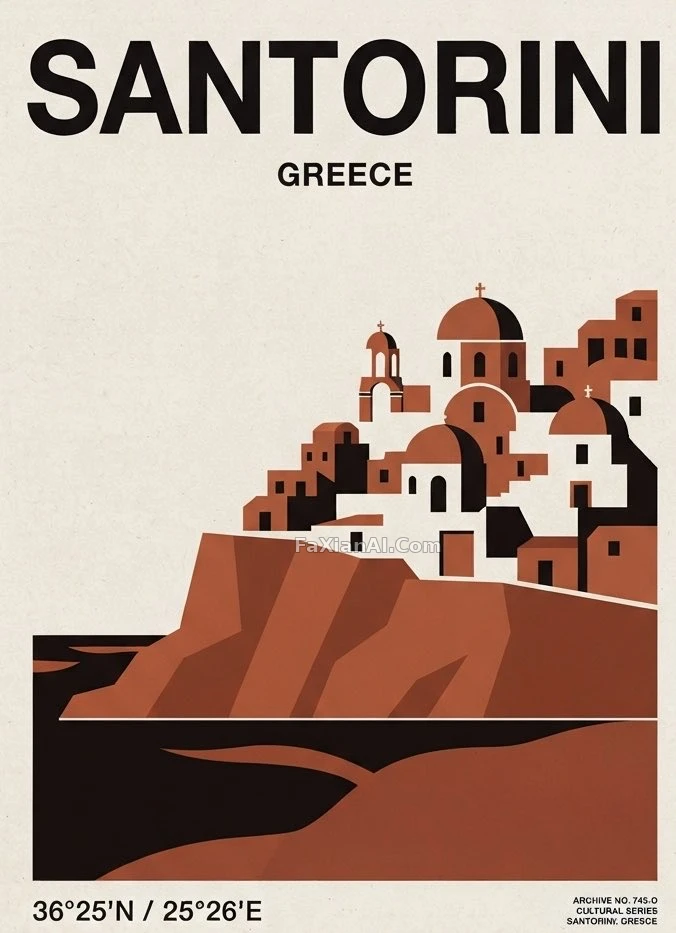
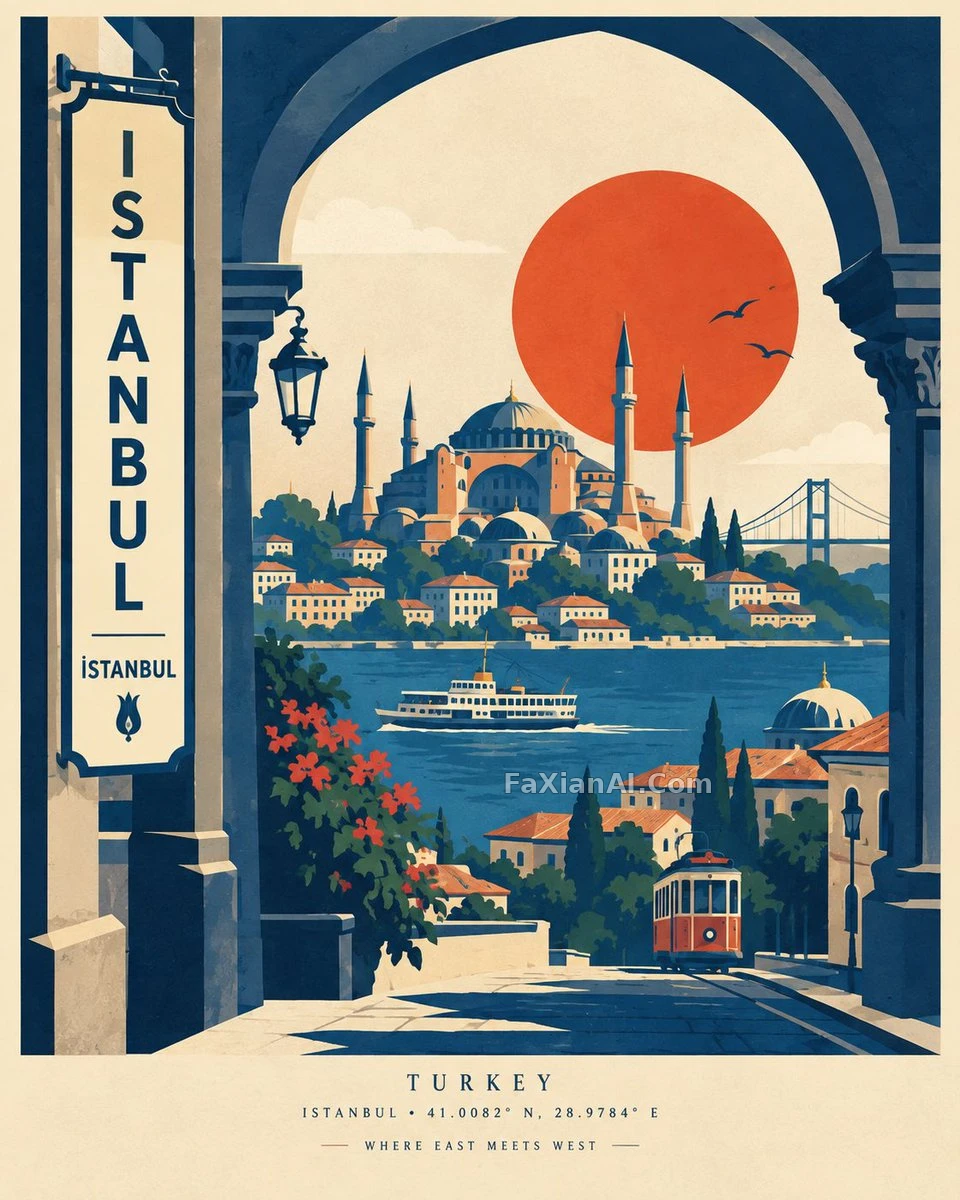
更多 GPT Image 2 案例
全部 GPT Image 2 案例 →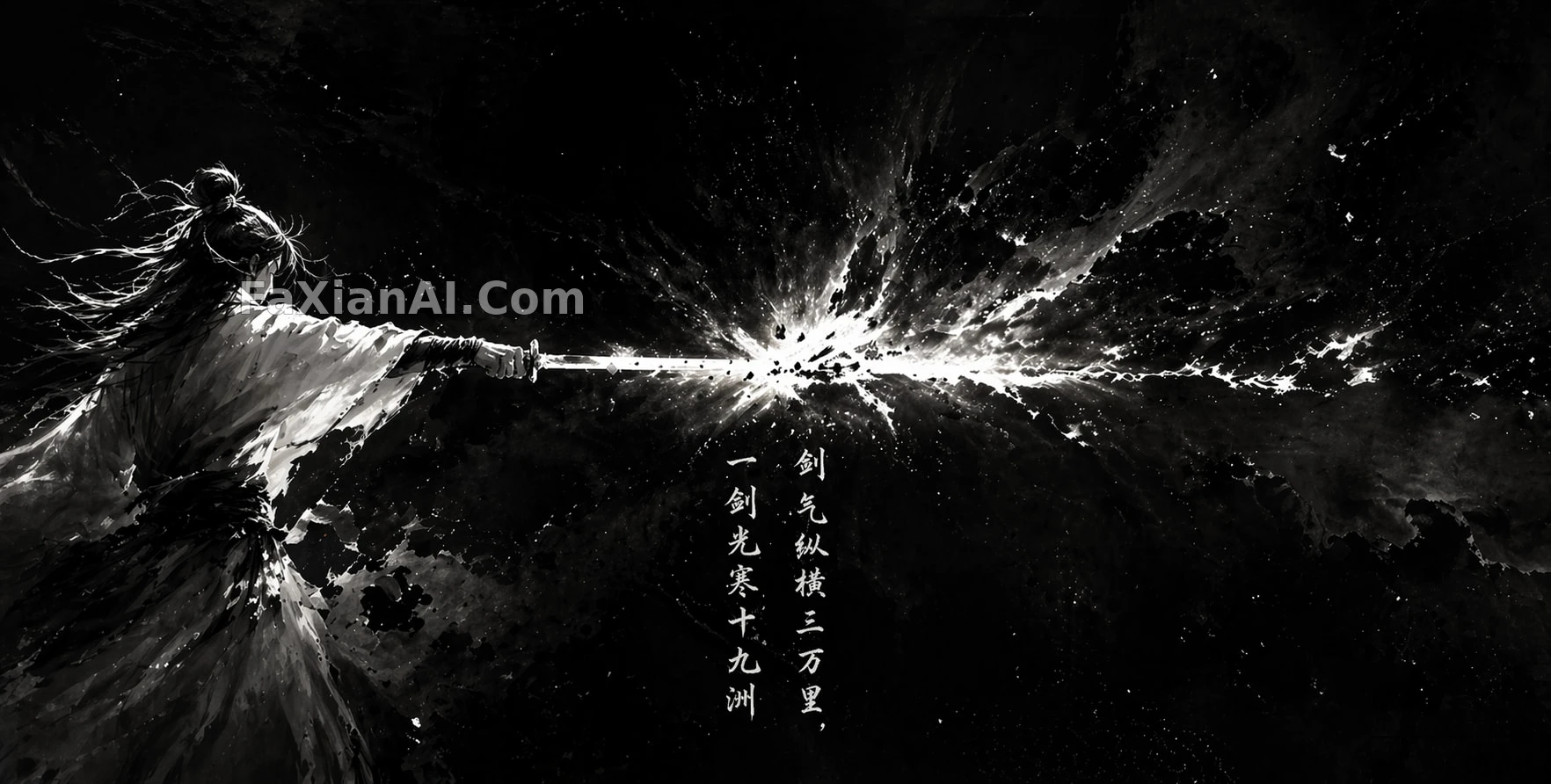
相關教程
版畫顆粒不是噪點:藍曬、木刻和套印怎樣寫出區別photo abstract editorial怎麼寫:留白比堆細節更難照片變清晰提示詞:10 條 photo clear prompt for chatgpt 按引數分級