
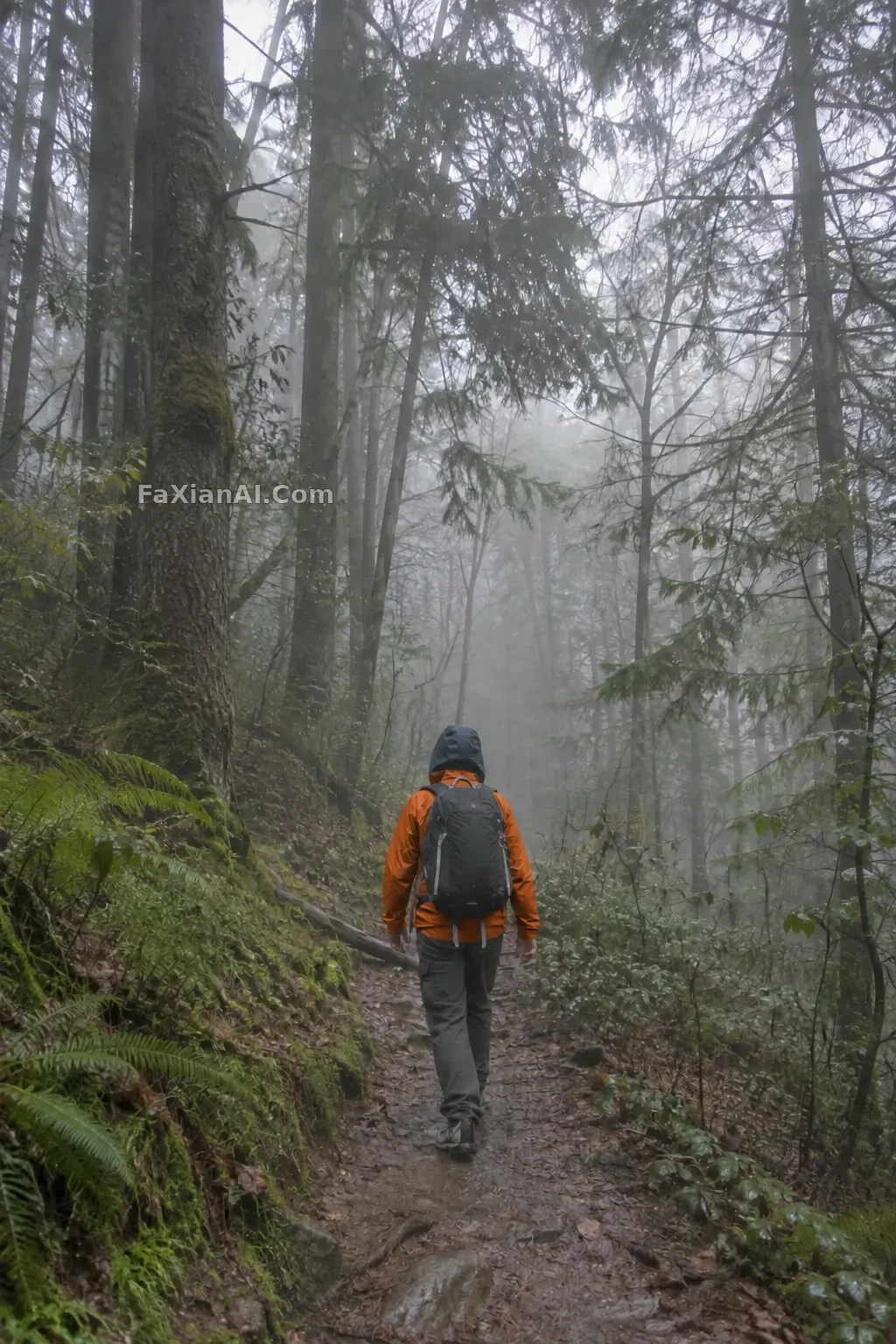
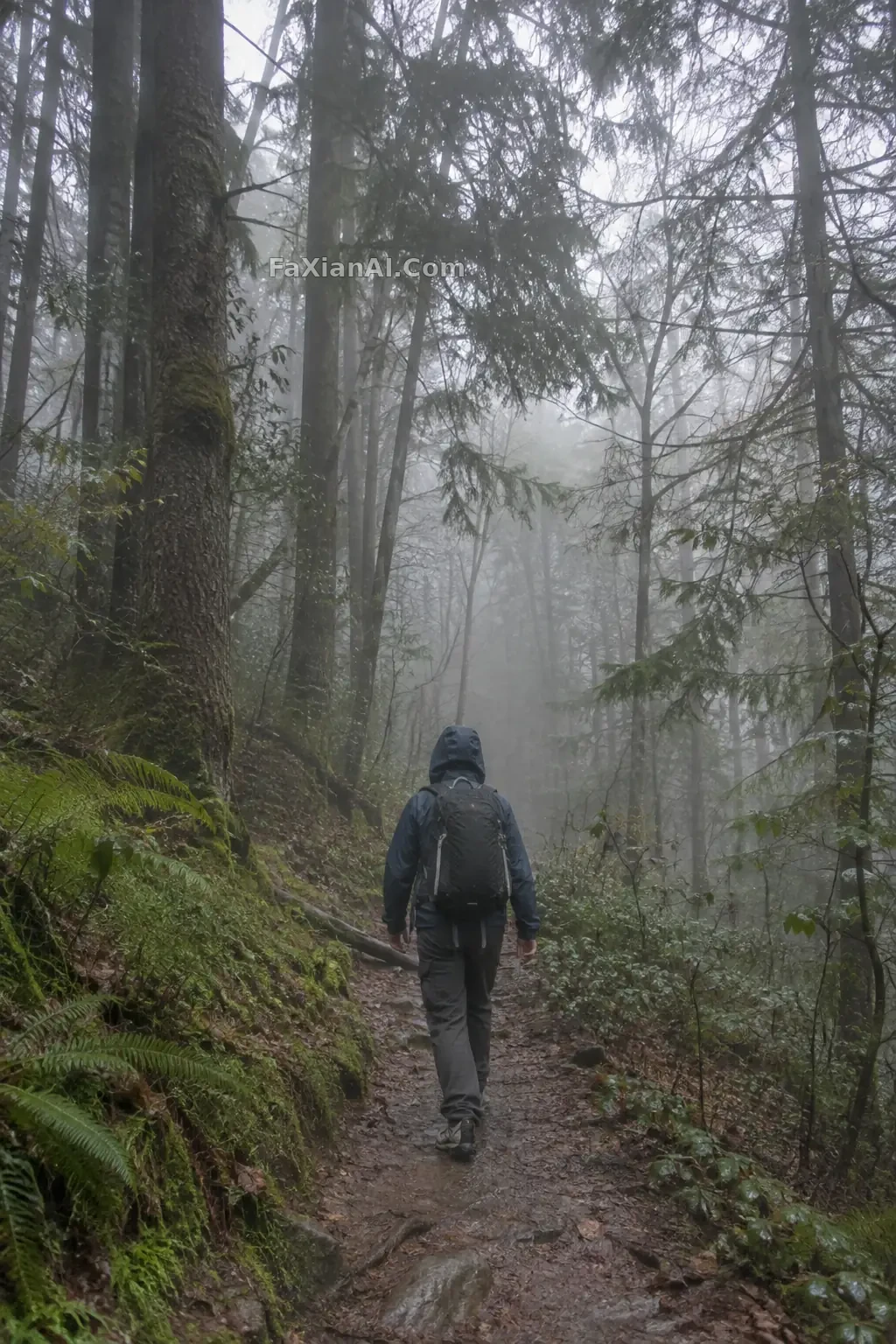
把徒步衝鋒衣改成亮橙色
只改徒步者外套的顏色,布料褶皺與明暗保持不變,其餘畫面原樣。
寫法要點
✍️ 改色只給一個目標:外套。褶皺和明暗寫“沿用”,顏色才像染過而不是塗了一層。橙色在灰綠林子裡本來就跳,別再額外加光。
完整提示詞
📋 提示詞 自然語言
Recolor only the hiker's shell jacket to a saturated orange. Keep the fabric folds, seams, highlights and shadow gradations so the jacket still reads as the same garment in a different colour. Keep unchanged: the man's back view, trousers, backpack colour, hat, hair, the forest, the gloomy overcast light and the composition. The orange should pick up a slight tone from its surroundings, not look flat or glowing. No logos, no text, no watermark.
📋 中文譯寫版 自然語言
只把徒步者的衝鋒衣改成飽和的橙色。保留布料褶皺、接縫、高光與陰影的明暗層次,讓它看起來仍是同一件衣服、只是換了顏色。保持不變:男士的背影、褲子、揹包顏色、帽子、頭髮、森林、陰沉的陰天光線與構圖。橙色要略微受環境色影響,不能發平或發光。無標識、無文字、無水印。
相關案例
更多 GPT Image 2.6 案例
全部 GPT Image 2.6 案例 →
相關教程
用 Images 2.6 做系列圖:參考圖、標註和“只改這一處”老照片修復上色提示詞:restore old photo prompt 劃痕泛黃一次說清楚小動物換媒介:針氈、陶土與低多邊形分別檢查什麼