
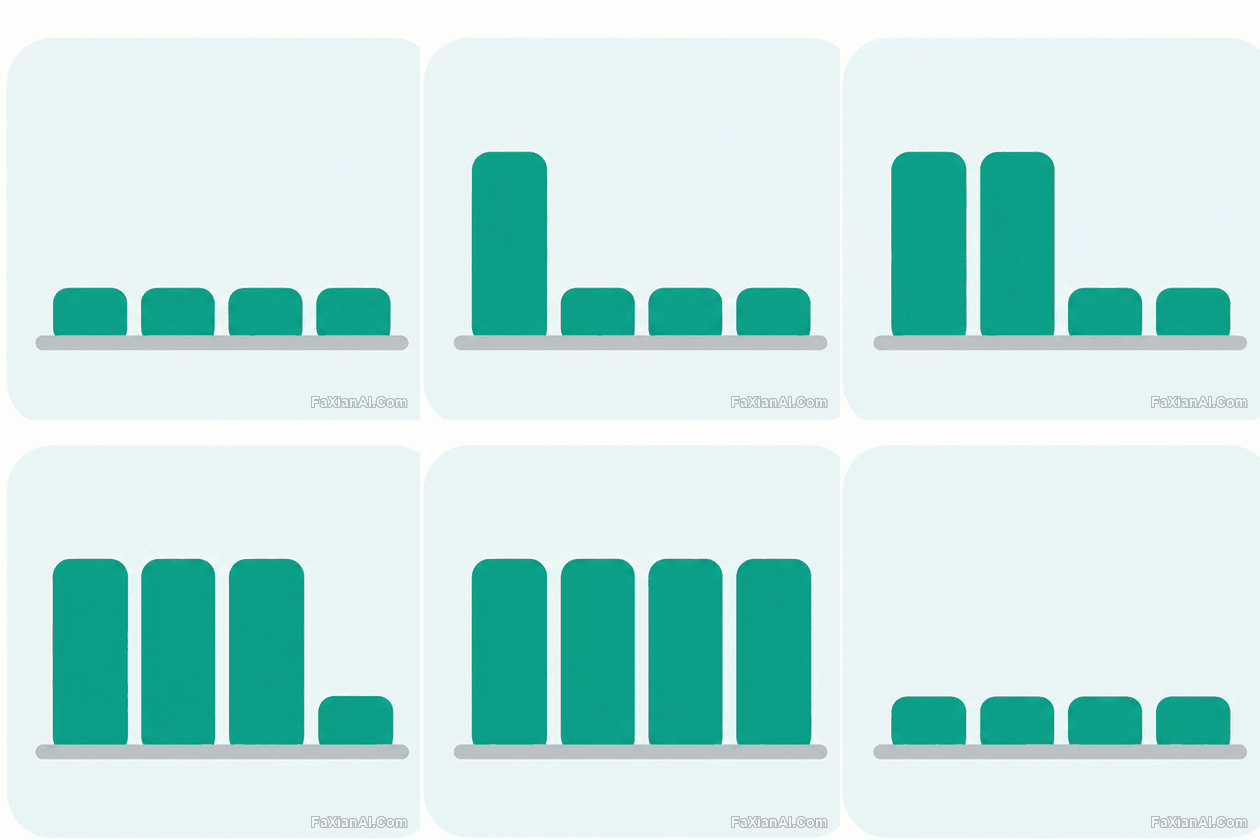
迴圈動圖 · 6 幀
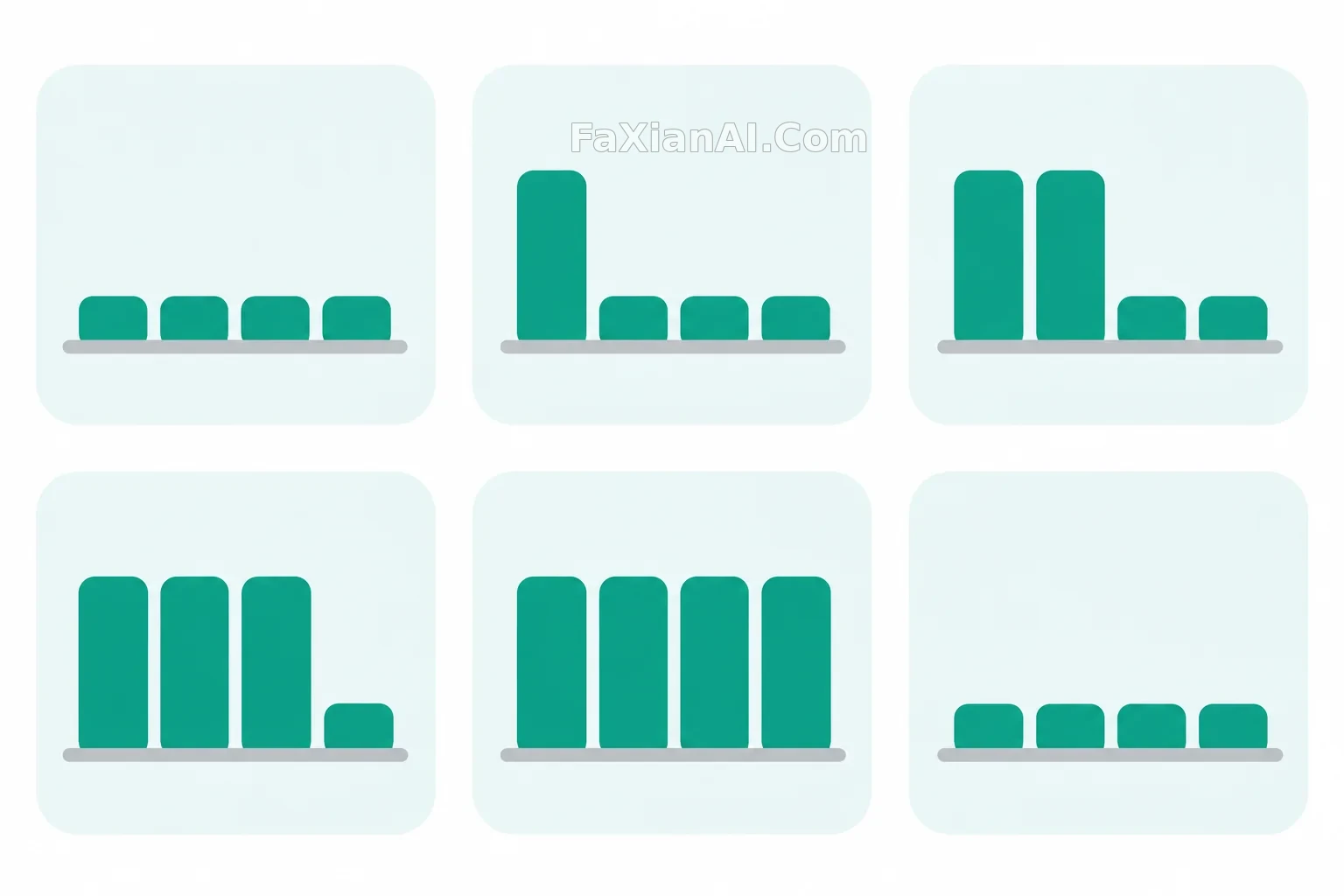
柱狀圖長高的 UI 動效
做彙報頁或載入態時,這種簡單動效很好用。
寫法要點
✍️ 錯開升高比一起升高好看,這是動效設計的基本功。這張不放數字,避免模型編造資料。如果要精確控制時序,還是用 CSS 或 Lottie 更合適。
完整提示詞
📋 提示詞 自然語言
Create a 6-frame UI motion sprite sheet, 3 columns by 2 rows of equal 512x512 cells on a clean white background. Subject: a flat rounded card with a simple bar chart of four rounded bars in teal, on one fixed baseline. The bars rise in a staggered sequence: all low, first bar tall, first two tall, three tall, all tall, then falling back to low. The card, baseline and bar widths stay exactly the same in every cell. Consistent spacing grid, no axes labels. No grid lines between cells, no numbers, no text, no logos.
📋 中文譯寫版 自然語言
生成 6 幀 UI 動效精靈圖,3 列 2 行,每格 512x512,乾淨白色背景。主體是扁平圓角卡片,裡面是簡單的柱狀圖,四根青色圓角柱站在同一條固定基線上。柱子錯開升高:全部較低、第一根升高、前兩根升高、三根升高、全部升高,再回落到較低。卡片、基線和柱寬每格完全相同。間距統一,沒有座標軸標籤。格子之間不要分隔線,不要數字、文字和標誌。
相關案例


更多 GPT Image 2.6 案例
全部 GPT Image 2.6 案例 →

相關教程
Images 2.6 的 GIF 提示詞怎麼寫:動作、幀數和迴圈GPT Images 2.6 新功能解讀:GIF、參考圖和兩個新模型各管什麼ChatGPT 換背景提示詞:12 條 background change prompt 覆蓋證件照到電商白底