
Home › Model Encyclopedia › Comparison
MODEL COMPARISON
GPT Image 2.5 vs GPT Image 2.6: Which One Should You Use
The site has 1707 and 62 reproducible cases for each, respectively. Below, we compare strengths, prompt writing, and final results side by side.
The Bottom Line
GPT Image 2.5 is better for Executing long paragraph-length scene descriptions; GPT Image 2.6 is better for Looping animations and reaction stickers. Running the same idea through both is usually worth it — they "listen" differently, so the prompt has to be adjusted to match.
Strengths & Prompt-Writing Comparison
GPT Image 2.5
Split the frame into four blocks - subject, environment, light, camera - and write each separately; that works far better than piling on style words. It is also more reliable than the previous version at local edits phrased as "change only this one thing, leave the rest alone".
GPT Image 2.6
For animations, break the motion into individual frames, state what stays still, and ask for the last frame to lead back to the first. For a series, start with a clean base image that has one checkable detail, then list what must not change. Use low complexity for small edits and high complexity for dense text and intricate layouts.
GPT Image 2.5 Cases
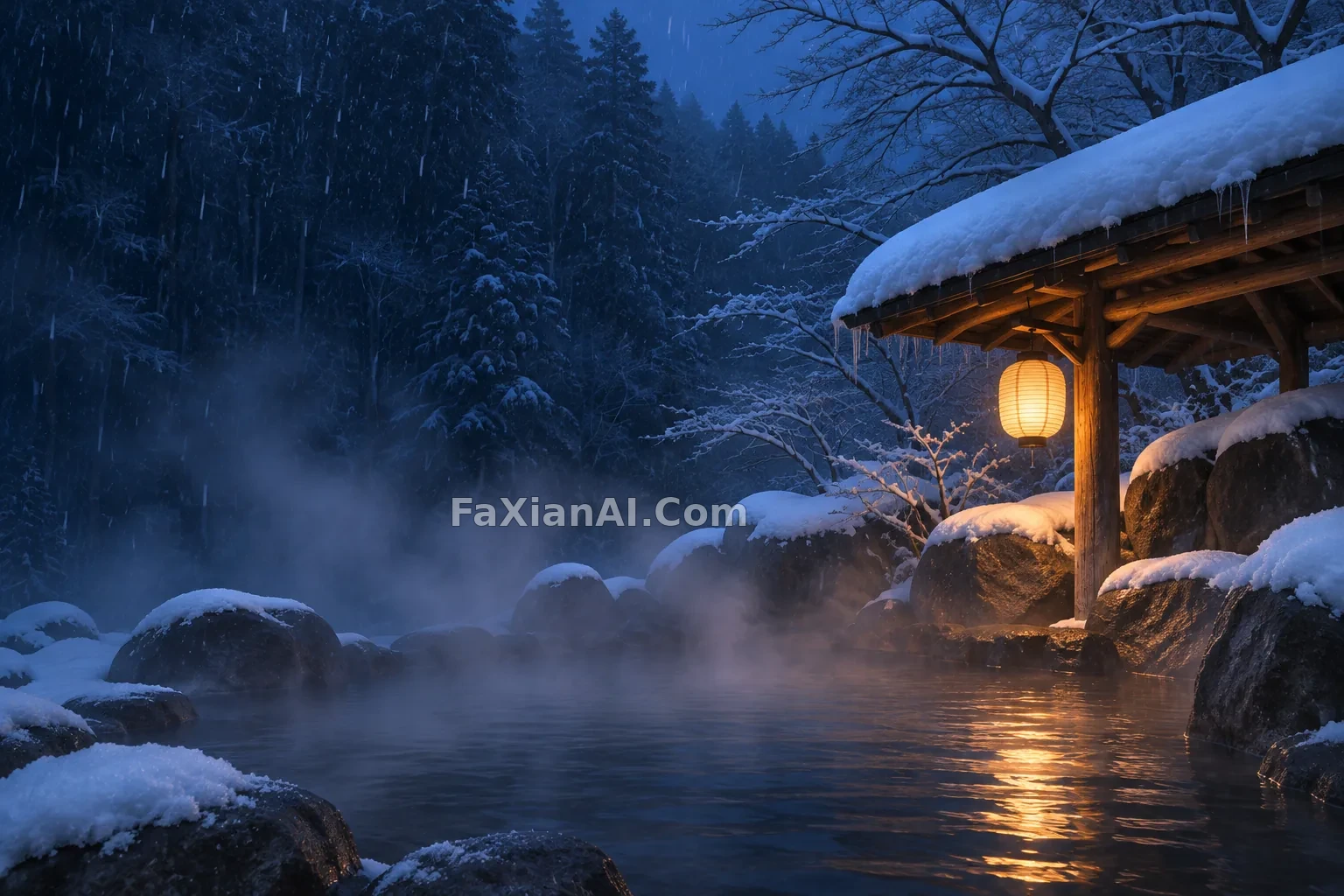 A Lone Lantern Warms an Outdoor Hot Spring in Falling Snow
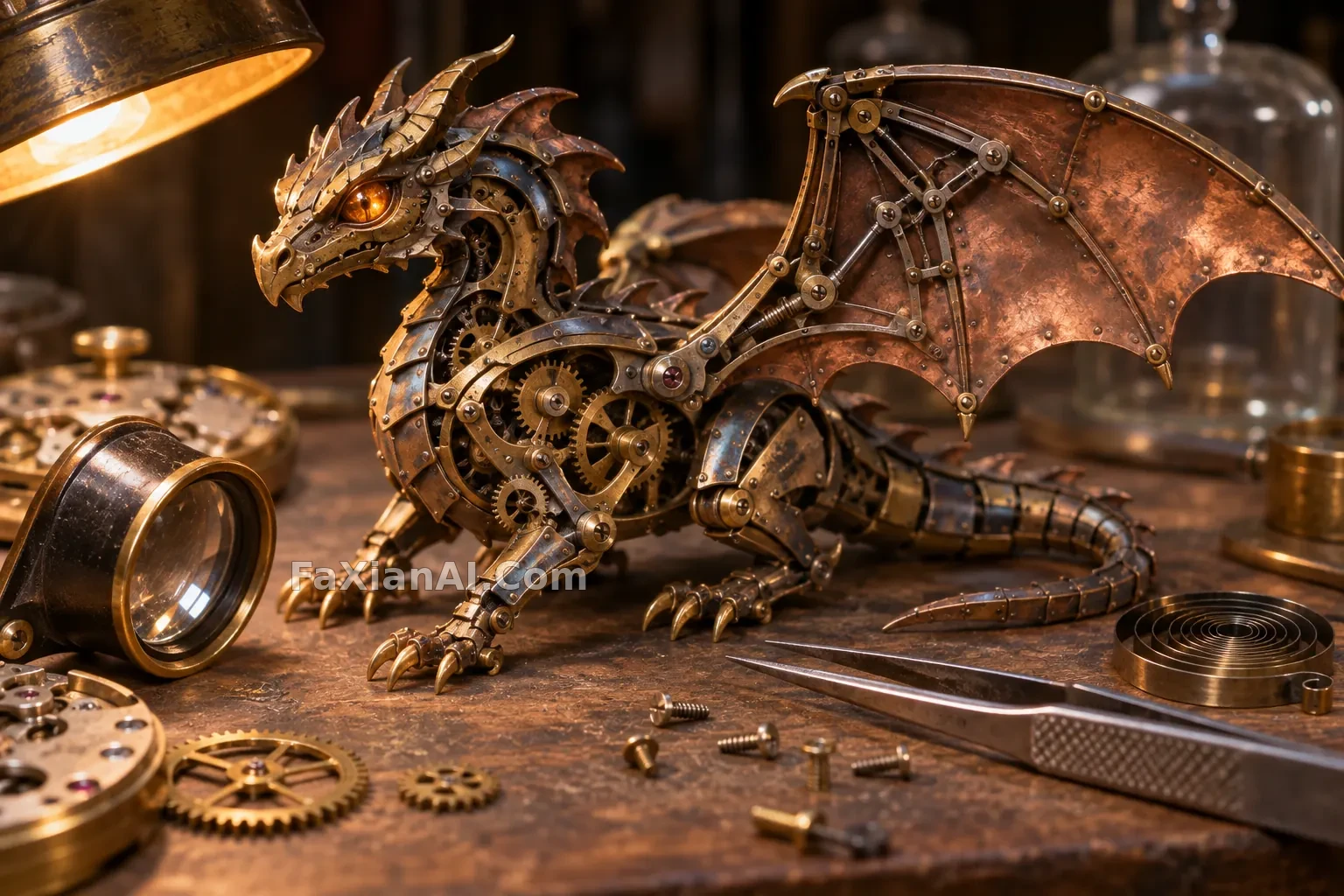 A Little Brass Dragon on an Old Watchmaker’s Bench
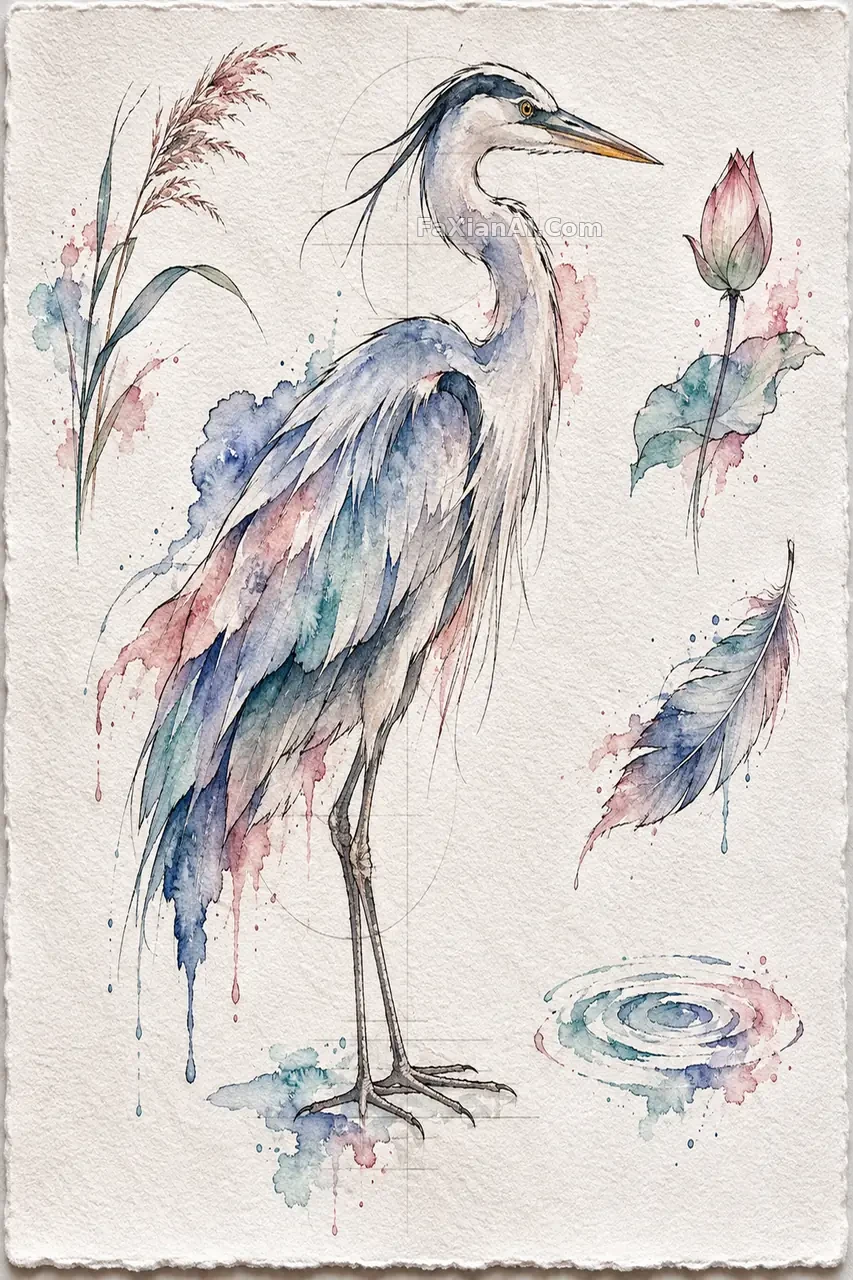 A Grey Heron in Ink and Watercolor Tattoo Flash
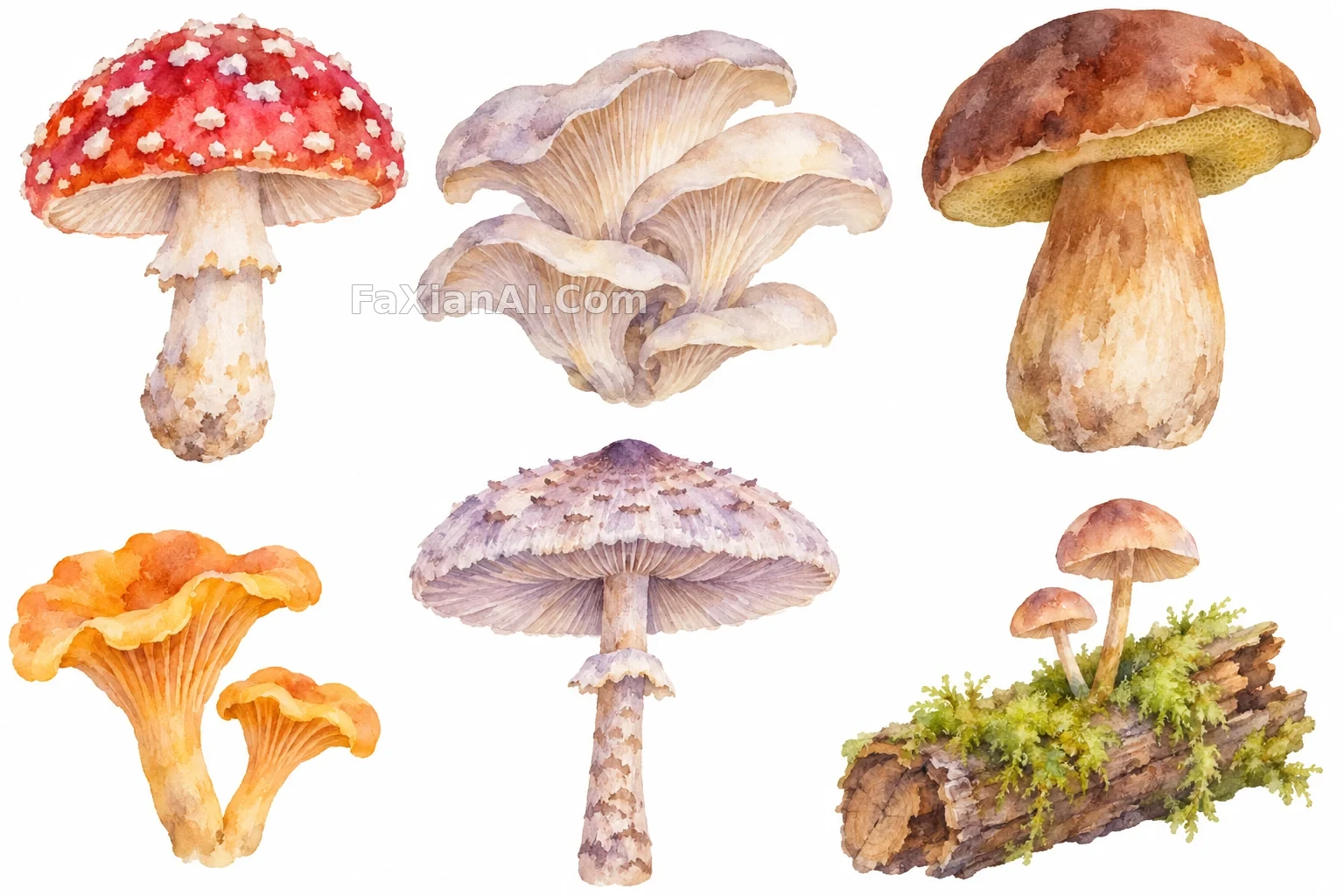 Six Woodland Mushrooms Painted as Delicate Watercolor Clipart on White
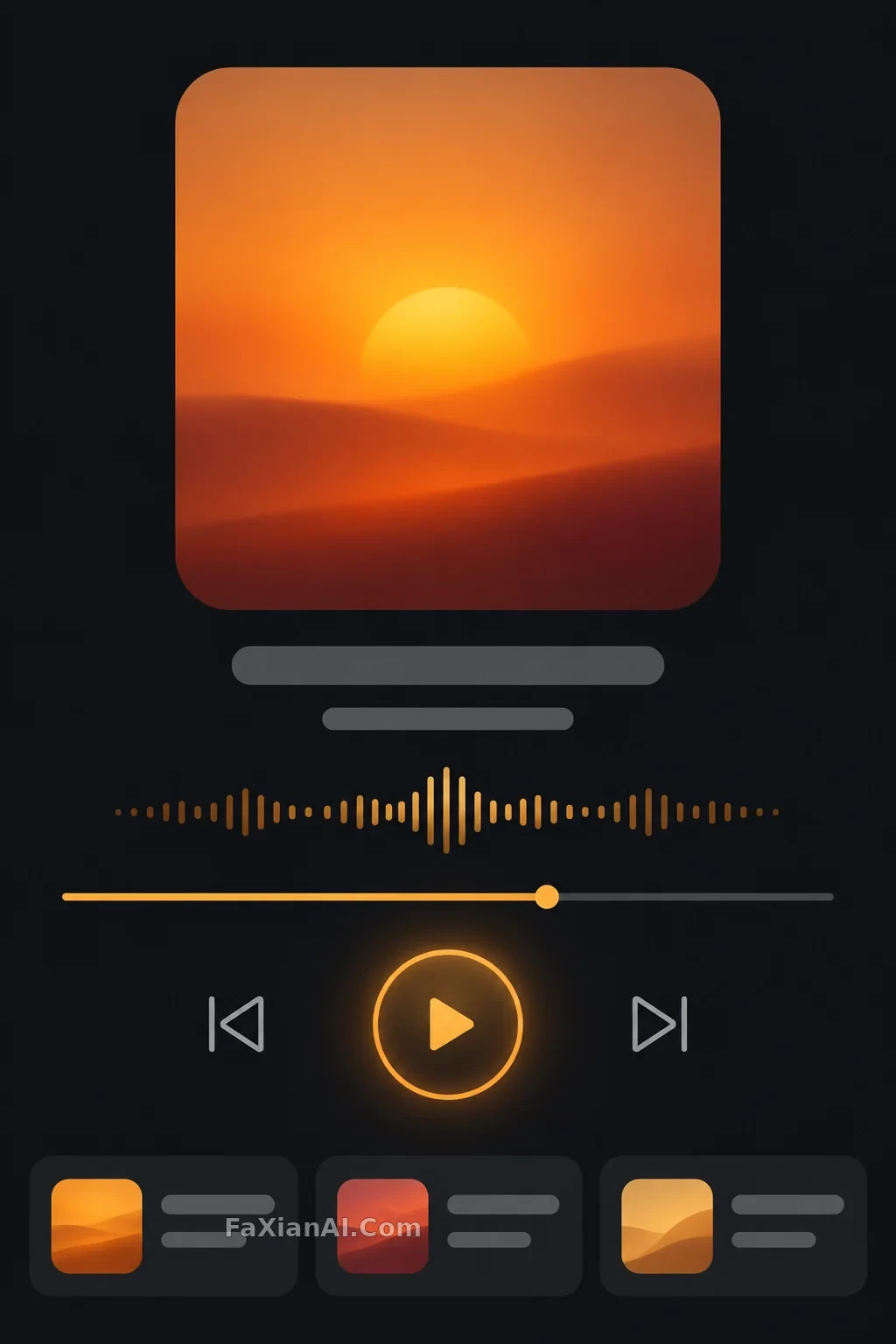 An Amber Sunset Glows on a Dark Music Player Interface
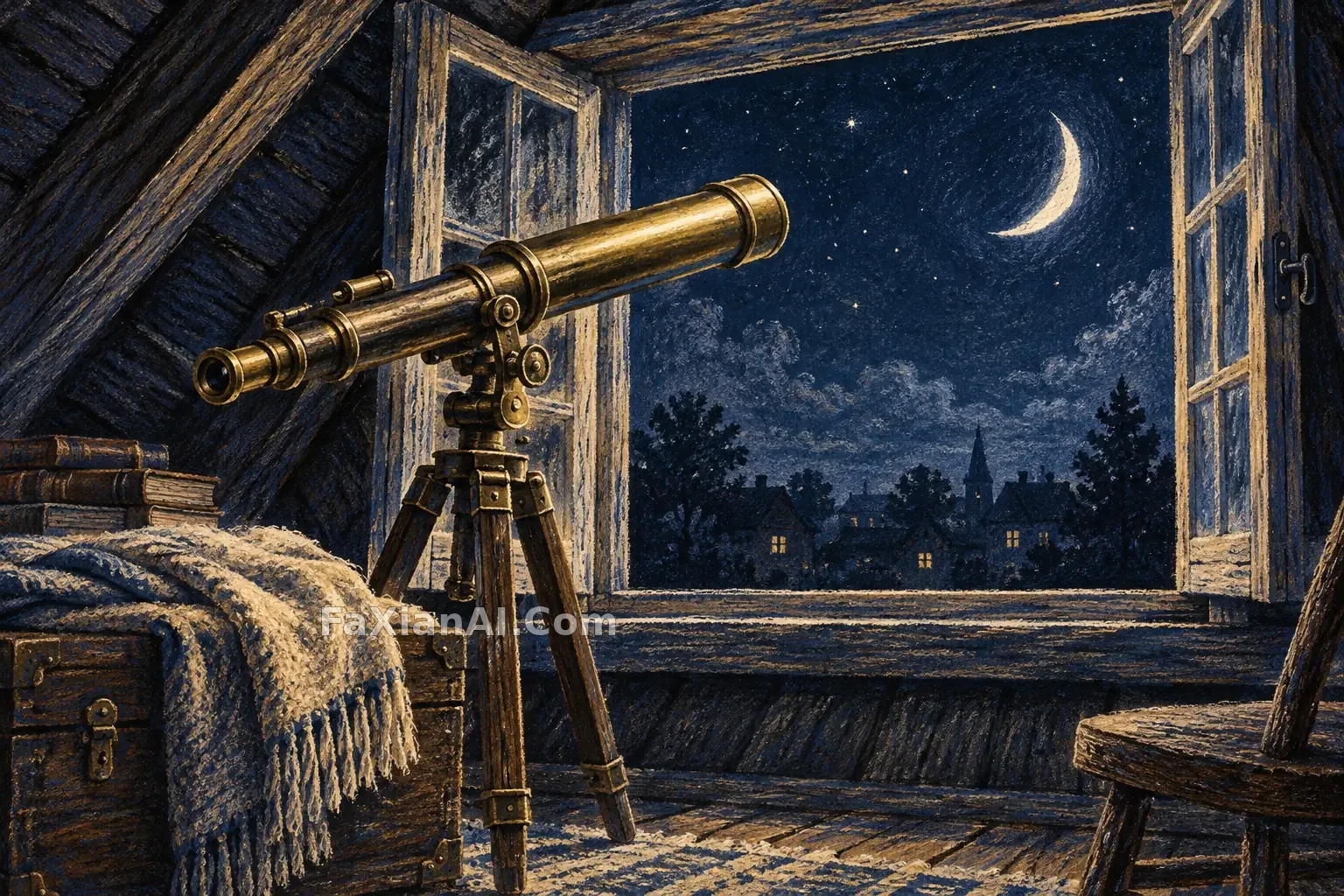 Brass Telescope by the Attic Window
GPT Image 2.6 Cases
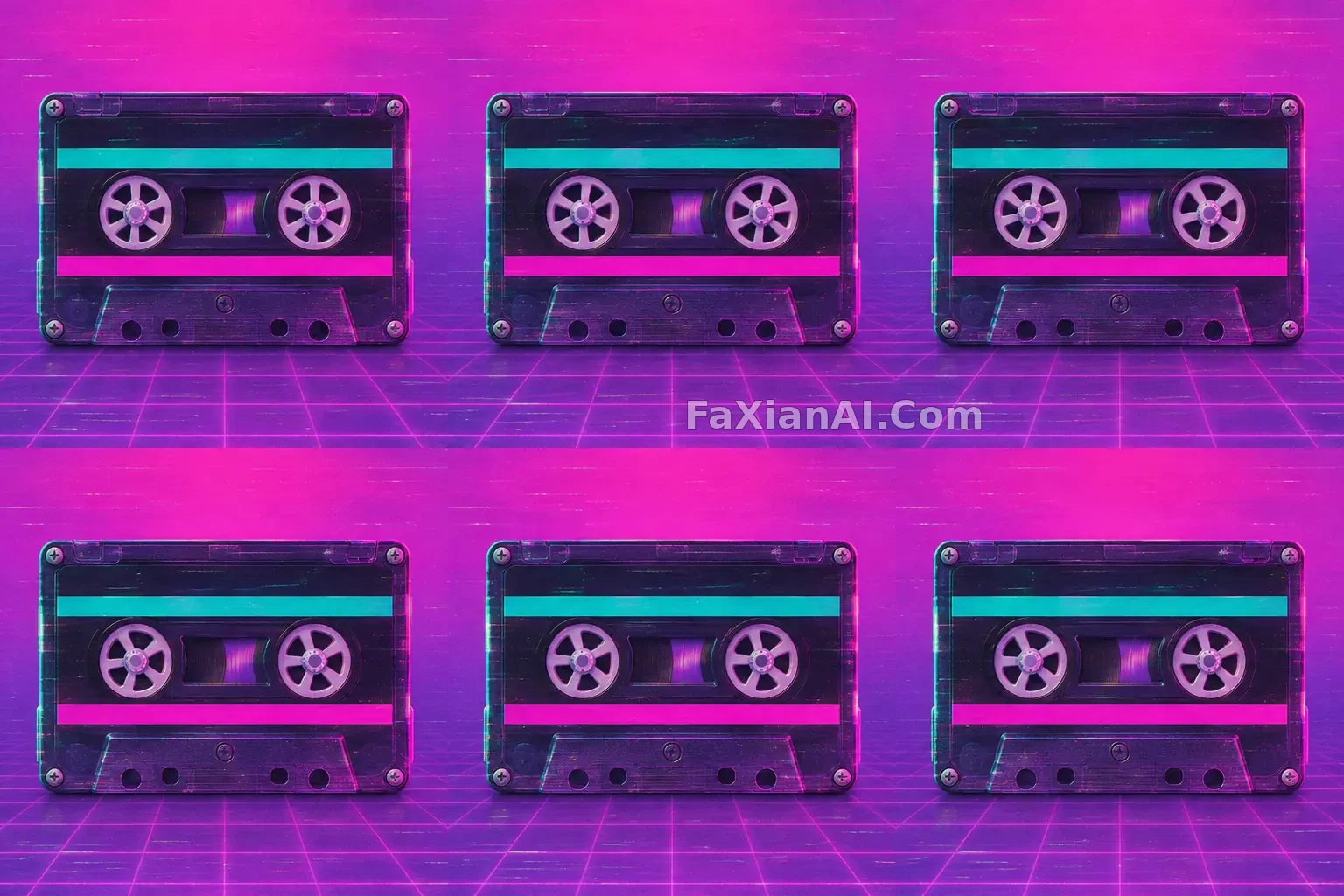 A Retro Cassette Spins Against a Pink and Purple Backdrop
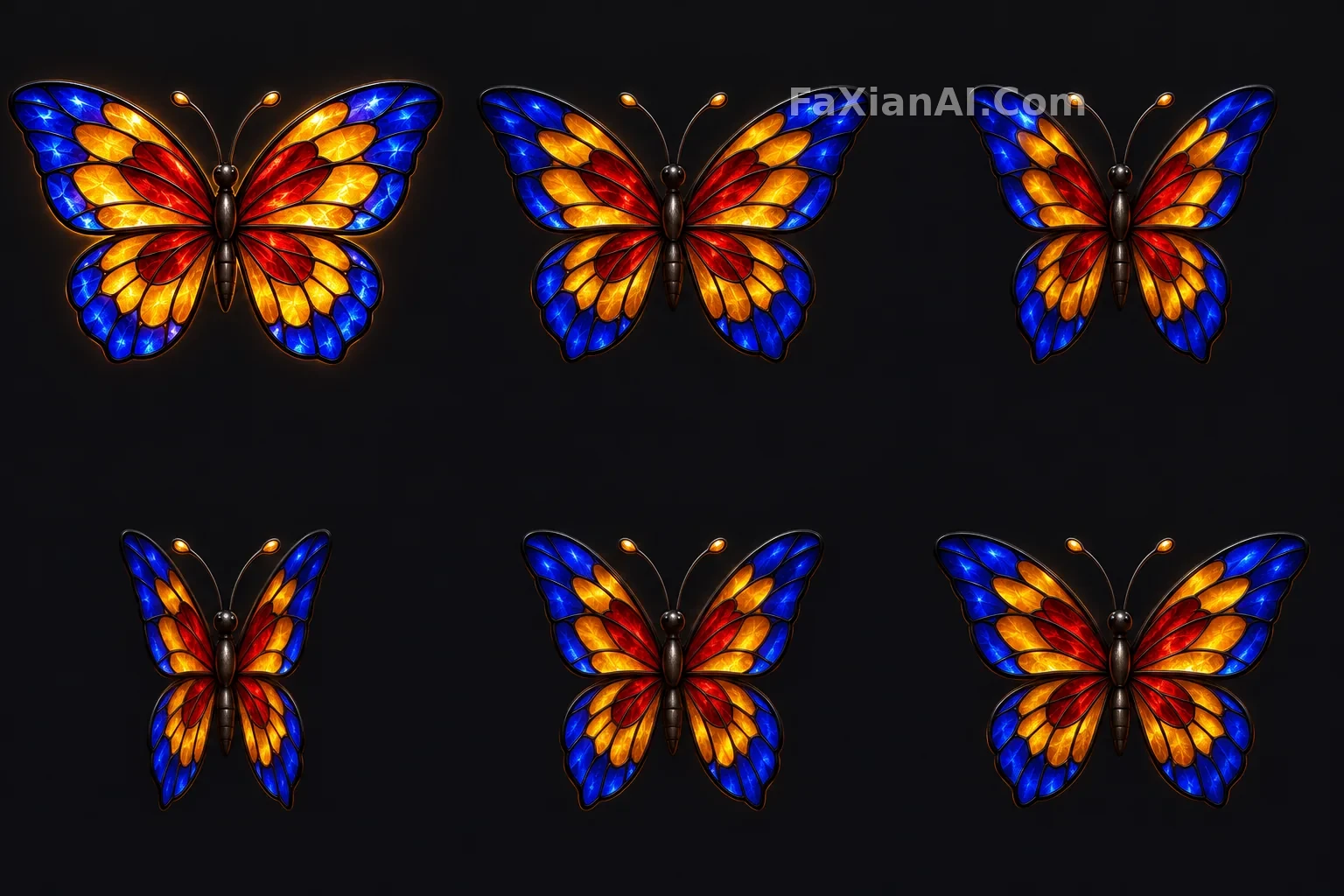 A Stained-Glass Butterfly Opens and Closes Its Glowing Wings
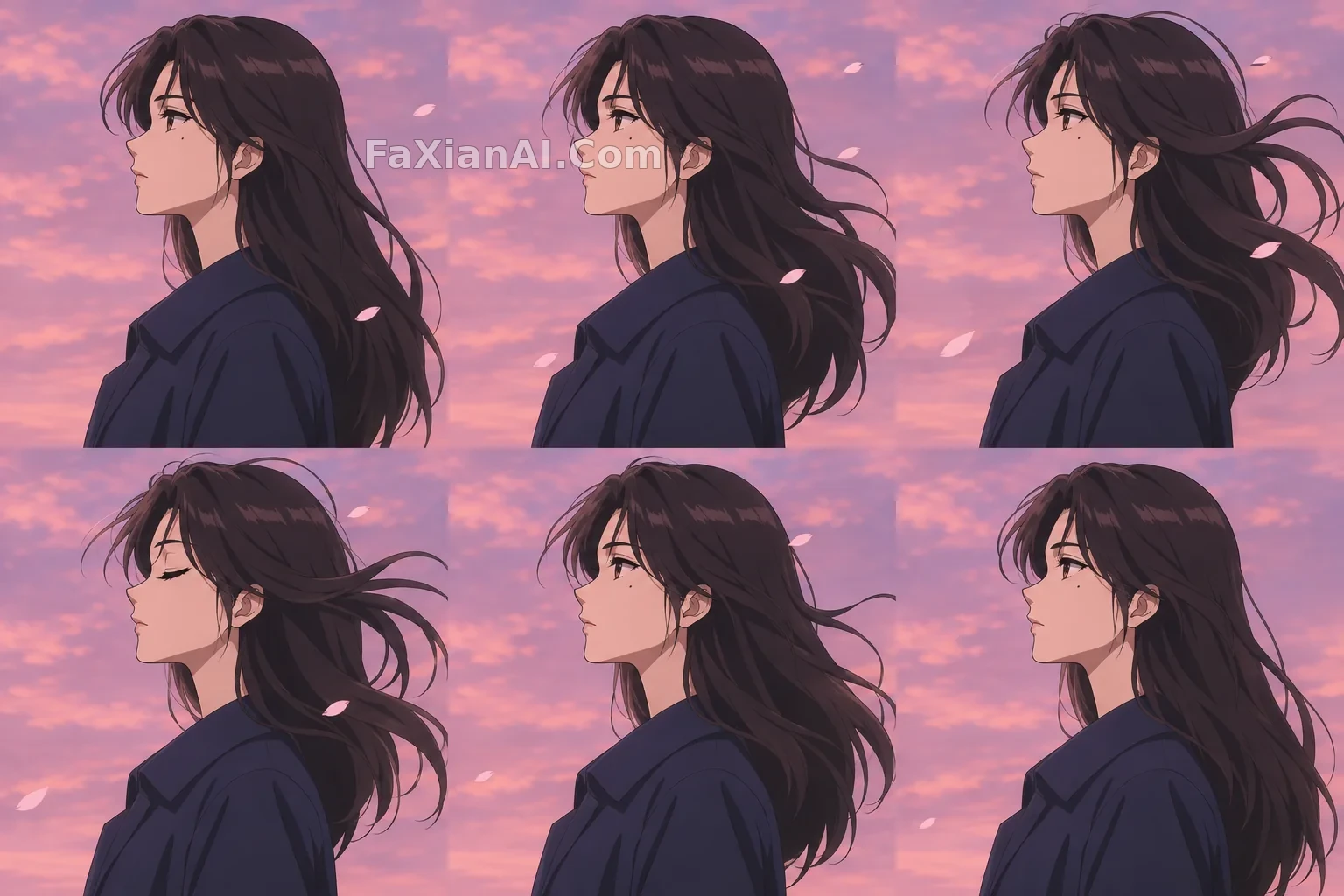 Wind Lifts Her Dark Hair Against a Pink Dusk Sky
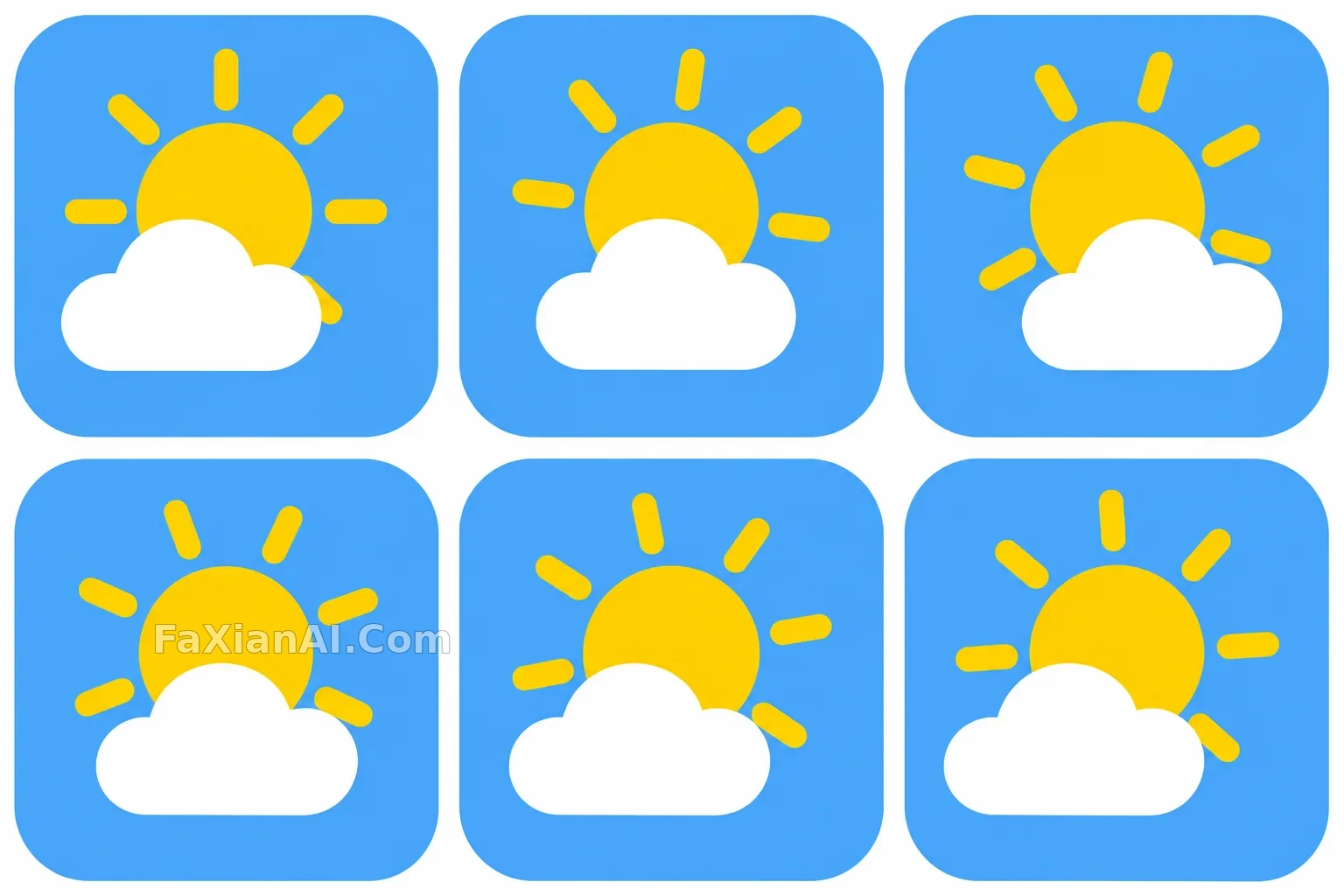 A Cloud Drifts Past the Sun in a Weather Icon
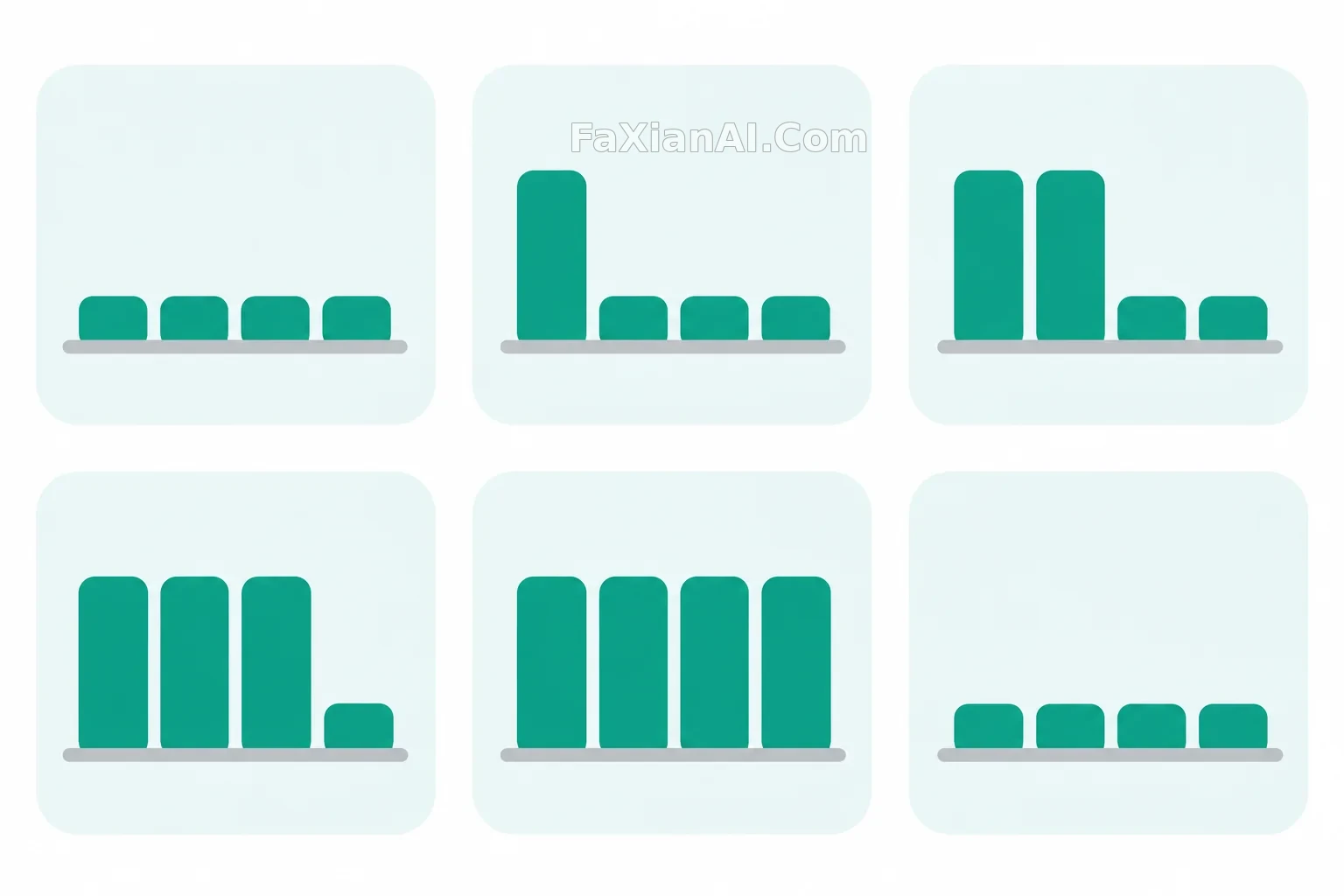 Four Rounded Bars Rise in a Simple UI Animation
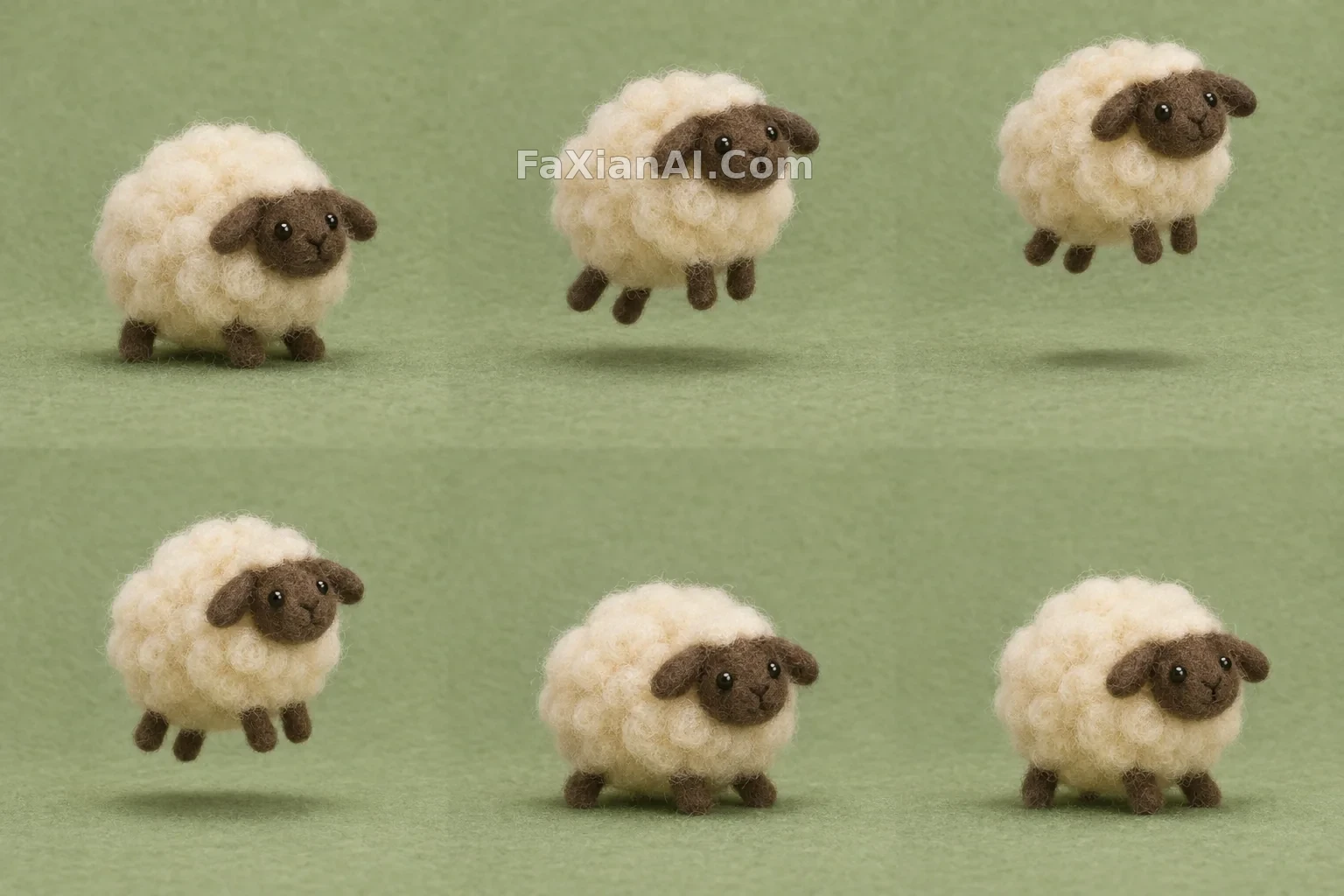 A Woolly Felt Sheep Hops Once and Settles Down