
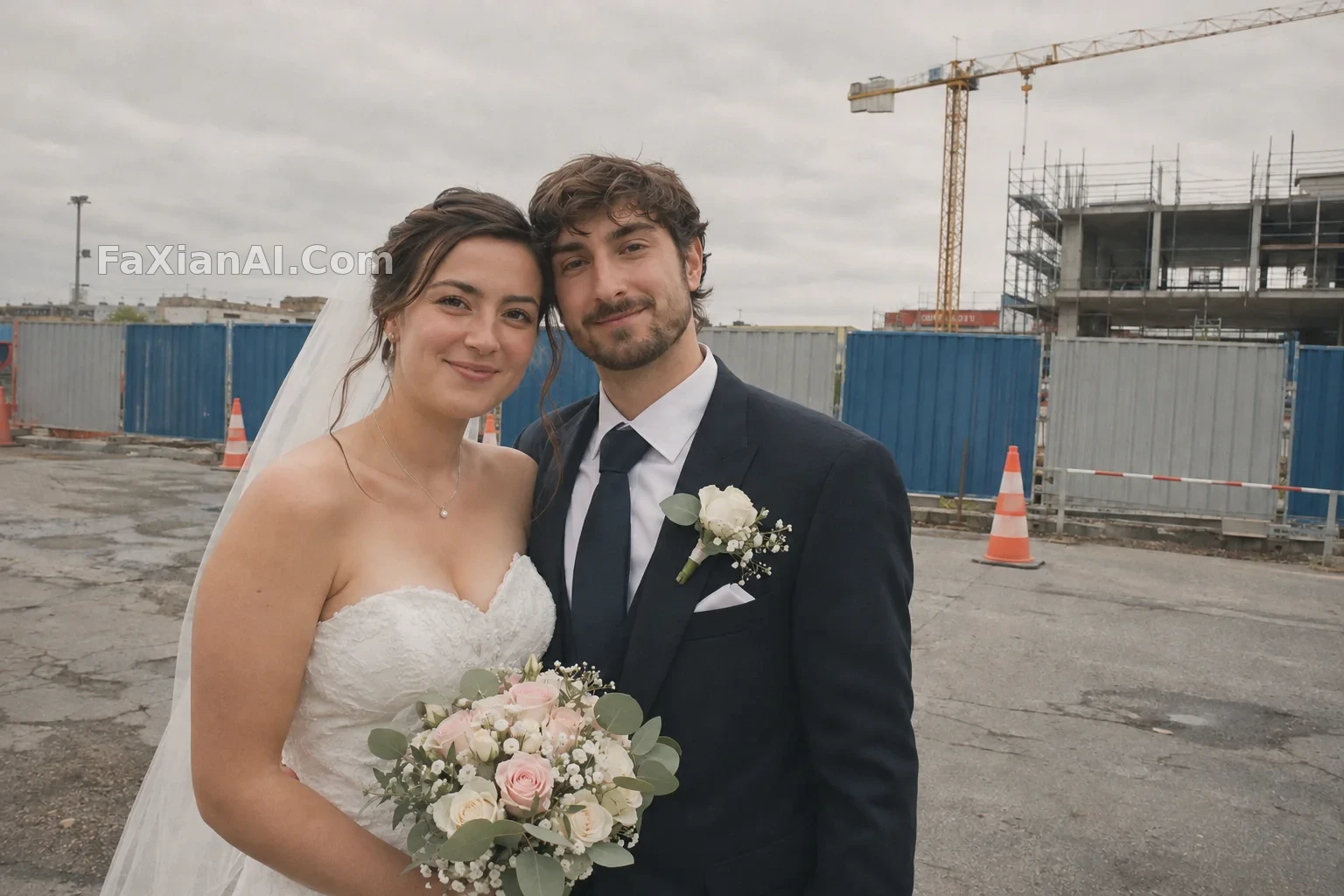
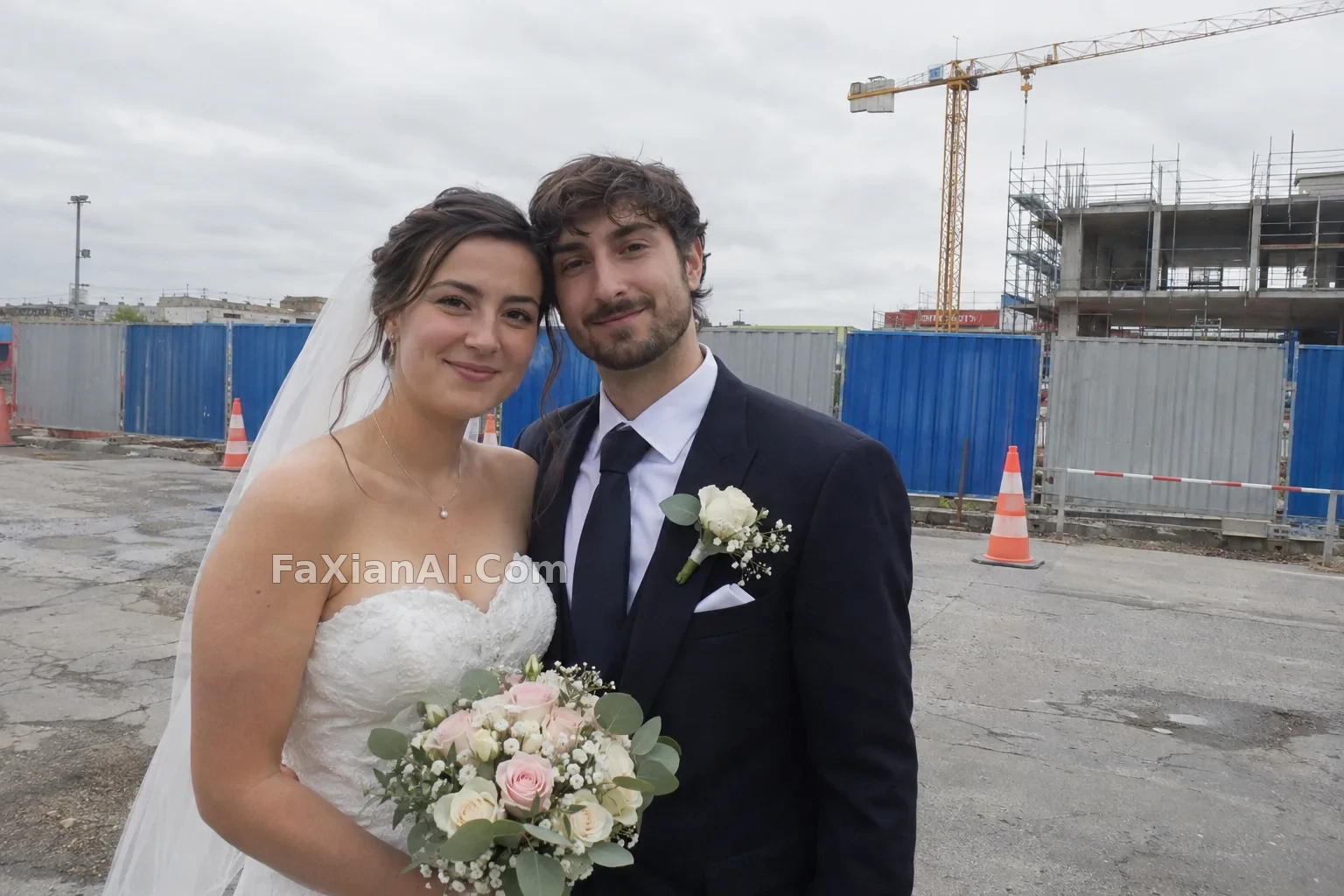
戶外婚紗照整體調成低飽和膠片
整體調成低飽和膠片質感,人物與身後圍擋原樣保留。
寫法要點
✍️ 這類調色最怕把圍擋也一起修掉,所以我會把「圍擋原樣保留」明明白白寫出來。低飽和也別寫太狠,膚色要留一點暖,不然人會發灰。
完整提示詞
📋 提示詞 自然語言
Edit this photo: grade this outdoor wedding photo of a fictional adult couple into a low-saturation film look, with muted greens and blues, soft contrast, slightly lifted shadows, subtle grain and gentle warm skin tones. Keep unchanged: both faces and identities, hairstyles, the dress and suit design, the poses, the composition, the direction of the light, and the construction hoarding behind them exactly as it is, neither removed, blurred nor repainted. Add nothing new. No logos, no watermark, no added text.
📋 中文譯寫版 自然語言
編輯這張照片:把這張虛構成年新人的戶外婚紗照整體調成低飽和膠片質感:綠色和藍色收斂、對比柔和、暗部略微抬起、帶細微顆粒、膚色溫和偏暖。保持不變:兩人的臉與身份、髮型、婚紗和西裝款式、姿勢、構圖、光線方向,以及身後的施工圍擋,要原樣保留,不去除、不虛化、不重繪。不要新增任何新元素。不要標誌、水印和多餘文字。
相關案例
更多 GPT Image 2.6 案例
全部 GPT Image 2.6 案例 →
相關教程
GPT Image 2.6 能出 SVG 了,但它不是萬能的向量轉換器老照片修復上色提示詞:restore old photo prompt 劃痕泛黃一次說清楚GPT Images 2.6 新功能解讀:GIF、參考圖和兩個新模型各管什麼