
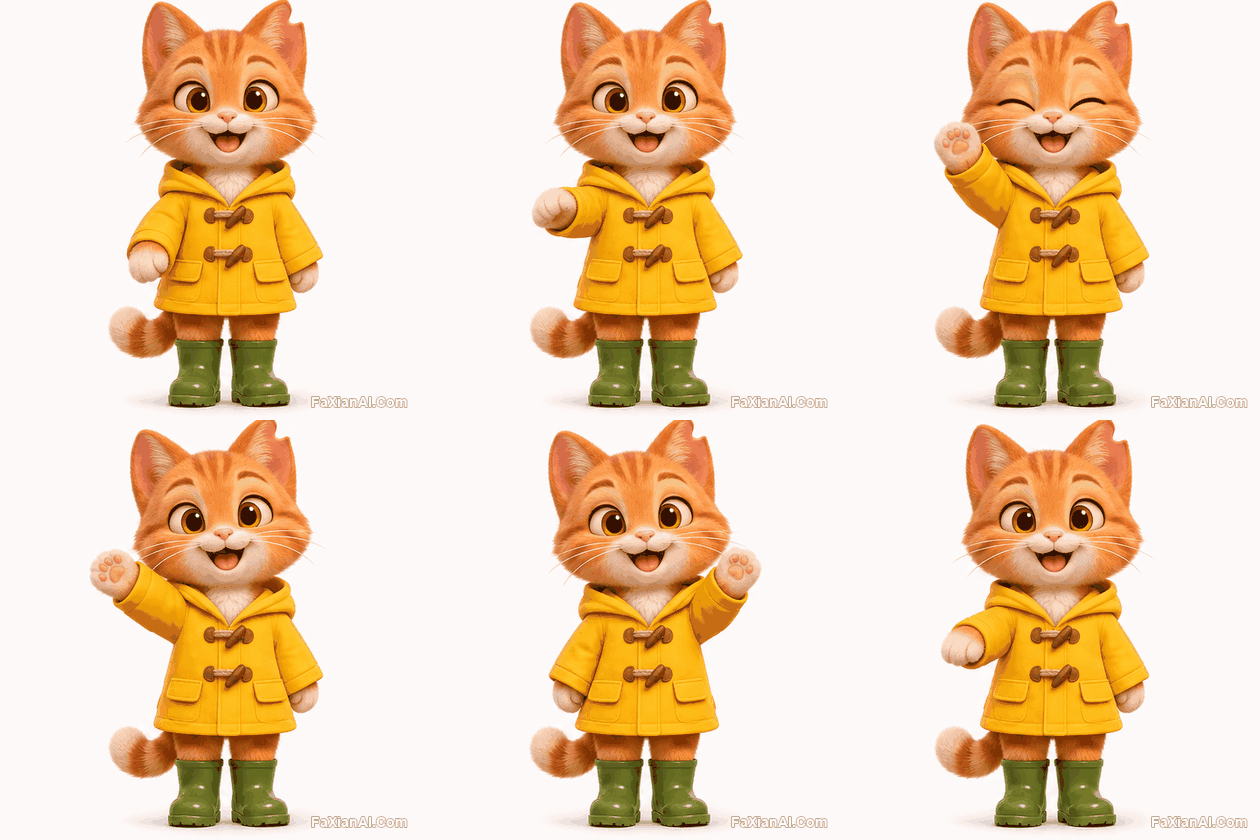
迴圈動圖 · 6 幀
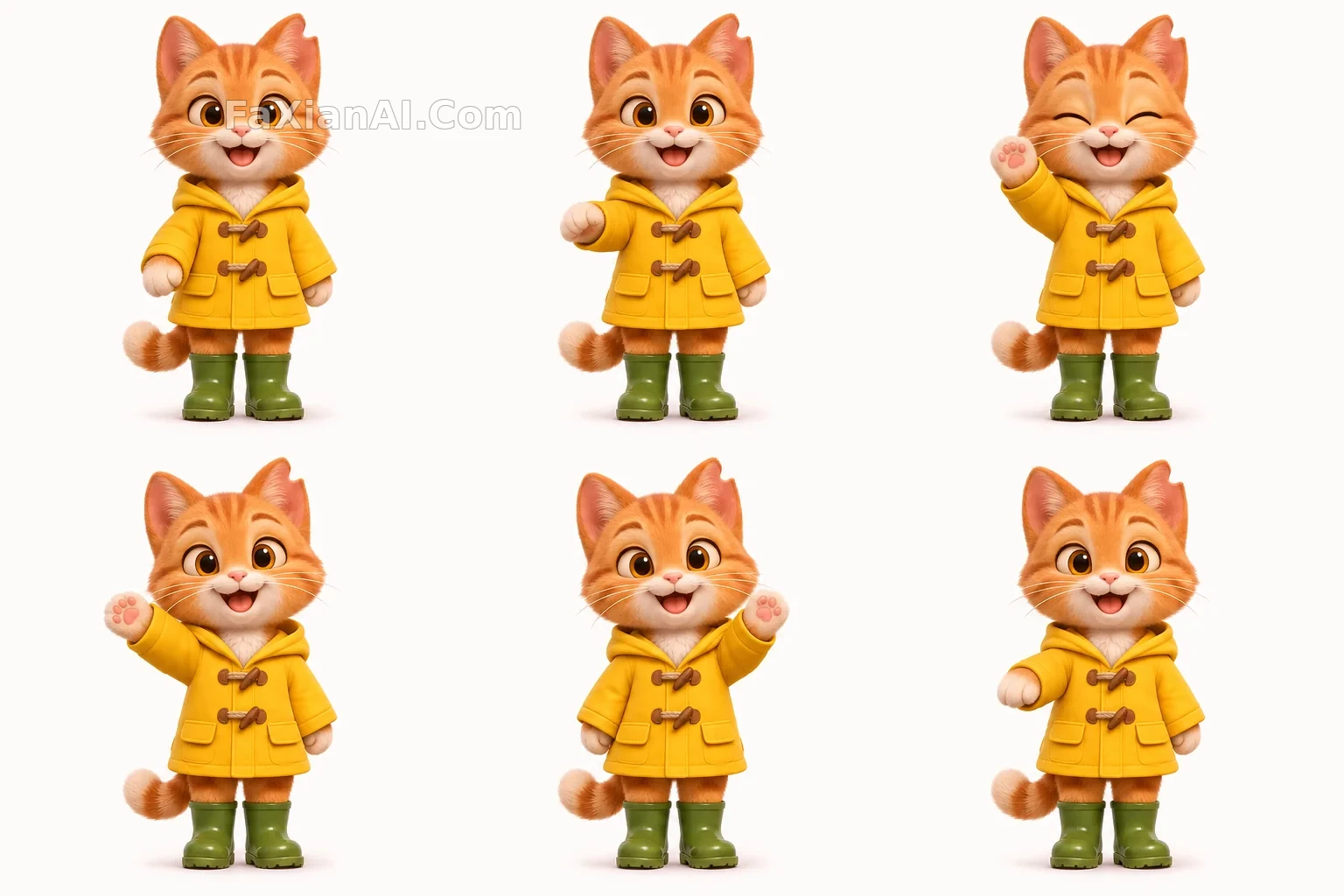
讓設定稿裡的黃雨衣貓招手
先有角色設定圖,再把同一只貓做成動圖,這是參考圖的用法。
寫法要點
✍️ 角色特徵再寫一遍看似重複,其實是在給參考圖加保險。左耳缺口這種小特徵最容易丟,點名之後,切幀也好檢查。
完整提示詞
📋 提示詞 自然語言
Keep the same character from the reference image: same ginger fur, white chest, amber eyes, notch in the left ear, yellow raincoat with two wooden toggles, and green rubber boots, in the same soft 3D storybook style. Create a 6-frame looping animation sprite sheet, 3 columns by 2 rows of equal 512x512 cells on a pure warm-white background. The cat stands facing forward at the same position and size in every cell and waves its right paw: low, rising, high, tilted left, tilted right, lowering, then blinks in frame 3. Frame 6 leads back into frame 1. No grid lines, no numbers, no text.
📋 中文譯寫版 自然語言
以參考圖中的角色為準,保持相同的薑黃皮毛、白胸口、琥珀色眼睛、左耳缺口、帶兩個木扣的黃雨衣和綠色雨靴,同樣的柔和 3D 繪本風格。生成 6 幀迴圈動畫精靈圖,3 列 2 行,每格 512x512,暖白背景。貓面朝前站在每格相同的位置和大小,揮動右爪:放低、抬起、舉高、左傾、右傾、放下,第 3 幀眨眼。第 6 幀接回第 1 幀。不要格線、數字和文字。
相關案例

更多 GPT Image 2.6 案例
全部 GPT Image 2.6 案例 →
相關教程
GPT Images 2.6 新功能解讀:GIF、參考圖和兩個新模型各管什麼Images 2.6 的 GIF 提示詞怎麼寫:動作、幀數和迴圈photo abstract editorial怎麼寫:留白比堆細節更難