
ai haircut preview提示詞:換髮型前先在AI裡debug一版
凌晨改一個功能,改錯了直接回滾,成本幾乎為零。理髮這件事沒這個待遇,剪壞了至少等三個月。所以ai haircut preview這需求我是真心覺得有用——相當於給髮型加了個本地測試環境,剪之前先跑一遍看結果,不滿意重跑,不用真的拿自己的頭髮當生產環境試錯。
ai haircut preview 能不能準,取決於臉鎖沒鎖住
用過幾次之後發現,ai haircut preview翻車最多的地方不是髮型本身不好看,是換完髮型臉也跟著變了樣——顴骨寬窄、下頜線角度悄悄跑偏,對著結果照鏡子完全對不上號。這本質是個變數隔離問題,提示詞裡如果沒明確寫"只改髮型,臉部結構不變",模型會把這條約束當成可選項,改不改全看它心情。
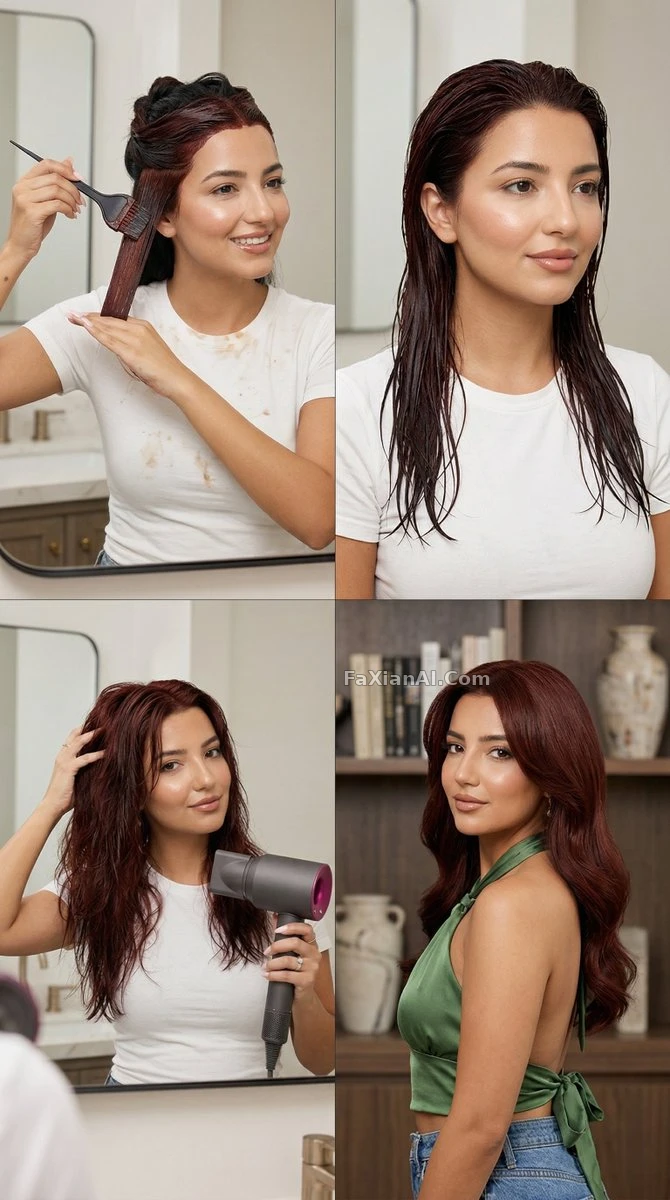
這張圖的關鍵詞是"身份條款一字不改",說的就是臉鎖死這件事,檢視完整提示詞。
- Change the hairstyle to a wolf cut with choppy layers and curtain bangs, keep the face, skin tone, and background completely unchanged, natural daylight, same camera angle as the original photo.
- Recreate the same portrait with hair color changed to warm chestnut brown, keep hair length and texture identical, adjust only the color, soft studio light, no change to skin tone.
- Change hairstyle to a blunt bob cut at chin length, keep facial features and expression unchanged, add slight inward curl at the ends, indoor natural light.
change hairstyle ai prompt 想穩,就把每次改動量減到最小
寫change hairstyle ai prompt的時候,貪心是最大的敵人——一次性又要換長度又要換顏色又要換劉海,出了問題根本不知道是哪個變數出的錯。跟調程式碼一個邏輯,一次只改一個變數,改完確認沒問題,再改下一個,比一次性全量提交穩得多。
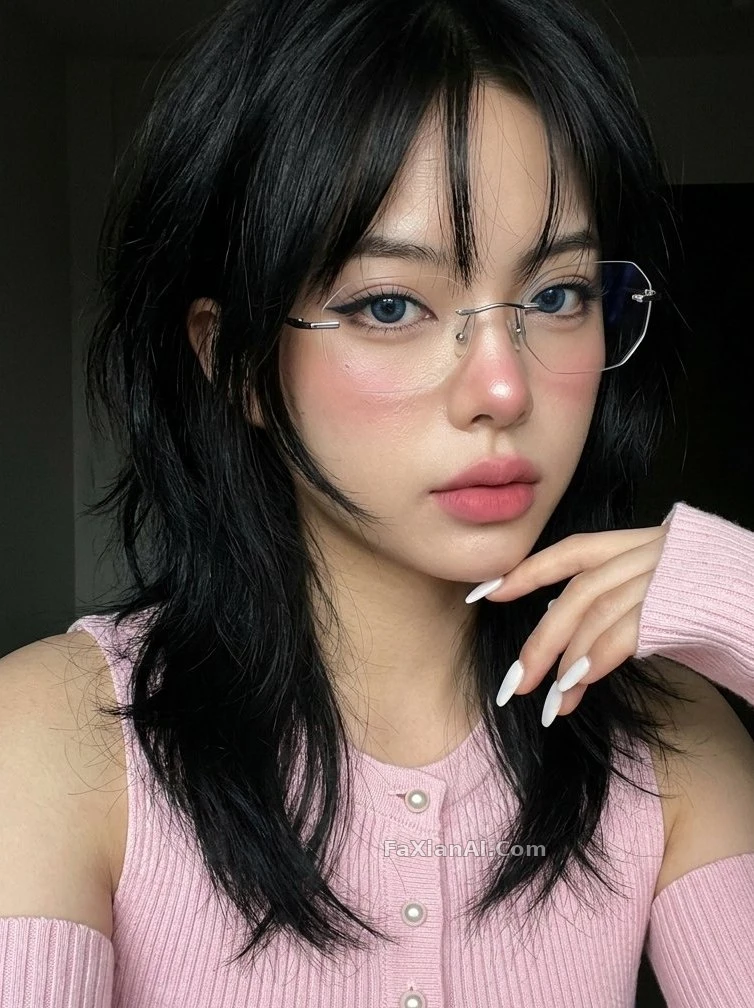
狼尾髮型這類結構複雜的換髮,更需要單獨隔離出來測試,檢視完整提示詞。
- Change fringe style to a wispy side-swept bang, keep the rest of the hairstyle and face untouched, soft window light, natural texture not overly smoothed.
- Change hair length from long to a short pixie cut, keep the ears and jawline visible and unaltered in shape, natural daylight, sharp focus on hair edge detail.
- Recreate the portrait with a slicked-back low bun, keep facial structure and skin texture identical, add subtle baby hairs along the hairline for realism.
- Change hairstyle to long beach waves with visible wind movement, keep the subject's face and outfit unchanged, natural outdoor lighting, hair strands slightly lifted by breeze.
hairstyle try on prompt 批次對比,比來回單張改效率高
真要選髮型,單張來回改效率太低,跟每次改程式碼都重新部署一樣浪費時間。hairstyle try on prompt這類需求,直接上批次對比圖更划算,一次出好幾種,擺一起看,比腦內腦補哪個更好看靠譜。
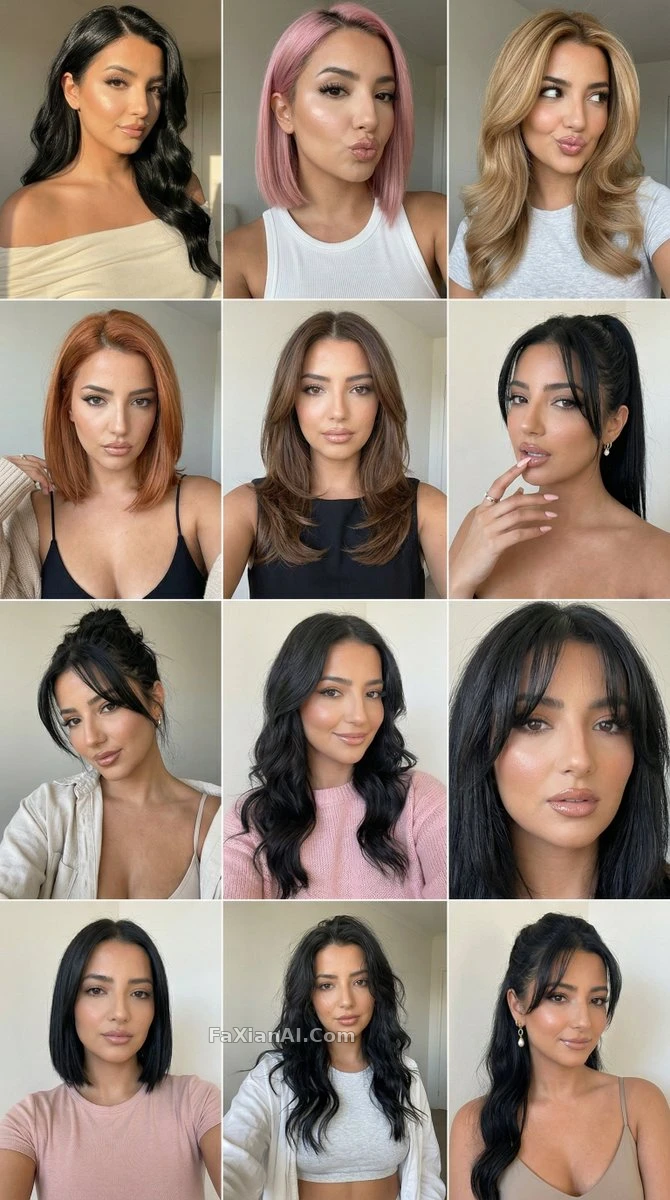
十二格一次跑完,比單張改十二次省事得多,檢視完整提示詞。
- Generate a twelve-panel hairstyle carousel using the same face, cycling through short pixie, shoulder-length lob, high ponytail, and loose curls, consistent studio background across all panels.
- Generate a four-panel comparison grid showing the same face with four different hair colors: jet black, chestnut brown, ash blonde, and copper red, identical lighting and pose in every panel.
- Compare two hairstyles side by side on the same face: current straight hair on the left, a curly perm on the right, identical lighting and camera distance for fair comparison.
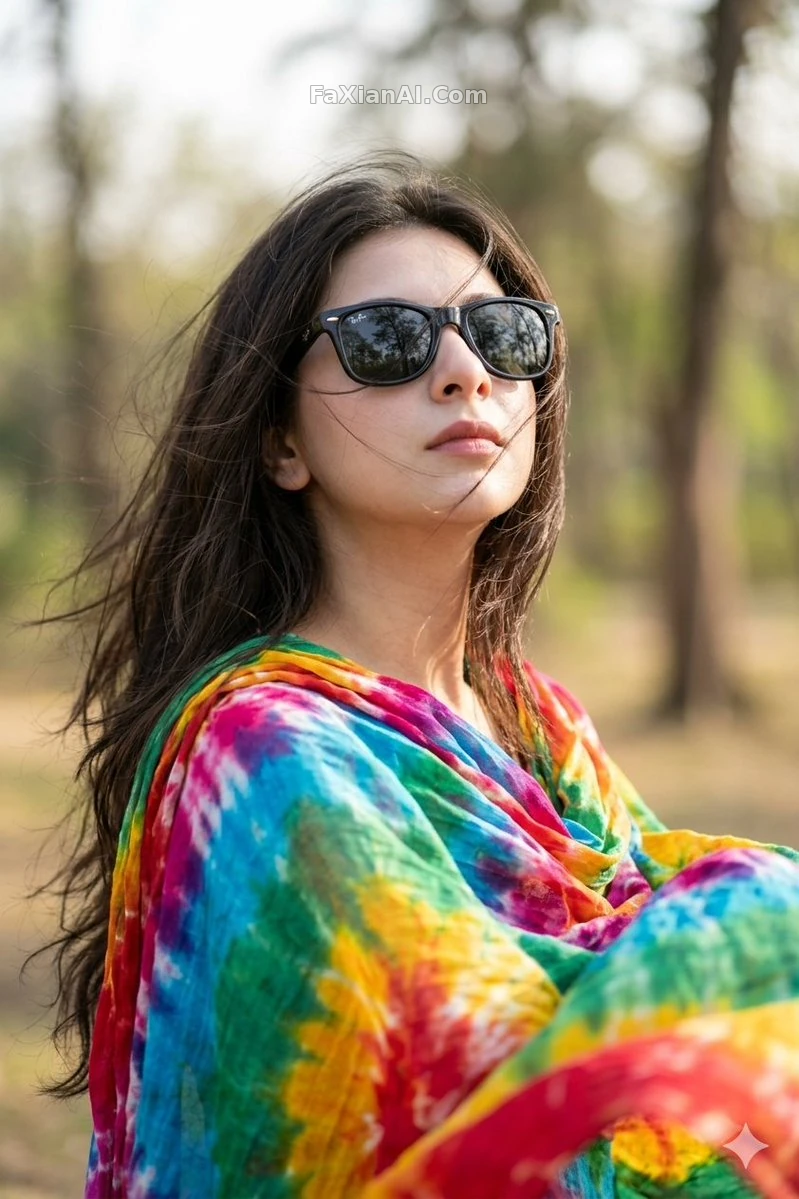
帶風的長髮這類動態髮型,試之前先看看別人跑出來的效果再決定要不要真燙,檢視完整提示詞。
髮型好不好看,最終還是得看跟臉型搭不搭,圓臉適合的層次感和方臉適合的劉海形狀,壓根不是一回事。想讓AI在換髮型的同時順帶給點這方面的參考,可以直接把臉型資訊寫進提示詞裡,比只換髮型多一層實用性。
- Suggest and apply a hairstyle adjustment suited for a square face shape, softening the jawline with side-swept layers, keep the face shape itself unaltered, natural lighting.
一個誠實的邊界提醒
得說清楚一件事,這類圖只能幫你預判"大概會是什麼樣子",具體到髮絲的物理垂墜感、髮量厚薄這些,AI生成的圖和真實理髮店做出來的效果總會有偏差,尤其是卷度和髮量這兩項。當預覽工具挑方向沒問題,真到理髮店動剪刀之前,還是建議帶著圖跟理髮師再聊一輪細節,比單憑一張AI圖直接下手穩。
換髮型這類需求本質上也是區域性編輯,出問題的表現跟人臉變形怎麼解決裡講的類似,都是區域性改動波及了不該動的區域。想保證多張圖裡同一個人換髮型後還是同一張臉,可以對照人物一致性的寫法一起用。更多髮型和人像相關的素材,去人像寫真分類裡翻,首頁也能看到全部分類。