
AI Haircut Preview Prompts: Debug Your New Look Before You Cut
If you break something at 2am while coding, you roll it back and the cost is basically zero. A haircut doesn't get that luxury — mess it up and you're waiting at least three months. That's why I actually think ai haircut preview is genuinely useful: it's like giving your hairstyle a local test environment. Run it before you cut, check the result, rerun if you don't like it — no need to use your actual hair as the production environment for trial and error.
Whether ai haircut preview looks convincing comes down to whether the face is locked
After a few tries, the most common failure with ai haircut preview isn't that the new hairstyle looks bad — it's that the face quietly changes shape along with it. Cheekbone width, jawline angle, all drifting slightly, so the result doesn't match your mirror at all. At its core this is a variable-isolation problem: if the prompt doesn't explicitly say "change only the hairstyle, keep the facial structure unchanged," the model treats that constraint as optional and whether it honors it depends entirely on its mood.
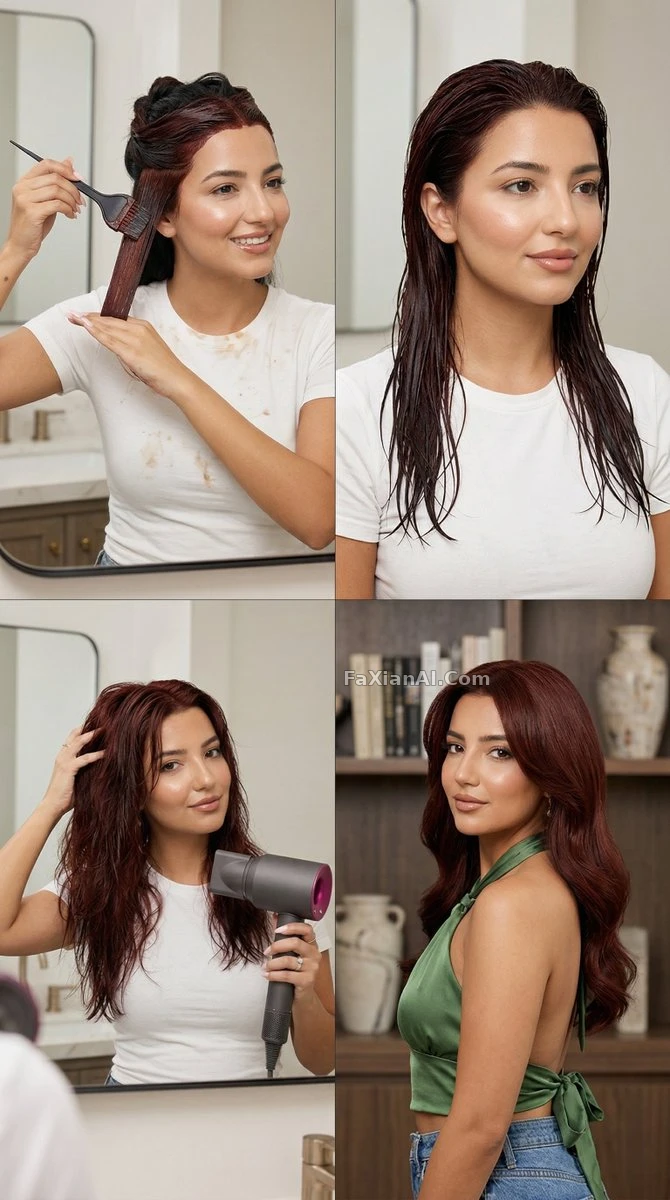
The key phrase in this image is "identity clause untouched" — that's exactly what locking the face down means. See the full prompt.
- Change the hairstyle to a wolf cut with choppy layers and curtain bangs, keep the face, skin tone, and background completely unchanged, natural daylight, same camera angle as the original photo.
- Recreate the same portrait with hair color changed to warm chestnut brown, keep hair length and texture identical, adjust only the color, soft studio light, no change to skin tone.
- Change hairstyle to a blunt bob cut at chin length, keep facial features and expression unchanged, add slight inward curl at the ends, indoor natural light.
To keep a change hairstyle ai prompt stable, shrink each edit to the smallest possible change
The biggest enemy when writing a change hairstyle ai prompt is greed — trying to change length, color, and bangs all in one go, so that when something goes wrong you have no idea which variable caused it. It's the same logic as debugging code: change one variable at a time, confirm it works, then move to the next. Far more stable than committing everything at once.
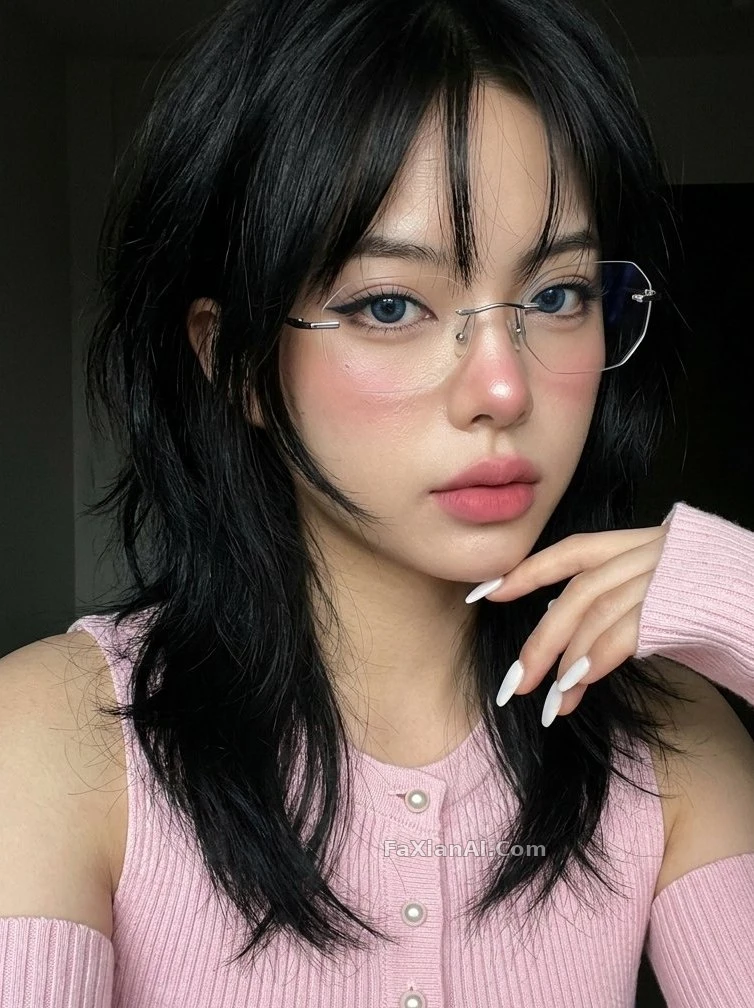
Structurally complex cuts like the wolf cut especially need to be isolated and tested on their own. See the full prompt.
- Change fringe style to a wispy side-swept bang, keep the rest of the hairstyle and face untouched, soft window light, natural texture not overly smoothed.
- Change hair length from long to a short pixie cut, keep the ears and jawline visible and unaltered in shape, natural daylight, sharp focus on hair edge detail.
- Recreate the portrait with a slicked-back low bun, keep facial structure and skin texture identical, add subtle baby hairs along the hairline for realism.
- Change hairstyle to long beach waves with visible wind movement, keep the subject's face and outfit unchanged, natural outdoor lighting, hair strands slightly lifted by breeze.
For a hairstyle try on prompt, batch comparisons beat going back and forth on single images
If you're actually deciding on a hairstyle, going back and forth on a single image is way too slow — it's like redeploying every time you tweak the code. For hairstyle try on prompt needs like this, batch comparison grids are simply more efficient: generate several options at once, line them up, and compare directly instead of trying to picture it in your head.
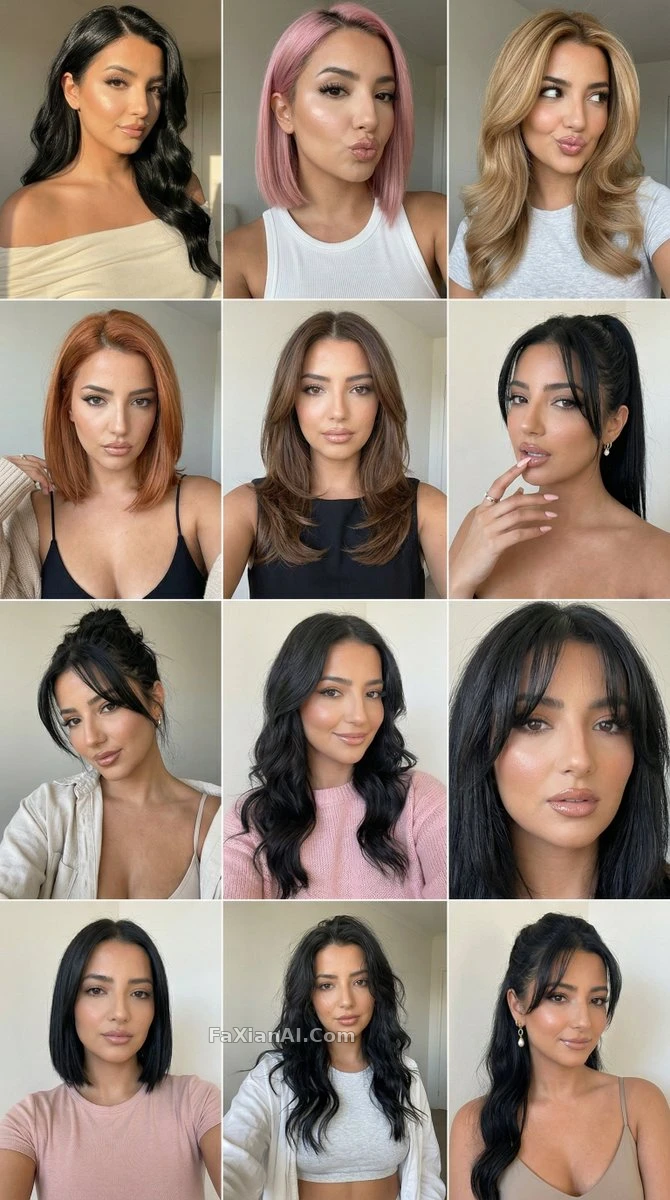
Running all twelve panels at once saves far more effort than redoing a single image twelve times. See the full prompt.
- Generate a twelve-panel hairstyle carousel using the same face, cycling through short pixie, shoulder-length lob, high ponytail, and loose curls, consistent studio background across all panels.
- Generate a four-panel comparison grid showing the same face with four different hair colors: jet black, chestnut brown, ash blonde, and copper red, identical lighting and pose in every panel.
- Compare two hairstyles side by side on the same face: current straight hair on the left, a curly perm on the right, identical lighting and camera distance for fair comparison.
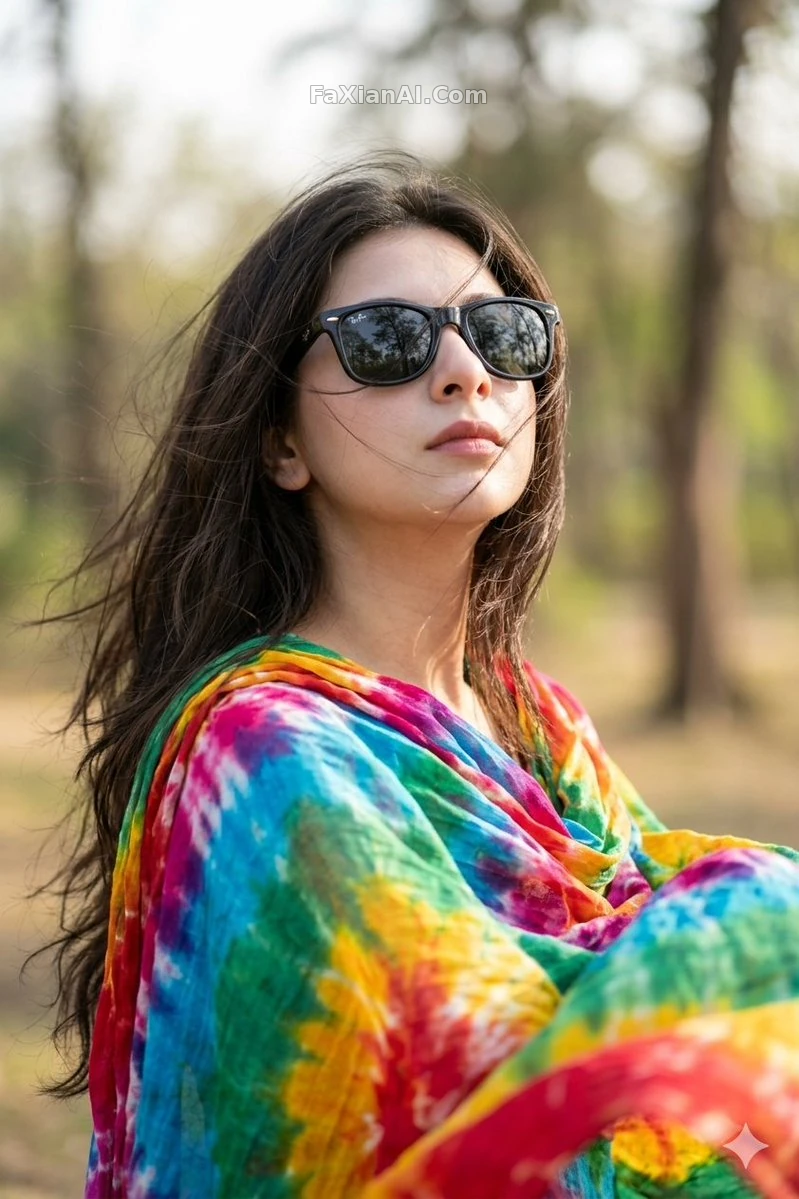
For a dynamic look like windswept long hair, it's worth seeing how it turns out for someone else before deciding whether to actually get the perm. See the full prompt.
Whether a hairstyle actually looks good ultimately comes down to whether it suits the face shape — the layering that works for a round face and the bangs shape that works for a square face are two completely different things. If you want the AI to offer that kind of guidance alongside the hairstyle change, you can write the face shape information straight into the prompt, which adds a layer of practicality beyond just swapping the hair.
- Suggest and apply a hairstyle adjustment suited for a square face shape, softening the jawline with side-swept layers, keep the face shape itself unaltered, natural lighting.
An honest caveat
One thing needs to be said clearly: this kind of image can only help you get a rough sense of "roughly what it would look like." When it comes to how the strands actually fall physically, or how thick the hair really is, there's always some gap between what AI generates and what an actual salon delivers — especially for curl pattern and hair volume. A preview tool is fine for picking a direction, but before the scissors actually come out, it's still worth taking the image to your stylist and talking through the details rather than committing based solely on an AI image.
Changing a hairstyle is, at its core, still a localized edit, and the failure modes look a lot like what's covered in how to fix face distortion — an edit meant for one area spilling over into places it shouldn't touch. If you want the same person to stay recognizable across multiple hairstyle changes, pair this with how to write for character consistency. For more hairstyle- and portrait-related material, browse the portrait category, or see all categories from the homepage.