
Home › Model Encyclopedia › Comparison
MODEL COMPARISON
Flux Maestro vs GPT Image 2.6: Which One Should You Use
The site has 46 and 62 reproducible cases for each, respectively. Below, we compare strengths, prompt writing, and final results side by side.
The Bottom Line
Flux Maestro is better for Photorealistic texture; GPT Image 2.6 is better for Looping animations and reaction stickers. Running the same idea through both is usually worth it — they "listen" differently, so the prompt has to be adjusted to match.
Strengths & Prompt-Writing Comparison
Flux Maestro
Feel free to write in detail — it handles long sentences well. Spell out camera language (focal length, aperture, light direction) clearly, and the resulting image's photographic feel improves noticeably.
GPT Image 2.6
For animations, break the motion into individual frames, state what stays still, and ask for the last frame to lead back to the first. For a series, start with a clean base image that has one checkable detail, then list what must not change. Use low complexity for small edits and high complexity for dense text and intricate layouts.
Flux Maestro Cases
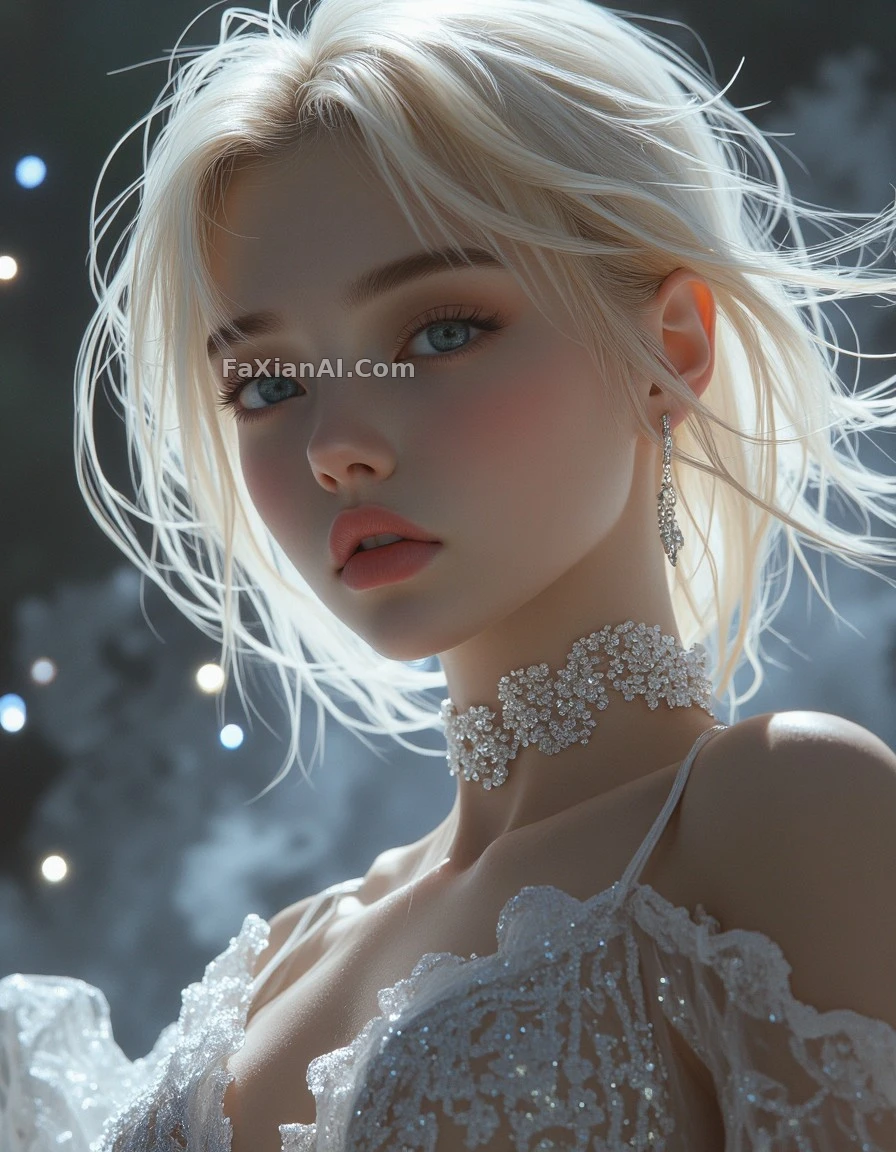 Weightless Blonde Hair, Developed From Expired Film
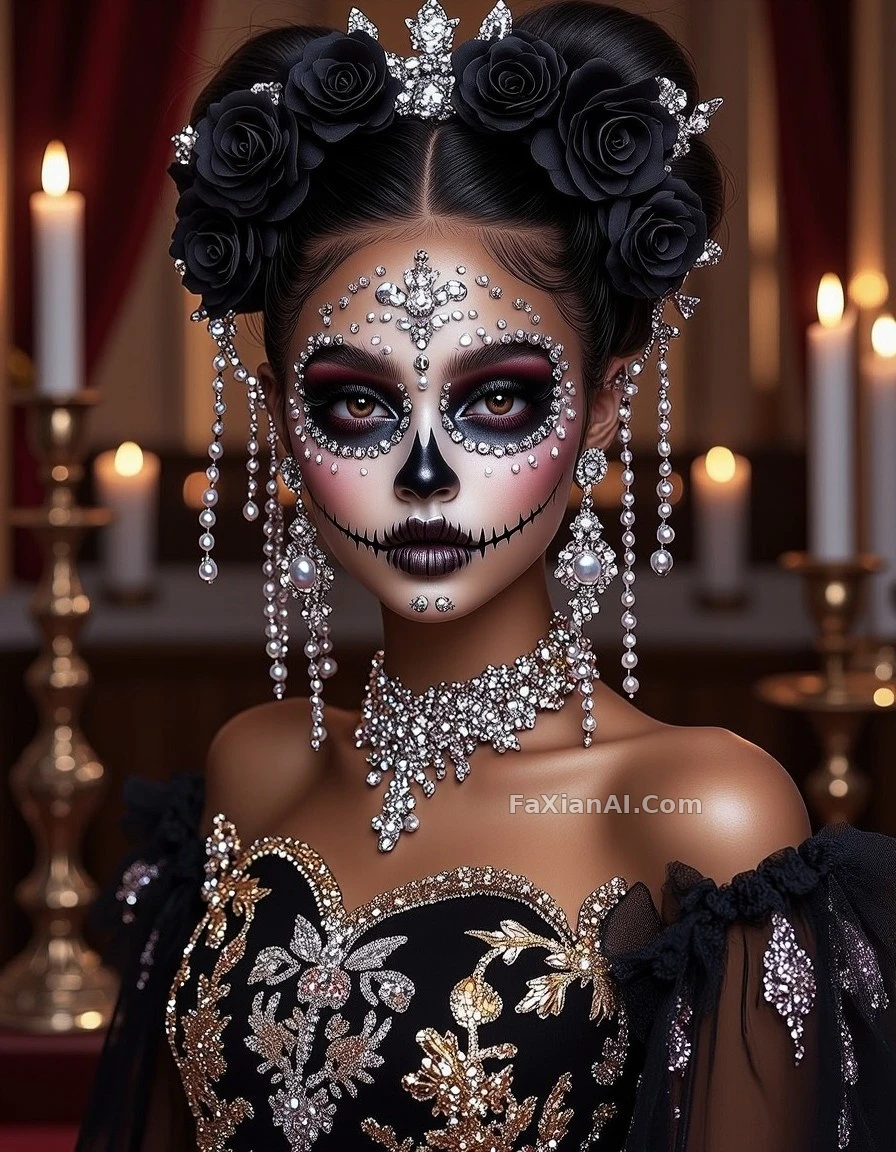 Silver-and-Black Skull Bride, Cover-Ready
 A Girl Asleep in a Feather Hammock, Under Moonlight
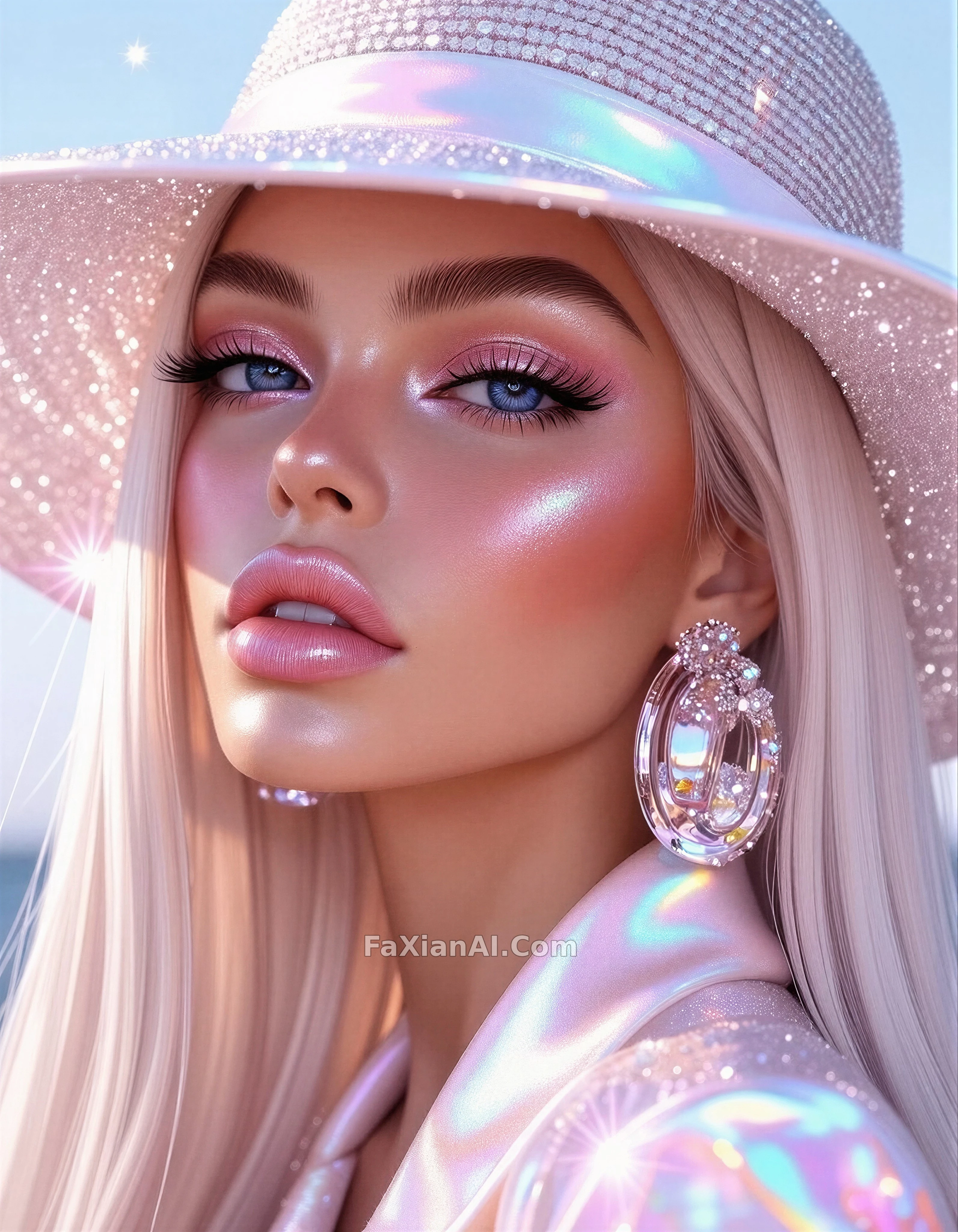 Beauty Close-Up in Holographic Sheen
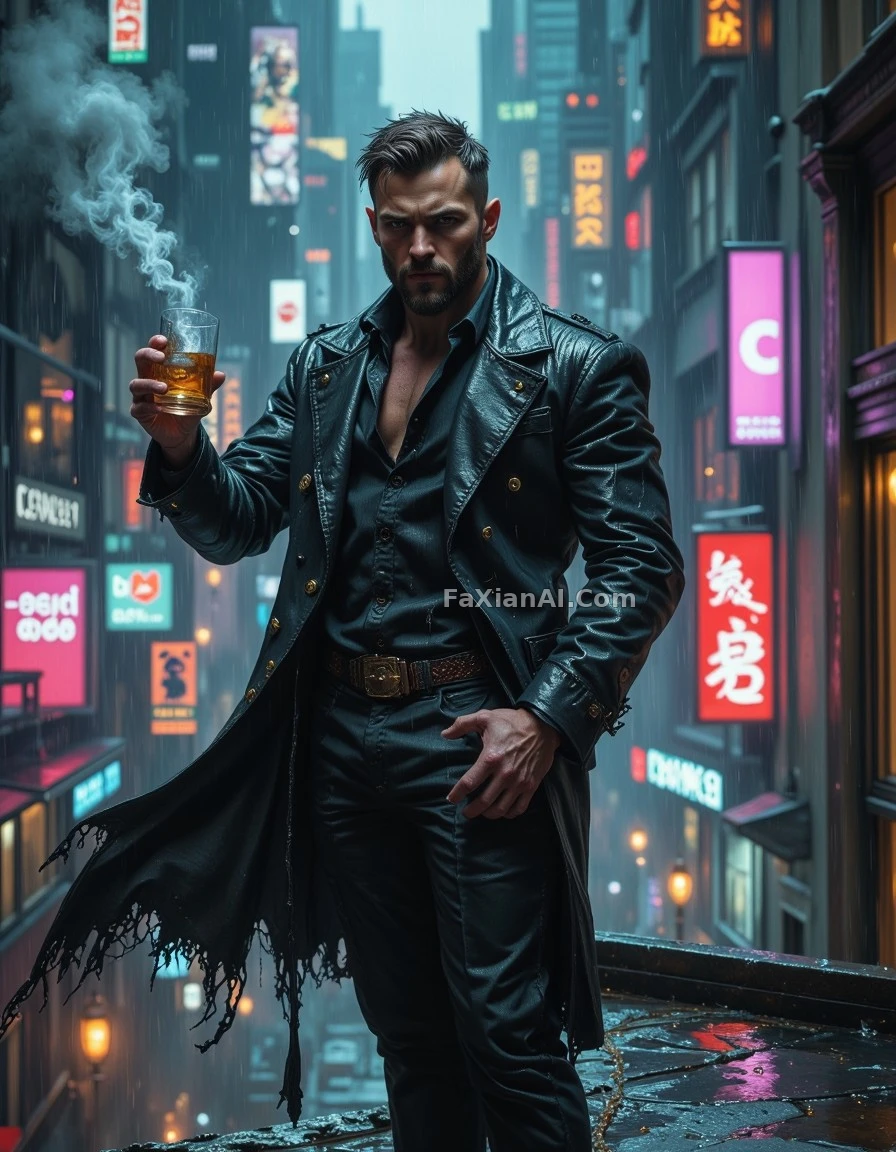 This Neon Needs Toning Down Before It Prints
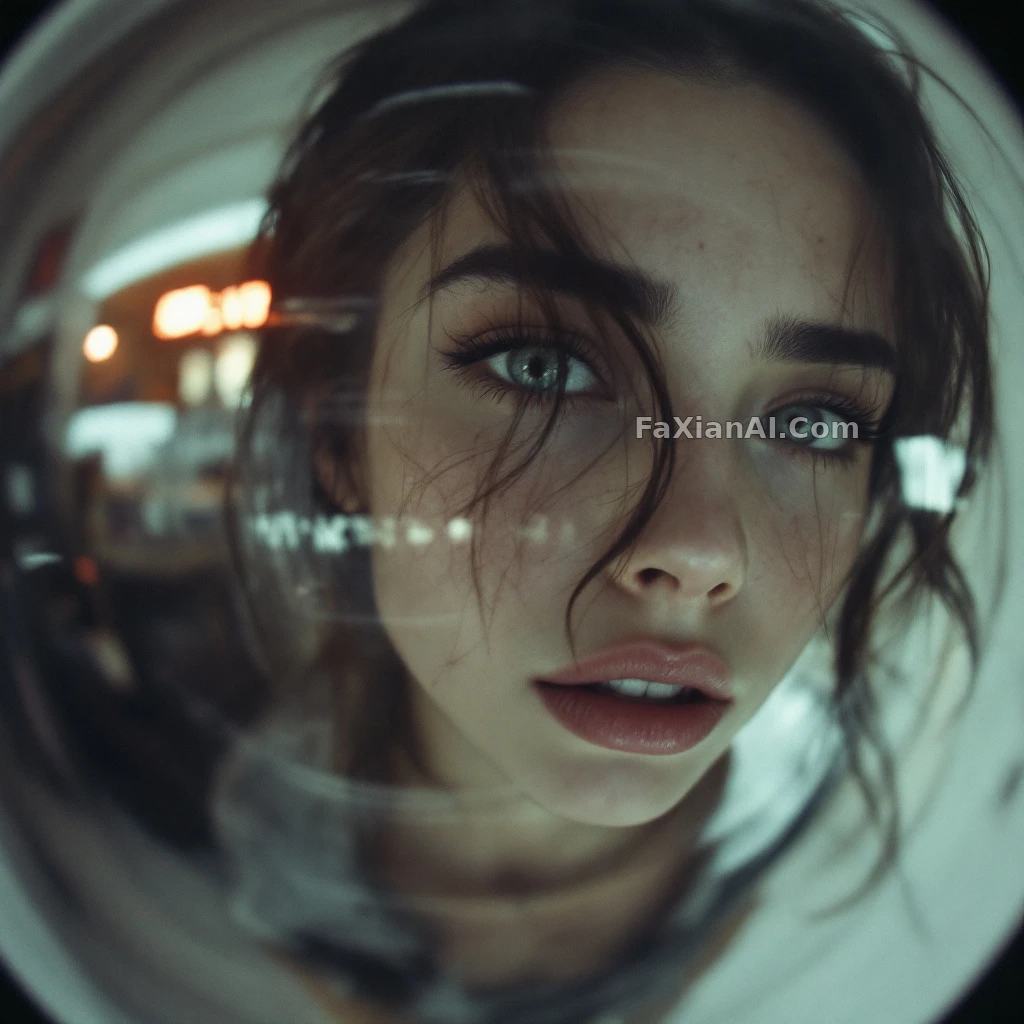 This Surveillance-Camera Blur Is Exactly Right
GPT Image 2.6 Cases
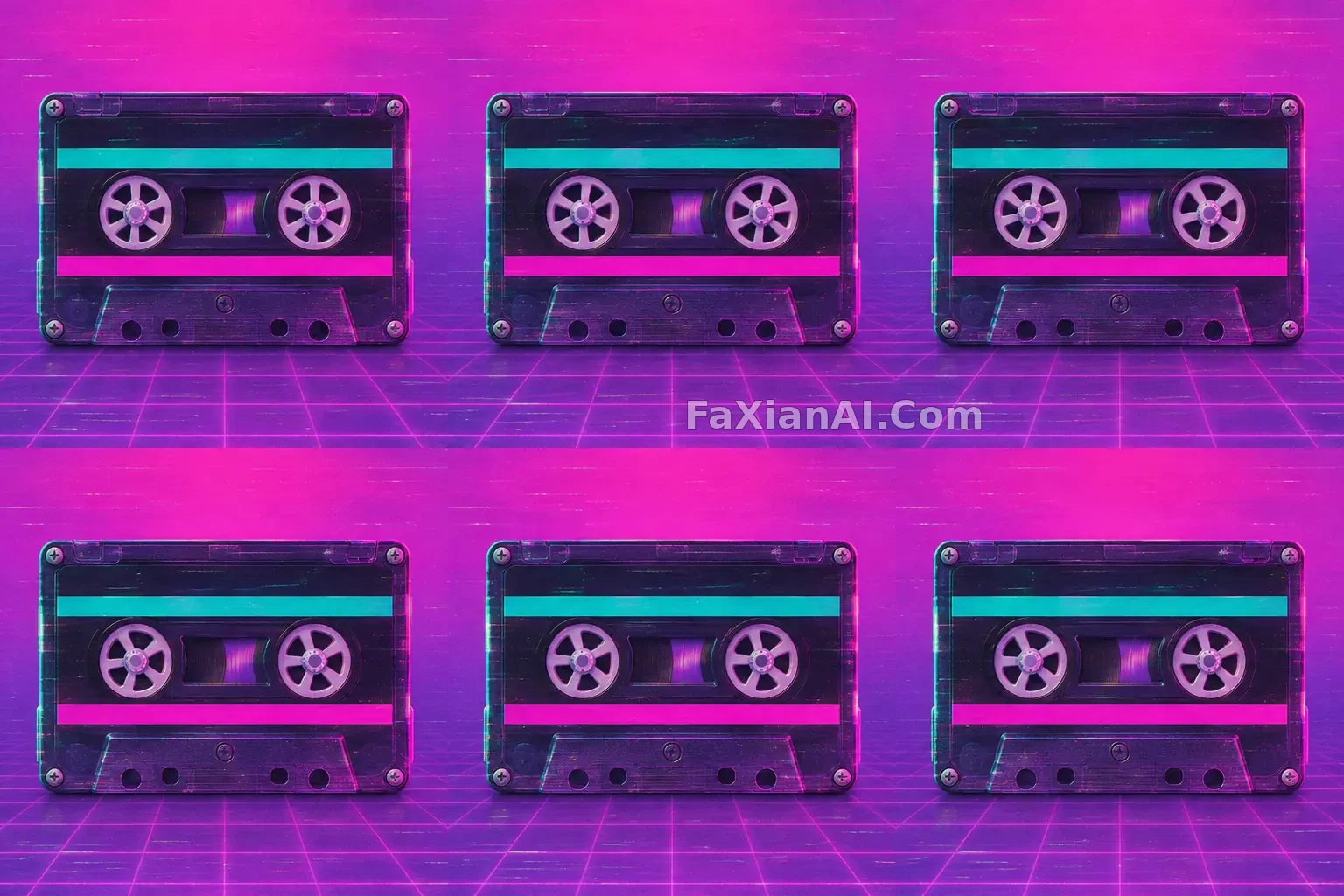 A Retro Cassette Spins Against a Pink and Purple Backdrop
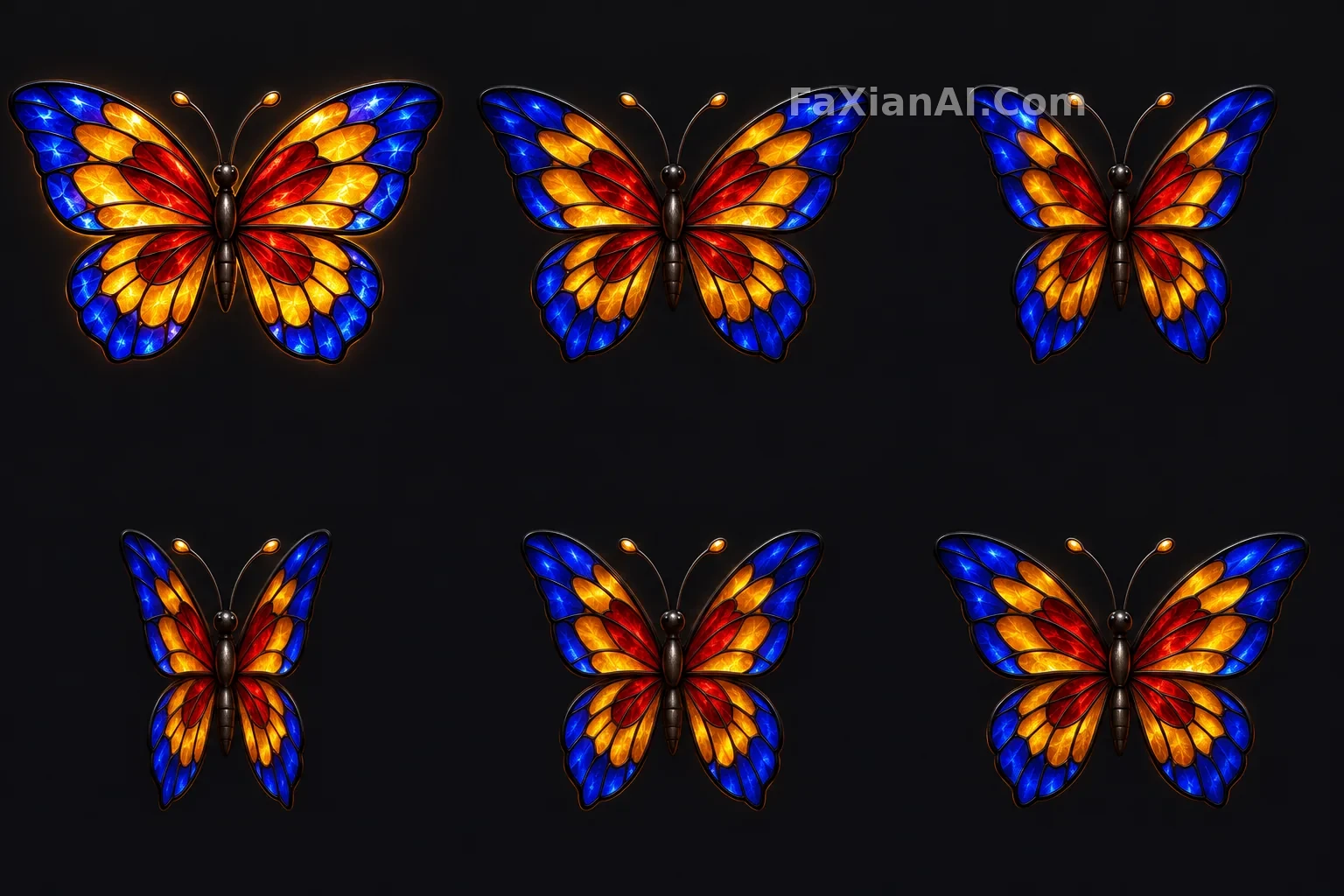 A Stained-Glass Butterfly Opens and Closes Its Glowing Wings
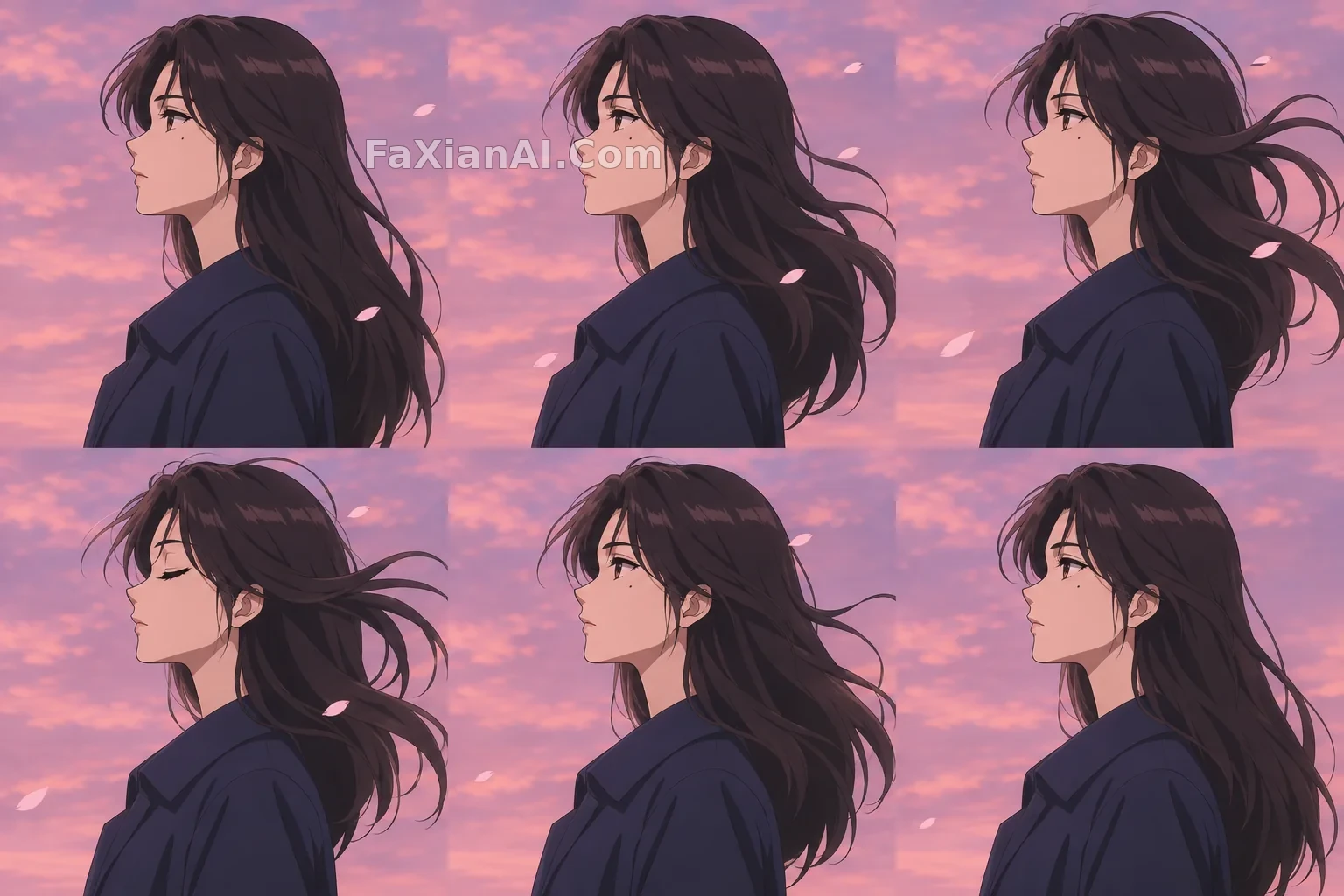 Wind Lifts Her Dark Hair Against a Pink Dusk Sky
 A Cloud Drifts Past the Sun in a Weather Icon
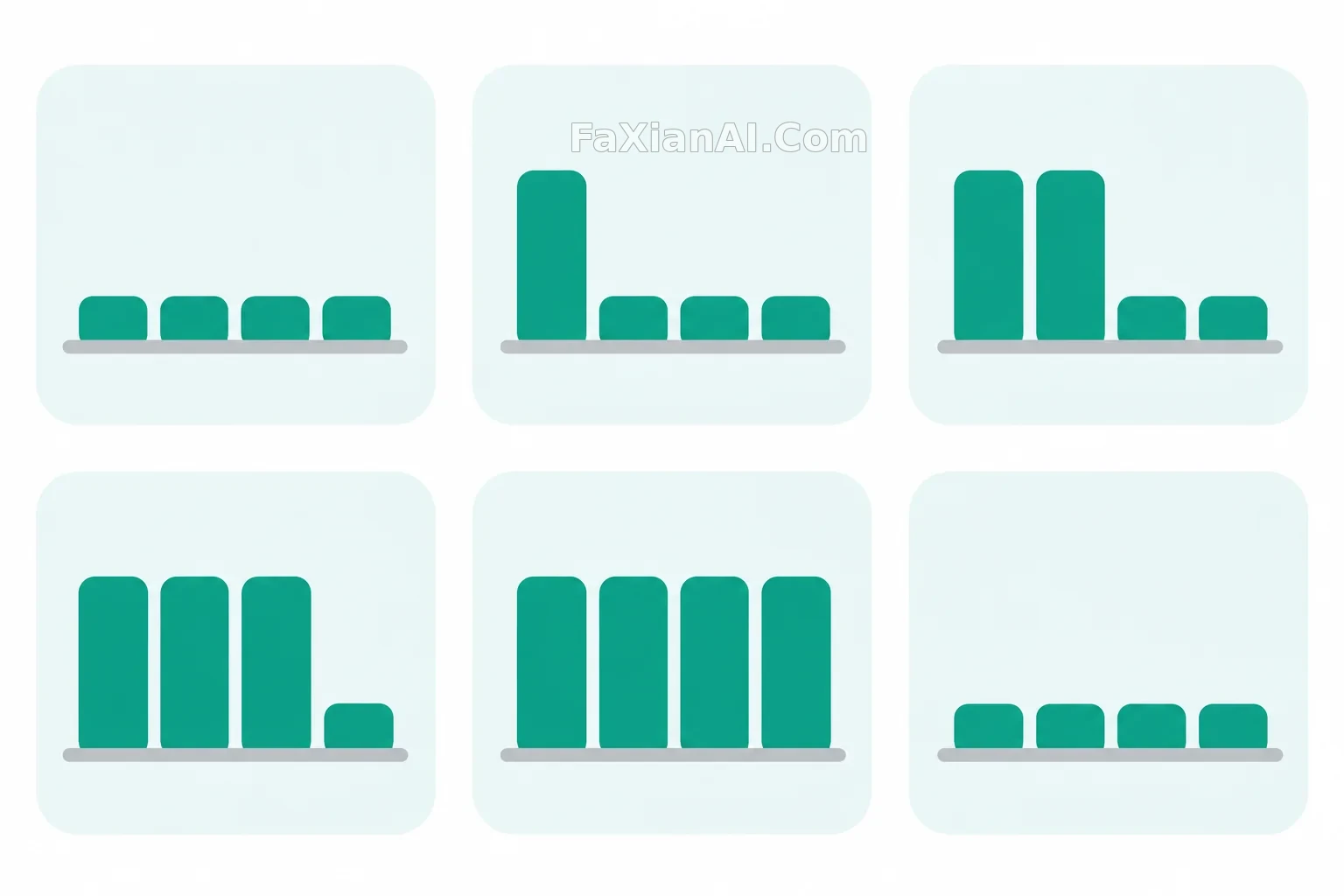 Four Rounded Bars Rise in a Simple UI Animation
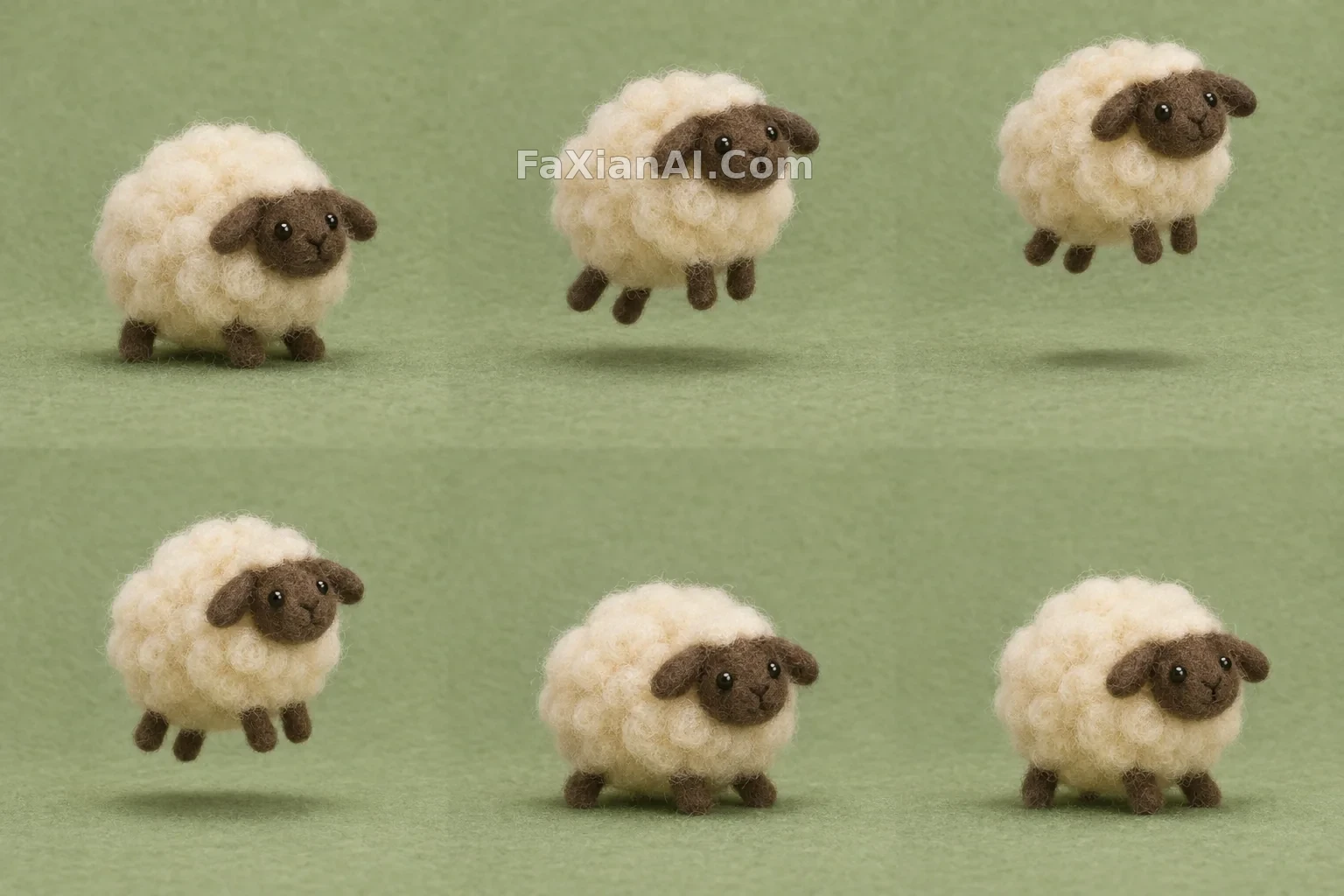 A Woolly Felt Sheep Hops Once and Settles Down