
Home › Model Encyclopedia › Comparison
MODEL COMPARISON
Flux Maestro vs GPT Image 1.5: Which One Should You Use
The site has 46 and 31 reproducible cases for each, respectively. Below, we compare strengths, prompt writing, and final results side by side.
The Bottom Line
Flux Maestro is better for Photorealistic texture; GPT Image 1.5 is better for Preserving faces and logos through edits. Running the same idea through both is usually worth it — they "listen" differently, so the prompt has to be adjusted to match.
Strengths & Prompt-Writing Comparison
Flux Maestro
Feel free to write in detail — it handles long sentences well. Spell out camera language (focal length, aperture, light direction) clearly, and the resulting image's photographic feel improves noticeably.
GPT Image 1.5
It responds to a complete scene description: state the frame, camera position, lighting and materials in separate sentences instead of piling on style words. When editing, say explicitly "change only X, leave everything else as is" — that is where its preservation strength shows.
Flux Maestro Cases
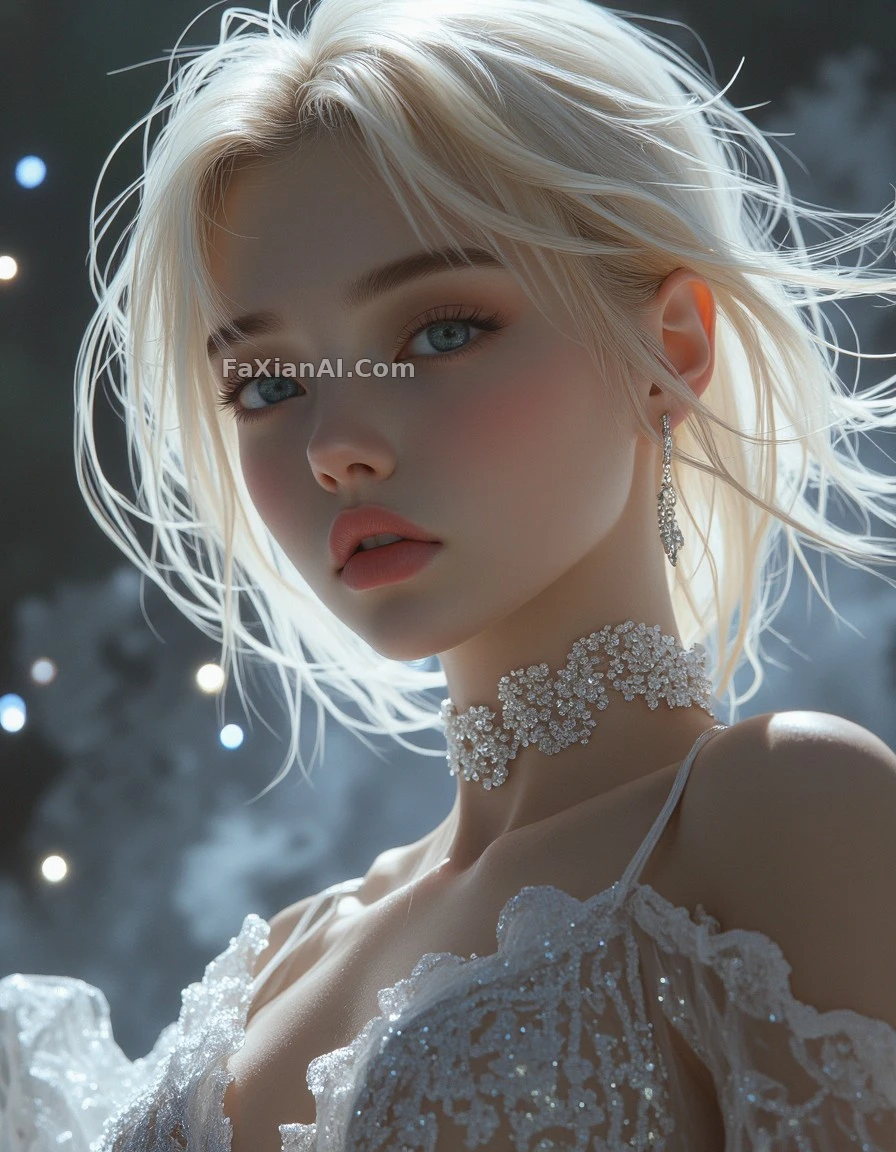 Weightless Blonde Hair, Developed From Expired Film
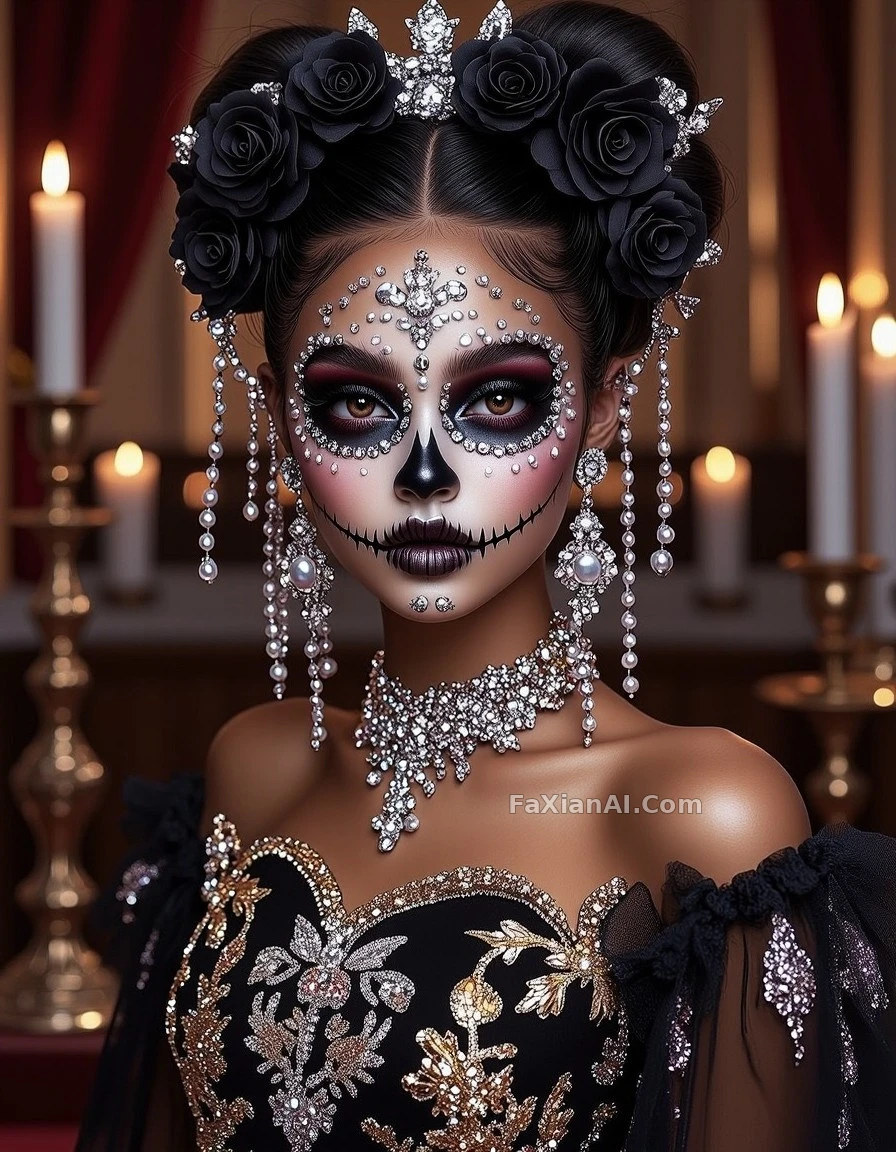 Silver-and-Black Skull Bride, Cover-Ready
 A Girl Asleep in a Feather Hammock, Under Moonlight
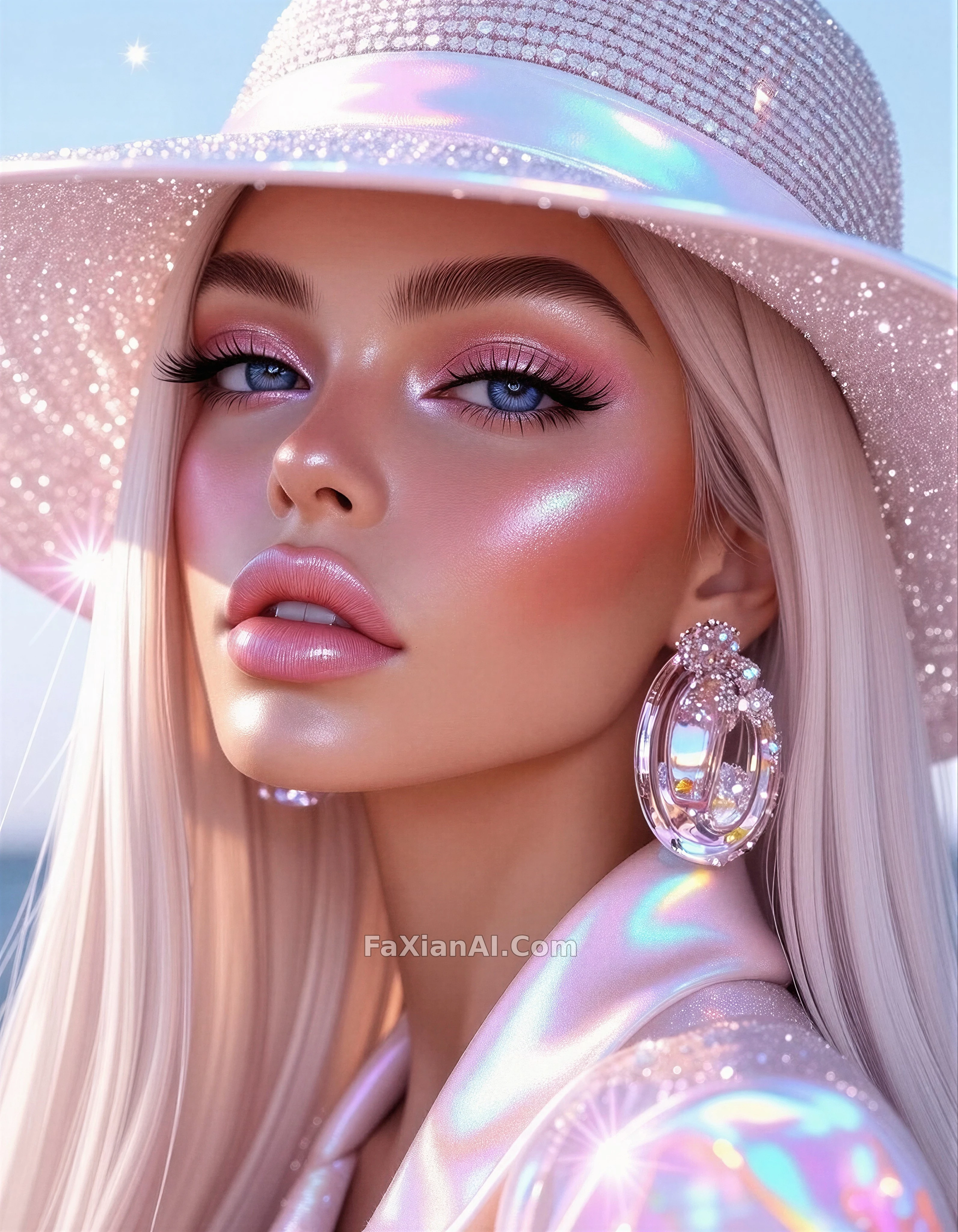 Beauty Close-Up in Holographic Sheen
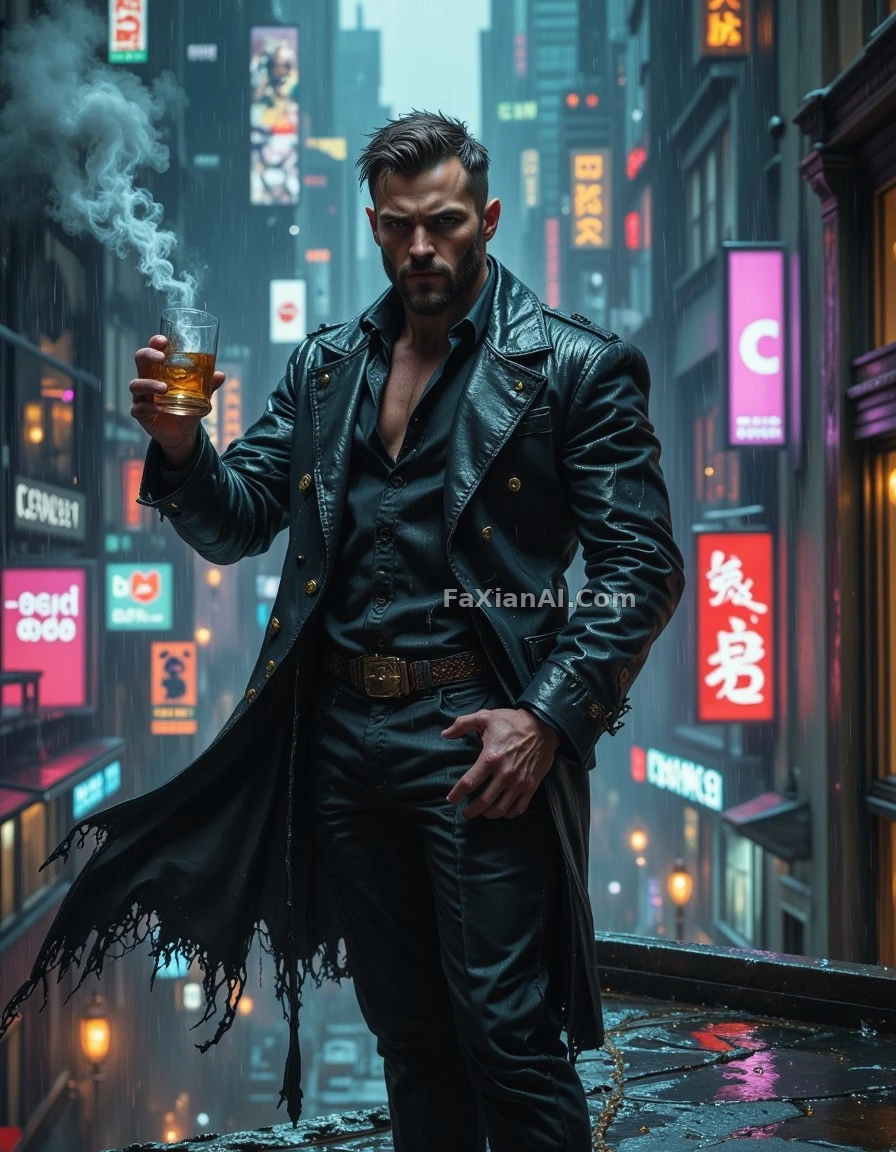 This Neon Needs Toning Down Before It Prints
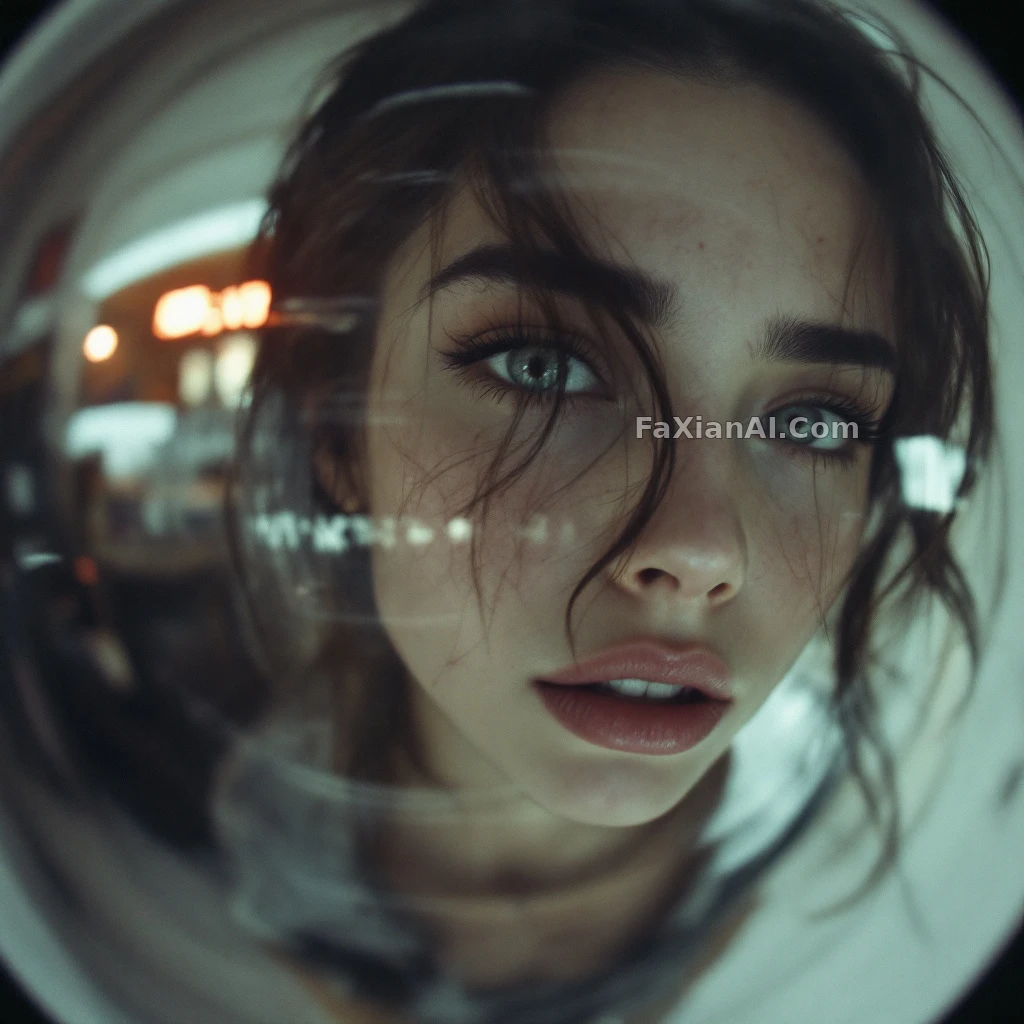 This Surveillance-Camera Blur Is Exactly Right
GPT Image 1.5 Cases
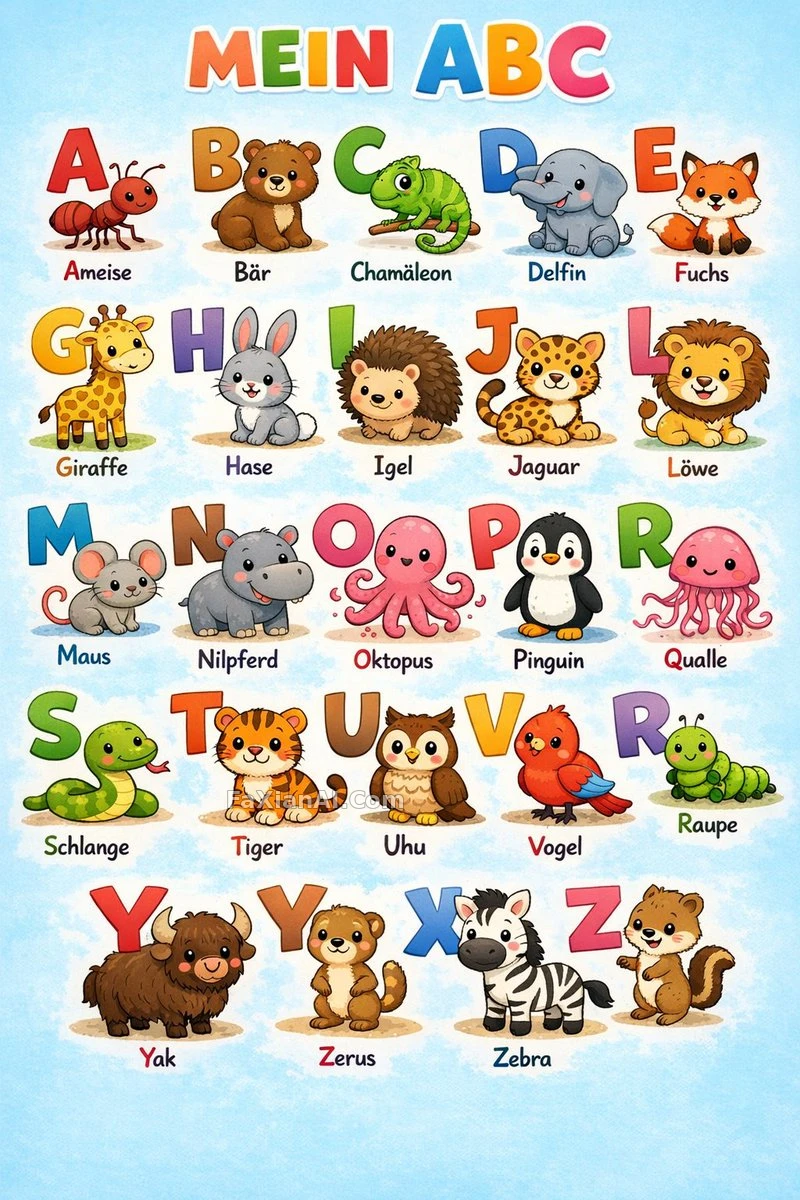 A-to-Z Literacy Poster, One Animal per Letter
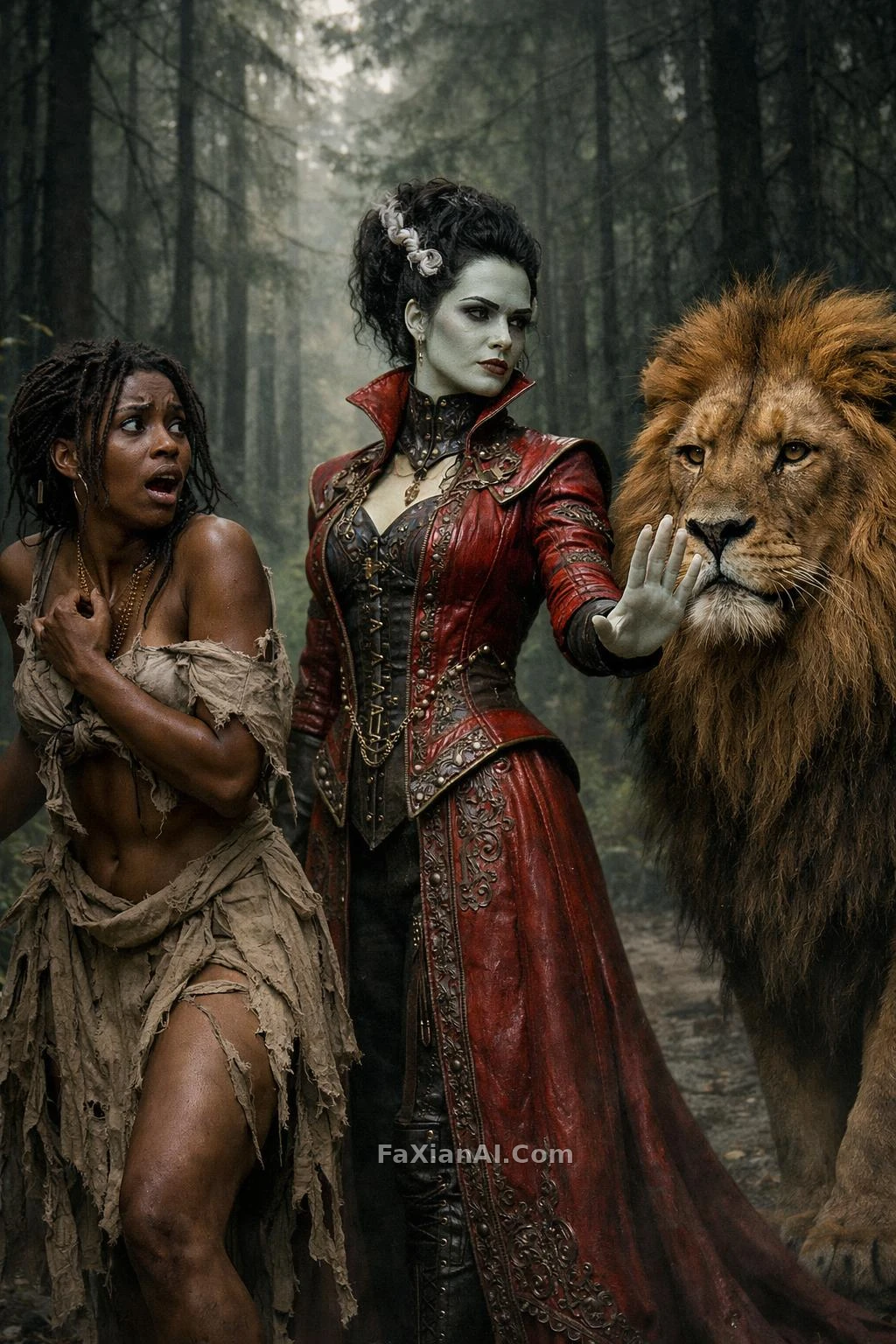 Green-Skinned Noblewoman Faces a Lion on a Misty Forest Path
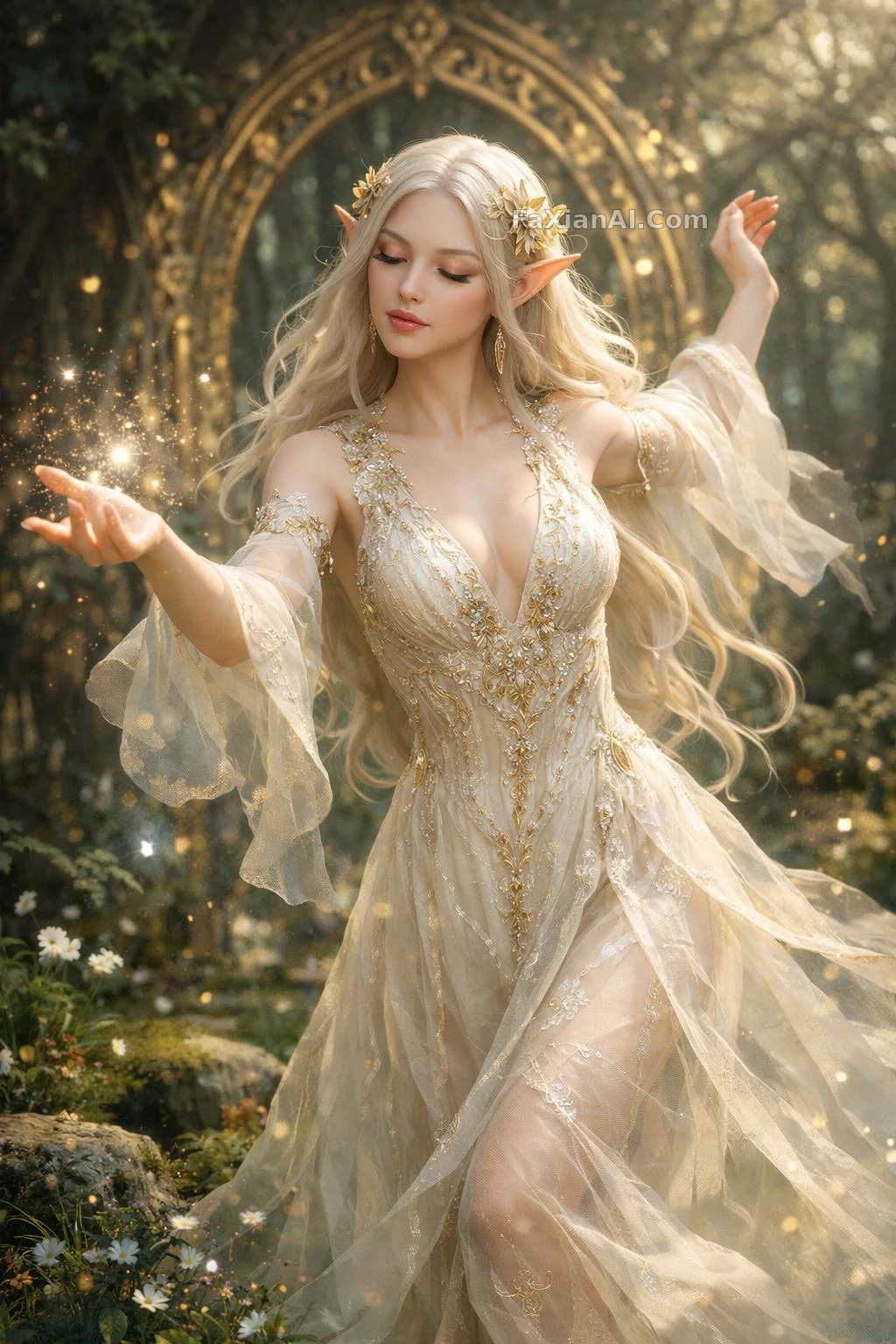 Ivory Elf Dancing Before a Golden Archway
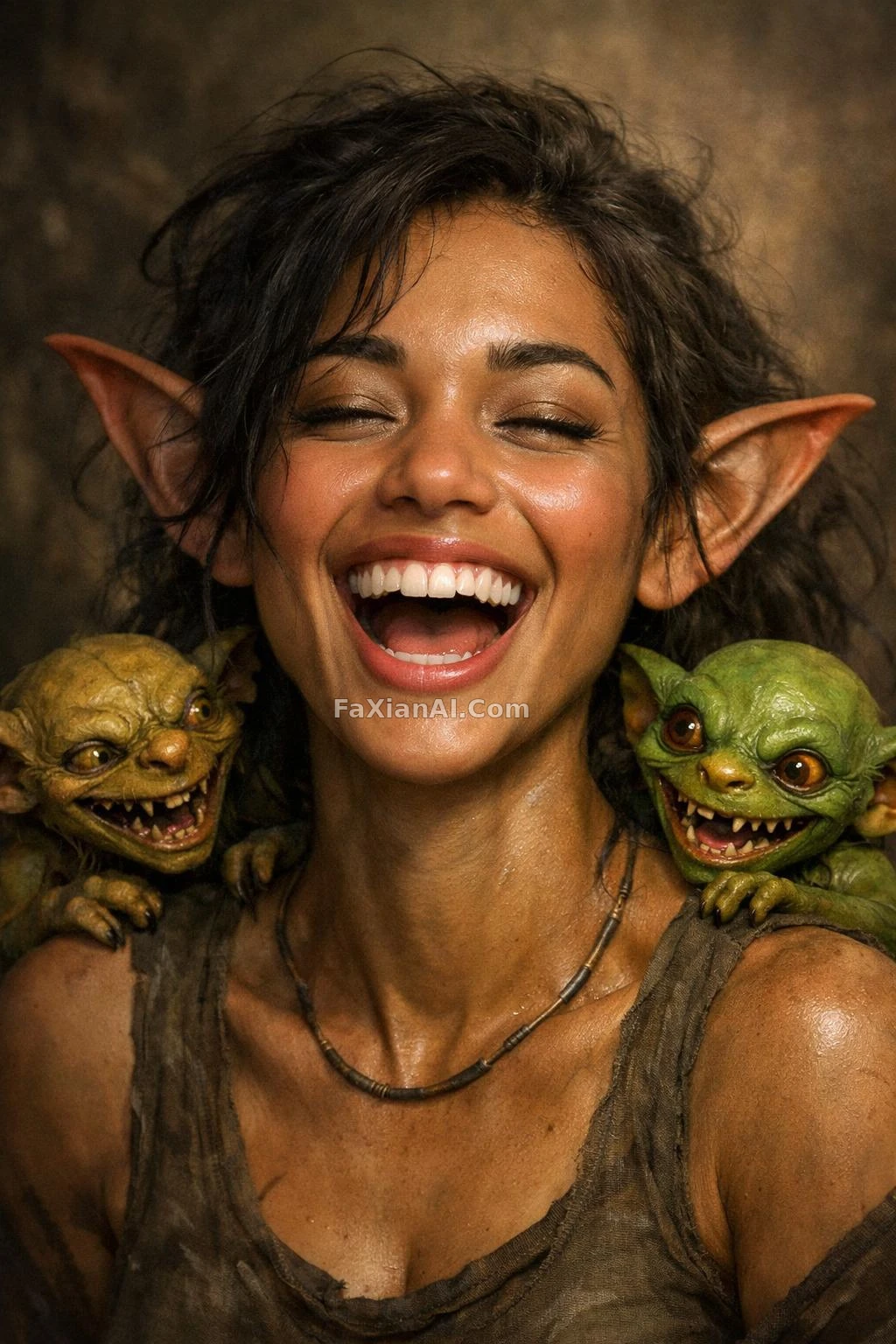 Laughing Hard, Two Little Goblins Perched on Her Shoulders
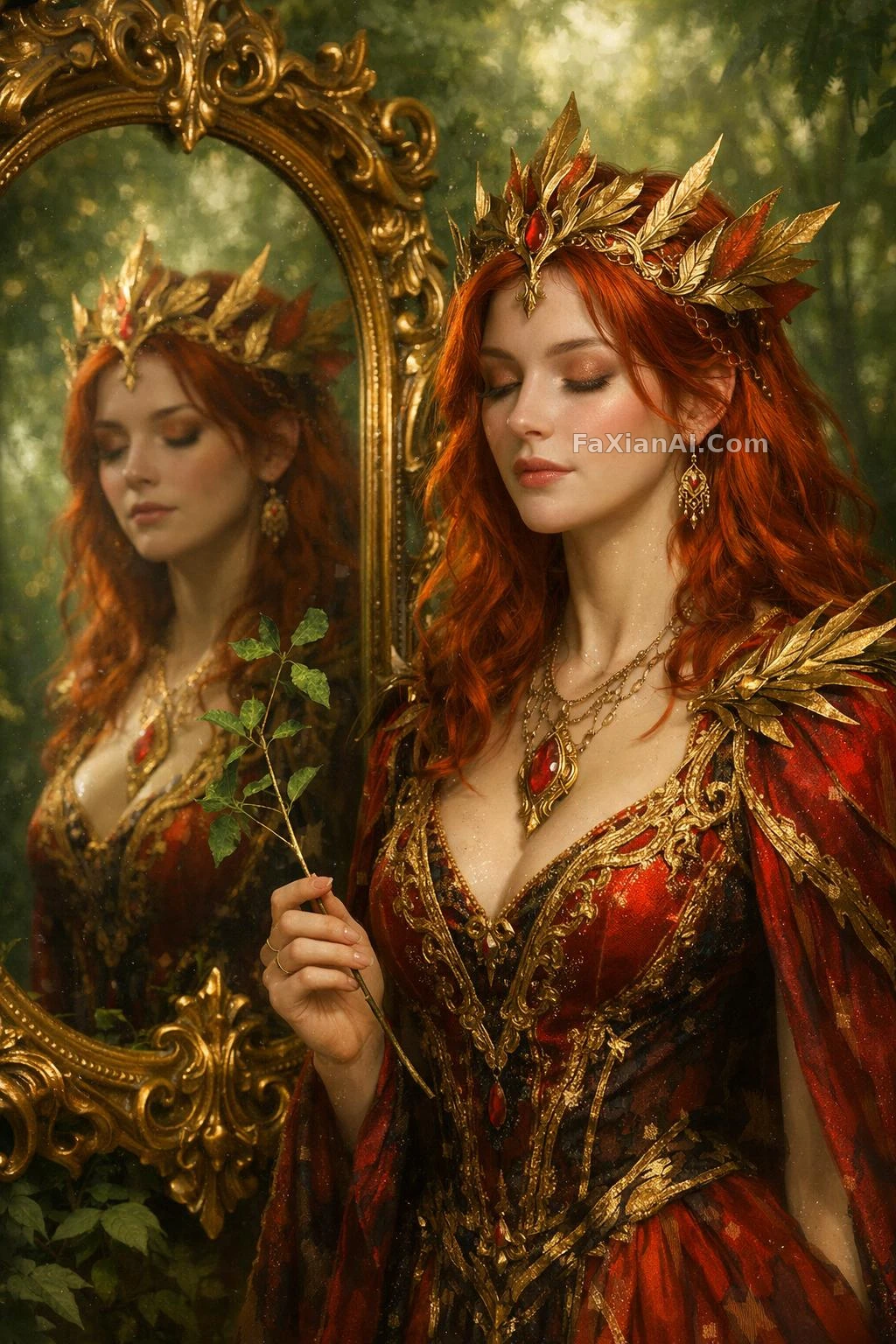 Eyes Closed Before the Mirror, Clutching a Thin Branch
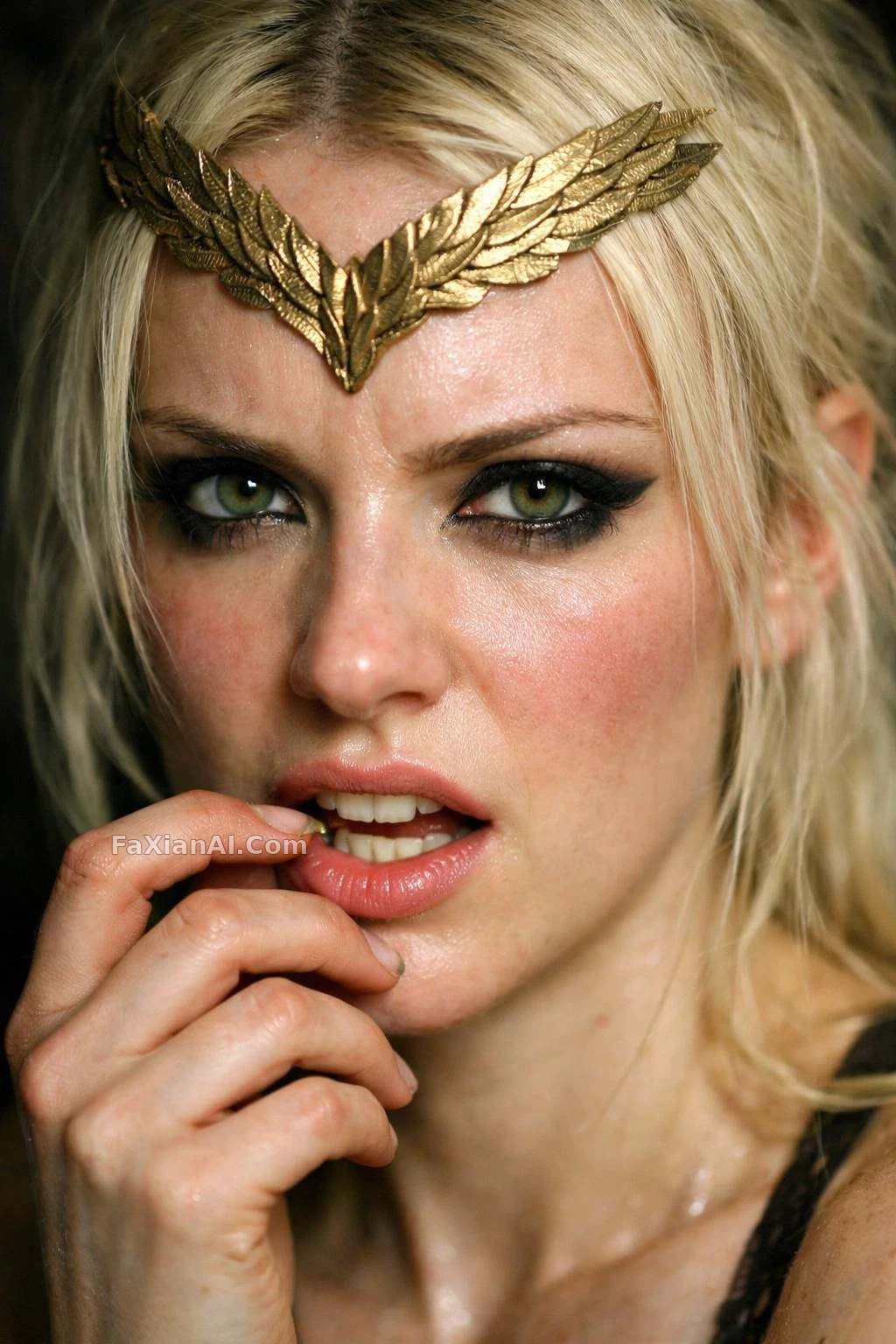 Sharp Eyeliner, Baring Her Teeth at the Camera