Home › Style Transfer › Retro Pixel-Art Game Screen Conversion
Retro Pixel-Art Game Screen Conversion
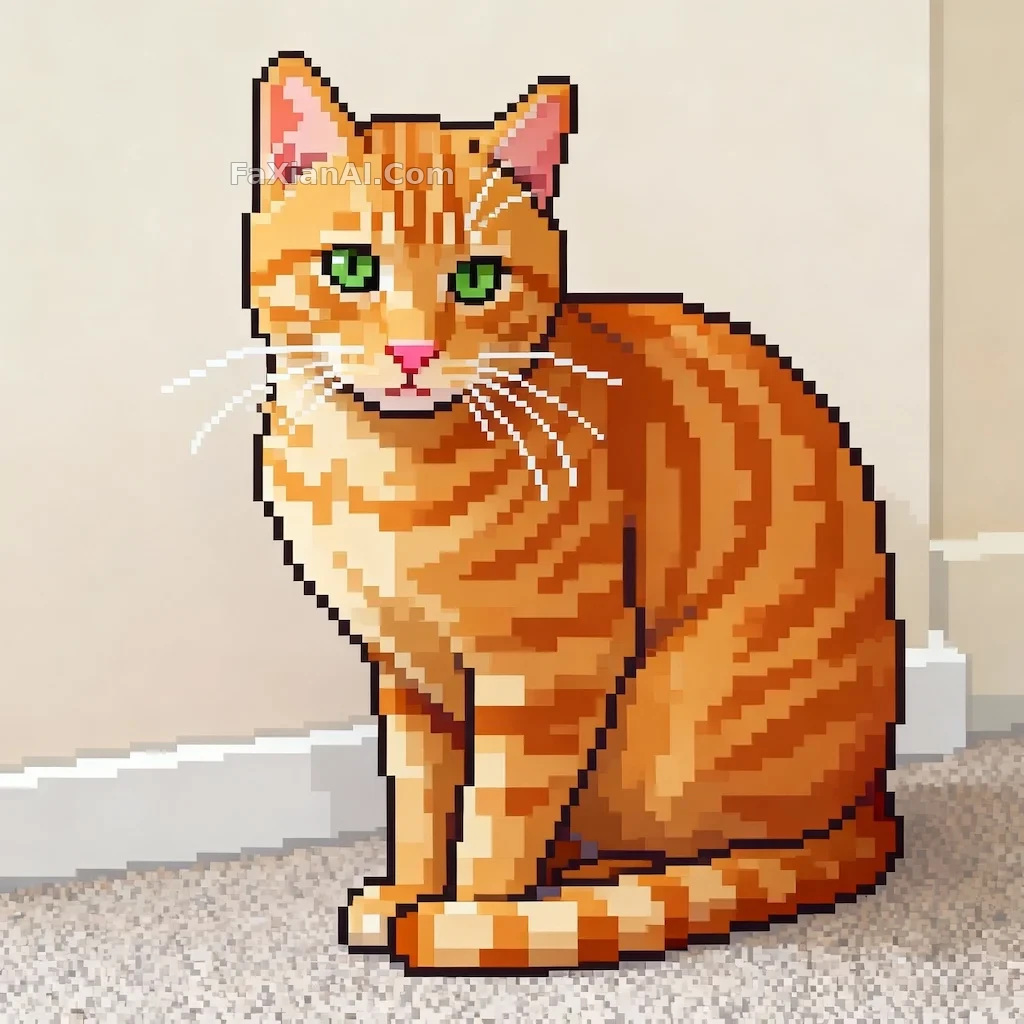
Coarse pixel grid, resolution pushed as low as it goes, palette narrowed down, yet the subject's silhouette still holds.
✍️ The key variables are resolution and palette — push them down hard enough and you get that chunky, authentic arcade feel. As long as the subject's core features stay intact, it's still recognizable even after going full pixel.
📋 Prompt Natural Language
Convert the entire image into pixel art. Lock the style to a retro 8-bit or 16-bit game look, with a clearly visible pixel grid and deliberately lowered resolution to produce a blocky silhouette. Simplify and narrow the color palette for a nostalgic arcade aesthetic. While pixelating, preserve the subject's key features — they must not be lost.