
Curated Gemini Photo Editing Prompts: 12 Field-Tested Gemini Photo Editing Prompts Including Nano Banana Prompts
Debugging has a habit worth borrowing: you can't just look at the red error text itself — you need to know which function threw it, because if the context doesn't line up, fixing the red text alone won't help. Writing gemini photo editing prompts works the same way. When an edit doesn't come out right, most people's first instinct is to pile on more adjectives, but the actual problem is usually the "context" — whether the prompt clearly separates what needs to be preserved from what needs to change. The 12 entries in this post are all written from that angle, and most of the on-site examples were generated with the Nano Banana model, which makes them convenient for direct comparison.
For gemini photo editing prompts, the core of background replacement is matching the light source
The highest failure rate in background replacement isn't about whether the background choice is right — it's that the subject's light direction doesn't match the new background's, which reads instantly as "pasted on." It's the same issue as two modules in your code with mismatched interfaces.
- "Replace the background with a warm indoor setting, keep the subject's pose, clothing details and lighting direction on the face unchanged, light source from the left."
- "Swap the seat position of this person to the front row, keep facial identity and clothing texture consistent, blend the shadow under the new position naturally."
- "Change the backdrop to a deep blue night tone while keeping the flowers and the subject's pose fully intact, only adjust the ambient color temperature."
Here's an actual on-site example: background swap that preserves the bouquet and pose — the light source and the subject stay in sync. This is exactly the part a gemini photo editing prompt needs to spell out clearly.
For nano banana prompts, element removal relies on "fill-in logic," not just the word "delete"
When removing an unwanted element from an image, a lot of people just write "remove such-and-such." That instruction does trigger a deletion, but what happens to the empty space left behind is what actually determines whether the result is good — the same as handling a null-pointer exception: catching it isn't enough, you also need to supply the fallback logic.
- "Remove the drummer from this scene, extend the background pattern naturally into the empty space, keep the remaining composition balanced."
- "Remove the extra person from this photo and reconstruct the floor texture and distant architecture lines to remain continuous."
- "Erase the object in the foreground while keeping the depth of field and background blur level identical to the rest of the frame."
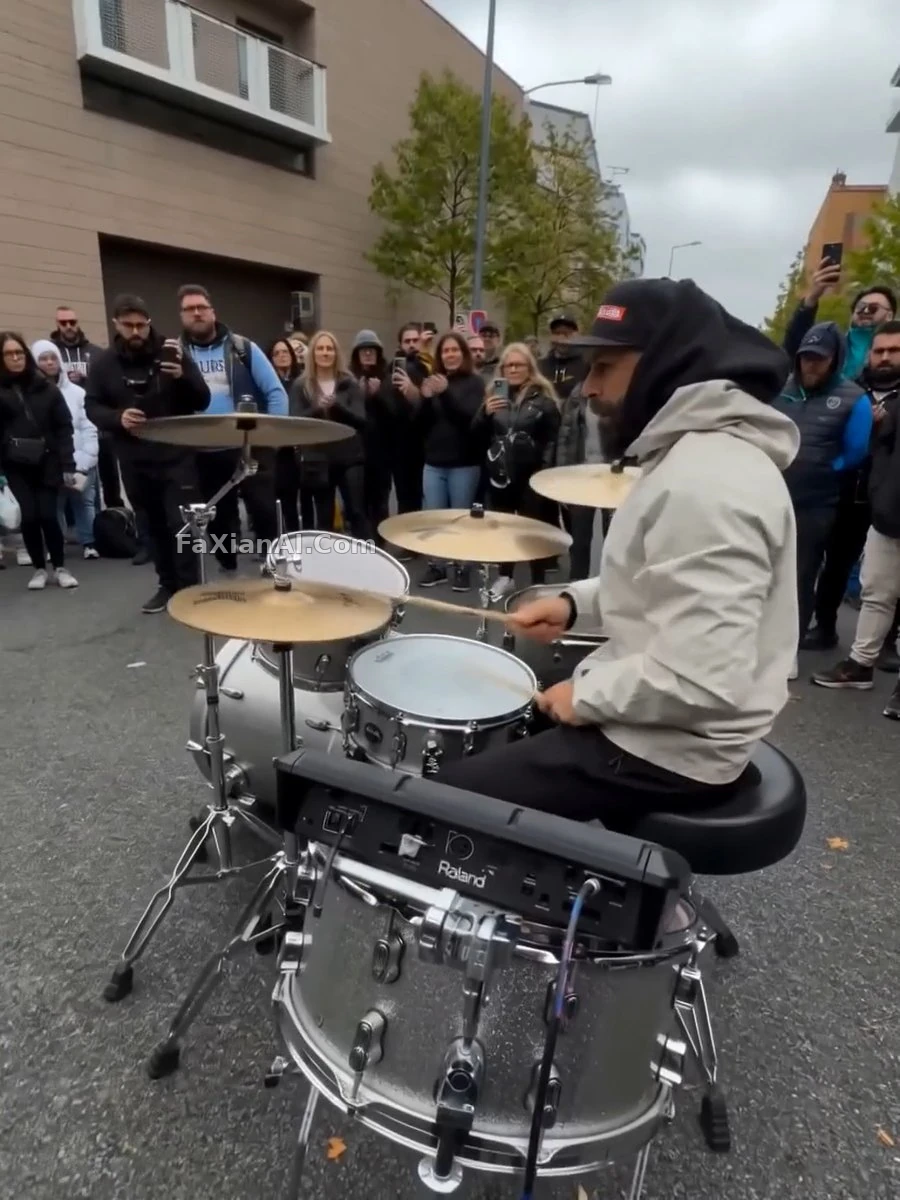
The drummer removal example takes exactly this approach — deletion is only step one, filling it back in is what makes it a complete commit.
For gemini image edit on old photos, restraint matters more than vividness
Restoring and colorizing old photos is one of the most common categories among on-site examples, and also one of the scenarios most prone to going wrong from over-tuned parameters — set the colorization saturation too high and the period feel is lost immediately, much like passing a function a default parameter that's too large and having the whole thing run away.
- "Colorize this black and white photo naturally, muted saturation, skin tone warm but not vivid, preserve original film grain at low intensity."
- "Restore this old photo: repair scratches and creases, keep facial identity and expression fully consistent with the source image, do not over-smooth skin texture."
- "Recreate this damaged heirloom photo at higher clarity, keep the original clothing pattern and pose exactly as captured."
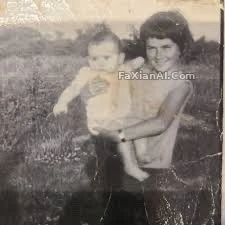
In the keepsake restoration example, the scratches are gone and the image quality holds up — that boundary is set the same way you'd write a unit test: decide in advance which behaviors must not change.
For person compositing and identity matching, a reference image is an "input source," not "inspiration"
When using a reference image for person compositing, a lot of people treat the reference as loose stylistic inspiration to riff on. In reality the reference should be treated as a precise input — whether the facial features actually match matters more than whether the style feels similar, the same way a unit test checks against an expected output: even a slight mismatch is a failure.
- "Recreate this scene using the reference face, match facial features precisely, only the pose and outfit should follow the new composition."
- "Composite this person into the new background, keep facial proportions and skin tone exactly matched to the reference photo, adjust only the lighting to fit the new scene."
- "Match this recreated portrait to the reference image exactly, keep facial landmarks aligned, allow only clothing and background to be reimagined."
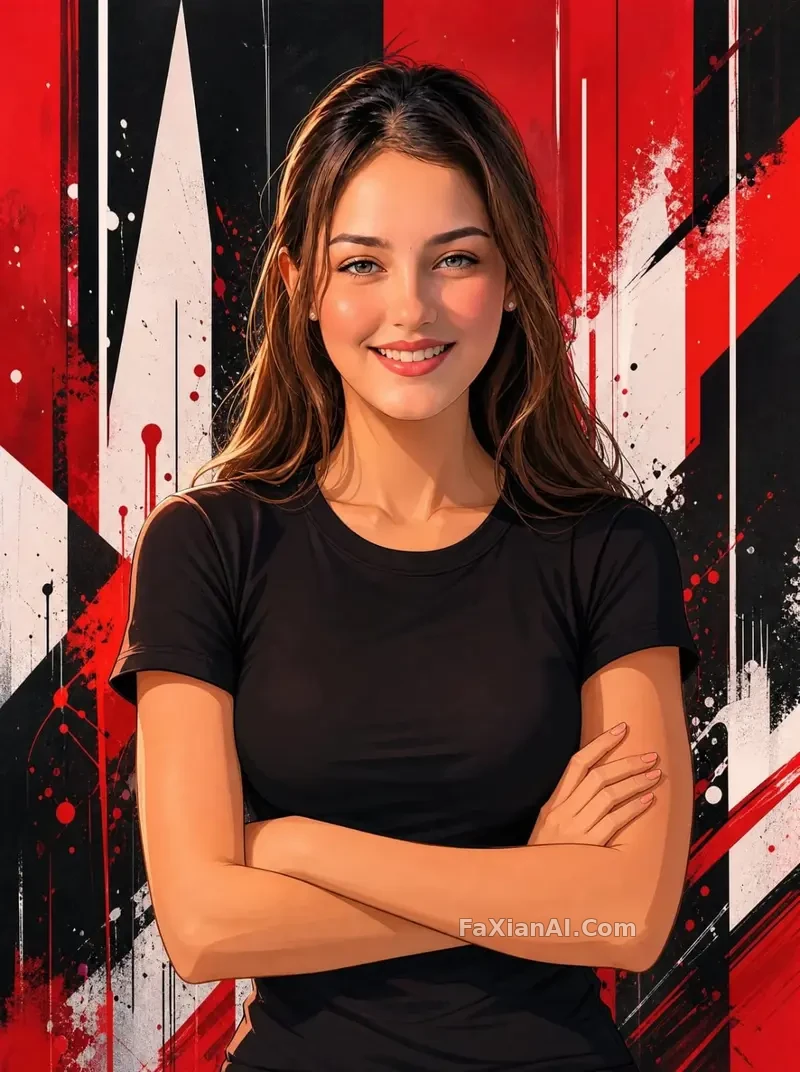
The example with facial features aligned to a reference takes exactly this path — the reference image is an input, not a loose source of inspiration.
Writing gemini photo editing prompts and nano banana prompts is a lot like the mindset behind debugging code: when something goes wrong, don't rush to add more parameters — first check whether the context was actually spelled out. Looking back at most failures along the gemini image edit pipeline, the problem is rarely a lack of vocabulary — it's that the layer describing "what to preserve" was never made clear. For more on how to write negative prompts, check out the negative prompt guide; for the specific mechanics of controlling prompt weight, the prompt weight post covers it in more detail. Most of these examples come from the on-site photo editing and portrait categories — the homepage at image.faxianai.com has more field-tested Nano Banana examples to browse.