
Home › Photo Editing › Swap the Sign's Text, Leave the Style Alone
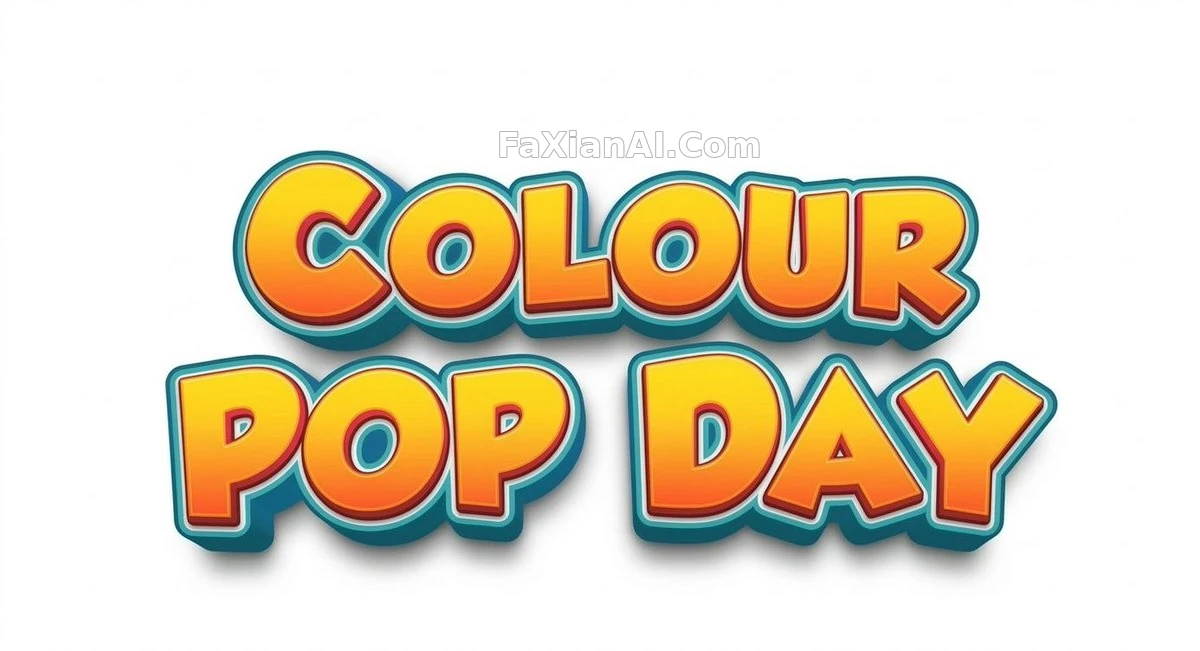
Swap the Sign's Text, Leave the Style Alone
It's just two lines of text — move "Pop" down to align with "Day", touch nothing else.
✍️ Swapping two lines of text sounds simple, but the hard part is getting "Pop" to align with "Day" after the line break — the more precisely that boundary is held, the less visible the edit becomes.
📋 Prompt Natural Language
Replace the text "Children's Day Fest" in the reference image with "Colour Pop Day", with "Pop" starting a new line aligned to "Day"; keep everything else in the original style exactly as it is.
Related Cases
 Recoloring the Geometric Poster: Leaving Composition and Edges Completely Untouched
 Turning Warm Serum Still Life Into Cool Daylight: Change Only the Light, Not the Bottle
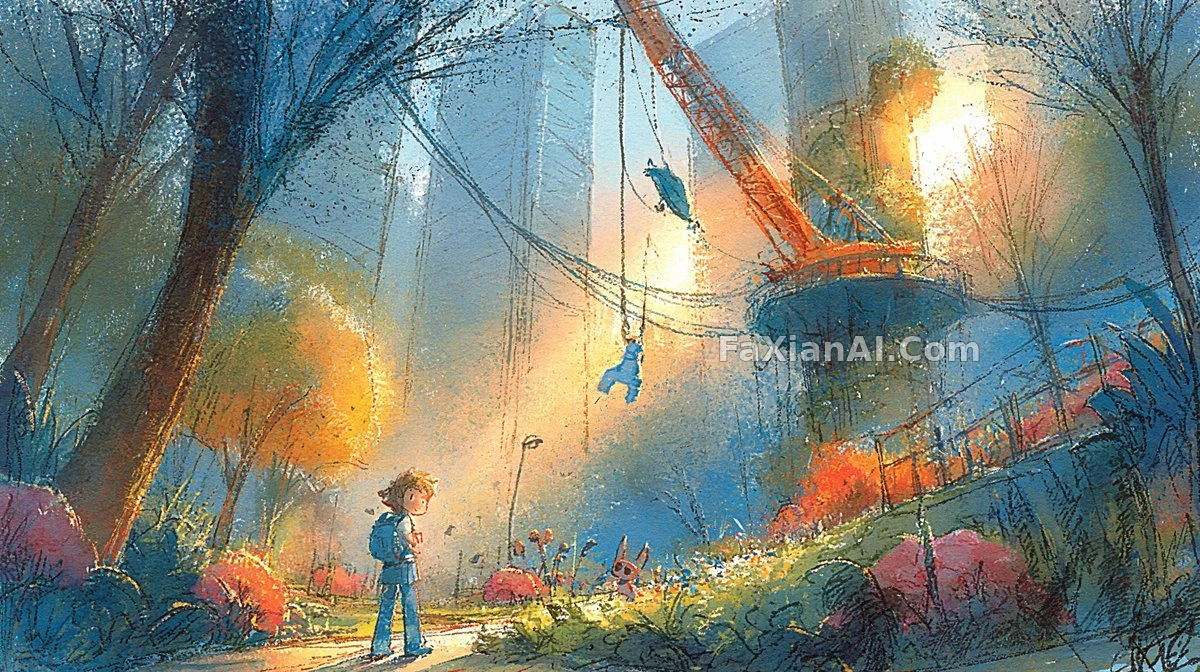 Dusk Park Scene, Stripped to Just the Art
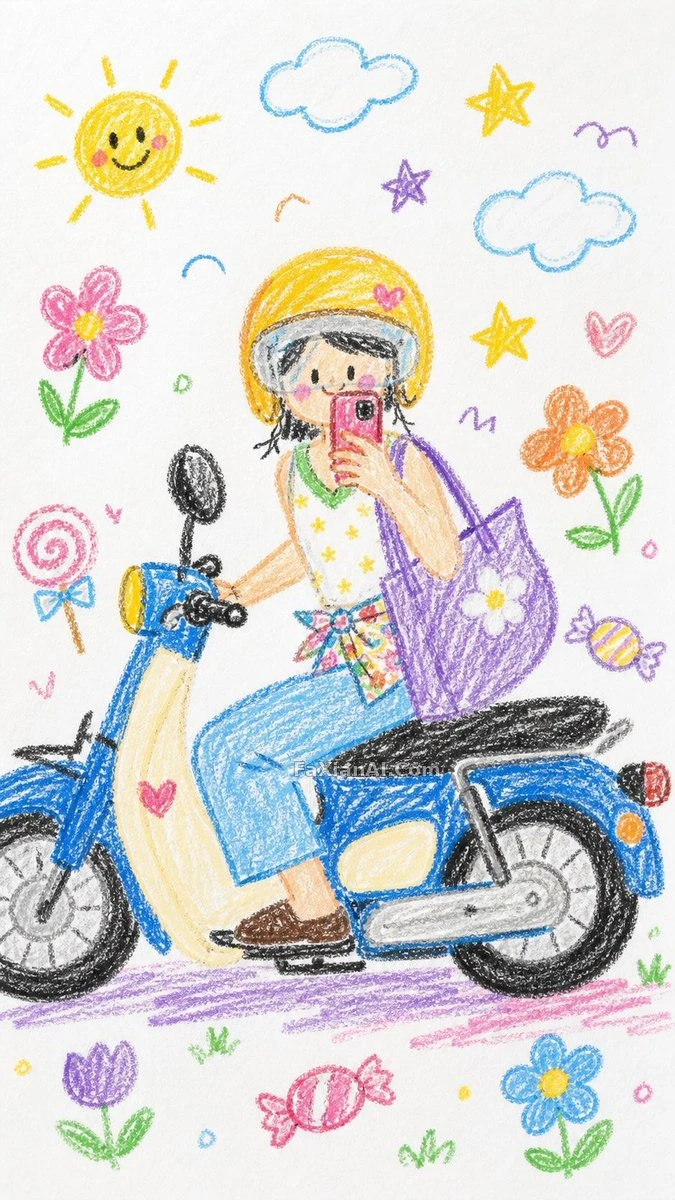 Crayon-Style Kid-Drawn Photo Transform
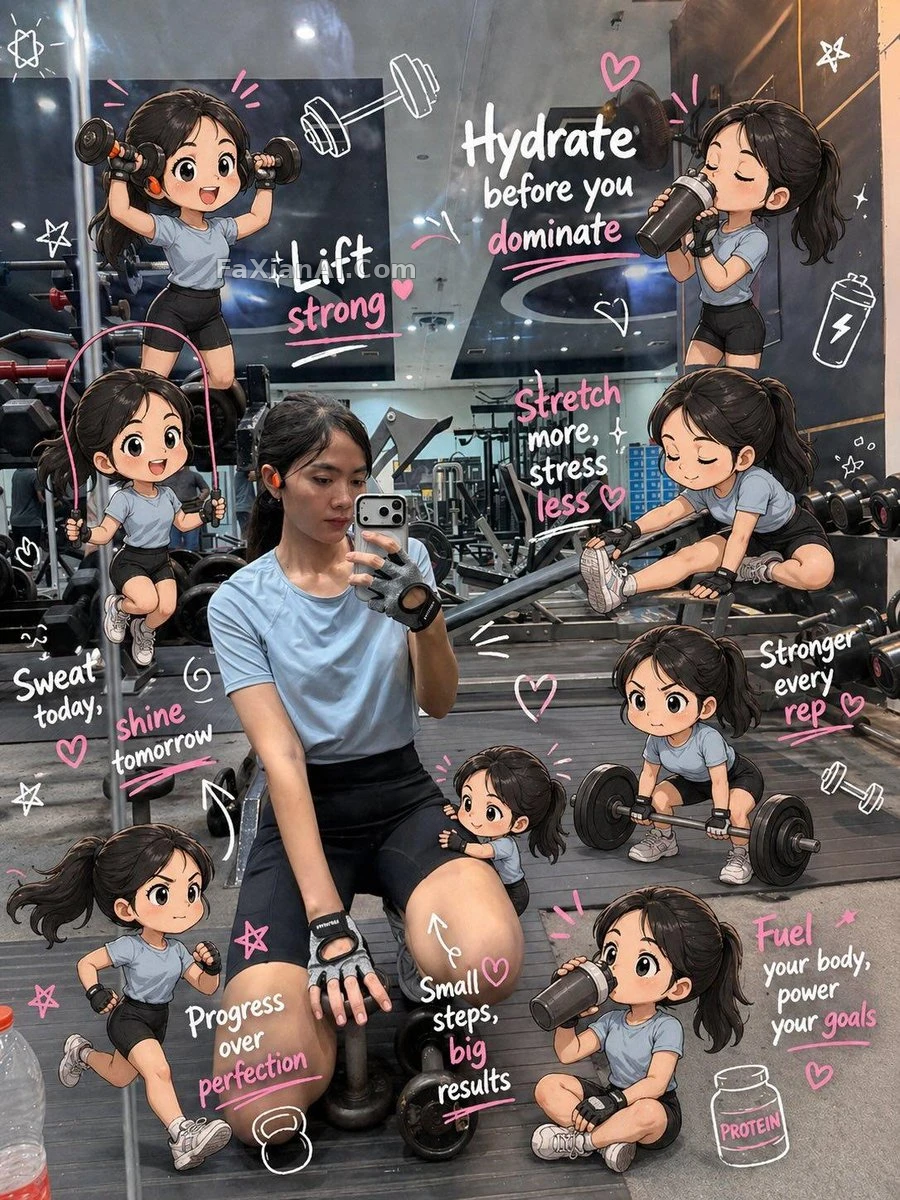 Gym Photo Plus Chibi Clones, Scrapbook Doodles All Around
 Blow the Character Apart Into Neon Signal Glitches