Home › Design Assets › White-Line Blueprint Over a Real Object
White-Line Blueprint Over a Real Object
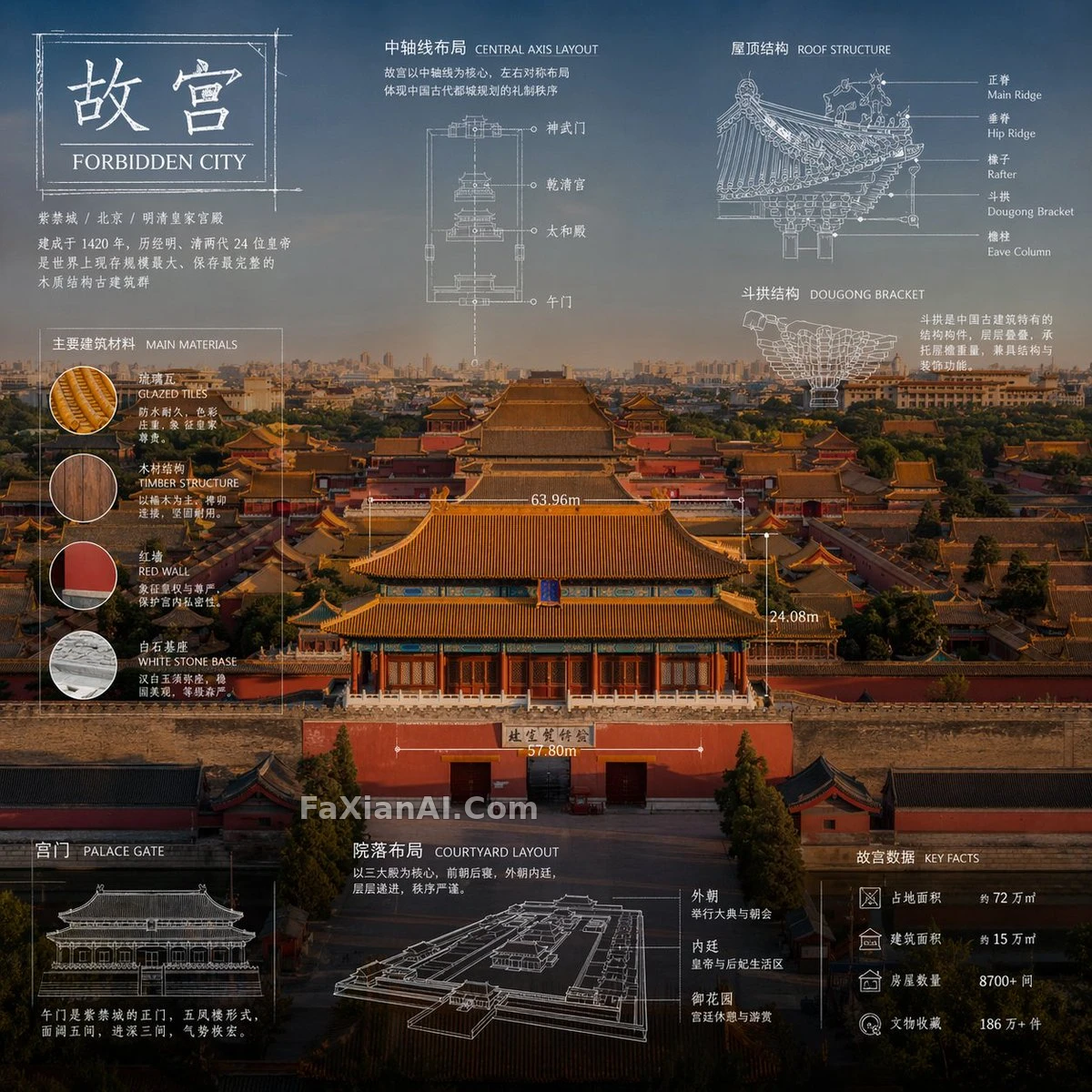
A product photo as the base, with white-line arrows, dimension callouts and part thumbnails laid over it, and a nameplate box left in the top left.
✍️ Both variables just take the same noun. There's only one constraint: the base image must be a real photo, so the white-line layer has the contrast of a drawing pressed onto a physical thing. Keep the white-line annotations out of color and you save about half the rework.
📋 Prompt Natural Language
Make a 1:1 technical infographic for [subject: subject]. Start with a fresh, professional, lifelike photograph of it, bright and tidy, on a background better suited to the subject; the items must stay real photographic objects and never become illustrations. Then add a blueprint-style layer drawn entirely in white: lines, arrows, dimension marks and labels, plus small schematics that explain the parts, materials, sizes and functions. Make it clean, elegant and rich in information. Top-left corner: a sketch box with the word '[label: OBJECT]' inside.