
Fake Window Light Prompts: Try a Fake Window Projector Effect as a Static Image With AI First
A wall with no window and a wall with light slanting in look like two different spaces. That's the starting point for judging whether a fake window projector effect works — it's not as simple as "project a video." At its core, it's about replacing a nonexistent opening with a controllable light source. Once the angle the light comes from, how long the shadow falls, and whether the color temperature leans warm or cool are all settled, the effect holds up. Leave those variables vague, and what gets projected is just a moving bright patch on a wall with no sense of space.
The core of a fake window projector is light ratio, not the picture itself
Before working on a fake window effect, get one thing straight: real window light is convincing because it satisfies a few physical conditions — the light angle corresponds to a specific time of day, shadow sharpness is inversely proportional to light source size, and material translucency determines whether the light patch's edge is hard or soft. Spelling these conditions out in the prompt does far more good than piling on adjectives like "warm" or "cozy."
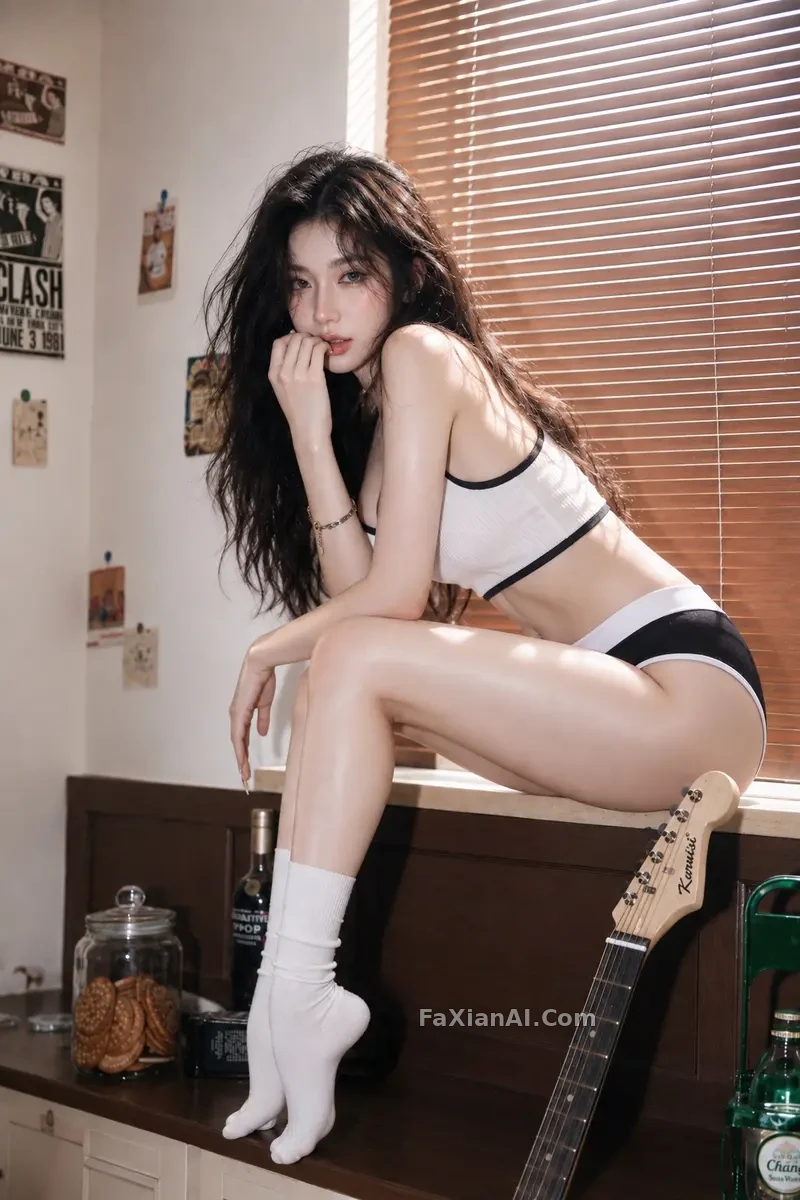
How convincing louvered-blind lighting looks depends entirely on the ratio between light angle and slat spacing. See the full prompt.
- Vertical louvered window blinds, hard directional light cutting through the slats, sharp parallel shadow lines on a beige wall, high contrast, no gradient blur, architectural photography style.
- Wide horizontal window frame, white wooden mullions dividing four panes, warm 4pm sunlight raking in at a low angle, long soft shadows stretching across a plain wall, no people, no text, photographic realism.
- Arched window with iron grille pattern, projected grille shadow forming a geometric grid on the floor, midday direct light, high sharpness, no color cast.
For window shadow aesthetic, different materials transmit light differently
Stained glass, sheer curtains, and rain-streaked glass each handle light in a completely different way. "Window shadow aesthetic" actually hides several sub-types underneath it, and mixing them together in one prompt easily produces a muddled, neither-here-nor-there effect. Stained glass "tints" the light, a sheer curtain "softens" it, rain-streaked glass "scatters" it — describe them separately to get each one's distinct effect.
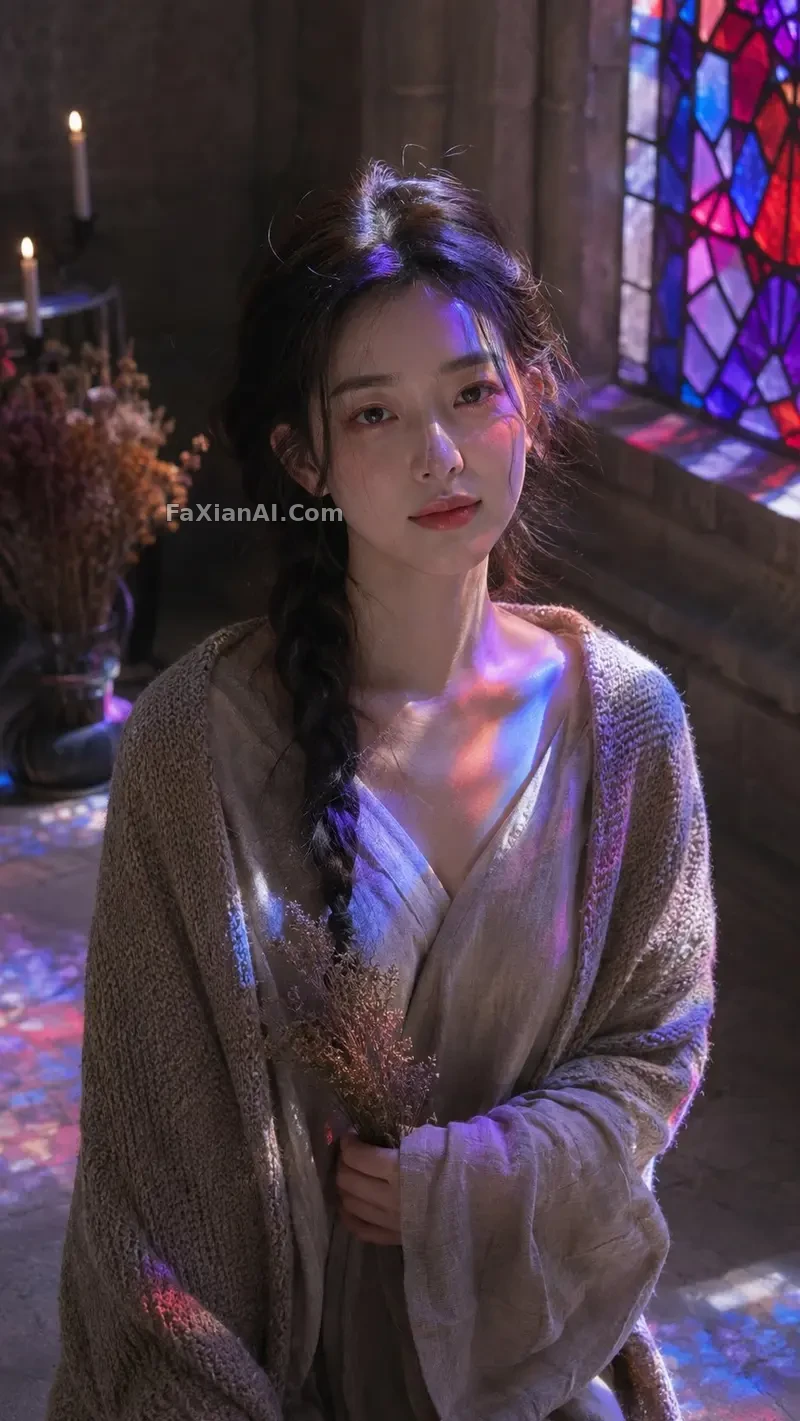
Stained glass light patches need "dappled," not "even" — even lighting actually looks fake here. See the full prompt.
- Stained glass window fragment, warm amber and deep blue glass panels, dappled colored light scattered across a stone floor, soft diffusion at the edges, cathedral interior reference.
- Sheer curtain in front of a bright window, backlit silhouette effect, soft glow bleeding through the fabric weave, no visible window frame, minimal composition, pale neutral wall behind.
- Rainy window glass texture, diffused grey daylight, water droplet shadows trickling down a wall, cool tone, slow atmosphere, no people, loopable static frame.
- Round porthole window, brushed brass frame, ocean-blue light passing through, subtle ripple pattern cast on the interior wall, cool color temperature, static composition suitable for a wall projection.
The two most overlooked fake window light ideas: tree shadows and LED strips
Beyond light from the window frame itself, there are two indirect lighting effects that often get missed: one is the moving shadow cast by plants outside the window, the other is a "glowing window-edge feel" simulated purely with lighting, with no window frame at all. Both of these actually produce a more visually engaging space than a proper window frame, because they're not aiming for "looks like a real window" — they're aiming for "this wall feels alive."
The key to a tree-shadow projection is variation in the shadow shape's density — an overly uniform leaf shadow reads instantly as a filter overlay. See the full prompt.
- Palm leaf silhouette cast through an unseen window, dancing shadow shapes on a linen curtain, tropical afternoon light, slight movement blur suggesting a breeze, warm color grade.
- Moonlight through a small square window, cool blue-grey tone, faint tree branch shadow crossing the beam, quiet night atmosphere, low brightness, subtle grain texture.
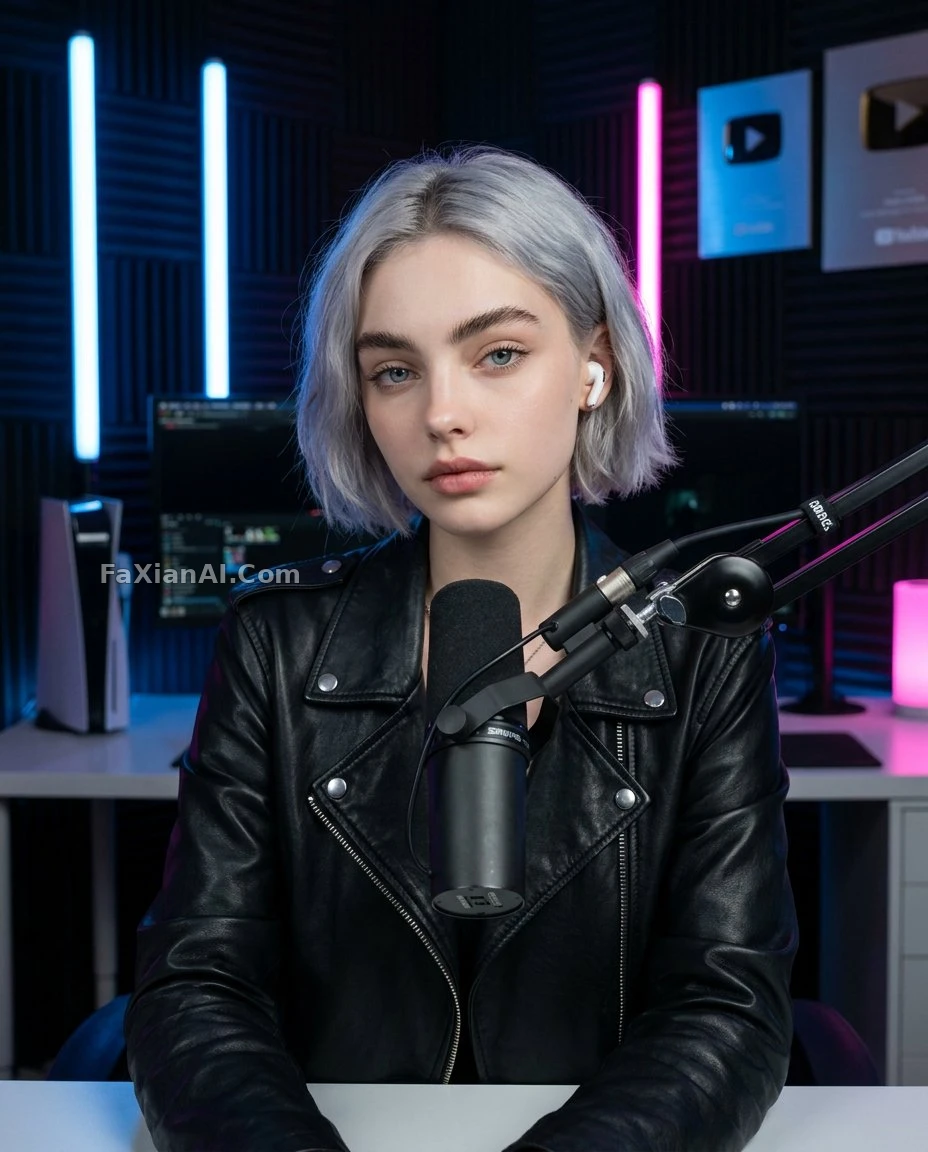
Simulating ambient light purely with LED strips, with no window frame at all, is the more realistic solution for a room that has no window. See the full prompt.
- LED strip light mimicking a window edge glow, soft gradient from warm to cool along the frame, indirect ambient lighting, contemporary interior reference, no direct light source visible.
One more easily overlooked variable worth adding: the material of the surface the light lands on. The same light-and-shadow pattern looks completely different projected onto a smooth latex-painted wall versus a rough concrete wall — a smooth wall gives sharp, clearly defined reflections, while a rough wall eats into the edges of the light patch, making it softer but also more prone to blurring. If the prompt specifies the projection surface's material too — something like "matte plaster wall texture" — the resulting light-and-shadow quality ends up closer to how an actual projection would look, rather than a filter layer floating in midair.
From a static image to usable material, there's one step left
The prompts here generate static images, which work fine directly as reference images or for making a poster or backdrop panel. If the end goal is a looping video for actual projection playback, the static image is only step one — after that, additional motion-effects tools are needed to give elements like cloud shadows or raindrops a low-amplitude looping motion. This post won't get into that step, but getting the static composition right first gives the later motion work something concrete to work from — without a reference, motion effects can only be tuned blindly.
To go over the basic prompt structure first, see the prompt structure formula — lighting descriptions are, at their core, adding the variables "light source angle + material + color temperature" into that same structure. For more spatial lighting images, browse the design assets and portrait categories — the homepage also has the full prompt library to explore.